Posted by: kurtsh | April 15, 2016

RELEASE: Visual Studio Code 1.0

image

[taken from the Visual Studio Blog]

Today we’re very proud to release version 1.0 of Visual Studio Code. Since our initial launch one year ago, 2 million developers have installed VS Code. Today, we’re excited to report that more than 500,000 developers actively use VS Code each month.

What started as an experiment to build a production quality editor using modern web technologies has blossomed into a new kind of cross-platform development tool, one that focuses on core developer productivity by centering the product on rich code editing and debugging experiences. Visual Studio Code brings the industry-leading experiences of Visual Studio to a streamlined development workflow, that can be a core part of the tool set of every developer, building any kind of application.

Getting to "1.0" over the last few months has been about more than features. We have worked with the community to further improve stability, fixing hundreds of bugs. And we’ve pushed hard on getting the best performance we can out of the editing experience.

VS Code was initially built for developers creating web apps using JavaScript and TypeScript. But in less than 6 months since we made the product extensible, the community has built over 1000 extensions that now provide support for almost any language or runtime in VS Code. Today, a broad range of developers from individuals and startups to Fortune 500 companies, including audiences completely new to Microsoft’s tools, are all more productive with a tool that fits comfortably into their current tool chain and workflow, and supports the technologies they use, from Go and Python to React Native and C++. With this great ecosystem in place, we’re now confident in declaring our API as stable, and guaranteeing compatibility going forward.

And we have strived to make VS Code 1.0 a great editor for every developer. VS Code is now fully localizable, and ships in 9 different languages, including French, German, Japanese, and Chinese. And, we have worked to make VS Code the most accessible of modern editors, with full keyboard navigation and support for screen reading and accessible navigation for visually impaired developers.

Read more of the announcement here:

imageThis 19-page document provides an overview of the various encryption technologies that are currently available or recently announced for Office 365, including features deployed and managed by Microsoft, and features available to and managed by Office 365 customers.

This document also discusses some common customer concerns regarding their data, and how encryption protects customer data in those scenarios.

Here’s a summary of it’s contents:

  • Encryption of Customer Data at Rest
    • Volume-level Encryption
    • File-level Encryption
      • Skype for Business
      • SharePoint Online (including OneDrive for Business)
        • Files in SharePoint Online
        • List Items in SharePoint Online
    • Advanced Encryption
  • Encryption of Customer Data In-transit
    • Advanced Encryption with Customer-Managed Key
    • Key Management
    • Exiting the Office 365 Service
  • Customer-managed Encryption Technologies
    • Azure Rights Management
    • Office 365 Message Encryption
    • Transport Layer Security
  • Risks and Protection
    • Office 365 General
    • Office 365 Multi-tenant
    • Office 365 Government Community Cloud

Grab the document here.

Posted by: kurtsh | April 14, 2016

BETA: Azure Active Directory Identity Protection

imageAzure Active Directory Identity Protection is in public preview.  Identity Protection is a new feature of Azure AD that gives organizations around the world a previously unavailable level of security for their cloud identities.

Azure AD Identity Protection offers the following capabilities

  • Detection of identity-based security issues using our signals intelligence, experience, and algorithms.
  • Support investigation of risk events and users flagged for risk.
  • Support for in-line remediation and management of risk events.
  • Harnesses the power of Azure AD Conditional Access policies and real-time risk evaluation to auto-remediate leaked-credentials before they can cause harm.

Read more about the solution here:

Posted by: kurtsh | April 14, 2016

INFO: Sign up for the Surface IT Pro Bulletin

From our Devices Specialist, Toni Bollinger:

 “I highly encourage you to subscribe to this communication as it provides you with the latest information on updates being released.”

imageREGISTER FOR SURFACE IT PRO BULLETIN
Keep up with the latest announcements, guidance, resources, and events. Sign up for the Bulletin.

RESOURCES FOR SURFACE’S LIFECYCLE
Explore the technical aspects of Surface and learn how to plan for, deploy, manage, and support Surface devices in your organization.

We present the device lifecycle to help you find tools, step-by-step guides, and other resources to help you get started.

imageSURFACE FOR IT PROS BLOG
Your source for the latest news and tech tips for Microsoft Surface.

Posted by: kurtsh | April 13, 2016

INFO: Installing Office 365 Pro Plus

imageIf you’re an end user with Office 365 E3, E4, or E5, you get access to Office 365 Pro Plus.

And here’s the links for getting that software, assuming you have authenticated access into Office 365.

INSTALL OFFICE
https://portal.office.com/OLS/MySoftware.aspx

  • Install Office 365 ProPlus with the new 2016 apps (32 or 64bit)
  • Install Office 365 ProPlus with the 2013 apps
  • Install language accessory packs

MANAGE/DEACTIVATE INSTALLS
https://portal.office.com/Account#installs

  • Deactivate Office, Project, Visio

TOOLS & OTHER APPLICATIONS

image_thumb[1]Today, Microsoft released a critical patch to address the vulnerability identified as “Badlock”.  The patch is part of a larger critical cumulative update package. (3147458)

It is automatically getting pushed out via Windows Update to end users as part of today’s “Patch Tuesday”.  Corporations that manage their own patching are *encouraged* to evaluate & distribute this patch at their earliest convenience.

The individual patch (3148527) itself is documented here:

imageUPDATE 4/12/16: Today, Microsoft released a critical patch to address the vulnerability identified as “Badlock”.  The patch is part of a larger critical cumulative update package. (3147458)

The individual patch (3148527) itself is documented here:

———————-
ORIGINAL POST:

imageBadlock is a vulnerability to be released April 12 that attacks a weakness in the SMB/CIFS networking protocol.

While the vulnerability seems to be directed towards Microsoft and Samba, it also appears to impact major cloud file sharing providers and other operating systems distributions.

There’s a web site with very few details about the threat at http://badlock.org/.

Here’s a few articles about the topic:

(Thanks to coworker & Account Technology Strategist, Peter Renner, for bringing this to my attention)

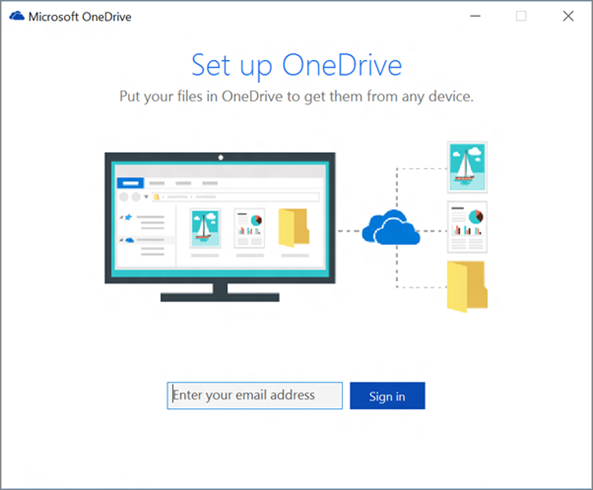
imageFor those looking for it, we recently released the OneDrive for Business sync client for Windows 8.1.

For more on OneDrive for Business, visit the following sites:

Posted by: kurtsh | April 6, 2016

NEWS: Xamarin Test Cloud

imageAt BUILD 2016, the demoed something very cool called the Xamarin Test Cloud.

The purpose of the Xamarin Test Cloud is to essentially enable developers to test their application whether it’s written in Xamarin/C# or another language (it can be native Xcode, Java Android, HTML Cordova apps as well) and target 1000’s of real devices to test your mobile application on. 

imageThe devices can be a full range of Android devices, made by different manufacturers and different models, as well as iOS revisions, and other potential targets.

Here’s the demonstration of the Xamarin Test Cloud at 23:00:
https://youtu.be/WC7ijoFzjEg?t=1380

Microsoft BUILD 2016 Keynote Day 2 (HD)

For more information on the Xamarin Test Cloud, visit the web site:

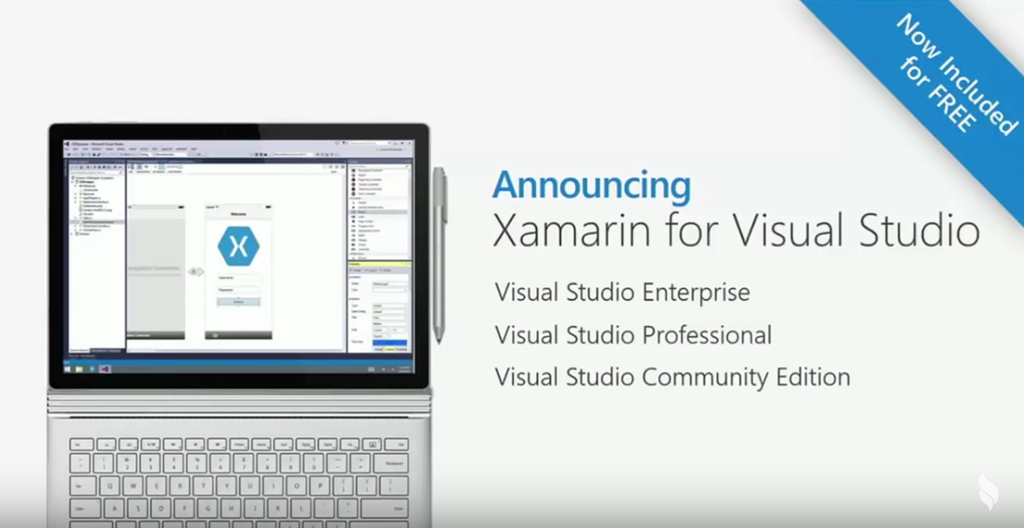
imageIn case you missed it, Xamarin is now free, empowering every Microsoft developer to also be an iOS, Android, & Macintosh developer as well as a Windows & Web/Cloud developer.

Xamarin is a very popular C# & .NET development extension to Microsoft’s Visual Studio tools to enable developers to create applications for iOS/Android using the same code written for Windows apps or the Web apps.  Historically, Xamarin has cost roughly $2,000 per developer, above and beyond the cost of Microsoft’s Visual Studio tools, including its free version, Visual Studio Community Edition.

At BUILD 2016, Microsoft’s conference for developers, Scott Guthrie, said on stage during the day 2 keynote that now that the acquisition of Xamarin was complete, Microsoft could announce:

  • imageXamarin will be available at no charge to existing MSDN & Visual Studio Enterprise & Professional subscribers
  • Xamarin would be available at no cost for users of the free Visual Studio Community Edition
  • MSDN subscribers will also get Xamarin Studio on the Mac
  • Microsoft will be releasing Xamarin Studio Community Edition – full featured for independent developers and small teams
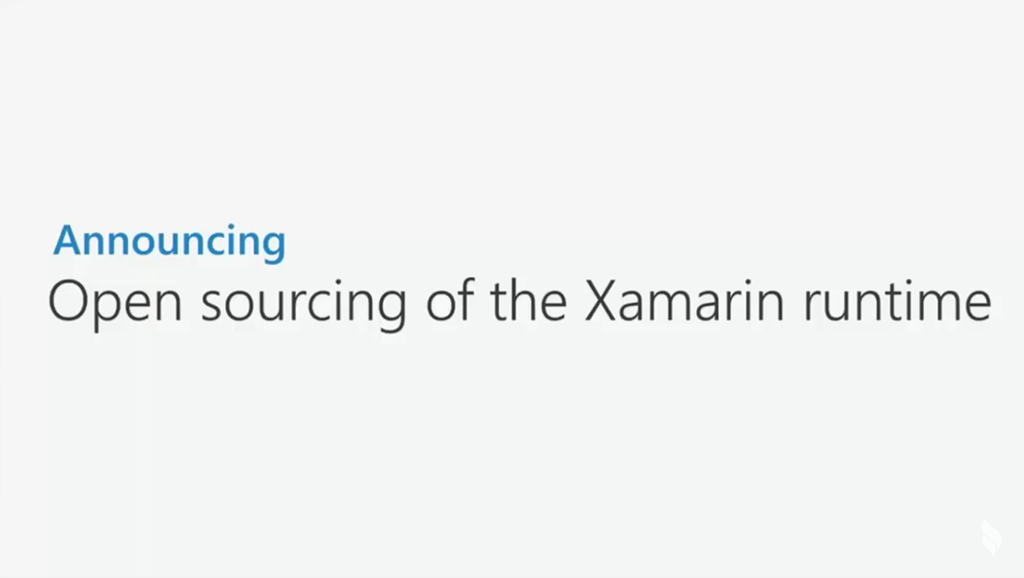
  • imageXamarin’s core platform will be open sourced, meaning anything you need to run a Xamarin app on any OS or any device is now available as open source

Here is the announcement at 18:00 of the BUILD 2016 Day 2 Keynote by Scott Guthrie:
http://youtu.be/WC7ijoFzjEg?t=1088

Microsoft Build 2016 | Keynote Day 2 (HD)


Wanna grab Xamarin?  You can download Visual Studio w/ Xamarin integrated, just Xamarin alone, or Xamarin Studio for OSX:

« Newer Posts - Older Posts »

Categories