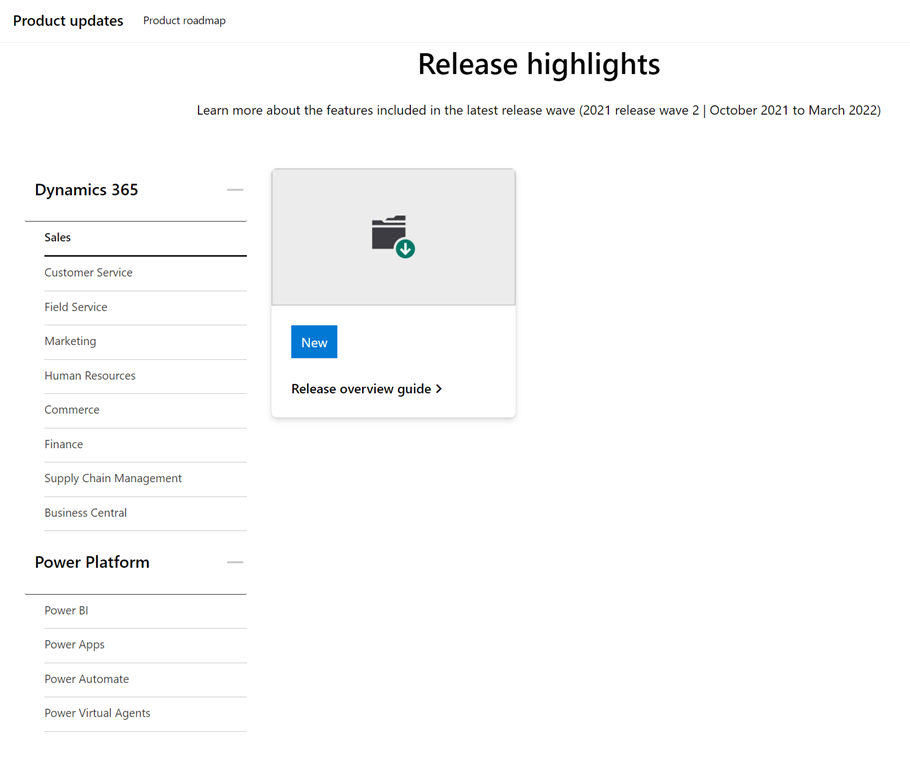
imageJust published!  Learn more about the features included in the latest release wave (2021 release wave 2 | October 2021 to March 2022)
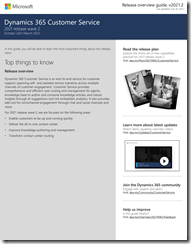
There isn’t just ONE guide like there was previously: There are 12 different guides – each for

Dynamics 365

  • Sales
  • Customer Services
  • Field Service
  • Marketing
  • Human Resources
  • Commerce
  • Finance
  • Supply Chain Management
  • Business Central

Power Platform

  • Power BI
  • Power Apps
  • Power Automate
  • Power Virtual Agents

Download the Release overview guide for the product of your interest:

Posted by: kurtsh | October 10, 2021

DOWNLOAD: Windows 11 Backgrounds

W11_Teams_Light_BloomCropI just made a ZIP file with all our corporate Windows 11 backgrounds for Microsoft Teams, LinkedIn Profiles, Desktop backgrounds and Phone Screens to share with all you Windows 11 enthusiasts that know what this upgrade is all about:

  • Windows 11 isn’t just about a pretty user interface
  • Windows 11 isn’t just about a better gaming experience
  • Windows 11 isn’t just about compatibility with Windows 10
  • Windows 11 isn’t just about easier screen layouts for greater productivity

Windows 11 is about smart protection & security.

THE THREAT TODAY & ON THE HORIZON
Microsoft requires current CPU architectures (minimum Intel 8th gen) & a Trusted Platform Module (TPM) 2.0 to upgrade to Windows 11. And it’s entirely because of Windows 11’s focus on security.

In the next few years, criminals aren’t just using their old  attacks against operating systems & applications.  They’re attacking hardware, BIOS, and other difficult-to-protect elements of your infrastructure.

Windows 11 is about creating a hardened workstation with the combined strength of both modern hardware & software in an effort to protect your organization with the best defenses against next-generation of attacks from nation states.

Upgrade to Windows 11 today… for free.  And proudly showcase your upgrade to the best security & Windows 11 with these backgrounds for Desktops, Teams, LinkedIn, and Phones.

Posted by: kurtsh | October 8, 2021

DOWNLOAD: Windows 11 Security Baseline

imageWe are pleased to announce the release of the security baseline package for Windows 11!

Please download the content from the Microsoft Security Compliance Toolkit, test the recommended configurations, and customize / implement as appropriate.

Two new settings have been added for this release (which were also added to the Windows Server 2022 release), a new Microsoft Defender Antivirus setting, and a custom setting for printer driver installation restrictions. Additionally, all Microsoft Edge Legacy settings have been removed.

Read more here:

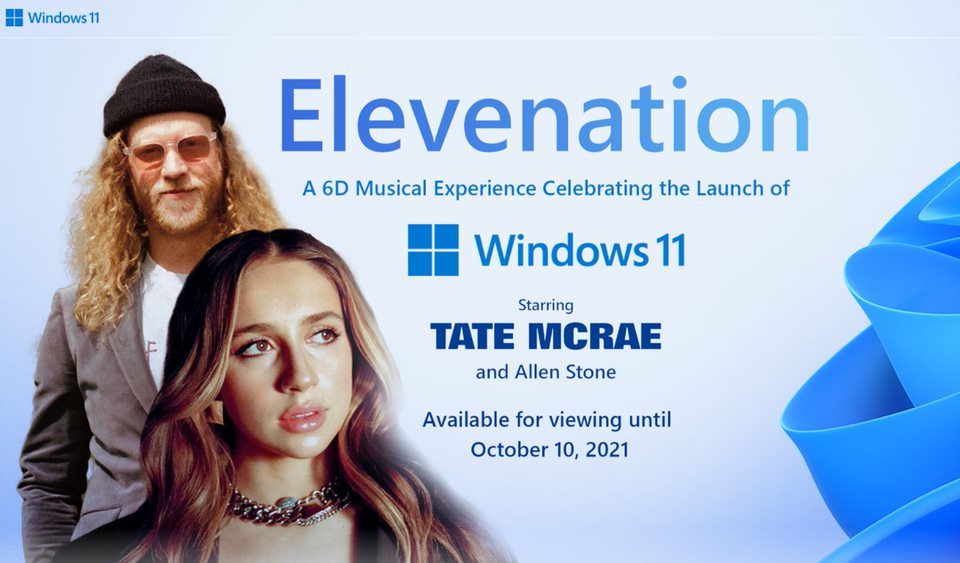
imageWatch this amazing "6D" concert experience with Washington local Allen Stone and Canadian superstar Tate McRae!

Select from completely different performance experiences that all exist simultaneously. These are not just angles, they are totally different edits and environments This has never been done before. ​

And register & login to receive NFTs for Windows 11 deals offered by Microsoft partners.

Available until Oct 10, 2021.

imageSoftware alone is not enough protection from emerging threats.

In Windows 11, hardware and software work together for protection from the CPU all the way to the cloud.

See the layers of protection in this simple diagram and get a brief overview of our security priorities below:

image

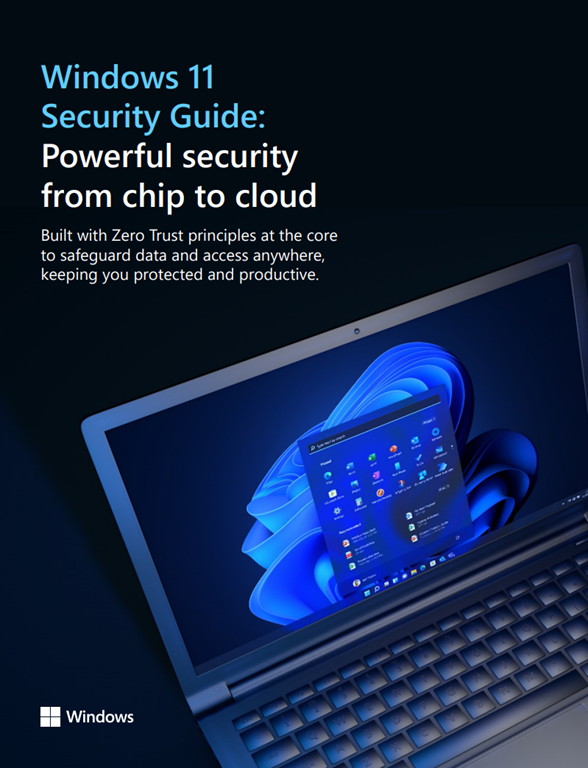
The "Windows 11 Security Guide" is a short 8-page summary of the next-gen protections that Windows 11 delivers. (For folks with short attention spans that need the "Cliff’s Notes" of the 62-page “Windows 11 Security Book”)

Download the guide here:

Microsoft Defender for Endpoint for Windows Server 2012 R2 & 2016 is here!

imageWe are proud to introduce the public preview of a completely revamped Microsoft Defender for Endpoint solution stack for Windows Server 2012 R2 and Windows Server 2016.

Whilst keeping up to date and upholding security hygiene is arguably still the best go-to when it comes to increasing resilience and reducing attack surface, we believe this modern, unified solution brings the best of the Microsoft Defender for Endpoint capabilities for prevention, detection, and response – in a single package.

With the availability of Windows Server 2012 R2 support, here is a chart that shows the functionality available from Defender for Endpoint for each operating system, starting with Windows 10/11:

image

Read the full announcement here:

Posted by: kurtsh | October 7, 2021

INFO: Endpoint Manager simplifies upgrades to Windows 11

imageWith the introduction of Windows 11, Microsoft Endpoint Manager is ready for you to manage your device upgrades to Windows 11 and continues to enable you to deliver quality and feature updates with the same tools.

In fact, Windows 10 and Windows 11 devices can co-exist in your Windows Update policies so that you don’t have to break them out and manage them separately. This article walks through the steps and things you need to know to upgrade to Windows 11 and manage Windows updates. Another great place to get more background into planning for Windows 11 is this article by Steve Dispensa: Planning for Windows 11: best practices for organizations.

Read more about using Endpoint Manager for the deployment of Windows 11 here:

imageJoin us November 2–4, 2021 for our digital experience, including the latest product demos, Q&A with Microsoft experts, technical deep-dives, and more. All skill levels welcome & yes, this is a free event!
Microsoft Ignite is for anyone who is motivated to be on the frontier of innovation and tech. We recognize that the role of IT has shifted considerably, as has the way IT decisions are made. Therefore, our key segments and sessions are meant for all roles, from developers and IT implementers to those who make large-scale purchasing decisions for enterprise tech and security solutions.

For those that cannot attend live, make sure you are registered so you can view content during the live event and access all content on-demand after the event is over. As long as you are registered, you will be able to stream on-demand, but sessions will not be enabled for download or offline viewing.

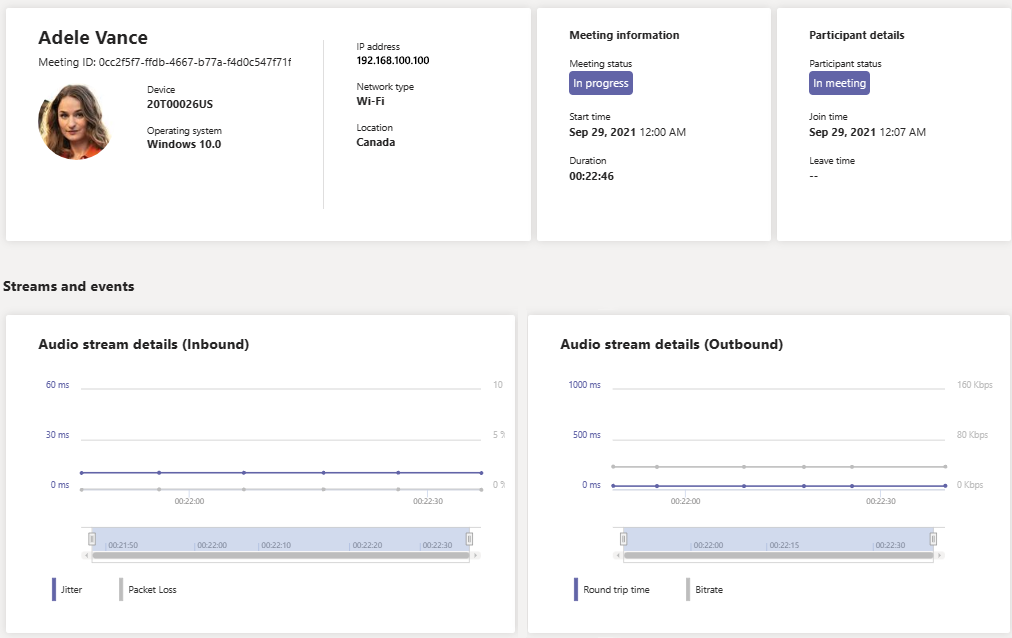
Real-Time Analytics lets IT admins look at their important users’ scheduled meetings and see audio, video, content sharing, and network-related issues. As an admin, you can use this telemetry to investigate these issues during meetings and troubleshoot in real time.

imageWhat is Real-Time Analytics?

Today, individual meeting troubleshooting is available for Teams administrators through Call Analytics after the meeting ends. Real-Time Analytics lets admins troubleshoot scheduled meetings while they’re in progress.

Real-Time Analytics shows detailed information about Teams meetings for each user in your Office 365 account, updated in real time. It includes information about devices, network, connectivity, audio, video, and content sharing issues, which will help admins troubleshoot call quality more effectively.

As a Teams admin, you get full access to all real-time telemetry data for each user. In addition, you can assign Azure Active Directory roles to support staff. To learn more about these roles, see Give permission to support and help desk staff.

This feature is currently in public preview until the end of 2021. After this time, the Advanced Communications add-on for Microsoft Teams will be required for each user whose telemetry you wish to view in real time. For more information, see Advanced Communications add-on for Microsoft Teams.

For docs on the new feature, visit:

Posted by: kurtsh | October 7, 2021

RELEASE: Microsoft Teams Rooms on Surface Hub

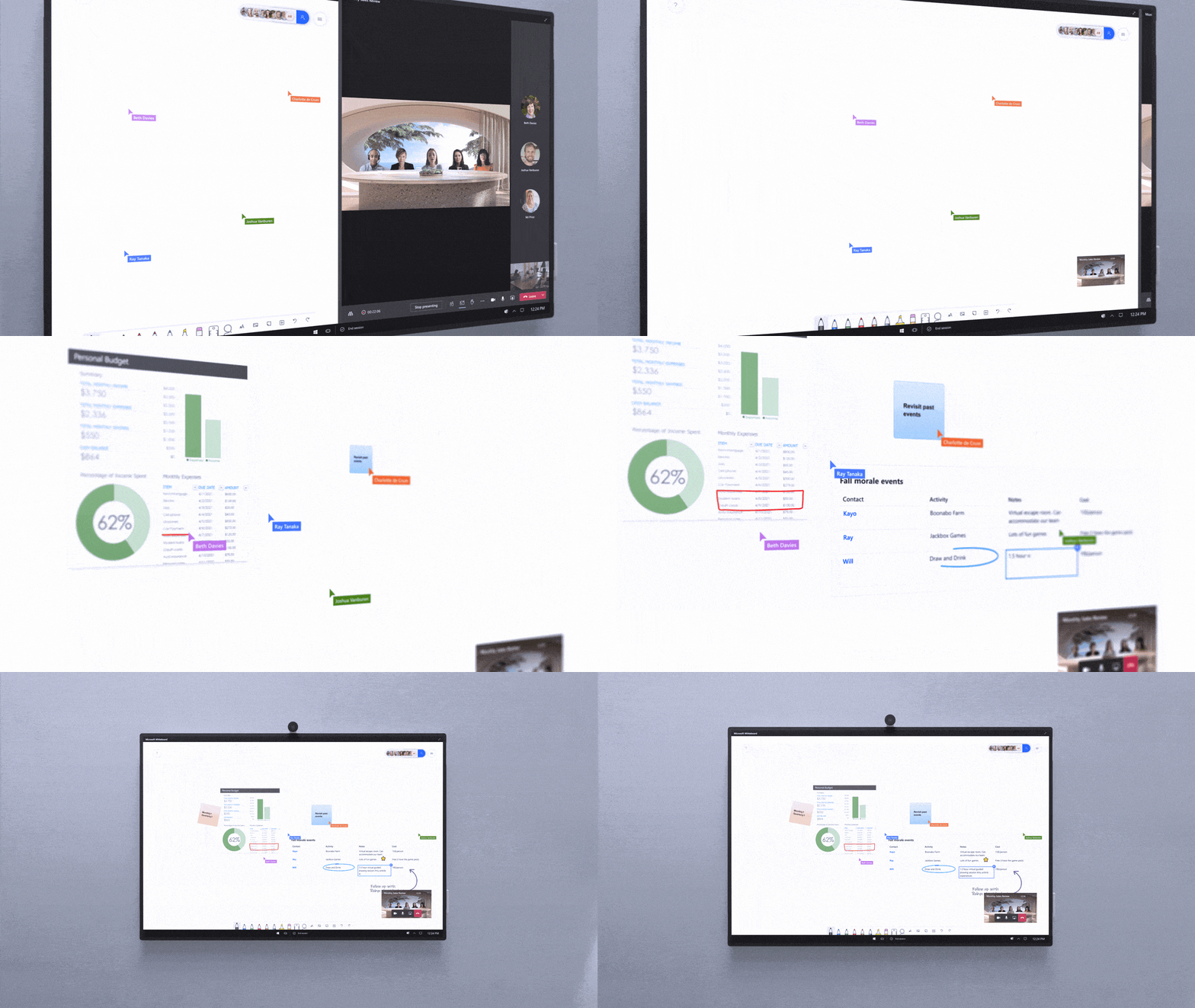
Today, we started to rollout our next generation of the Microsoft Teams experience for Surface Hub, Teams Rooms on Surface Hub. This new experience will automatically replace the current Surface Hub Teams app as part of a 4-week global rollout, and will be available for our customers in Commercial, GCC and GCC High environments.

This next generation of Teams on Surface Hub has been redesigned to bring your favorite features from the desktop and Microsoft Teams Rooms directly into your meeting space. With a new meeting stage, a robust set of meeting controls, and popular features including Together mode scenes, chat bubbles, live reactions, PowerPoint Live, and Whiteboard, Teams Rooms on Surface Hub enriches collaboration for the hybrid workplace. You can easily access your Microsoft 365 files and leverage a richer Whiteboard experience to confidently present and collaborate.

Video of Microsoft Teams Room here:
https://www.youtube.com/watch?v=u2PtIwg8A9g

Read more at the announcement page here:

« Newer Posts - Older Posts »

Categories