Posted by: kurtsh | December 27, 2015

INFO: Office 365 Adoption Resources & Excitement SWAG Store

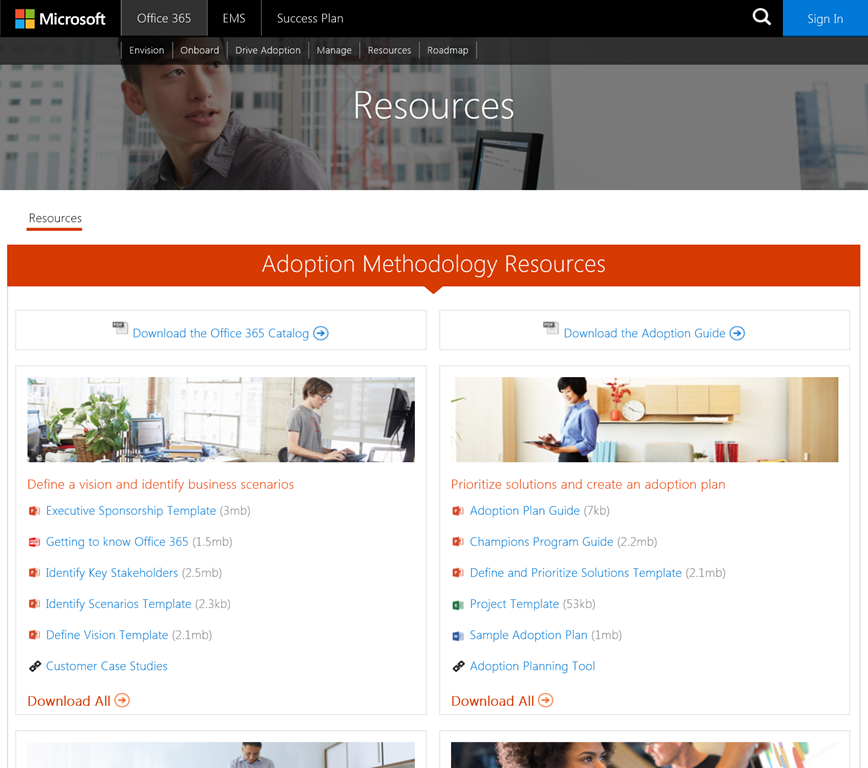
imageThere’s the great site called “Fast Track Resources” that lists out basically everything that someone would want to have in order to successfully get Office 365 adopted in their organization.  For example:

  • Define a vision and identify business scenarios
    Executive Sponsorship Template (3mb)
    Getting to know Office 365 (1.5mb)
    Identify Key Stakeholders (2.5mb)
    Identify Scenarios Template (2.3kb)
    Define Vision Template (2.1mb)
    Customer Case Studies 
  • Prioritize solutions and create an adoption plan
    Adoption Plan Guide (7kb)
    Champions Program Guide (2.2mb)
    Define and Prioritize Solutions Template (2.1mb)
    Project Template (53kb)
    Sample Adoption Plan (1mb)
    Adoption Planning Tool 
  • Commit resources and execute an adoption plan
    Office 365 Learning Center BoM (228kb)
    Troubleshooting Guide (42kb)
    Teasing Videos (48.9mb)
    Communication Guide (296kb)
    Order your SWAGs 
    Office 365 Learning Center 
    Office Videos YouTube Channel 
  • Measure, share success, and iterate
    Measuring Success Guide (2.2mb)
    Sample User Satisfaction Surveys (147kb)
    Office Blogs 
    Office 365 Roadmap 

The site’s located here:

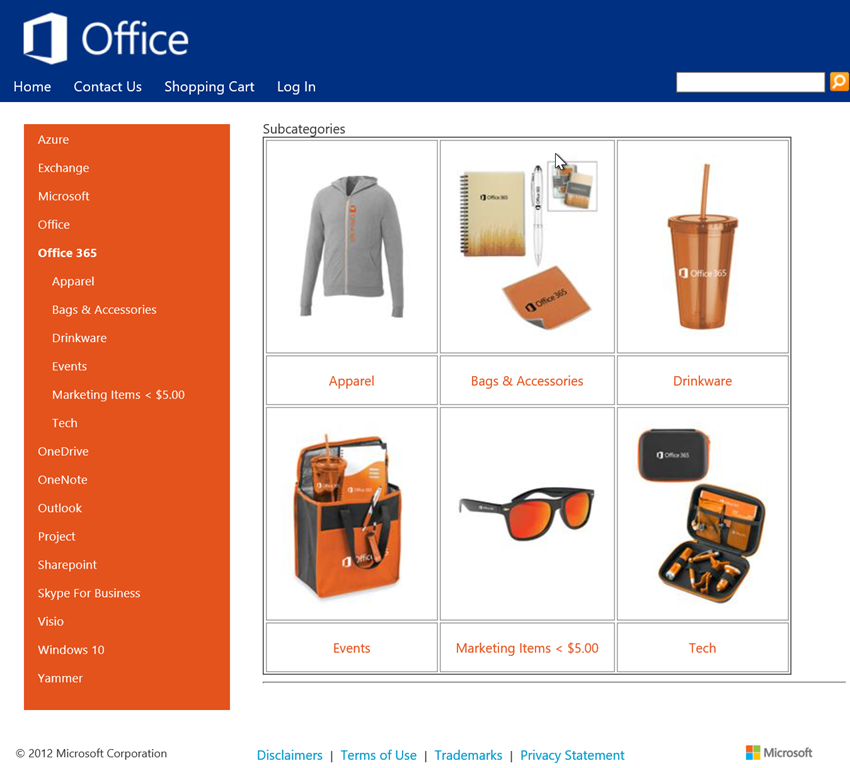
imageOne of the references on this site is “Order your SWAG”.  This is a pointer to the Marketing Merchandise Store for Office 365. 

If you’re looking to purchase stuff like pens, notepads, mugs, t-shirts, posters, and all that jazz that are Office 365 branded, (aka SWAG) this is the place to purchase them from.

Posted by: kurtsh | December 27, 2015

TRAINING: Office 365 Certified Training & Curriculum

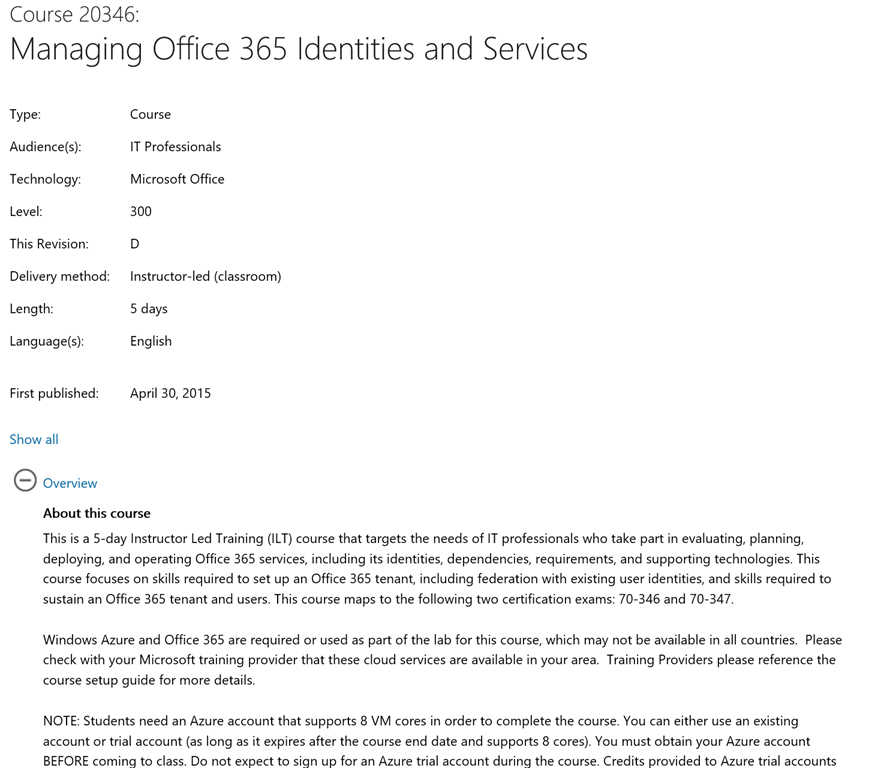
imageGet the Microsoft Office 365 training you need. Gain the skills needed to set up and manage Microsoft Office 365 for your organization.

  • Managing Office 365 Identities and Requirements
  • Enabling Office 365 Services
  • Office 365: A day in the life of the End User
  • Designing for Office 365 Infrastructure
  • Introduction to Office 365

Read more at the link below:

image

[this is a 3rd party event driven by Catapult Systems – a Gold Solutions Provider of Microsoft, and not driven by Microsoft per se]

Taken from the System Center Universe web page:

Join us for the FIFTH annual SCU, a one-day globally available technical event featuring Microsoft product gurus and community experts. The 2016 event will include two full breakout tracks to allow for more speakers, topics and content.

  • Track One – Enterprise Client Management: This track will feature cutting edge presentations from Microsoft experts including Wally Mead, Johan Arwidmark, Kent Agerlund, John Savill, and Cameron Fuller.
  • Track Two – Cloud & Datacenter Management: This track will feature renowned technology gurus Symon Perriman, Dieter Wijckmans, Pete Zerger, Steve Rachui, Roman Yuferev, Matt Dowst, and more expert level insight.

The live event will be centered at the Irving Convention Center, with a live-streaming broadcast for all virtual attendees and simulcasts. Don’t miss out on this cosmic experience of knowledge and community interaction.

DATE/TIME:
January 19, 2016, 8:45AM

LOCATION:
Irving Convention Center
Dallas, TX

REGISTRATION:
http://www.systemcenteruniverse.com/

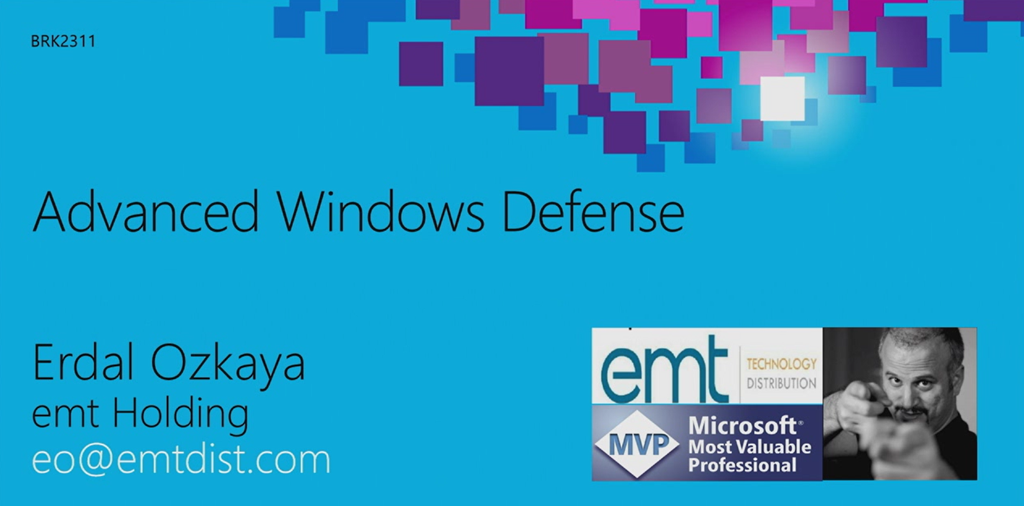
imageInterested in security? Want to protect your data in the real world?

See how Windows addresses security as a whole system, one layer at a time. Explore methods of developing a secure baseline and how to harden your Windows Enterprise architectures and applications from pass-the-hash and other advanced attacks.

VIDEO: “Advanced Windows Defense”

POWERPOINT: “Advanced Windows Defense”
http://video.ch9.ms/sessions/ignite/2015/decks/
BRK2311_Ozkaya.pptx

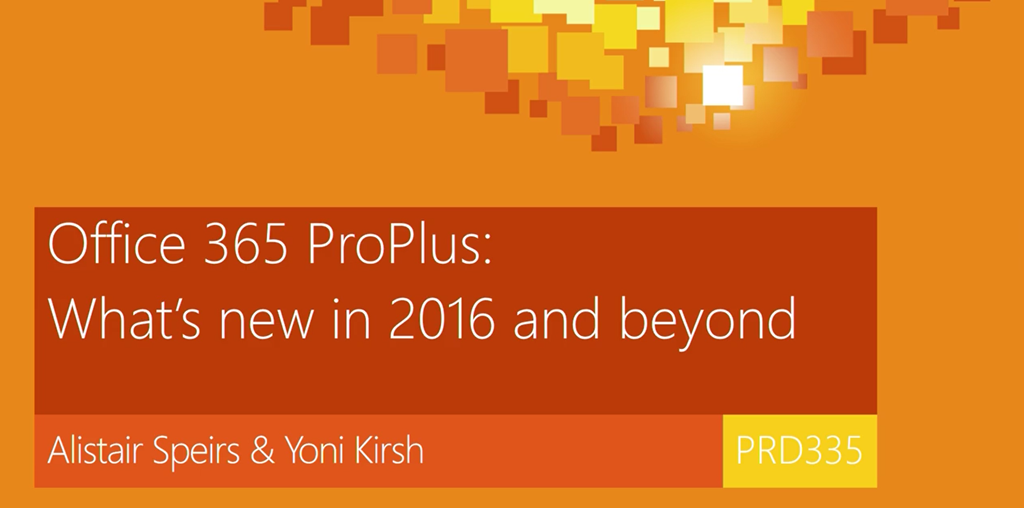
image2016 represents a major release for Office, across PCs, Macs, mobile phones and tablets with new end user experiences for simple users and power users alike.

The Office 2016 release also includes more manageability, security and deployment options for IT and for Office 365 ProPlus deployments you can even choose how fast you decide to enable these new capabilities in your organization.

Posted by: kurtsh | December 27, 2015

TRAINING: Office 365 Fundamentals – FREE (Level 200)

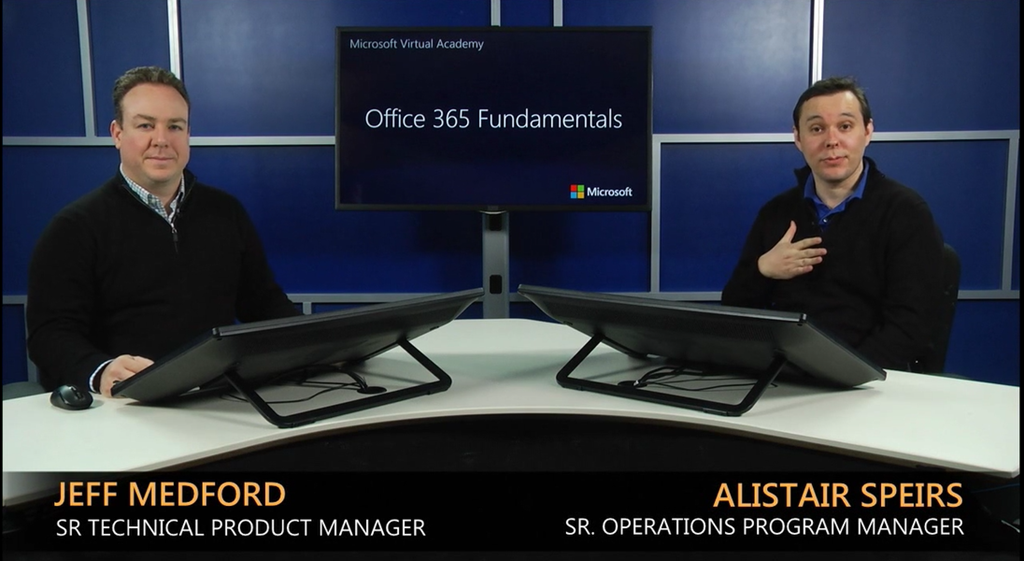
imageOffice 365 Fundamentals examines the building blocks of Office 365 and the evolving role of IT Professionals.

Microsoft Office 365 is a combination of the cloud services and the latest productivity applications. The course starts with examining the Office 365 architecture from the prospective of the IT Professional, then takes the student through deploying Office 365 and finishes with rolling out changes to applications and services.

The course has 6 modules:

  • Introduction
    Office 365 delivers the capabilities that users demand while allowing IT to stay in control. However, this change requires IT Pros to adapt their traditional client-server skills for the cloud computing era. In this track, IT Pros will see how new features come to Office 365 first, learn about the new tools and processes to migrate on premises workloads to Office 365, and prepare for the new operational role of IT Pros.
  • Office 365 for IT Pros
    This session introduces IT professionals to the core foundations of Office 365 that enable the economy of scale and completeness of capability. Get an inside look at how the Office 365 team advances the software, operational processes and team responsibilities that go towards delivering an enterprise class service. Finally, see the management tools and reporting capabilities that IT professionals can use to manage and control their Office 365 environment.
  • Getting started with Office 365
    This session details Microsoft’s recommended deployment methodology for Office 365. Deploying a cloud service is unlike a traditional client-server deployment project and requires new skills and methodologies. With Office 365, IT departments can quickly get up and running with a pilot and move to production with the right set of capabilities. Learn about the deployment process, tools and actions used to simplify the start of your Office 365 experience.
  • Deploying Office 365
    This session details the options and considerations when expanding a pilot Office 365 environment into a production deployment. Unlike on-premises implementations, IT professionals can scale out their Office 365 tenants with ease. However, with added scale, it is important to start to automate user provisioning, add a production domain and set up the desired workloads.
  • Office 365 Service Communications
    This session focuses on the Office 365 Service Communications rhythm.  As an always up to date service, maintaining communication channels between IT professionals and the Office 365 team is critical. Learn how Office 365 service alterations, upgrades, planned maintenance, and service health are communicated and how to engage with Microsoft.
  • Office 365 Change Management
    Office 365 is continuously evolving service. This session shows how Microsoft roles out improvements to Office 365 and how to manage changes to Office 365 services and applications
    in your environment.

To enroll in the course, visit the URL below:

Posted by: kurtsh | December 27, 2015

NEWS: Michael Dell on the “death of the PC”

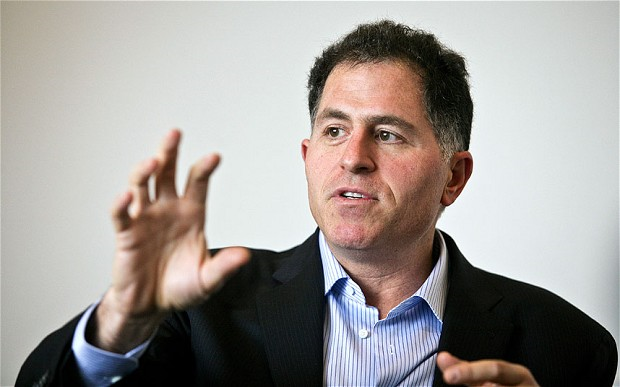
imageEvery year, you hear the same tired reporting that “the PC is dying” going all the way back to Steve Jobs declaration of 2010 being the beginning of the “post-PC era”.  In fact, the illustrious Tim Cook, CEO of Apple, made the comment “Why would you buy a PC anymore?” in a reference to the iPad Pro, which despite taking a page from Microsoft’s own Surface playbook, by any measurement hasn’t exactly lit the shelves on fire.

In any case, on the topic of the “PC dying”, Michael Dell disagrees.  And frankly, he has data to back it up:

“The post-PC era has been great for the PC. When the post-PC era started there were about 180m PCs being sold a year and now it’s up to over 300m, so I like the post-PC era,” he said.

“For the last 11 quarters in a row, we’ve been gaining share in PCs. Last year we outgrew HP and Lenovo. It’s a business with an installed base of 1.8bn PCs, 600m of them are more than four years old, and as we create new beautiful, thin, powerful PCs that are better than the thing you bought five years ago, people will replace the old ones. And we are getting more and more share of that opportunity each quarter that goes by.”

Read more from his interview below:

image

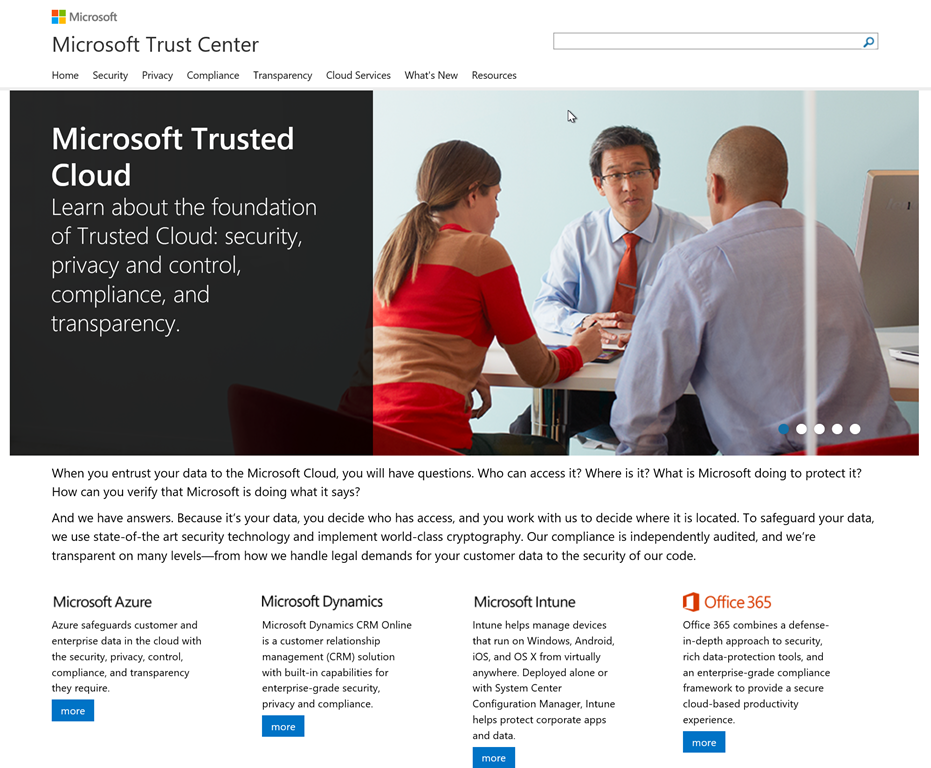
Looking for any information about any element of Microsoft’s cloud?  You’ve come to the right place:

<excerpt from the Microsoft Trust Center announcement>

Today we’re pleased to announce that we have created a single Microsoft Trust Center at www.microsoft.com/trustcenter, which unifies the trust centers of our enterprise cloud services—Microsoft Azure, Microsoft Dynamics CRM Online, Microsoft Intune, and Microsoft Office 365.

The Microsoft Trust Center gives everyone a single view into the commitments that we put at the heart of our trusted cloud: security of operations, data protection and privacy, compliance with local requirements, and transparency in how we do business. Now, customers can view a single page documenting which of our services comply with such standards as ISO 27018 or HIPAA, or our data location policies across services.

It should be noted that no other cloud service provider has the depth & coverage of Microsoft in the areas of security, privacy, compliance & transparency for attestations, evaluations, & reporting. 

The site for all of this information is located at:

imageHere’s a quick registry hack found on Windows Central that will enable you to throttle maximum CPU utilization on your Surface Pro/Book to minimize power usage and extend the life of your battery even further.

  1. Click start and type "regedit" (no quotes) to open the "Registry Editor"
  2. Navigate to HKEYLM\SYSTEM\CurrentControlSet\Control\Power
  3. Change the value of "CSEnabled" from 1 to 0.
  4. Click OK, exit the registry editor & reboot.
  5. Log back in and check your Power Options, you should have all of the hidden Power Themes & advanced options.

*Maximum processor state settings will modify the throttling settings.

This is particularly useful when you’re using the Surface Book in clipboard mode and want to maximize the battery of the tablet portion of the Book.

imageIn case you missed it, we released the Beta 2 for SharePoint Server 2016 & Project Server 2016.

It introduces the following:

  1. Profile synchronization with Microsoft Identity Manager
  2. Data Loss Prevention
  3. Extensible Hybrid App Launcher
  4. Profile Redirection

Taken from the announcement blog:

Learn more about what’s new in SharePoint Server 2016 Beta 2 here. For more information on deploying SharePoint Server 2016 Beta 2 and additional product resources see our deployment guide.

You can download SharePoint Server 2016 Beta 2 today via the Microsoft Download Center and share feedback directly with our engineering teams through the SharePoint Server 2016 IT Preview Forum. We also welcome feature requests and feedback via the SharePoint Server Suggestion Box on UserVoice, @SharePoint on Twitter and in the comments below. We’re eager to hear your feedback and use it as we continue to drive towards our final release in 2016.

For more on the betas, read the announcement FAQ:

« Newer Posts - Older Posts »

Categories