Posted by: kurtsh | March 7, 2016

BETA: Azure Active Directory Identity Protection

AzureLogo

We just announced a new services for folks looking for proactive security around their Azure Active Directory.  Introducing Azure AD Identity Protection.

Azure Active Directory Identity Protection is a security service that provides a consolidated view into risk events and potential vulnerabilities affecting your organization’s identities. Microsoft has been securing cloud-based identities for over a decade, and with Azure AD Identity Protection, Microsoft is making these same protection systems available to enterprise customers. Identity Protection leverages existing Azure AD’s anomaly detection capabilities (available through Azure AD’s Anomalous Activity Reports), and introduces new risk event types that can detect anomalies in real-time.

The vast majority of security breaches take place when attackers gain access to an environment by stealing a user’s identity. Attackers have become increasingly effective at leveraging third party breaches, and using sophisticated phishing attacks. Once an attacker gains access to even a low privileged user account, it is relatively straightforward for them to gain access to important company resources through lateral movement. It is therefore essential to protect all identities and, when an identity is compromised, proactively prevent the compromised identity from being abused.

Discovering compromised identities is no easy task. Fortunately, Identity Protection can help: Identity Protection uses adaptive machine learning algorithms and heuristics to detect anomalies and risk events that may indicate that an identity has been compromised.

Using this data, Identity Protection generates reports and alerts that enables you to investigate these risk events and take appropriate remediation or mitigation action.

But Azure Active Directory Identity Protection more than a monitoring and reporting tool. Based on risk events, Identity Protection calculates a user risk level for each user, enabling you to configure risk-based policies to automatically protect the identities of your organization. These risk-based policies, in addition to other conditional access controls provided by Azure Active Directory and EMS, can automatically block or offer adaptive remediation actions that include password resets and multi-factor authentication enforcement.

For a look at the announcement as well as a breakdown of Azure Active Directory Identity Protection’s capabilities, visit:

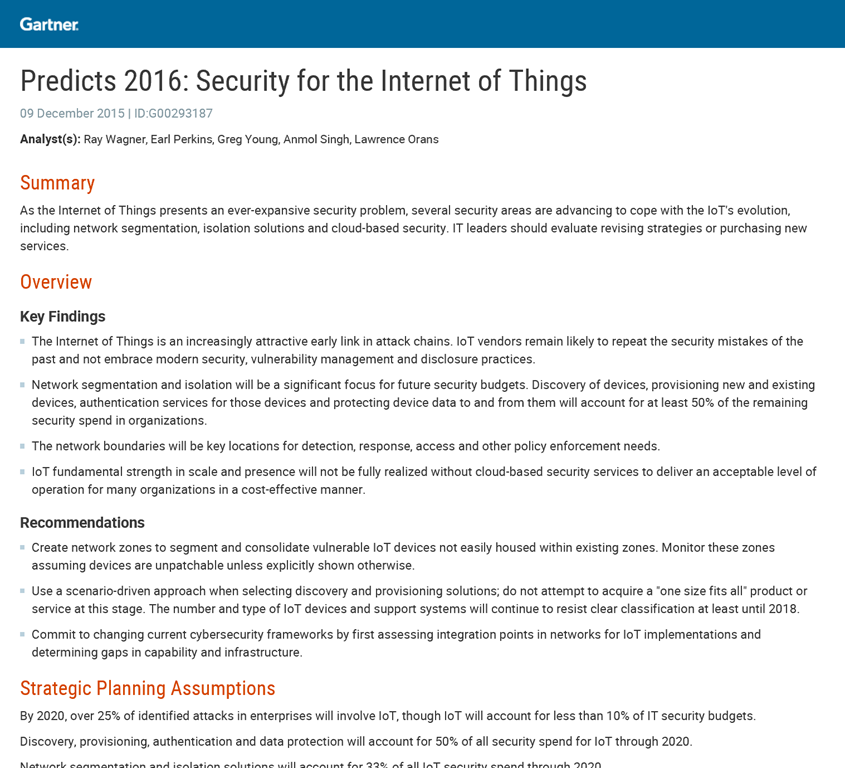
imageAn estimated 75 percent of midsized to large organizations will employ three (or more) Internet of Things (IoT) point solutions through 2020. IT leaders are grappling with the scale, cost, and complexity of new IoT project implementations. IoT project implementers should invest in scalable, innovative approaches to security, integration and architecture.

In this report from Gartner, you’ll learn how to address some common issues associated with IoT implementations, including:

  • How to determine if you can lower costs by augmenting operational systems
  • Why you should plan to utilize three or more IoT platforms to address diverse IoT device ecosystems and IoT platform functionality requirements
  • The benefits of adopting an “API first” approach to IoT integration (versus “API only”)
  • Reasons why you should use cloud-based security services as an alternative to gateway-centric solutions

Grab the report at no cost here:

image

In the past few years, hacker activity has become so commonplace that headlines announcing new data breaches garner a fraction of the attention they did only a few years ago. It’s a trend that shows no sign of reversing—directed attacks and data breaches increased by 40% from 2013 to 2014.

Despite the constant barrage of attacks, many businesses still rely on the same safeguards they were using a decade ago. It’s time to take a hard look at what businesses are doing to keep their data safe, and how we can do better.

Does your business rely on outdated security to protect data, devices, and employees? Have you taken the basic precautions that can prevent or mitigate an attack? Are you taking advantage of modern day offerings to create a more secure data environment?

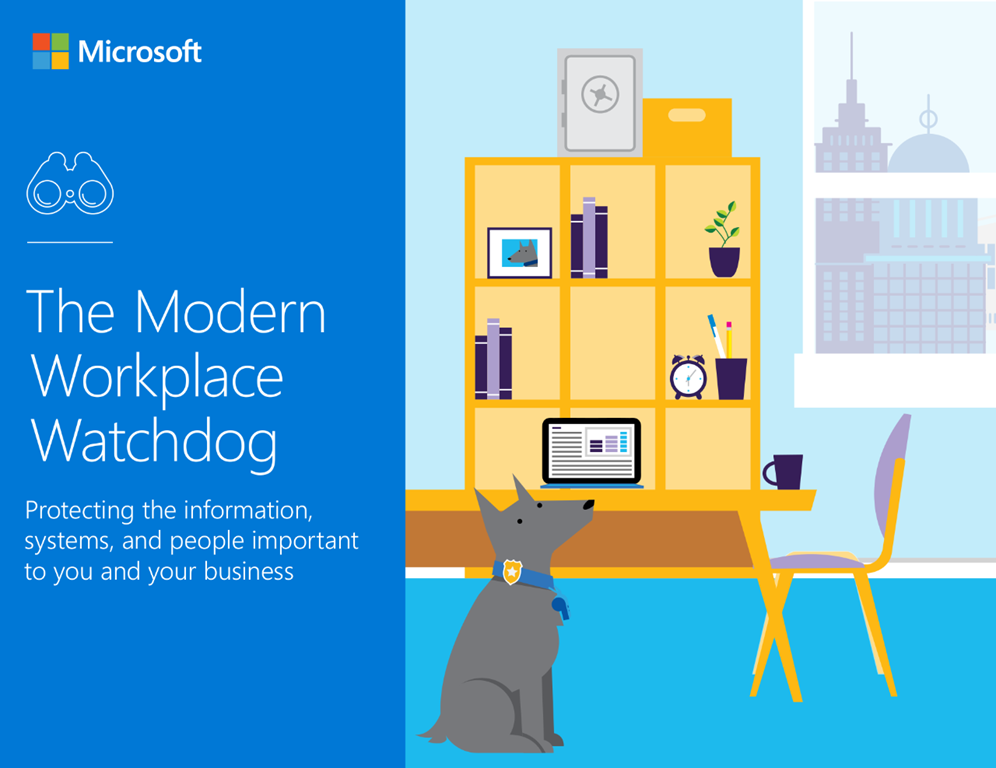
To bring your online security into the 21st century, we created The Modern Workplace Watchdog. It’s a manual for addressing the most common security problems businesses experience. In the eBook, you will find practical information you can use today to protect your business in the years ahead.

Read The Modern Workplace Watchdog to learn:

  • The four basic security lapses hackers target the most
  • How to easily secure a BYOD (Bring Your Own Device) workplace
  • How to move beyond defense to take a holistic approach to cybersecurity
  • Simple steps you can take today to secure your IT environment

Hackers are always evolving. Your business’s security needs to evolve as well.  The Modern Workplace Watchdog will show you how.

image

In 2015, the retail industry saw sales increase by a mere 1.2% over 2014, despite an eCommerce growth of 14.6%.  Today, only 39% of retailers equip their sales staff to look up product information for them online, despite the expectations of half of all customers when entering a store.  There is a clear divide between online and in-person sales processes, despite 71% of in-store shoppers integrating smart phones into their in-store experience.  We’ve heard the cautionary tales of store closings by many formerly successful retail brands, but what actionable business lessons can we take from recent shifts in retail?

Will the store survive?
While brick-and-mortar retailers do face challenges, it’s also become clear that physical stores are relevant and important to shoppers’ experience. Witness former online pure-plays experimenting with actual retail locations, like Amazon did in late 2015. For retail stores to survive and thrive like their digital counterparts in 2016, they will need to provide a personalized and unified commerce experience across the shopper journey. This will include maximizing what makes the physical store experience so unique—the people.

Employees provide physical retailers with an enormously valuable asset that online stores can’t replicate. Their ability to drive exceptional customer experiences, react in real time, and utilize everyday technologies fits perfectly into a modern shopping experience. There is no online equivalent of the informed and engaged employee that makes your customer feel like royalty.

Of course, a good customer experience starts with employees that are highly engaged, informed and well trained. This is another area where retailers are now focusing: making their workforce more digitally connected, and providing the technology and open channels of communication that a new generation of workers expect.

How are retailers making this a reality?
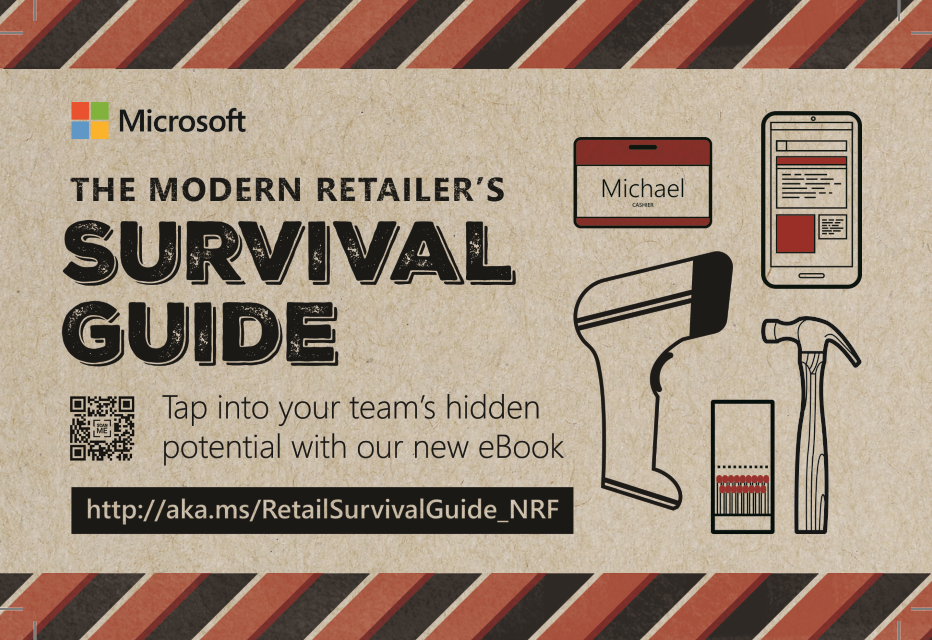
Whether you work in a company with a retail presence, or know someone who does, you’ll want to explore the tips and trends covered in The Modern Retailer’s Survival Guide. It takes a no-nonsense look at the current state of retail, and shows how brick-and-mortar and multichannel retailers are innovating. In the eBook, you will learn how to use digital tools to break down barriers in communication, empower employees to make smart, quick decisions, and energize your workforce to provide outstanding customer service.

Download The Modern Retailer’s Survival Guide for these top 4 survival strategies for 2016:

  • How to equip employees with up-to-the-minute information
  • How to make employees feel heard, valued, and invested
  • How employee engagement tools can create exceptional customer experiences
  • How retailers in a variety of industries realized amazing results with integrated communication

The success of online retailers does not mean the end of brick-and-mortar stores. What it does mean is that successful retailers will need to rethink the way they serve empowered, well-informed customers in a competitive, always-connected world.

For more, grab the eBook here:

image

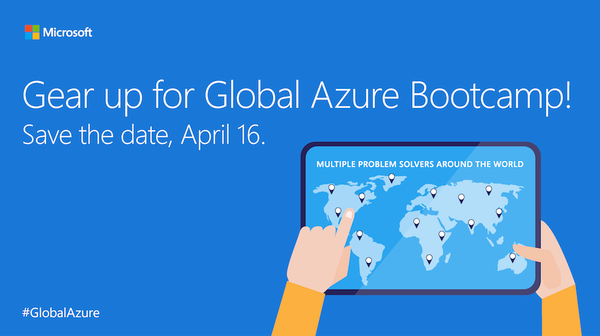
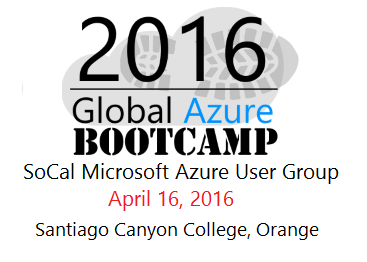
Global Azure Bootcamp is around the corner, It’s a one day world-wide event, driven by Microsoft Azure experts and community enthusiasts, to help developer new to Azure as well as experienced developer, to learn and share knowledge. This is the 3rd year for this event. For the last event in 2015, there were 182 event locations in 54 countries.

For 2016, there are more locations than before, more deep dive sessions by experts, in different region of the world, scheduled to host the Global Azure Bootcamp on April 16, 2016. In addition to learning and sharing information about Azure, the hands on lab will feature pooling a huge global compute farm to perform research for charity.

We are excited to be part of this exciting event!

Taken from the SoCal Azure Users’ Group site:

Parking, Food and Drink:
Parking for the event is free in the student parking lots on campus. On the day of the event, we make arrangement with the campus parking authority to allow free parking and will not issue parking citation on the day of this event.
We will have food and drink.

What You Need:
To participate in the demos and labs, Along with your laptop computer you will need the following:

  1. Microsoft Azure Subscription. Don’t have one? Get a free trial subscription here.
  2. Visual Studio 2015. Free versions are available here if you don’t already have it.
  3. Azure .NET SDK for Visual Studio 2015. Also free and available here.

What to expect:
The event is organized with developer and IT Pro audience in mind and will be comprised of presentations, demos, and labs that cover various Azure topics.
This is a community driven event hosted by SoCal Microsoft Azure User Group to help developer community in the Southern California region to learn and take advantage of the Azure cloud platform.

Agenda:

Will be announced closer to the event

While we don’t have all the details on prizes as yet, we will be passing out swag and prizes like last time.

—————-

DATE/TIME:
April 16, 2016  – iCal
8:30 AM to 5:00 PM

imageLOCATION:
Santiago Canyon College
8045 E. Chapman Ave
Room D-110
Orange, CA

REGISTRATION:

image

Taking and organizing notes can be a messy affair. Between voice memos, sticky notes, notebooks, email drafts, and whiteboards, it’s easy to see how outstanding ideas never reach their full potential.

Research suggests we each spend an average of 76 hours per year looking for missing information at work. That’s nearly two full weeks… lost. Not to mention the productivity potential of lost information and ideas.

But there’s a solution.

Natural note taking takes the familiar scribble of handwritten notes and combines it with productivity-enhancing technology. Capturing, storing, and sharing notes has never been easier, and the note taking process has never been more inspiring.

Remember how you used to draw in the margins of your notebooks? It turns out that wasn’t a distraction, it was a learning aid. Did you know that doodlers actually recall an average of 29 percent more than non-doodlers? Or that doodling bolsters comprehension by merging the four different ways we learn?

The Innovator’s Guide to Modern Note Taking
By reading The Innovator’s Guide to Modern Note Taking, you’ll learn how to adopt a note taking lifestyle that combines the best of art and science to make you more productive and creative.

Check out the eBook to discover the four secrets to superior note taking, along with the following:

  • How to stop the disorganized note taking activities that feed your stress monster
  • Why typing less can improve your recall, comprehension, and creativity
  • How the cloud can improve your organization and collaboration skills

Adopt a note taking methodology that fosters your most natural, most productive tendencies. Check out The Innovator’s Guide to Modern Note Taking to discover new ways to capture your best and brightest ideas.

Posted by: kurtsh | March 6, 2016

DOWNLOAD: Microsoft Redmond Campus Map (3/6/2016)

image

I managed to get this semi-updated, color map of Microsoft’s Redmond Campus.

If you plan on visiting our headquarters, this is probably going to be useful.

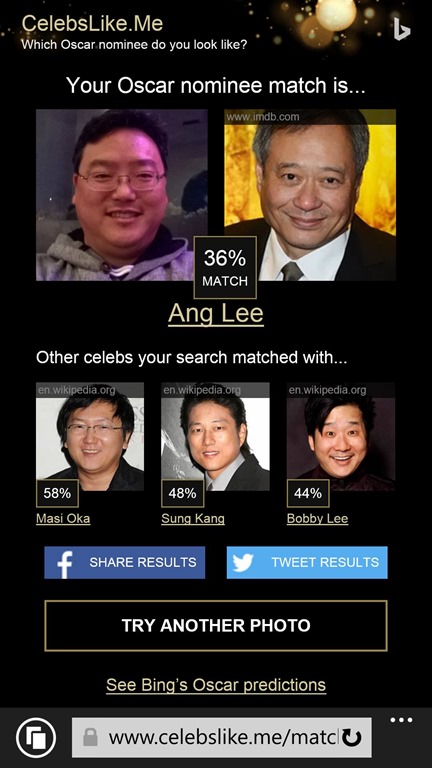
In case you missed it, Bing Images did a partnership with Variety to create a site called http://CelebsLike.me that identifies your Doppelganger in the Oscar candidates as well as Hollywood in general.

CelebsLikeMe

Here’s mine:

I guess Ang Lee, for me, is about right… but I never saw the similarity between myself and Masi Oka, Sung Kang, or Bobby Lee until I ran my image through the web site. I’m actually stoked to be at least partially visually comparable to these amazing celebrity talents!

Read more about this collaboration here:
http://news.microsoft.com/features/bings-new-academy-awards-guide-is-one-stop-for-awards-info-including-finding-your-celebrity-doppelganger/

imageTuesday, in San Francisco, Brad Smith will keynote at the RSA Conference 2016.

In a presentation entitled, “Trust in the Cloud in Tumultuous Times”, Brad will discuss our continued approach to security and privacy and our commitment to investing in security, privacy and control, compliance, and transparency. The address will be streamed live and publicly available.  (See link to the stream below)

image[3]For a preview of Brad’s keynote, as well as the 16 other sessions that we are delivering, visit Microsoft’s CyberTrust blog:

In preparation for the keynote, our Corporate VP & CISO, Bret Arsenault released information about the progress we have made on the security front, specifically for a mobile-first, cloud-first world.  Read Bret’s post here:

Date/Time:
March 1, 2016 – 8:50 AM

Location:
South, Live at Esplanade Ballroom

Broadcast:
To view Brad’s keynote go to:

On Brad Smith:

Brad Smith
President and Chief Legal Officer, Microsoft
Brad Smith is responsible for Microsoft’s corporate, external and legal affairs. Smith plays a key role in leading the company’s work on privacy and security. He is also Microsoft’s Chief Compliance Officer. He has played a leading role within Microsoft and in the IT sector on government surveillance, privacy, intellectual property, immigration and computer science education policy issues. As the senior executive responsible for ensuring Microsoft fulfills its corporate responsibilities, he has helped the company achieve its consistent ranking in the top 2 percent of the S&P 500 for corporate governance scores.

Posted by: kurtsh | February 26, 2016

NEWS: Microsoft to file legal brief supporting Apple

imageIn the video below from Feb 25th, 2016, Brad Smith, Microsoft president and chief legal officer, responds to a question regarding a legal case between Apple and the U.S. government as part of testimony before a U.S. House Judiciary Committee hearing titled International Conflicts of Law Concerning Cross Border Data Flow and Law Enforcement Requests.

Microsoft President & Chief Legal Officer Brad Smith Addresses Apple Case

« Newer Posts - Older Posts »

Categories