imageWe recently released two resources that detail what we’re learning as we adopt a hybrid work model at Microsoft, in hopes that we can help you create the hybrid work plan that best fits your organization. At their core, these resources reflect our belief that leaders will need to come together to create a new, flexible operating model—spanning people, places, and processes—to fundamentally rewire their organization for hybrid work. 

The first resource I want to point you to is our Hybrid Workplace Flexibility Guide—which we originally created for Microsoft employees. In it, you’ll find sample team agreements, templates, and tools for hybrid work. There are also detailed plans that encompass everything from strategies to keep your people healthy, to exact roadmaps for how to help divide your people’s time between a physical or remote workplace. And there’s much more to come soon.

The second is called Hybrid Work: A Guide for Business Leaders, and it wraps up much of what we’ve learned about how to reimagine people, places, and processes for a hybrid world.

Read more about these guides here:

If you have a LinkedIn Learning subscription, there’s 2 courses available today of varying length and varying expertise available to you to take.

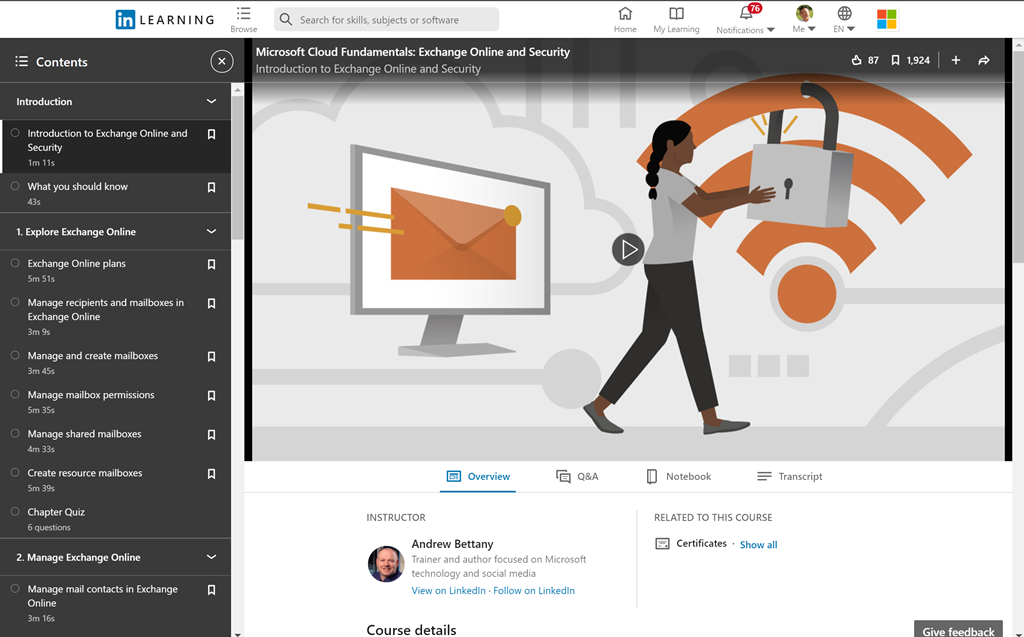
  • imageMicrosoft Cloud Fundamentals: Exchange Online and Security
    (2.2 hours)
    Review key skills related to managing Microsoft Exchange Online, using antispam and antimalware resources, and configuring Intune Endpoint Protection. Learn how to configure mailbox permissions and sharing, set up contacts and groups, configure antimalware filters in Office 365, and use Exchange Active Sync for mobile device management. Plus, explore Intune Endpoint Protection, which allows control of the security features on Intune-enrolled devices and further protects them from malware and spam.
    https://www.linkedin.com/learning/microsoft-cloud-fundamentals-exchange-online-and-security-2020-revision
  • imageOffice 365: Plan for Exchange Online and Skype for Business Online (Office 365/Microsoft 365)
    (2.0 hours)
    Email, calendar, contacts, and videoconferencing are some of the most important services in Office 365. How can you roll them out to your users in the most seamless and secure way possible? Take these lessons from Microsoft Certified Trainer Sharon Bennett and learn how to plan your Exchange Online and Skype for Business Online deployments—and pass the corresponding domain of Microsoft Exam 70-347: Enabling Office 365 Services. Learn how to create effective anti-malware and anti-spam policies that reduce malicious email. Discover how to migrate mailboxes to Office 365 using one of five recommended methods. Find out how to plan for a secure Exchange Online environment, by configuring archiving, permissions, and data loss prevention. Finally, Sharon demonstrates how to manage Skype services for external and internal video and audio communications.
    https://www.linkedin.com/learning/office-365-plan-for-exchange-online-and-skype-for-business-online
Posted by: kurtsh | June 9, 2021

EVENT: Azure Cosmos DB Conf (On-Demand)

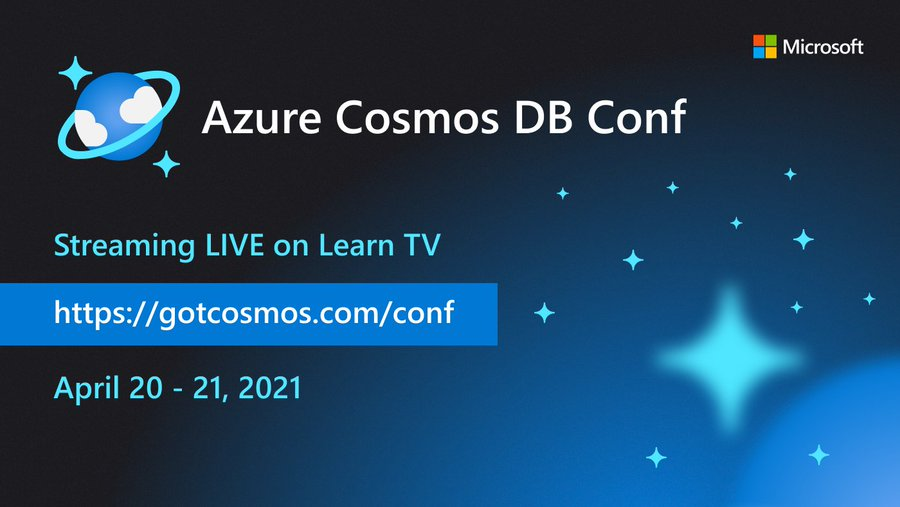
imageIn case you missed it, the “Azure CosmosDB Conf” took place on April 20-21, 2021 and had over 35 sessions about globally distributed, massively scalable data storage… available now on-demand!

All Azure Cosmos DB content is available at:

AZURE COSMOS DB CONF
Visit the conference site for a listing of the available recorded sessions:

Also check out our LIVE Cosmos DB TV channel available on YouTube:

Posted by: kurtsh | June 9, 2021

INFO: Microsoft Azure Government DC User Community

imageThe Microsoft Azure Government DC user community is a group for anyone modernizing government IT. More specifically, this group is for anyone interested in Cloud Computing, Infrastructure-as-a-Service (IaaS), Platform-as-a-Service (PaaS), Open Source, Cybersecurity, Government Security & Compliance as well as Azure for Government.

We invite startups, partners, practitioners, government innovators, MVPs and Microsoft product engineers alike to share their latest and greatest in government IT modernization. We bring real-world lessons directly to our government innovator community.

Here’s a sample of one of the previous events:

imageToday’s technology travels at light speed; enabling faster transformation and innovation for agencies to meet mission demands. The next-era revolution features a host of cutting-edge emerging technologies that will impact and shape the future of US government on the ground and into space.
We invite you to RSVP and join the Azure Government User Community Wednesday, May 26 from 6 p.m. to 7 p.m. ET for a meetup on “What’s next? Emerging tech impacting US government” via Teams Live.

During this event, which is free and open to the public, we’ll look at several emerging technologies and what it means to government including:

  • Extension of cloud capabilities and innovation to space
  • Making the most of 5G networking capabilities for cloud and edge computing
  • Strategies to prepare your agency for what’s next

Featured speakers:

  • Jim Perkins – Senior Program Manager, Azure Edge + Platform, Microsoft
  • Steve Kitay – Senior Director, Azure Space, Azure Global MisSys US, Microsoft
  • Paul Tilghman – Principal PM Manager, Azure Global Mission Systems, Microsoft

We invite you to join us on Meetup.com.  Join the group at:

Organizations need to expand the scope of their security operations while both simplifying integration & improving the signal to noise ratio for security alerting.

Azure Sentinel was created to do just that.  By providing a SIEM/SOAR solution that is hosted in entirely in the cloud & designed to natively integrate with existing on-prem security solutions, organizations are able to provision a SIEM with very little upfront investment and have a best-in-class solution operational very quickly.

This is a short video that demonstrates how Microsoft’s Azure Sentinel provides a differentiated SIEM/SOAR solution for organizations ON-PREM and in the cloud.

imageSarah Young joins Scott Hanselman to discuss Azure Sentinel, which is a scalable, cloud-native, security information event management (SIEM) and security orchestration automated response (SOAR) solution. Azure Sentinel delivers intelligent security analytics and threat intelligence across the enterprise, providing a single solution for alert detection, threat visibility, proactive hunting, and threat response.

View the overview here:

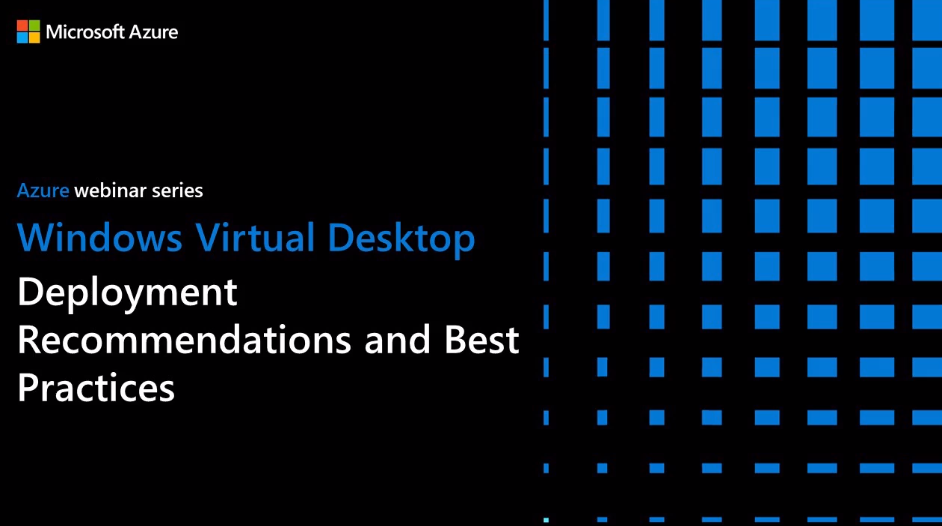
imageWatch this webinar to hear from IT experts about recommendations and best practices to help you prepare for a successful Windows Virtual Desktop deployment.

Get guidance on:

  • Virtual machine sizing requirements for single and multisessions to help maximize usage and performance.
  • Preparing your network for Microsoft Teams to support remote worker collaboration.
  • Managed storage options to optimize FSLogix profile containers for your user and regional requirements.
  • Optimizing your host pool and image gallery setup for the best user experience.

There is pages and pages of Q&A during this session which I may post separately.

Register for the webinar here:

imagePower BI empowers every organization to meet the most demanding modern enterprise needs. See why 97% of the Fortune 500 use Power BI today and understand why customers large and small are standardizing on Power BI. In this session you will hear about the Power BI strategy, learn where we’re heading, and see some demos of capabilities on our roadmap that are amazing!

imageSome highlights:

  • Automated Insights
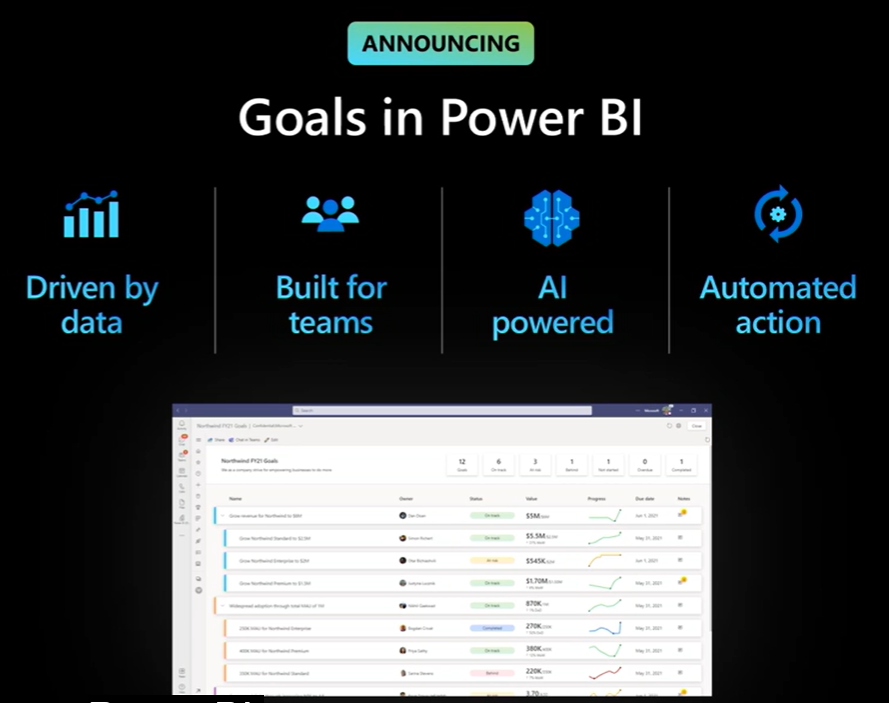
  • Power BI Goals
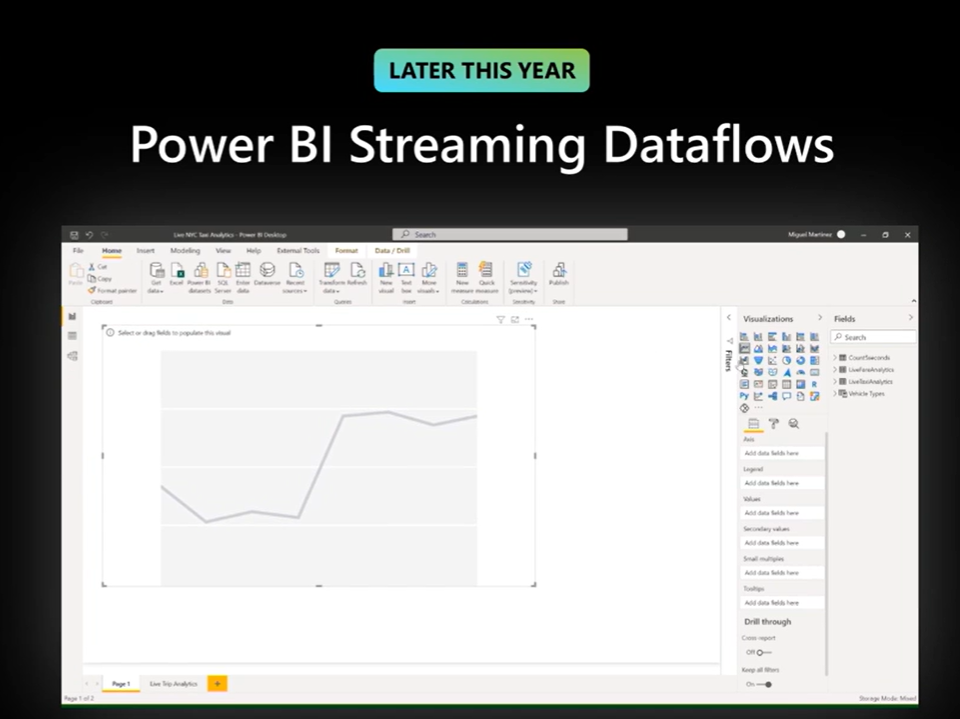
  • Streaming Dataflows for Power BI
  • Power BI Mobile Insights
  • Power BI for the Real World (Power BI for HoloLens 2)

image

Power BI (Peek into the future Part 1): Vision & Roadmap

image

image

Gartner has released their latest Magic Quadrant for Endpoint Protection. (May 2021)

imageWe are so grateful to our customers who have collaborated with us in creating one of the best endpoint security solutions on the market and are thrilled that Gartner has recognized this work and the journey we’ve taken alongside our customers by naming Microsoft a Leader in the 2021 Endpoint Protection Platforms (EPP) Magic Quadrant, positioned highest on the ability to execute.

According to Gartner, Leaders “have broad capabilities in advanced malware protection, and proven management capabilities for large enterprise accounts. Increasingly, Leaders provide holistic XDR platforms that allow customers to consolidate their other tools and adopt a single-vendor solution.”

Download the full Gartner report here:

If you have a LinkedIn Learning subscription, there’s 8 different courses available today of varying length and varying expertise available to you to take.

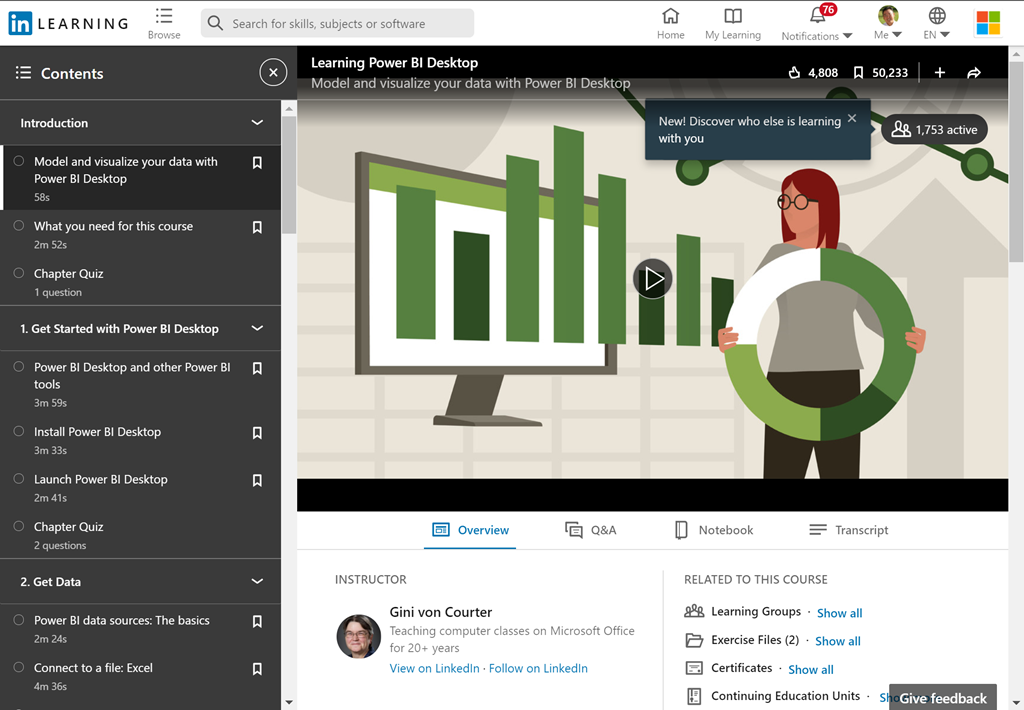
  • imageLearning Power BI Desktop (2.5hrs)
    Power BI Desktop—the powerful data analysis and visualization software from Microsoft—can help you get more insights from your data, whether that data is stored on your computer or in the cloud. In this course, discover how to leverage this easy-to-use tool to more efficiently model and visualize data. Learn how to connect various data sources, including Excel, databases, and web data sources like Wikipedia. Explore how to search and transform your data using the built-in Query Editor. Plus, instructor Gini von Courter shows how to build and arrange visualizations, create interactive reports, share your work, manage your published files in the Power BI service, and more.
    https://www.linkedin.com/learning/learning-power-bi-desktop-2020-revision
  • imagePower BI Essential Training (3.3hrs)
    Discover how to quickly glean insights from your data using Power BI. This formidable set of business analytics tools—which includes the Power BI service, Power BI Desktop, and Power BI Mobile—can help you more effectively create and share impactful visualizations with others in your organization. In this course, Gini von Courter helps you get started with this powerful toolset. Gini begins by covering the web-based Power BI service, explaining how to import data, create visualizations, and arrange those visualizations into reports. She discusses how to pin visualizations to dashboards for sharing, as well as how to ask questions about your data with Power BI Q&A. She also provides coverage of Power BI Mobile and shows how to use the data modeling capabilities in Power BI Desktop.
    https://www.linkedin.com/learning/power-bi-essential-training-2020-revision
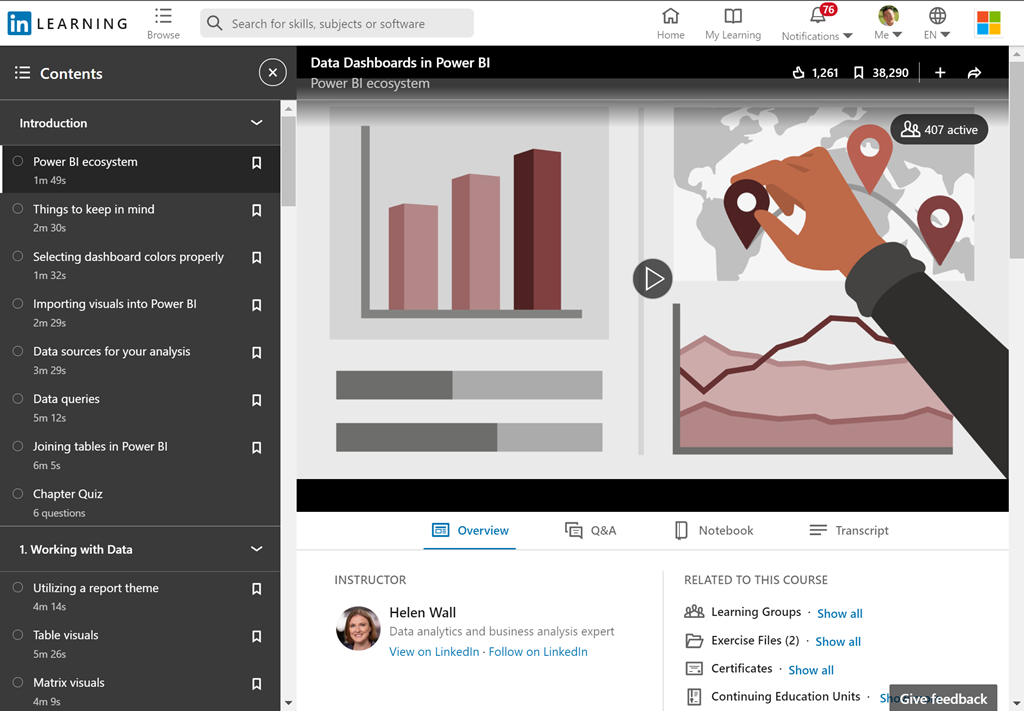
  • imageData Dashboards in Power BI (4.9hrs)
    Power BI is a powerful data analytics and visualization tool that allows business users to monitor data, analyze trends, and make decisions. In this course, Helen Wall focuses on the front end of the Power BI application—the dashboard—where users interact with charts and graphs that communicate trends in their data. Throughout this course, Helen steps through how to design and customize the setup of visuals and charts to make it easy to use, understand, and interact with the dashboard model. Learn how to work with data from open-source websites, create visuals such as heatmaps and sparklines, compare multiple variables with trendlines and violin plots, and build engaging maps. To wrap up, she demonstrates how to create and share your finished product: an intuitive, engaging dashboard.
    https://www.linkedin.com/learning/data-dashboards-in-power-bi
  • imageUsing Power BI with Excel (0.8hrs)
    Take your analysis skills to the next level. Power BI is a powerful data analytics tool that is streamlining the way business works with data. In this course, you can learn how to combine the power of a familiar tool, Microsoft Excel, with all the potential offered by Power BI. Discover how to conduct power pivots, import data, clean and shape data, as well as model data, perform calculations with Data Analysis Expressions (DAX), and visualize data with the variety of built-in charts and graphs in Power BI. Plus, explore a great primer on PivotTables and PivotCharts. By the end of this course, you will be equipped with new skills to take your data analysis to the next level.
    https://www.linkedin.com/learning/using-power-bi-with-excel
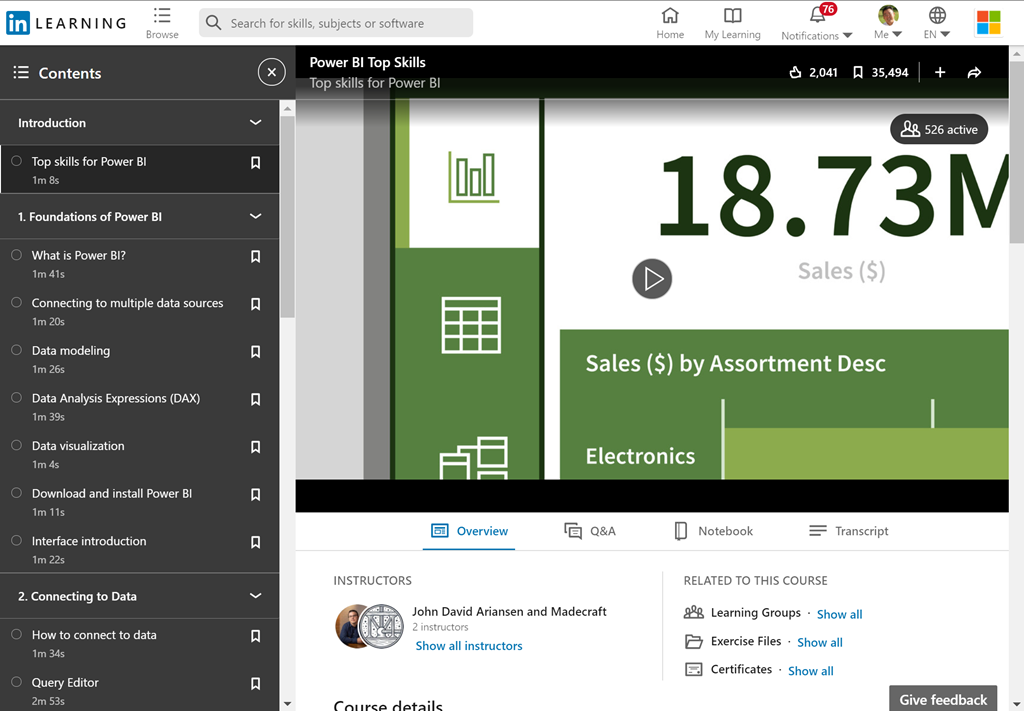
  • Power BI Top Skills (1.0hrs)
    You don’t need a dedicated team to unlock insights into your data. All you need is Power BI. Power BI is a powerful data analytics tool that is streamlining the way business works with data. In this course, instructor John David Ariansen teaches the essential skills you need to analyze data effectively with Power BI. Explore the difference between Power BI Desktop and the Power BI service. Learn key skills, such as importing data, manipulating data, managing relationships, working with Data Analysis Expressions (DAX), and building visualizations and reports. After watching this course, you can feel confident using Power BI for all your business intelligence and reporting needs.
    https://www.linkedin.com/learning/power-bi-top-skills
  • imagePower BI Data Methods (3.9hrs)
    Power BI is a powerful data analytics and visualization tool that helps users monitor data, analyze trends, and make smarter decisions. The breadth of the tool’s capabilities is quite wide across the entire application, ranging from custom data connectors to custom dashboard visuals. This course focuses on the data end of Power BI, also known as Power Query (the same Power Query found in Excel), and how this part of the application can automate the data querying process and restructuring of data sets. Instructor Helen Wall goes over the array of Power BI data connection options, from static files to Python scripts; shares key techniques for transforming unusable data; explains how to use the M formula language to improve efficiency and create custom queries; and more.
    https://www.linkedin.com/learning/power-bi-data-methods
  • imagePower BI Data Modeling with DAX    (1.1hrs)
    Power BI Desktop makes it easy to create basic data models. But if you need to report across time periods—for example, visualize year-over-year growth or compare sales or other data by month or quarter—you need Data Analysis Expressions (DAX). DAX is a language you can use to create formulas for Power BI that extend your data model. In this course, Gini von Courter covers the essentials of working with DAX, sharing best practices for data model design and optimization along the way. Learn how to work with DAX aggregate functions, add calculated columns, create measures, and work with DAX logical and filter functions.
    https://www.linkedin.com/learning/power-bi-data-modeling-with-dax
  • imageAdvanced Microsoft Power BI (3.2hrs)
    Data visualization allows you to represent information digitally and graphically, to convey the results of data analysis. Microsoft Power BI is a suite of business analytics tools that help you gain insights from your data. The suite brings together familiar operations from well-known products—including Excel, Access, Power Query, and Power Pivot—to help you quickly get move the basics and on to comprehensive analysis. In this course, Helen Wall guides you through the advanced capabilities of the service. She shows how to work with calculations, leverage the DAX language, create advanced queries, and use the M language to improve the querying process. She demonstrates how to import data from various sources, compose advanced formulas, manage the fields and columns in tables, use X-factor functions, use conditional statements, filter results, design charts, and more.
    https://www.linkedin.com/learning/advanced-microsoft-power-bi

imageLooking for a faster way to deliver apps? Power Platform and Azure work together to integrate code-first and Low Code tools so you can get more done in less time.

In particular:

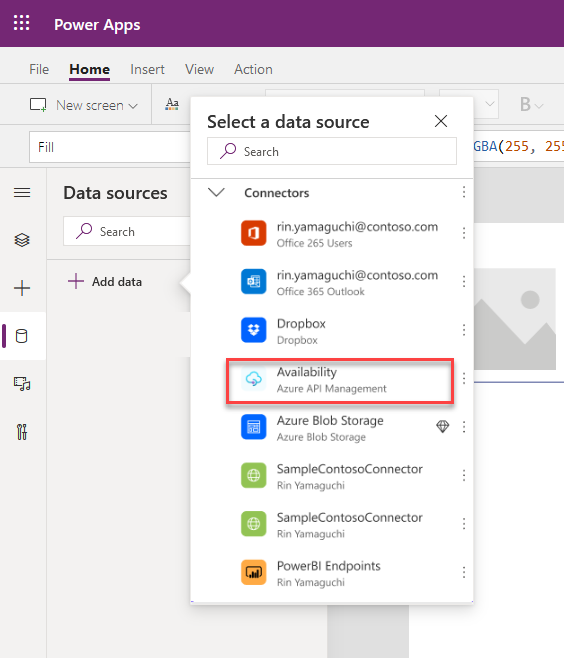
  • Power Platform and Azure API Management. Developers may now leverage Azure Functions and Azure API Management to create custom APIs to unlock access to any Microsoft cloud hosted data source… Low-code developers can now build apps that leverage those connectors via Power Apps hosted in Teams with no additional licensing costs. (Preview October 2020)
  • imagePower Platform and GitHub. Developers can create their own software development lifecycle (SDLC) workflows, or use pre-configured templates, with GitHub Actions to develop, test, and deliver Power Platform solutions. (Preview October 2020)
  • Power Virtual Agents and Azure Bot Framework. Building on our momentum from Microsoft Build, bot makers will now be able to use Azure development tools like Bot Framework Composer to create custom dialogs and directly add them to Power Virtual Agents bots. (Preview Fall 2020)
  • Power Automate Desktop. Developers can automate desktop activities using the diverse set of connectors available with Power Automate Desktop including SAP, websites, legacy terminals like mainframes and AS/400, Java apps, and Citrix.  It’s easy for developers and teams to automate manual work and save time during development, testing, and deployment. (Preview now)

Read more at the announcement post here:

« Newer Posts - Older Posts »

Categories