Gartner has released their latest Magic Quadrant for Endpoint Protection. (May 2021)

imageWe are so grateful to our customers who have collaborated with us in creating one of the best endpoint security solutions on the market and are thrilled that Gartner has recognized this work and the journey we’ve taken alongside our customers by naming Microsoft a Leader in the 2021 Endpoint Protection Platforms (EPP) Magic Quadrant, positioned highest on the ability to execute.

According to Gartner, Leaders “have broad capabilities in advanced malware protection, and proven management capabilities for large enterprise accounts. Increasingly, Leaders provide holistic XDR platforms that allow customers to consolidate their other tools and adopt a single-vendor solution.”

Download the full Gartner report here:

If you have a LinkedIn Learning subscription, there’s 8 different courses available today of varying length and varying expertise available to you to take.

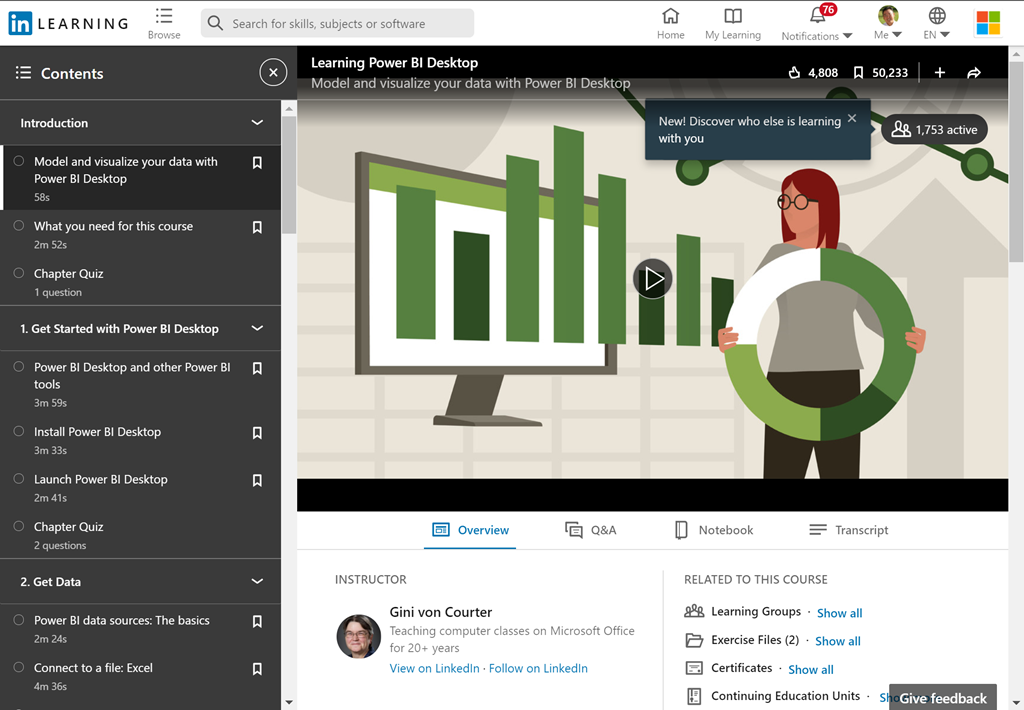
  • imageLearning Power BI Desktop (2.5hrs)
    Power BI Desktop—the powerful data analysis and visualization software from Microsoft—can help you get more insights from your data, whether that data is stored on your computer or in the cloud. In this course, discover how to leverage this easy-to-use tool to more efficiently model and visualize data. Learn how to connect various data sources, including Excel, databases, and web data sources like Wikipedia. Explore how to search and transform your data using the built-in Query Editor. Plus, instructor Gini von Courter shows how to build and arrange visualizations, create interactive reports, share your work, manage your published files in the Power BI service, and more.
    https://www.linkedin.com/learning/learning-power-bi-desktop-2020-revision
  • imagePower BI Essential Training (3.3hrs)
    Discover how to quickly glean insights from your data using Power BI. This formidable set of business analytics tools—which includes the Power BI service, Power BI Desktop, and Power BI Mobile—can help you more effectively create and share impactful visualizations with others in your organization. In this course, Gini von Courter helps you get started with this powerful toolset. Gini begins by covering the web-based Power BI service, explaining how to import data, create visualizations, and arrange those visualizations into reports. She discusses how to pin visualizations to dashboards for sharing, as well as how to ask questions about your data with Power BI Q&A. She also provides coverage of Power BI Mobile and shows how to use the data modeling capabilities in Power BI Desktop.
    https://www.linkedin.com/learning/power-bi-essential-training-2020-revision
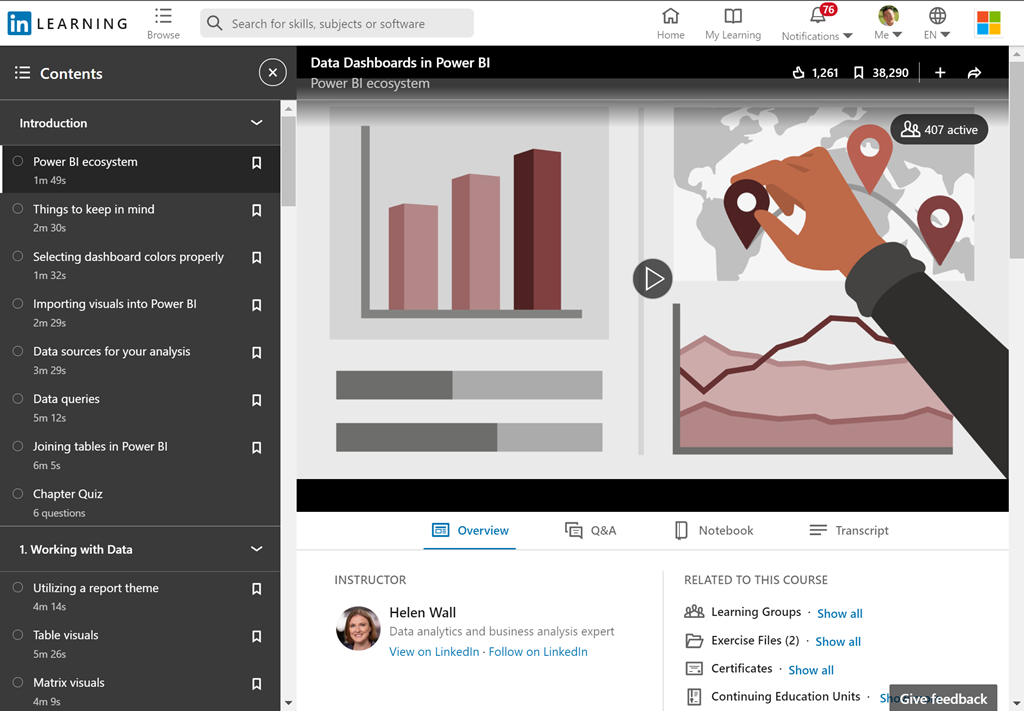
  • imageData Dashboards in Power BI (4.9hrs)
    Power BI is a powerful data analytics and visualization tool that allows business users to monitor data, analyze trends, and make decisions. In this course, Helen Wall focuses on the front end of the Power BI application—the dashboard—where users interact with charts and graphs that communicate trends in their data. Throughout this course, Helen steps through how to design and customize the setup of visuals and charts to make it easy to use, understand, and interact with the dashboard model. Learn how to work with data from open-source websites, create visuals such as heatmaps and sparklines, compare multiple variables with trendlines and violin plots, and build engaging maps. To wrap up, she demonstrates how to create and share your finished product: an intuitive, engaging dashboard.
    https://www.linkedin.com/learning/data-dashboards-in-power-bi
  • imageUsing Power BI with Excel (0.8hrs)
    Take your analysis skills to the next level. Power BI is a powerful data analytics tool that is streamlining the way business works with data. In this course, you can learn how to combine the power of a familiar tool, Microsoft Excel, with all the potential offered by Power BI. Discover how to conduct power pivots, import data, clean and shape data, as well as model data, perform calculations with Data Analysis Expressions (DAX), and visualize data with the variety of built-in charts and graphs in Power BI. Plus, explore a great primer on PivotTables and PivotCharts. By the end of this course, you will be equipped with new skills to take your data analysis to the next level.
    https://www.linkedin.com/learning/using-power-bi-with-excel
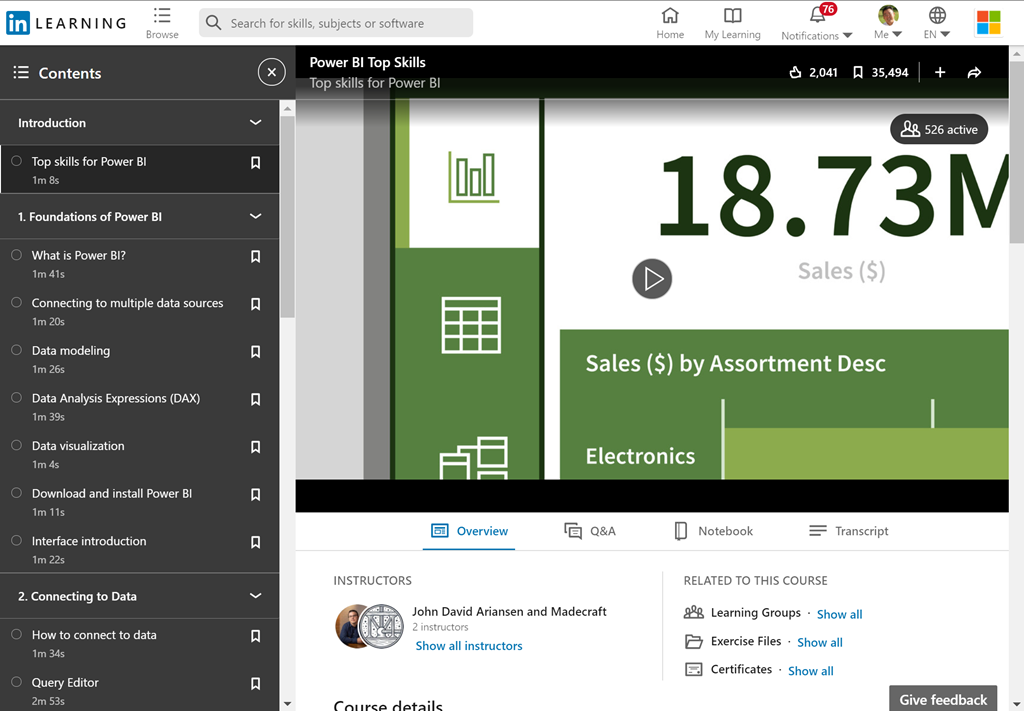
  • Power BI Top Skills (1.0hrs)
    You don’t need a dedicated team to unlock insights into your data. All you need is Power BI. Power BI is a powerful data analytics tool that is streamlining the way business works with data. In this course, instructor John David Ariansen teaches the essential skills you need to analyze data effectively with Power BI. Explore the difference between Power BI Desktop and the Power BI service. Learn key skills, such as importing data, manipulating data, managing relationships, working with Data Analysis Expressions (DAX), and building visualizations and reports. After watching this course, you can feel confident using Power BI for all your business intelligence and reporting needs.
    https://www.linkedin.com/learning/power-bi-top-skills
  • imagePower BI Data Methods (3.9hrs)
    Power BI is a powerful data analytics and visualization tool that helps users monitor data, analyze trends, and make smarter decisions. The breadth of the tool’s capabilities is quite wide across the entire application, ranging from custom data connectors to custom dashboard visuals. This course focuses on the data end of Power BI, also known as Power Query (the same Power Query found in Excel), and how this part of the application can automate the data querying process and restructuring of data sets. Instructor Helen Wall goes over the array of Power BI data connection options, from static files to Python scripts; shares key techniques for transforming unusable data; explains how to use the M formula language to improve efficiency and create custom queries; and more.
    https://www.linkedin.com/learning/power-bi-data-methods
  • imagePower BI Data Modeling with DAX    (1.1hrs)
    Power BI Desktop makes it easy to create basic data models. But if you need to report across time periods—for example, visualize year-over-year growth or compare sales or other data by month or quarter—you need Data Analysis Expressions (DAX). DAX is a language you can use to create formulas for Power BI that extend your data model. In this course, Gini von Courter covers the essentials of working with DAX, sharing best practices for data model design and optimization along the way. Learn how to work with DAX aggregate functions, add calculated columns, create measures, and work with DAX logical and filter functions.
    https://www.linkedin.com/learning/power-bi-data-modeling-with-dax
  • imageAdvanced Microsoft Power BI (3.2hrs)
    Data visualization allows you to represent information digitally and graphically, to convey the results of data analysis. Microsoft Power BI is a suite of business analytics tools that help you gain insights from your data. The suite brings together familiar operations from well-known products—including Excel, Access, Power Query, and Power Pivot—to help you quickly get move the basics and on to comprehensive analysis. In this course, Helen Wall guides you through the advanced capabilities of the service. She shows how to work with calculations, leverage the DAX language, create advanced queries, and use the M language to improve the querying process. She demonstrates how to import data from various sources, compose advanced formulas, manage the fields and columns in tables, use X-factor functions, use conditional statements, filter results, design charts, and more.
    https://www.linkedin.com/learning/advanced-microsoft-power-bi

imageLooking for a faster way to deliver apps? Power Platform and Azure work together to integrate code-first and Low Code tools so you can get more done in less time.

In particular:

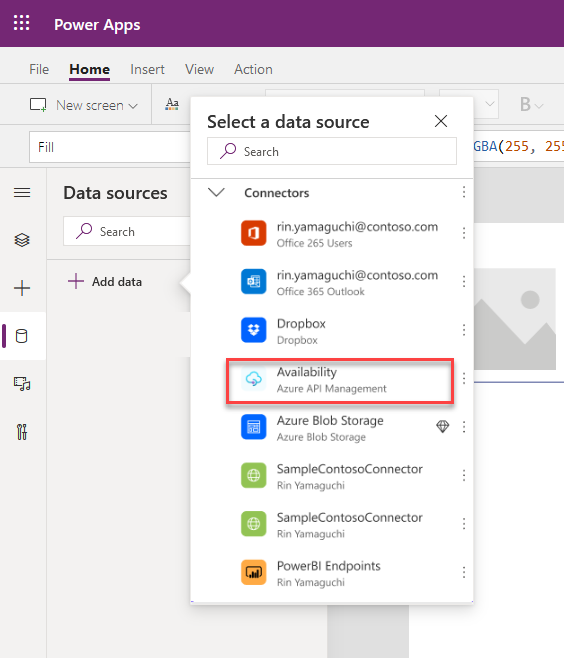
  • Power Platform and Azure API Management. Developers may now leverage Azure Functions and Azure API Management to create custom APIs to unlock access to any Microsoft cloud hosted data source… Low-code developers can now build apps that leverage those connectors via Power Apps hosted in Teams with no additional licensing costs. (Preview October 2020)
  • imagePower Platform and GitHub. Developers can create their own software development lifecycle (SDLC) workflows, or use pre-configured templates, with GitHub Actions to develop, test, and deliver Power Platform solutions. (Preview October 2020)
  • Power Virtual Agents and Azure Bot Framework. Building on our momentum from Microsoft Build, bot makers will now be able to use Azure development tools like Bot Framework Composer to create custom dialogs and directly add them to Power Virtual Agents bots. (Preview Fall 2020)
  • Power Automate Desktop. Developers can automate desktop activities using the diverse set of connectors available with Power Automate Desktop including SAP, websites, legacy terminals like mainframes and AS/400, Java apps, and Citrix.  It’s easy for developers and teams to automate manual work and save time during development, testing, and deployment. (Preview now)

Read more at the announcement post here:

Posted by: kurtsh | June 7, 2021

VIDEO: Introduction to Microsoft Viva in 9 min

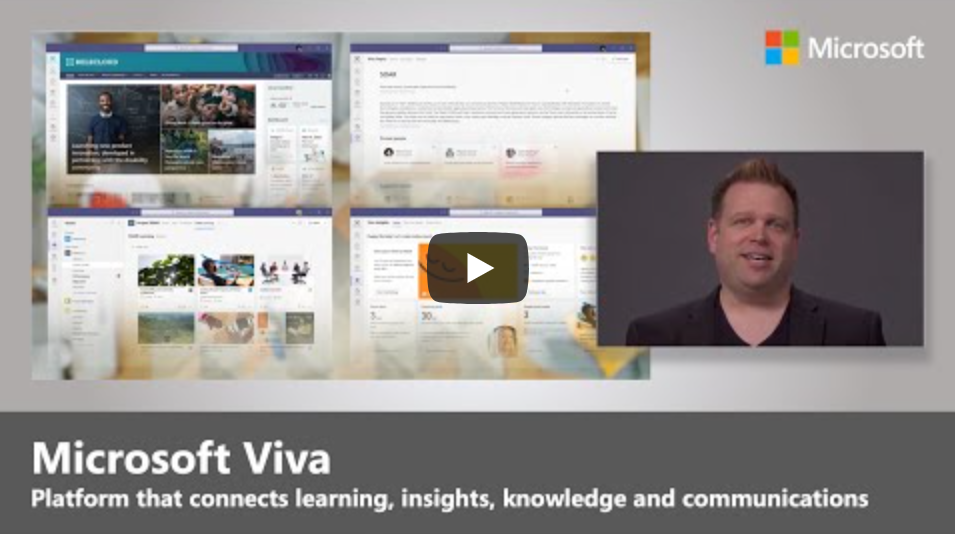
If you’re confused about what Microsoft Viva is, you’re in luck:  Jeremy Chapman & Microsoft Mechanics are not foolin’ around.  They did a simple 9 minute overview of the ENTIRE Viva platform.

imageTour Microsoft Viva, the new employee experience platform that connects learning, insights, resources, and communication. Viva is a unique set of curated and AI enriched experiences built on top of and integrated with the foundational services of Microsoft 365. Join Jeremy Chapman as he shares Viva’s capabilities, the underlying tech, and your core options for enabling and configuring Microsoft Viva as a team leader or admin.

Microsoft Viva’s 4 core modules:

  • Viva Topics – builds a knowledge system for your organization
  • Viva Connections – boosts employee engagement
  • Viva Learning – creates a central hub to discover learning content and build new skills
  • Viva Insights – recommends actions to help improve productivity and wellbeing

As an employee:

  • Get more time to focus and recharge – no matter where you’re working from.
  • Connect with others, stay informed and engage
  • Accelerate learning new skills, and balance your time at work.

At an organizational level:

  • Boost morale and retention and the overall success of your organization.
  • Foster a new culture of support for employees, so even when not physically together with colleagues, they feel connected to collective goals.
  • Employees can easily leverage the knowledge and connections of their work community to get things done and feel invested in their career growth.

► QUICK LINKS: 00:00 – Introduction 01:13 – Viva Topics 01:54 – Viva Connections 02:21 – Viva Learning 02:56 – Viva Insights 03:38 – Implementing Viva 04:18 – Upcoming highlights 05:49 – Privacy and security 06:50 – Platform extensibility 08:21 – Wrap Up ► Link References:

Watch the 9 minute introductory video here:

For deep dives on all the Viva modules, go to https://aka.ms/VivaMechanics

Posted by: kurtsh | June 7, 2021

INFO: Enabling Multi-Cloud Compliance

Did you know that your other cloud solutions & data services can take advantage of the rich set of Microsoft compliance solutions that you’ve invested in?

imageWe know that the vast majority of enterprise customers have multi-cloud strategies. Our customers want and need to integrate Microsoft compliance solutions – including Information Protection and Governance, Insider Risk Management, eDiscovery as well as Compliance Management – with their other existing security, compliance, and identity-related investments. That is why we are building our Compliance platform to be extensible and address our customers’ multi-cloud reality. To that end, we see extensibility as a horizontal capability and developers as a key enabler of this across all compliance solutions.

The article is broken down into 4 areas:

  • Multi-cloud data access
  • APIs for integration
  • Built-in Compliance for Microsoft 365-connected apps
  • Enhancements in Microsoft Graph APIs for Advanced eDiscovery

Read the article here:

Posted by: kurtsh | June 5, 2021

VIDEO: “Yammer Communities” overview

Watch this short 4:30 video on Yammer communities. Learn how to:

  • Create and brand a community
  • Post an announcement
  • Moderate conversations
  • Host a virtual event
  • Review analytics and insights for the conversations, questions, and events

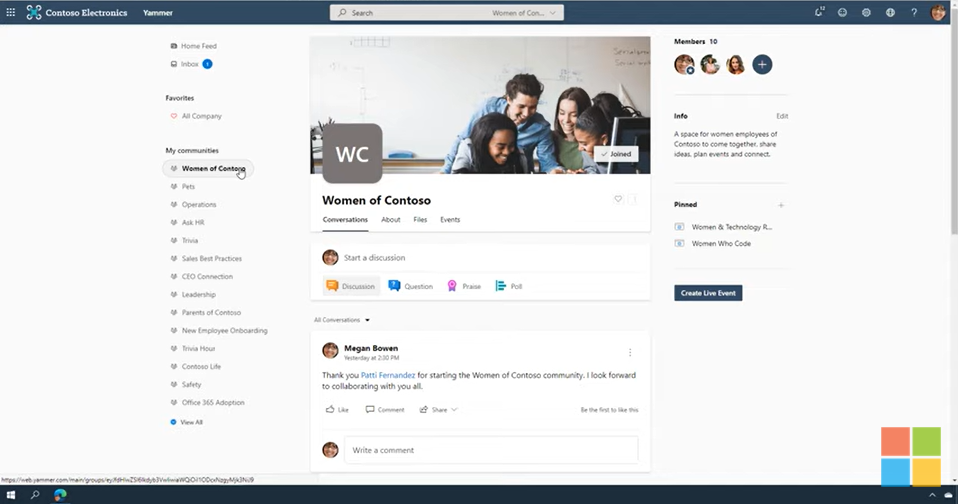
imageIn this video tutorial, you’ll learn the building blocks of creating a community in Yammer. As a community owner, you have the ability to make announcements, pin posts, and brand the community. You’ll learn a few tips for engaging your community like hosting a live event. We also walk you through how to see the analytics of your community so that you can better understand the engagement of the conversations, events, questions, and members. Learn more: https://adoption.microsoft.com/yammer/

Watch the video here:

Interested in providing remote development solutions for your developers to create resilience & continuity in your DevOps processes?

Learn how you can enable devs to code, collaborate and ship securely… from anywhere.  Download “Remote Development: A Guide to Building Resilience”.

imageKeep developers productive while working remotely

Help developers code, collaborate, and ship software securely—from anywhere—with cloud-hosted environments and remote-capable tools. Maintain and even increase productivity with an end-to-end developer cloud platform that meets all the engineering needs of a distributed team.

imageWe make it easy to migrate your files – cloud-to-cloud – to the leading commercial file cloud service OneDrive.

We’ve highlighted the “Mover” migration tool previously.  Today, we are announcing the updated “Migration Manager” administration tab, designed to manage all file content migrations into Microsoft 365, specifically OneDrive, SharePoint & Teams.

Read more at the announcement here:

imageThe Microsoft Learn team (who infamously doesn’t describe what they’re actually planning on talking about in the captions or titles of their videos (ahem), actually did so for once with their recent Ask the Expert live event they called, “Ask the Expert: Power BI for BI pros and Data Engineers”

Featuring Priya Sathy & Christian Wade, they talk about Automatic Aggregation in Power BI for analyzing multi-petabyte volumes of data.  They talk about timing for release (it’s in private preview now but it’s coming REALLY soon), and the items to watch at Build 2021 at https://mybuild.microsoft.com.

Watch the recording here:

imageWe are very excited to announce a Low Code Application Development AMA!

The AMA will take place on Tuesday, June 8, 2021 from 9:00 a.m. to 10:00 a.m. PT in the Azure AMA space. Add the event to your calendar and view in your time zone here.

An AMA is a live text-based online event similar to a “YamJam” on Yammer or an “Ask Me Anything” on Reddit. This AMA gives you the opportunity to connect with Microsoft product experts who will be on hand to answer your questions and listen to feedback.

The space will be open 24 hours before the event, so feel free to post your questions anytime beforehand during that period if it fits your schedule or time zone better.

« Newer Posts - Older Posts »

Categories