Posted by: kurtsh | June 10, 2012

INFO: E3 2012 – My observations (Part 4)

Here’s some random photos & thoughts.
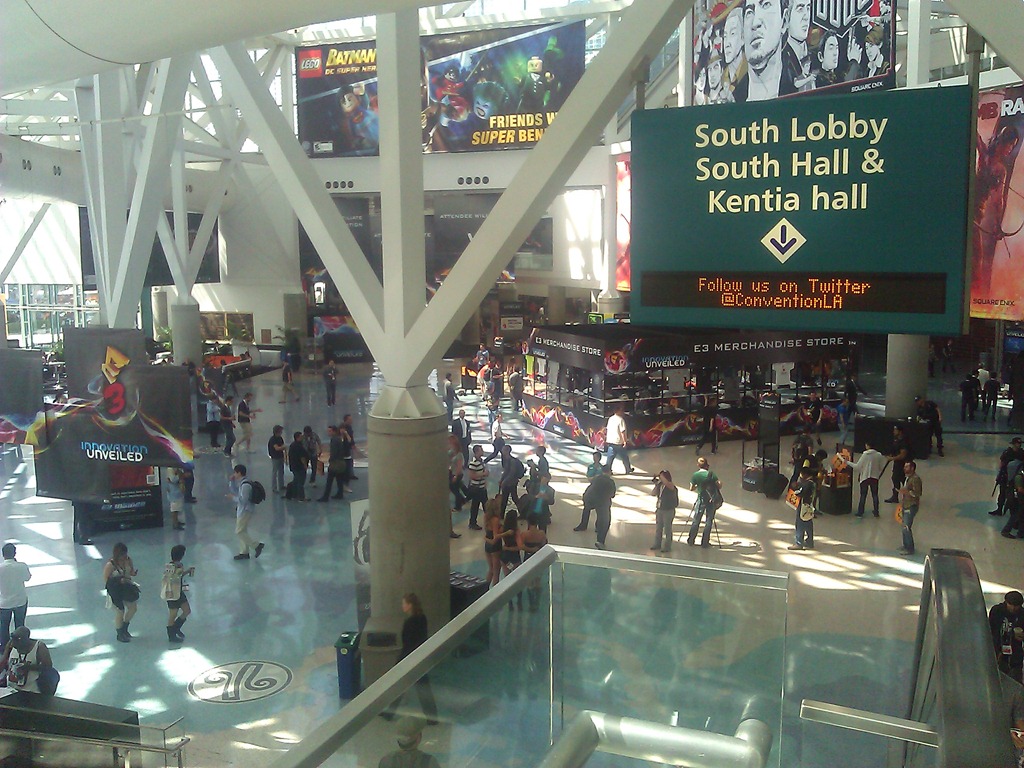
WP_000166If you’ve never been to E3, the one thing to know is that there is more geek per square foot than most conferences.  This photo doesn’t really capture it because it’s right outside the South Hall on the last day of the show but trust me when I say that there are tons of gamer geeks (and girls!) on the floor of the expo and while it’s buzzing with activity and a little chaotic, it’s still interesting to see all the business going on.
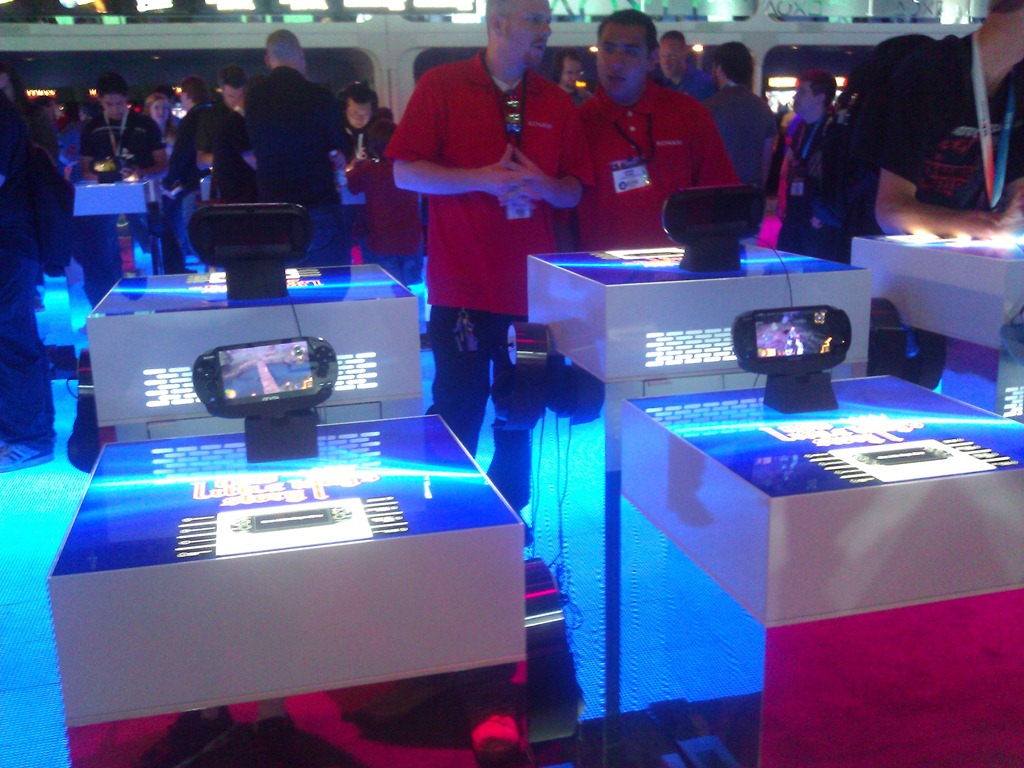
WP_000172While there was a lot of traffic in Sony in general highlighting mostly upcoming titles and not so much innovations in the PS3, there wasn’t that much for PS Vita while I was there on Thursday which I thought would have had more traffic.  Initially I thought that that couldn’t bode well for Sony but maybe it was just the fact that it was the last day of the event.  I can say this:  PS Vita looks really frickin’ cool when you play it.  It’s like the power of the console in your hands.  So big ups to Sony for building something like that.  If you’re a serious gamer, this is definitely your portable gaming device, no question.
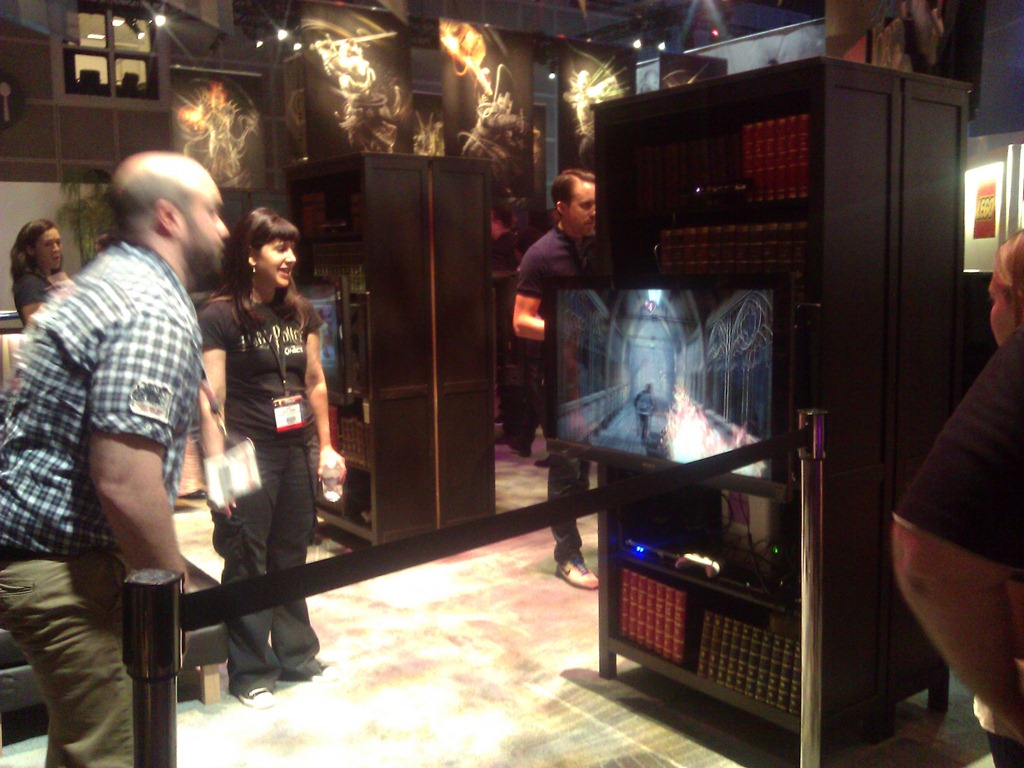
WP_000245Harry Potter for Kinect was in a very creative booth.  It was clearly funding deprived but in the middle of Warner Bro Interactive, it really felt like you were in the living room of Hogwarts.  The Kinect game integrated Kinect Voice and Kinect movement.  I don’t know much else except that the guy in the photo appeared to be having a lot of fun casting spells and fighting evil.
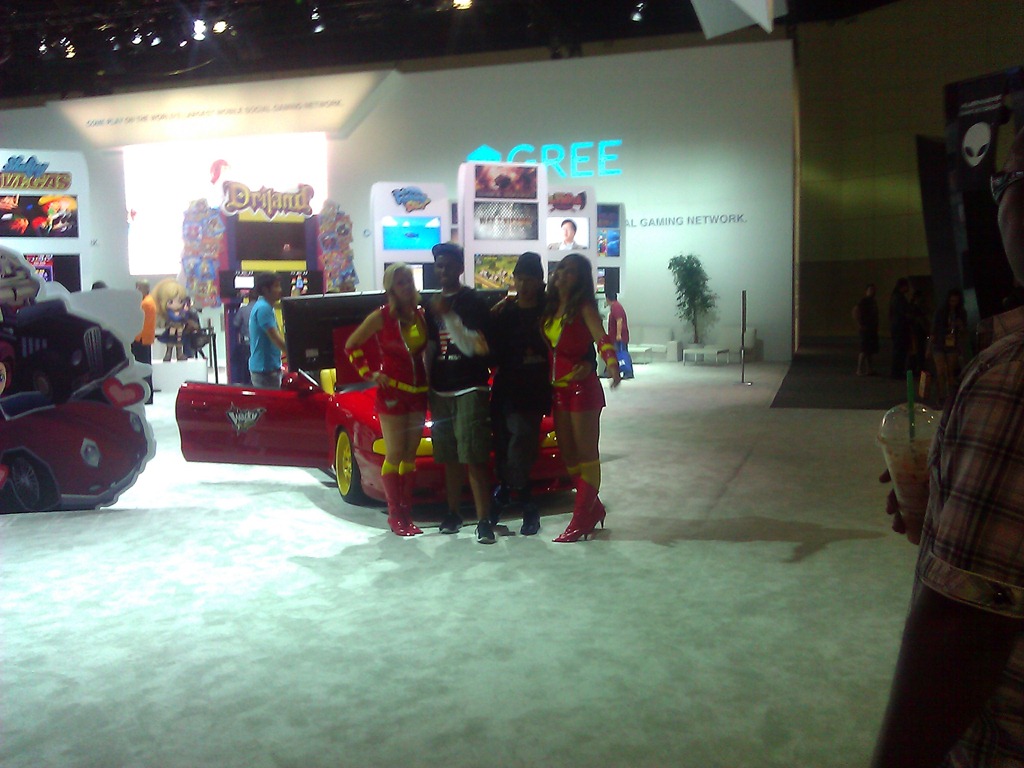
 

WP_000246Gree.  I hadn’t really heard much about them until I visited the booth.  They’re a mobile games vendor for iPhone and Android.  They do little games that are networked together using the Gree network I guess.  It was a little weird because their booth was massive but there wasn’t a lot of people.  I guess they’re much bigger in India, China, and other parts of the world… so they were trying to get more traction in the US.
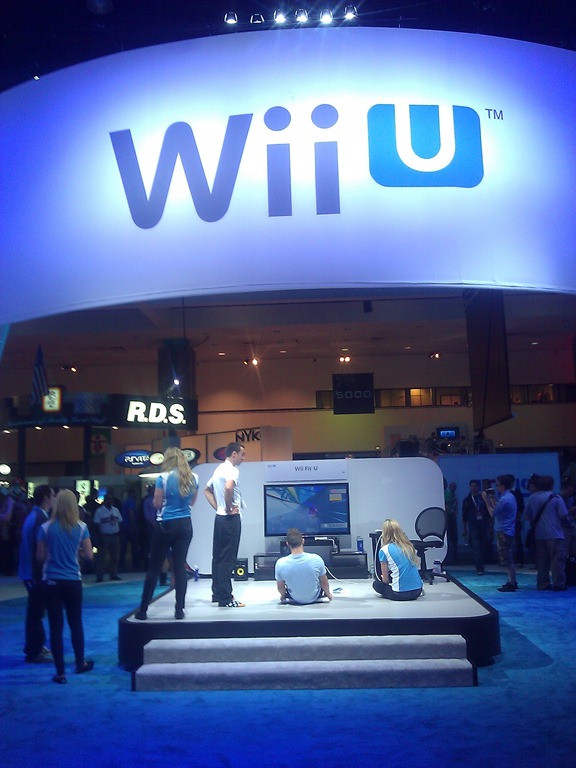
WP_000170Wii U.  Yeaaaaaaaah… I dunno about this.  I told one person that Wii U’s success beyond its marquee titles like Zelda, Mario, and Metroid, will be highly dependent on how great their launch games are because in order to get people to buy brand a new console with expensive controllers like the Wii U, you’re gonna need something really compelling.  I saw some 12 titles on display in the Nintendo booth and nothing really grabbed me.  Most Wii U games involved flicking my finger on the tablet interface of the Wii U controller and was ultimately kinda left me feeling “meh”.

But who knows.  They weren’t finished so maybe they’ll get better.  All I know is that they’re effectively competing against iPads, Windows 8 tablets, and anything that’ll work against Xbox 360.

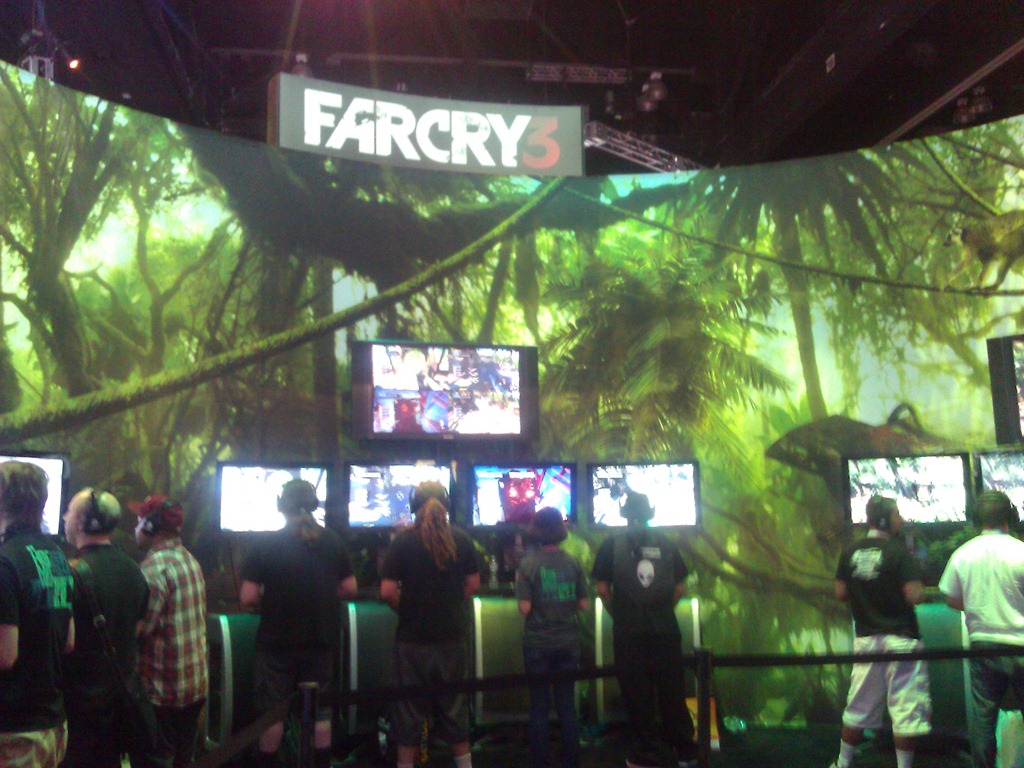
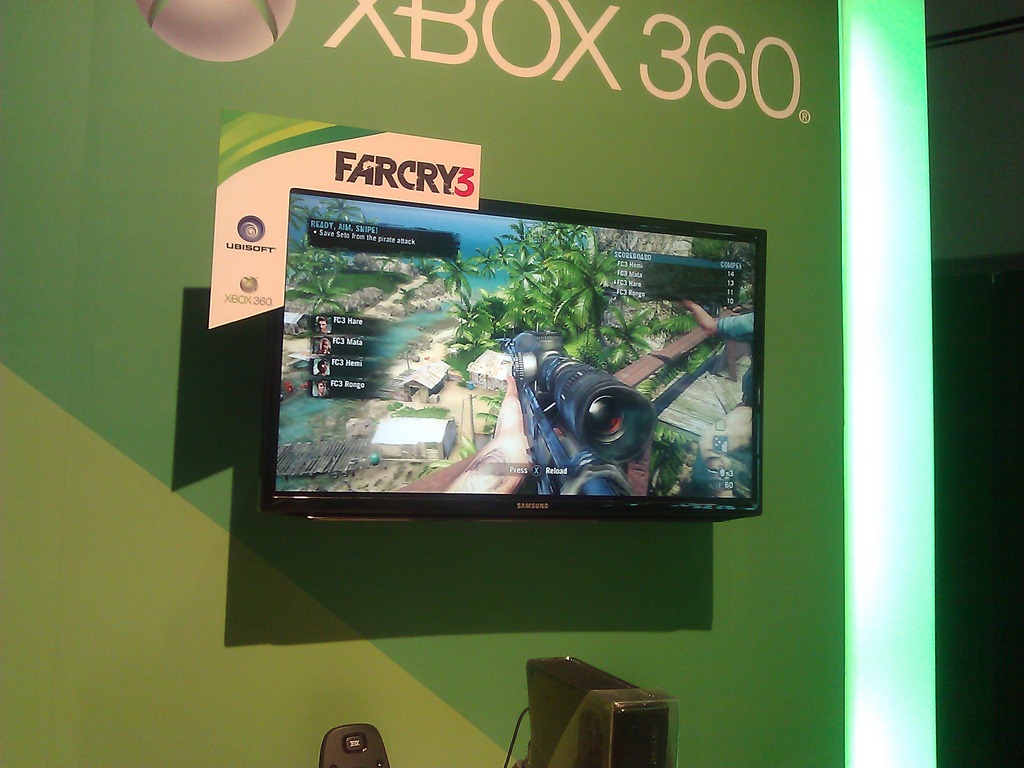
Far Cry 3.  It looked AWESOME in our booth and their own booth at E3 looked great too.  I wasn’t thrilled with Far Cry the original but FC3 looks really amazing.  The CryEngine 3 is really something and will make both Crysis 3 and Far Cry 3 a serious contender later this year.
WP_000236WP_000190

Posted by: kurtsh | June 10, 2012

INFO: E3 2012 – My observations (Part 3)

Here’s yet more of my observations from E3 this year.

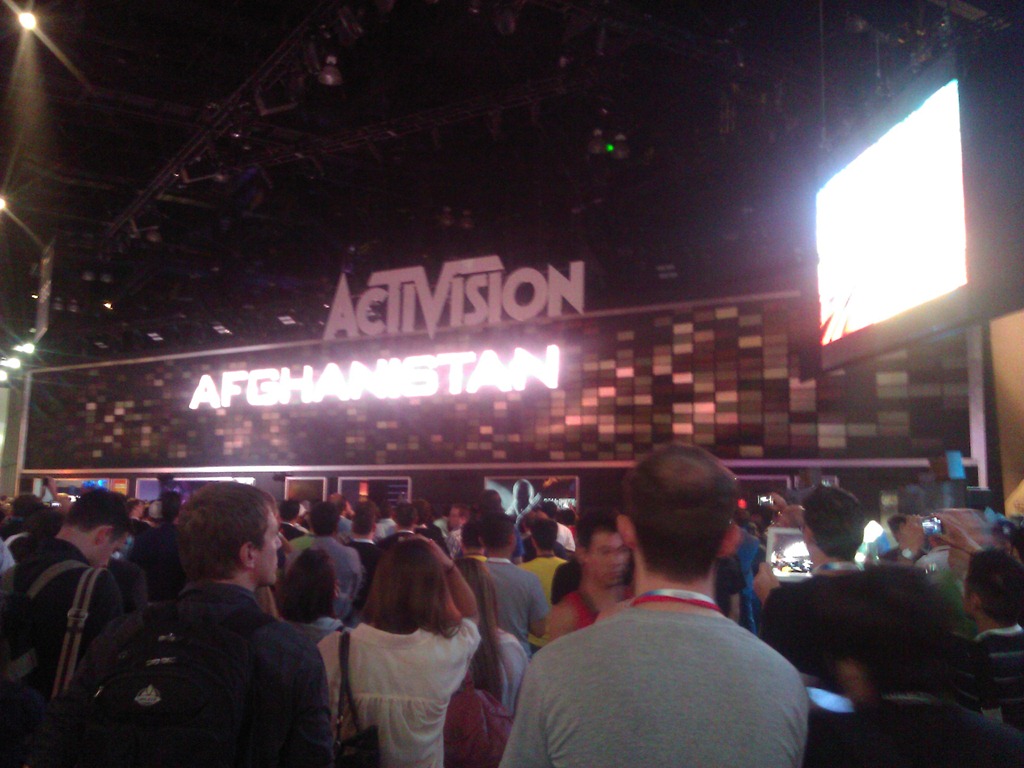
WP_000237ACTIVISION & COD: BLACK OPS II
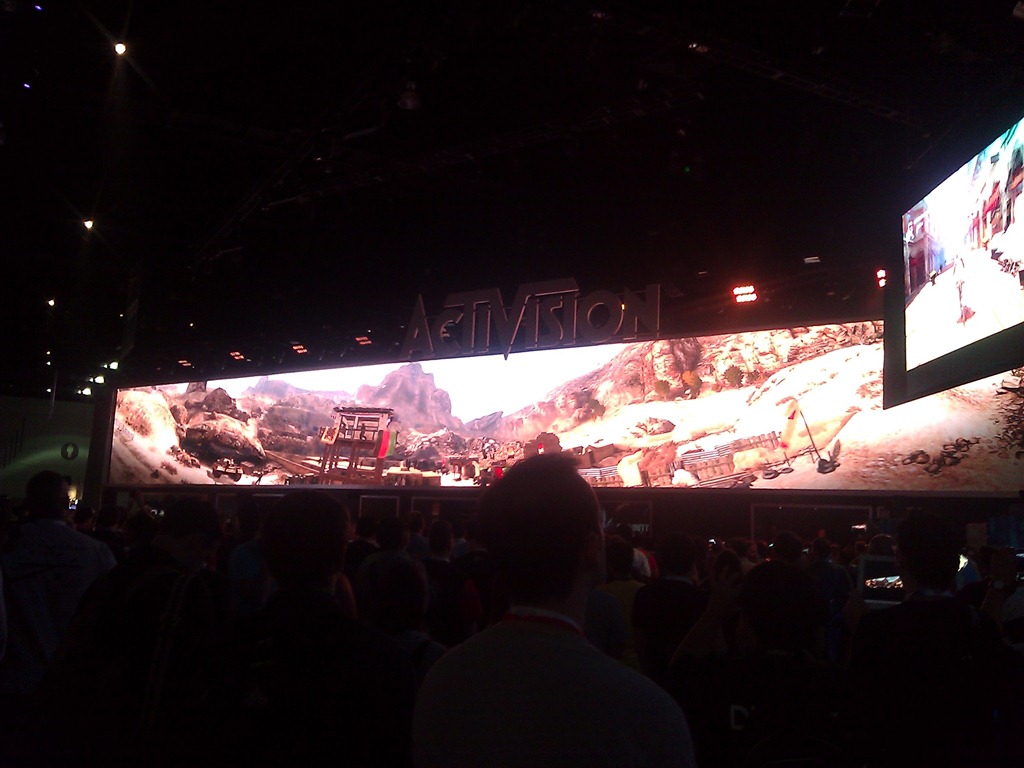
Activision win for most impressive booth and there’s only one reason:  That damned monster video screen.

Activision had this massive long video screen that showed a single video across it’s entirety that just had everyone captivated.  I have to admit, I’d never seen anything this impressive before – not event at CES.

WP_000238

They showed, at timed intervals, something of a video of the story behind Black Ops II and it was captivating, beautiful, and… well… EPIC.  Like an academy award winning movie.

As it started, the lights dimmed, the sound got louder and the massive, long video screen started to show stuff.  People wandering by the Activision booth just… stopped.  They stopped in the walkways, they stopped in the booth, they stopped in OTHER PEOPLE’S BOOTHS.  It was as if a massive alien ship was coming down out of the sky and people were just standing wherever they were and looking upward at this big video screen as the Black Ops II story played out.  People actually CLAPPED during the video.

And once the performance was over, the lights came on and everyone scattered like roaches.  And there was once again, a big empty area in front of the video screen… until the video started again.

WP_000242BETHESDA… NOTHING AGAIN.  ALMOST.
Every year, I go by Bethesda hoping to talk about Fallout’s future.  And every year there’s nothing to see and no one to talk to because they don’t let anyone into their booth unless you’re a business partner or you’re press. 

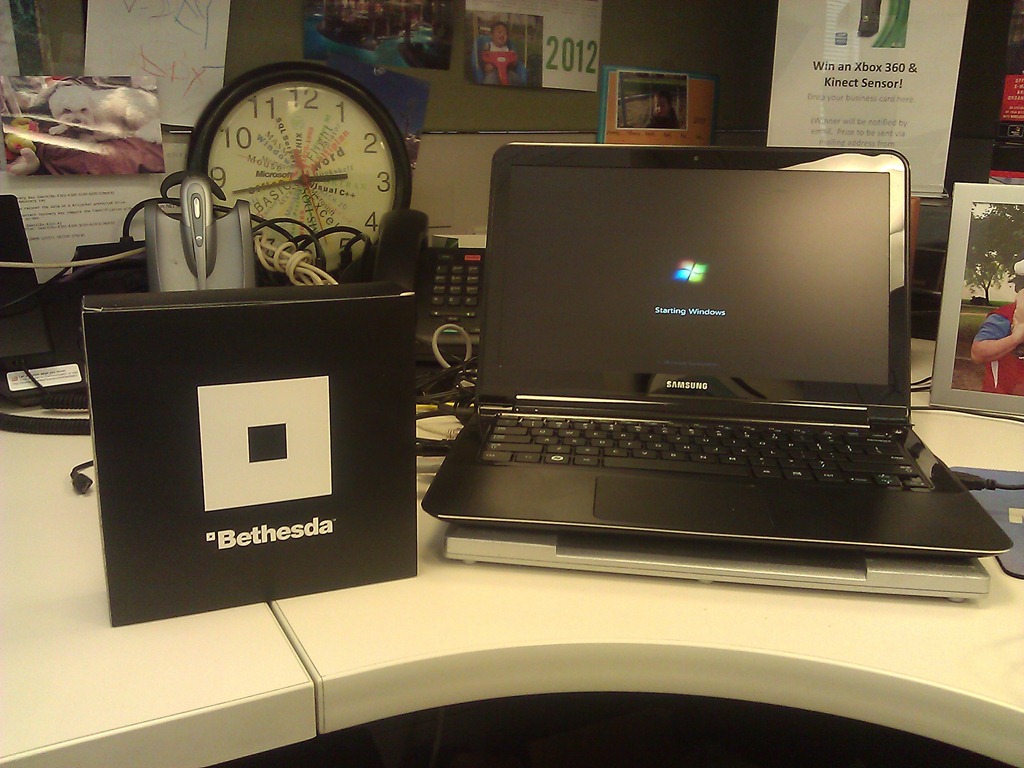
What you’re looking at at the right there is a photo of the only thing I could photograph of the booth.  The booth itself was two stories tall and completely surrounded by walls with no entry allowed for anyone just walking by. 

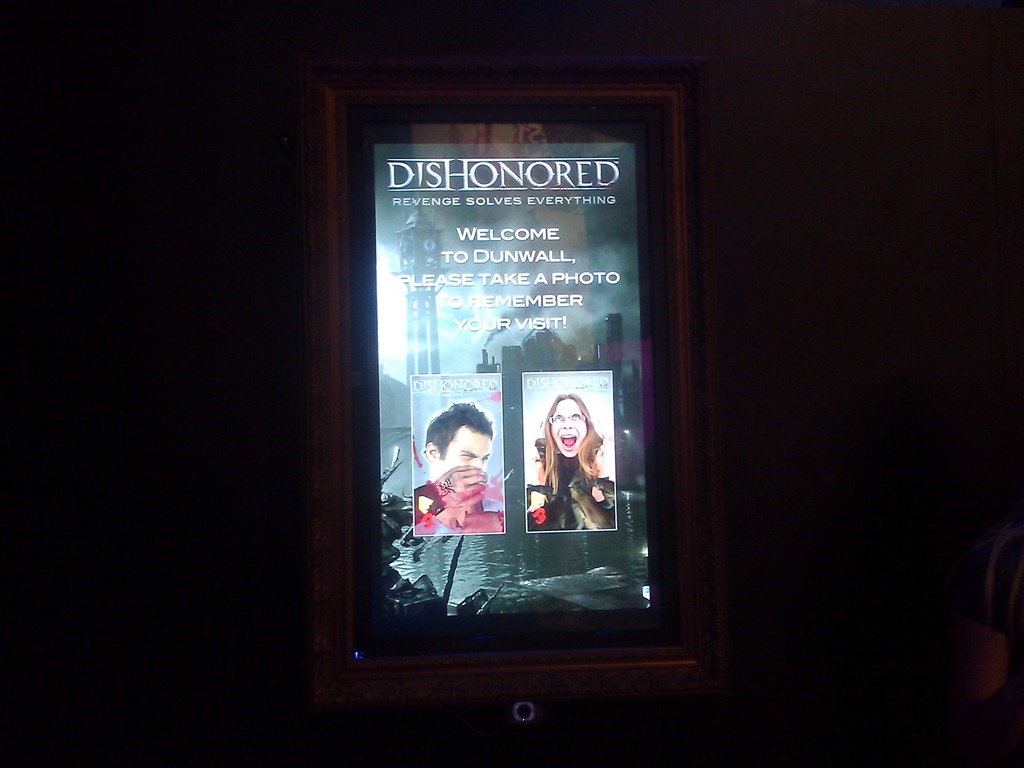
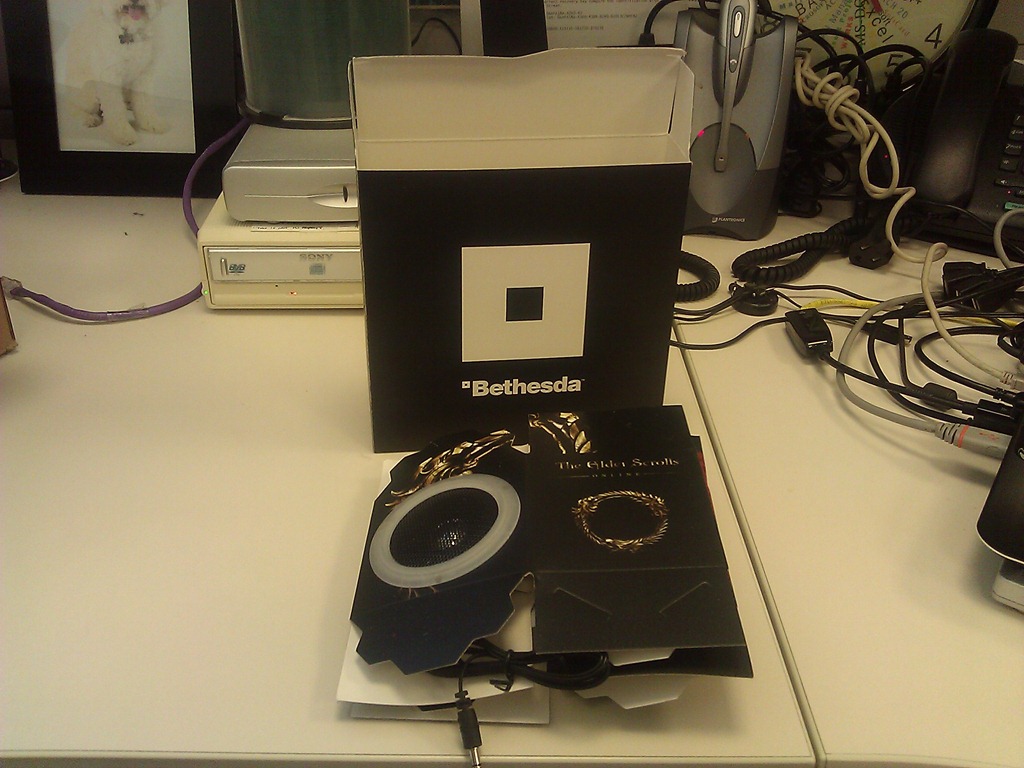
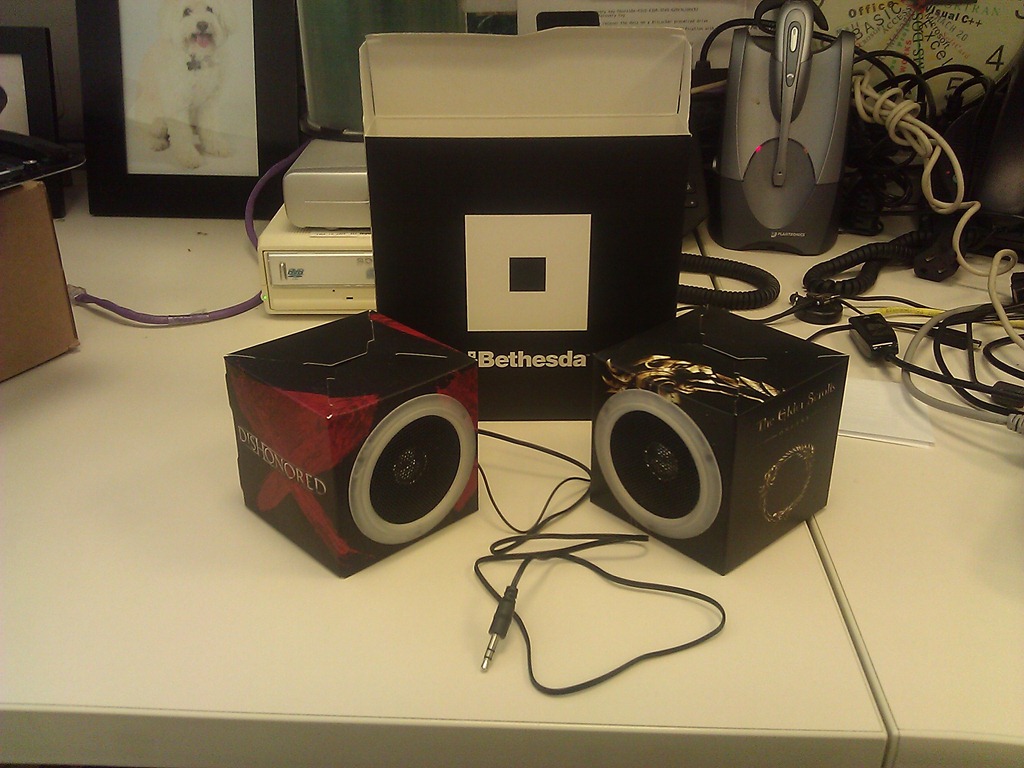
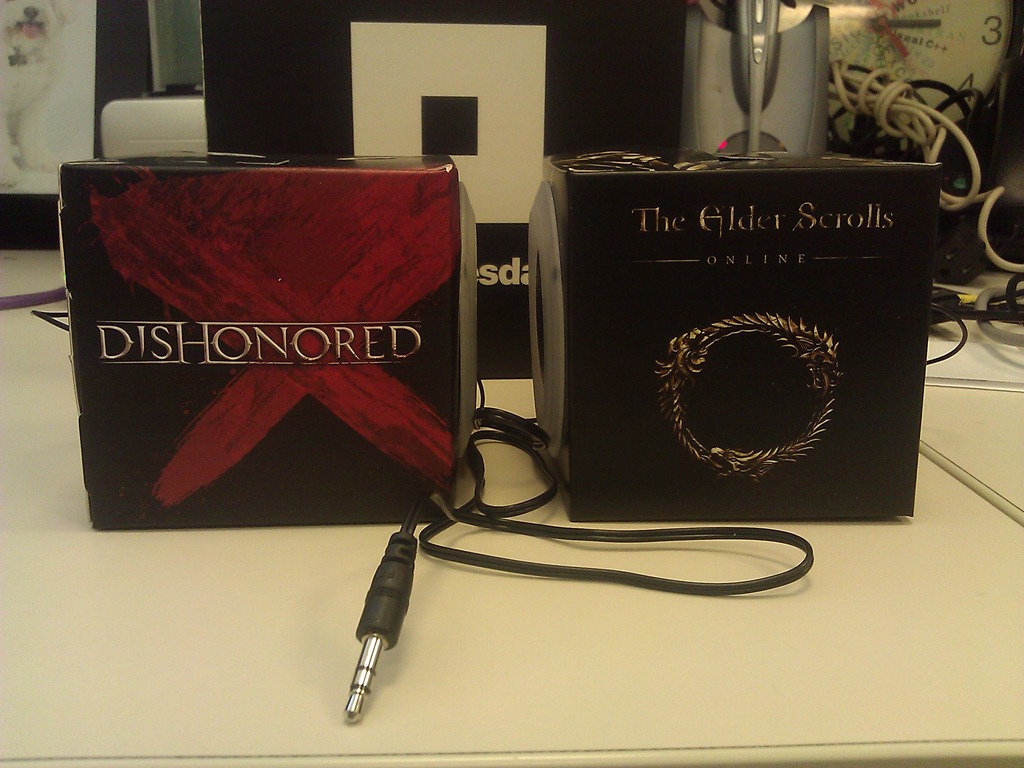
But this year, as I walked by a girl was stationed outside handing Bethesda boxes out.  I had no idea what it was so I just took it.  And lo and behold… they’re paper speakers for a PC! And they work – advertising Dishonored & the new Elder Scrolls Online.

It’s nice that Bethesda is throwing the rest of us E3 attendees a bone, even though we’re not media or partners.

WP_000251WP_000252WP_000253

WP_000254

Posted by: kurtsh | June 10, 2012

INFO: E3 2012 – My observations (Part 2)

Here’s more of my observations and photos from my quick perusal of E3.

WP_000184_thumbXBOX SMARTGLASS
A certain media pundit I know, slammed Xbox SmartGlass as “just another app – an improvement on something that already exists as Xbox Companion… just a better remote control”, and I thought to myself, “Wow dude. You may be considered an authoritative source or some technologies but console gaming is NOT one of them”

Yes, SmartGlass, at its basest form, is an app that runs on tablet & smartphone form factors running Windows 8, Windows Phone, Apple iOS iPads & iPhones, and Android-based Tablets & Smartphones. But what it provides is rich, touch-enabled, real-time interaction with your Xbox 360 gaming experience. Besides the obvious power behind enabling users to leverage the tablet/smartphone technology they already own with their Xbox 360, SmartGlass provides an amazing array of capabilities not experienced today, including:

  • VIDEO PROJECTION: Transfer a movie being streamed to your phone or tablet to the Xbox 360 – without missing a beat.
  • VALUE-ADDED INFO: Display relevant “background” information on the tablet/phone about the content being displayed on the Xbox 360. Interact using touch capabilities without interrupting the TV video experience.
  • MULTIPLAYER SEPARATION: Keep game time selections (such as football plays in Madden) between competing players separate, to prevent prying eyes from cheating.
  • INTUITIVE TARGET SELECTION: Rapidly target objects using touch instead of using the controller. Pick a wide receiver in Madden to pass to for example.
  • KEYBOARD TYPING: Leverage the soft keyboard to enter data into fields on your Xbox 360. Redemption codes, player names, etc.
  • INTERNET BROWSING: Use the tablet/phone as a soft keyboard as well as pinch-to-zoom & touch navigation to allow browsing on the Xbox using the newly introduced “Internet Explorer for Xbox 360.”
  • MUSIC SYNC: Obtain media content from Xbox Music service on your device and synchronize the content to your Xbox 360, keeping your catalog offline available on all your computing devices: PC, Mobile Companions, and Xbox 360.
  • MEDIA CONTROL: Leverage your tablet as the dashboard interface to the Xbox 360, eliminating the need for the controller when using the Xbox exclusively as a media access console, including for Amazon PRIME Video, Netflix, Xbox Live Marketplace, Hulu, YouTube, and the other 32 services available on the 360.

WP_000212[3]VIDEO GAME HISTORY MUSEUM
This was, honestly, one of my favorites at E3 this year and it had nothing to do with Microsoft.

It was the Video Game History Museum – a 30×30 booth in the back of the South Hall that was the brainchild of the guys that run the Classic Gaming Expo in Las Vegas.

They showcased a HUGE number of classic game systems from the Odyssey to the Colecovision, to the Intellivision, to the TurboGrafx. They showed classic WP_000209_thumbmemorabilia from the Pac-Man era as well as the original Activision era with Pitfall, etc. The availability of Electronic Arts classics like Super Boulderdash, Archon, Realm of Impossibility, Dr. J and Larry Bird Go One-on-One, and Hard Hat Mack kinda made me tear up a bit.

The museum is still an ‘idea’ that needs home but with time it could become a reality. They are looking for some place in Silicon Valley… and I saw a donation bin in clear plastic loaded with bills – many in $100 denominations.

I know I made a contribution.

Posted by: kurtsh | June 10, 2012

INFO: E3 2012 – My observations (Part 1)

As usual, here are my observations and photos from my quick perusal of E3.

WP_000174HALO 4
There’s no question, upon entering the Microsoft booth, who the big dog is.  Halo 4 featured a massive theatre showing gameplay demos of the upcoming title, featuring a new enemy – the Forerunners – the apparent creators of the Halo ring world network.  Two things stand out about the demonstration and the upcoming title:

1) The Halo engine appear to have had, WP_000178yet another, detail & frame rate upgrade.

2) Multiplayer is gonna be cwwwazzzzzy.

The line to get into the Halo 4 preview was around the booth and down the hall, with a wait time of more than 2 hours so regardless of what you read or hear about a lack of "attention” paid to Halo, I can assure you – there was a lottttttt of people waiting to see it.  So much so that I couldn’t get in.  Even when using my badge. Wah.

WP_000179DANCE CENTRAL 3
The undisputed ‘best’ dance-oriented game on the market is Harmonix’ Dance Central.  The introduction of 2 player dancing in the last release, Dance Central 2, provided multilevel fun with major Top 40 titles from Florida, Lady Gaga, and other high profile performers. 

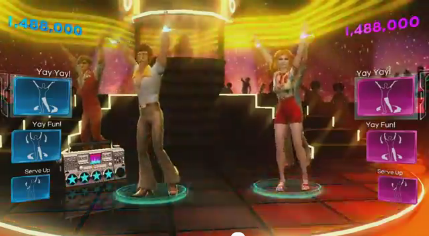
This year however, it’s clear that the emphasis is on improving the depth of the music in the catalog including what I think is exclusive license to much of Usher’s music and Usher’s dance moves.  There is also the introduction of the greatest dance hits from past eras going back to the 70’s, image80’s, 90’s, and 2000 decades.  They’ve also made some emphasis on changing the player avatar’s look and feel to embrace the era of the music being played.

I honestly wasn’t that enthused by the direction this title was headed until I heard the music they were showcasing and suddenly it made sense.  While other titles are double downing on current titles much like what we’re doing with Usher, we’re also grabbing rights to major floor hits like Gloria Gaynor’s, “I Will Survive”, “Doin’ the Butt”, & “Electric Slide”.  If you hear some of these songs, you can’t help but start tapping your foot.  You might not like Katy Perry… but you’ll like these songs & the proof is in the album sales.

Posted by: kurtsh | June 10, 2012

INFO: E3 2012 – Microsoft’s Keynote Announcements

Our official coverage is located at the Xbox E3 Web site at:
http://www.xbox.com/en-US/e3/

Microsoft E3 2012 Press Conference

Here’s the list of announcements we made at the keynote in case you’re interested:

HARDCORE GAMER STUFF:

CASUAL GAMER STUFF:

imageAre you an IT Pro?  Are you responsible for a business? 

Do you have an interest in what Windows 8 can provide on an Enterprise level?

We have a web site for you:  The Windows 8 Enterprise site

Here, we highlight the announced Enterprise features for business including:

  • Windows-to-Go – Boot from USB Flash
  • DirectAccess, BranchCache, Mobile Broadband capabilities
  • Trusted Boot, BitLocker Drive Encryption, AppLocker
  • Windows 8 Tablet Improvements
  • Business Application Compatibility

There is also pointers to the Windows for your Business blog.

Posted by: kurtsh | June 10, 2012

BETA: The Sixth IE10 Platform Preview

imageWith Windows 8 Release Preview, we included Internet Explorer 8 Platform Preview 6.   The primary goals overall for the browser include:

  • Fast & fluid user experience
  • Touch friendly experience
  • Optimized for web-based applications

Changes made to IE10 in this release include:

  • Touch-friendly Adobe Flash in Metro style Internet Explorer 10
  • “Do Not Track” on By Default in IE in Windows 8
  • Vendor prefixes, and moving the Web forward from experimental to stable

BLOG: The Sixth IE10 Platform Preview
http://blogs.msdn.com/b/ie/archive/2012/05/31/windows-release-preview-the-sixth-ie10-platform-preview.aspx

Posted by: kurtsh | June 10, 2012

BETA: Visual Studio 2012 RC Available Now!

I forgot to post this.  My bad.  Here’s a copy & paste of the VSTeam’s blog post.

imageToday, we’re excited to announce that Visual Studio 2012 RC is now available for download on our Visual Studio product website.

Since the release of Beta, we’ve been hard at work making final touches, addressing top customer feedback from Beta, and improving performance across the IDE. Take an in-depth look at what’s new in the Release Candidate (RC) of Visual Studio 2012 RC and .NET Framework 4.5 on Jason Zander’s blog. We also encourage you to check out the new Windows 8 App Developer Blog to learn more about how to build great Metro style apps for Windows 8.

Last week, we gave you a sneak peak at the user interface updates coming in RC and even gave you a behind the scenes look at what’s coming in RTM for the dark theme. Keep an eye out for upcoming posts here on the Visual Studio blog as we have a great line up planned.

If you encounter a bug or an issue, please report it through the Visual Studio, LightSwitch, and Blend Connect sites. We also want to hear your suggestions or feature ideas/improvements so please add your suggestions to UserVoice or vote on other user’s suggestions.

Enjoy!

imageQuickly learn tips, shortcuts, and common operations in the new Windows Powershell 3.0, Windows PowerShell Workflow, Windows PowerShell ISE, Windows PowerShell Web Access, Server Manager for Windows Server 2012 Release Candidate, WinRM, and WS-Man.

The PDF files in this download are short-form Quick Reference (also called "cheat sheet") guides for IT professionals and scripting enthusiasts who want to learn tips, shortcuts, common operations, limitations, and proper syntax for using Windows PowerShell 3.0 and Server Manager in Windows Server 2012 Release Candidate.
The following files are contained in this download.

  • PowerShell_LangRef_v3.pdf – This four-page reference describes operators, arrays, useful commands, methods, and other tips for using Windows PowerShell 3.0. Also included is a Windows PowerShell reading and tutorial resource list. This quick reference is provided by PowerShell Magazine.
  • PowerShell_ISE_v3.pdf – This two-page reference describes keyboard shortcuts and hotkeys that you can use to navigate Windows PowerShell Integrated Scripting Environment (ISE) more quickly, and introduces the new ISE object model. Also included are tips for configuring $ps.ISE options, profiles, and properties. This quick reference is provided by PowerShell Magazine.
  • PowerShell_Examples_v3.pdf – This two-page reference describes how to perform popular IT management and scripting tasks by using Windows PowerShell 3.0, including how to fetch data by using Management OData IIS Services, how to schedule jobs, how to install Windows PowerShell Web Access by using Windows PowerShell cmdlets, and how to create new SMB file shares. This quick reference is provided by PowerShell Magazine.
  • Quick_Reference_SM_WS12.pdf – This two-page reference describes common tasks that you can perform in the new Server Manager console in Windows Server 2012 Release Candidate. Quickly learn how to manage remote servers that are running older versions of Windows Server by using the new Server Manager; how to run Server Manager deployment cmdlets for Windows PowerShell; how to save and export Server Manager settings, such as the servers you have added to the server pool, and custom server groups that you have created; where to find Server Manager log files; how to run popular WinRM commands such as creating a new listener; how to install roles and features on offline VHDs; and where to find documentation to help you manage multiple, remote servers by using Server Manager and Windows PowerShell.

This is pre-release content, and is subject to change before final release. No warranties or guarantees are provided with the documentation available for download on this site. Use of this documentation and any recommendations contained herein is entirely at your own risk.

Content in this download package that is produced by PowerShell Magazine is solely the property of PowerShell Magazine, is under copyright, and should not be reproduced or excerpted without the permission of the PowerShell Magazine editorial board. Statements or opinions expressed in content provided by PowerShell Magazine do not represent the views of Microsoft Corporation.

imageThere’s a whopper of a guide called “Understand and Troubleshoot Hyper-V Replica in Windows Server "8" Beta” that’s 5.1MB.

This Understanding and Troubleshooting Guide (UTG) enables you to learn technical concepts, functionality, and troubleshooting methods for Hyper-V Replica in Windows Server “8” Beta.

This UTG provides you with:

  • A technical overview and functional description of this feature.
  • Technical concepts to help you successfully install, configure, and manage this feature.
  • User Interface options and settings for configuration and management.
  • Relevant architecture of this feature, with dependencies, and technical implementation.
  • Primary troubleshooting tools and methods for this feature.

WHITEPAPER: “Understand and Troubleshoot Hyper-V Replica in Windows Server "8" Beta”
http://www.microsoft.com/en-us/download/details.aspx?id=29016

« Newer Posts - Older Posts »

Categories