Posted by: kurtsh | October 27, 2016

NEWS: Introducing Microsoft Surface Studio

Redefining the concept of the desktop, the Surface Studio bring brand new innovation to the toolset of creative artists & designers.

  • Designed for pen & touch input with the productivity of a seemingly endless screen with more real estate than any other computer, Surface Studio unlocks limitless creativity.
  • Change aspects of the pen like  color while your drawing without ever picking up the tip:  That’s not just as good as real life… it’s BETTER.
  • Architects can now collaborate & share designs while working at the same angle of a drafting table creating greater immersion & improving productivity.
  • For the first time, users have a canvas & tools that allow them to easily draw and design with 3D in mind.

Introducing the Surface Studio.

Introducing Microsoft Surface Studio

And how is Surface Studio being used by partners today?  Check out this video demonstrating use by artists, designers, architects, and other creatives.

Microsoft Surface Studio | App Partners

For more information, visit:

imageWe’ve been running an event worldwide on a 10 city tour called the Tech Summit 2016, that unfortunately isn’t going to visit Los Angeles. (Check to see if it’s gonna make it to your city here: https://www.microsoft.com/en-us/techsummit)

Fortunately, all the Azure sessions from this 2-day event are recorded.  If you’re looking for Azure session content from the Microsoft Tech Summit, here is a directory of all of the Azure sessions.

Click the link to see the session post, view the PowerPoints, and ask questions.

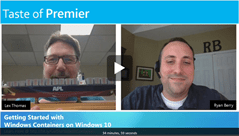
imageJoin Lex Thomas and Ryan Berry as they go through a series of quick demos explaining what Windows Containers are, what you can do with them and how they can benefit you and your organization.

  • [0:52] What are Containers and why would I want to use them?
  • [5:20] DEMO: Running a Container with Windows Nano Server
  • [10:58] What is Docker Compose?
  • [18:52] DEMO: Deploying an Azure Container Service cluster
  • [31:30] Where can people go for more information on Containers?

View the recording here:

Posted by: kurtsh | October 24, 2016

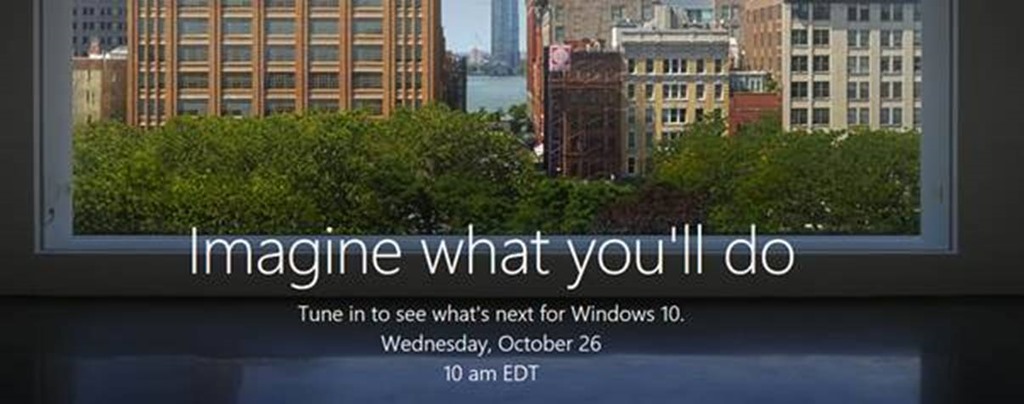
EVENT: The Microsoft Windows 10 Event (Oct 26, 7AM PDT)

clip_image002

Apparently, we’re announcing some stuff.

Watch live Wednesday, October 26 at 7:00AM PDT online or on your Xbox One. www.microsoftoctoberevent.com

Click here to add the date/time to your calendar.

(Don’t ask me.  Srsly.  They don’t tell me anything.)

imagePre-registration for Microsoft Ignite is now open.

Sign-up now for early registration access and have first choice of hotels
in March. Join us at Microsoft Ignite in Orlando, September 25 – 29, 2017

Check it off your to-do list by registering today.

Posted by: kurtsh | October 21, 2016

VIDEO: Security & Compliance in Office 365

Organizations are facing significant data overload with the amount of electronic data not only exploding but also getting more complex.

Advanced Data Governance in Office 365 will intelligently bring this information overload under control and support our customers’ ability to achieve organizational compliance.

Learn more at https://trust.office365.com.

How can my organization achieve intelligent compliance with Office 365

imageEver curious about how to use the eLearning Software Assurance benefit?

MICROSOFT ONLINE LEARNING PROGRAM
It turns out that there is a team that specializes in the Microsoft Online Learning program. They provide assistance to customers on how to access online learning courses and how to manage the portal. They also offer technical assistance in terms of issues with the online content in the site.

Since Online Learning is given as a benefit through Software Assurance, users would need to complete the first time enrollment using the Access Codes for eLearning which are obtained in the Volume Licensing Center site.

Note that the Online Learning team does not have direct visibility over customer’s agreement, so they are not be able to identify who manages an organization’s agreement.  Please contact your account team for that information.

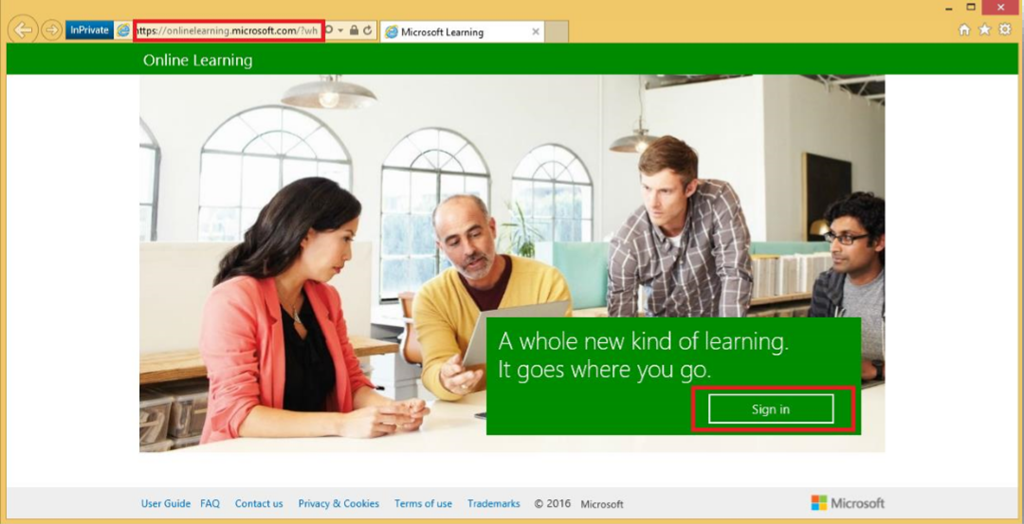
Once these codes have been distributed to the users, they can sign up to Online Learning via the link below:

CONTACT INFORMATION
In case that the customer needs assistance regarding the Online Learning site, they may reach out to our team

Microsoft Online Learning
Phone: (800) 690-6555
Email: MLXSUPP at microsoft com
Hours: M-F 6:30am- 5:30pm Pacific Time

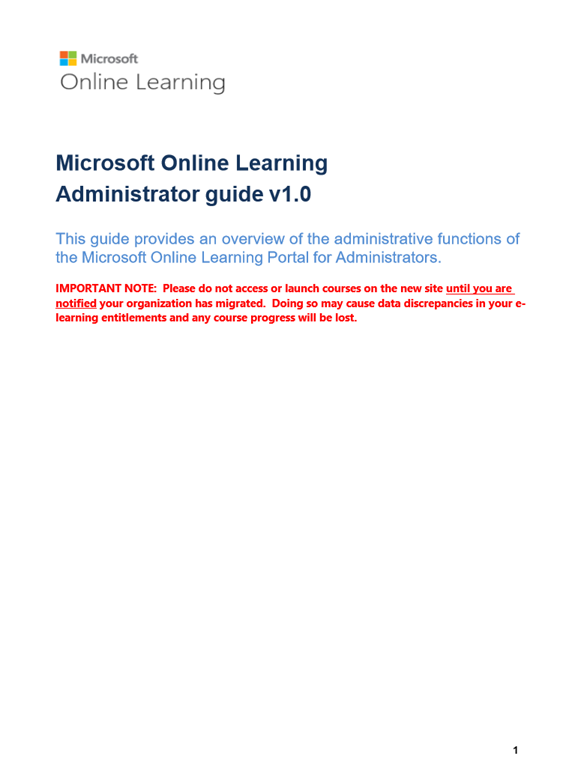
imageEND USER & ADMIN GUIDES
The first two attachments would guide first-time Administrators and Learners to complete their registration.

This is the Administrator Guide.

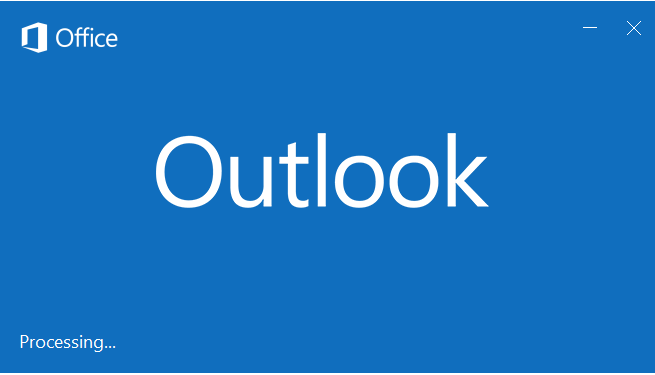
imageHave you ever found yourself stuck at the Outlook load dialog, where all it says is “Processing” forever, no matter how long you wait?

Try the following, which should load Outlook without addins and get your OST open:

  1. Right-click the Start button, and click Run.
  2. Type Outlook.exe /safe

Assuming it opens, close Outlook again and let it close your Outlook data files properly by waiting.  Then run Outlook again normally.

imageArtificial intelligence/visual cognition can learn & identify similar objects with differing characteristics to most-specifically classify them based on a large enough dataset.

…in other words, at Microsoft Cognitive Services, we can start recognizing what breed your dog is.  Take a look at “What-Dog.net” as an example.

Read more here:

Posted by: kurtsh | October 18, 2016

EVENT: Microsoft Azure Camps & Events

AzureLogoInterested in Azure IT Camps, Azure Dev Camps, Azure Community Events and more? Check out what’s happening in your area.

For local meetups in your area around Azure, visit:

« Newer Posts - Older Posts »

Categories