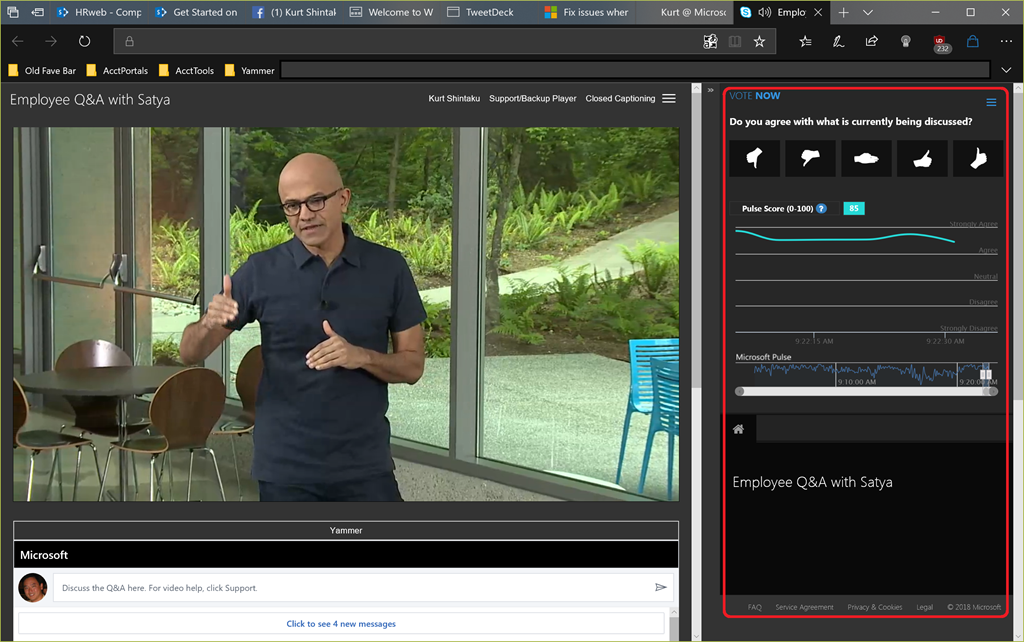
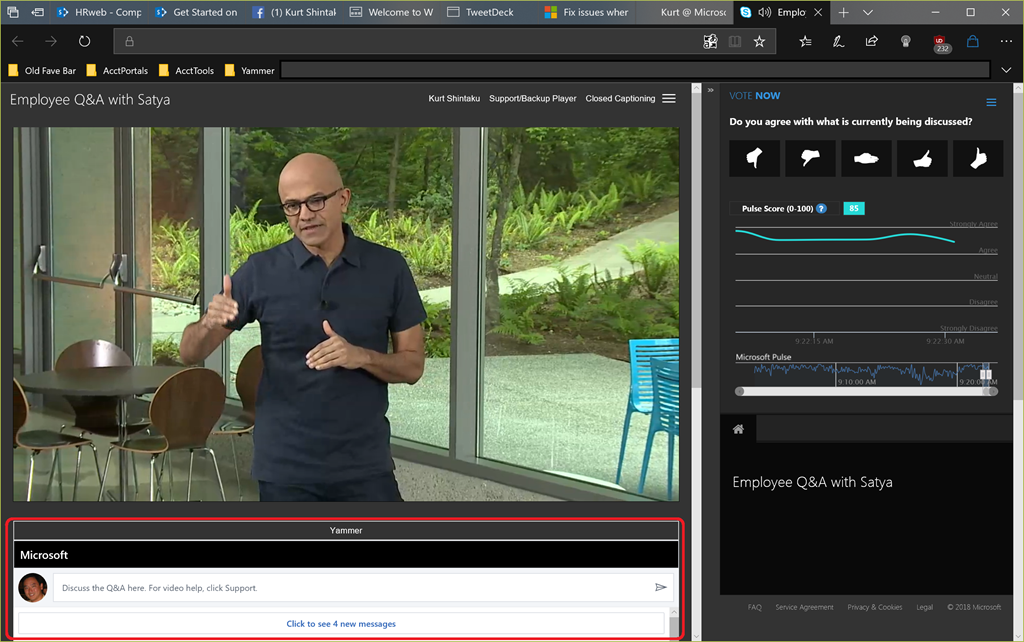
imageThis is a multipart video series we did on Security with Microsoft CISO, Bret Arsenault, in December of 2017:

imageWe at Microsoft are offering DevOps training programs to the public – at no cost – to allow people to up their skill set for working in DevOps-wired environments.

To support companies to be more agile, the lines between development and operations are becoming increasingly blurred. Through continuous integration and deployment, students will learn how to react to changing market conditions. In a world where your audience taste can change on a dime, ensure audience happiness by learning about application monitoring and feedback loops.

imageDevOps is the union of people, process, and products to enable continuous delivery of value to end users. Learn about continuous integration and deployment, infrastructure as code, testing, databases, containers, and application monitoring: skills necessary for a DevOps culture in your workplace.

You’ll Learn About

  • Infrastructure as Code
  • Continuous Integration
  • Continuous Deployment
  • DevOps Testing
  • Databases
  • Feedback Loops
  • Application Monitoring
  • Configuration Management

For more information on how to take advantage of Microsoft’s DevOps courses, read this track description:

imageWe at Microsoft are offering Artificial Intelligence training programs to the public – at no cost – so that all can learn job-ready AI skills.

From the public announcement:

On Monday, the company announced the Microsoft Professional Program in AI, the latest learning track open to the public. The program provides job-ready skills and real-world experience to engineers and others who are looking to improve their skills in AI and data science through a series of online courses that feature hands-on labs and expert instructors.

imageThe program is part of a larger corporate effort that also includes the enterprise developer-focused AI School, which provides online videos and other assets to help developers build AI skills. That program includes both general educational tools for developers looking to expand AI capabilities and specific guidance on how developers can use Microsoft’s tools and services.

For example, AI School covers how to use offerings such as Microsoft Cognitive Services, which allow developers to incorporate intelligent algorithms for computer vision, natural language processing and translation capabilities into their products, and the Azure Bot Service.

For more information on how to take advantage of Microsoft’s Artificial Intelligence courses, read this announcement:

imageMaintaining the security of your cloud-based data is a shared responsibility between you and your cloud provider.

You’re invited to join us for a live webinar with Q&A to learn how Microsoft Azure provides a secure foundation to host your infrastructure, applications, and data in the cloud.

You’ll also learn how Azure’s built-in security controls and capabilities further help you protect your cloud resources.

DATE/TIME:
April 12, 2018
10:00AM-11:00AM PST

REGISTRATION:
https://info.microsoft.com/ww-landing-Security-strategies-for-safe-guarding-your-cloud.html

How valuable would it be to know how close you are to having your PCs patched to a certain compliance threshold?

Wouldn’t it be great to proactively know which PCs are crashing due to hardware failures?

What if you could be told what device drivers are causing crashes the most in your organization?

imageWelcome to the world of Windows Analytics.  It’s a suite of great services for upgrading, managing, & monitoring Windows 10 PCs that include:

  • Upgrade Readiness
  • Update Compliance
  • Device Health

How much is it?

Before we begin, let’s get this out of the way: You probably already have the rights to use it. 

  • Windows Analytics “Upgrade Readiness” and “Update Compliance” services don’t cost anything to use if you are using Windows 10 Professional or Enterprise.  Again, there is no cost – not even for the (required) usage of Microsoft Operations Management Suite & it’s accompanied cloud storage.
  • Windows Analytics “Device Health” requires that the managed devices be licensed for Windows 10 Enterprise.

What is Windows Analytics?

Windows Analytics are a set of cloud services that Windows 10 administrators can use for Professional & Enterprise systems. They leverage Microsoft Operations Management Suite (OMS) to provide you with extensive data about the state of devices in your deployment. There are currently three solutions which you can use singly or in any combination:

Device Health

Device Health provides the following:

  • imageIdentification of devices that crash frequently, and therefore might need to be rebuilt or replaced
  • Identification of device drivers that are causing device crashes, with suggestions of alternative versions of those drivers that might reduce the number of crashes
  • Notification of Windows Information Protection misconfigurations that send prompts to end users

Update Compliance

Update Compliance shows you the state of your devices with respect to the Windows updates so that you can ensure that they are on the most current updates as appropriate. In addition, Update Compliance provides the following:

  • imageDedicated drill-downs for devices that might need attention
  • An inventory of devices, including the version of Windows they are running and their update status
  • The ability to track protection and threat status for Windows Defender Antivirus-enabled devices
  • An overview of Windows Update for Business deferral configurations (Windows 10, version 1607 and later)
  • Powerful built-in log analytics to create useful custom queries
  • Cloud-connected access utilizing Windows 10 diagnostic data means no need for new complex, customized infrastructure

Upgrade Readiness

Upgrade Readiness offers a set of tools to plan and manage the upgrade process end to end, allowing you to adopt new Windows releases more quickly. With new Windows versions being released multiple times a year, ensuring application and driver compatibility on an ongoing basis is key to adopting new Windows versions as they are released. Upgrade Readiness not only supports upgrade management from Windows 7 and Windows 8.1 to Windows 10, but also Windows 10 upgrades in the Windows as a Service model.

Use Upgrade Readiness to get:

  • imageA visual workflow that guides you from pilot to production
  • Detailed computer and application inventory
  • Powerful computer-level search and drill-downs
  • Guidance and insights into application and driver compatibility issues, with suggested fixes
  • Data-driven application rationalization tools
  • Application usage information, allowing targeted validation; workflow to track validation progress and decisions
  • Data export to commonly used software deployment tools, including System Center Configuration Manager

To get started with any of these solutions, visit the links for instructions to add it to OMS.

For more information on Windows Analytics, visit the following:

Microsoft Ignite 2017 Sessions:
We had several sessions on Windows Analytics at Microsoft Ignite conference last year.  Here’s a few of them:

    If you’re hosting database workloads within Azure, you may need:

    • High RAM/memory
    • High storage
    • High I/O bandwidth
    • Low CPU core count

    Typically, folks find that vCPU count & available RAM grows linearly with each VM size/SKU available, meaning that if you need High RAM/memory, it can appear that you need to also buy high CPU core counts as well.

    This may be cost prohibitive for software products that are licensed per CPU core.

    CONSTRAINED vCPU CAPABLE VMS
    Not to worry!  There are certain VM sizes/SKUs available which enable you to select a high vCPU core count & high RAM/memory but constrain/reduce the VM’s available vCPU count.

    This enables you to reduce per-CPU software licensing costs by allowing you to select the SKU you need, but reduce the number of vCPU cores available.  The specific SKUs with reduced vCPUs are tagged within the SKU name:

    The vCPU count can be constrained to one half or one quarter of the original VM size. These new VM sizes have a suffix that specifies the number of active vCPUs to make them easier for you to identify.

    Here’s a snapshot of 2 of the ~25 or so reduced vCPU VM SKUs available in Azure today:

    image

    For more information, visit the following sites:

    imageTaken from the Gallery description:

    I’ve created a features comparison table between Skype for Business and Teams.  I’ve tried to merge informations from various sources, and I’ll continue to update and add new features.

    Download the table from here:

    imageArtificial Intelligence (AI) is proving to be a massively disruptive force, one that is leading to the digital transformation of businesses at a faster pace than most of us would have imagined. At Microsoft, our mission is to bring AI to every developer and every organization on the planet, and to provide the best platform and tools to make them successful. You can read more Microsoft’s approach to AI here.

    In keeping with our mission, we are currently running a series of popular AI boot camps around the world. This post shares more information about these boot camps and provides links for you to access these materials and start building your own AI apps in a self-paced way.

    Our bootcamps have two target audience profiles, the emerging AI developer and the professional AI developer, and our curriculum is primarily oriented towards these two personas. The first two days of the bootcamp are aimed at the emerging AI developer. The target profile here is an IT developer who is yet to use Microsoft AI tools and APIs to infuse intelligence into their business applications. Days three and four of the bootcamp are aimed at professional AI developers. This profile relates to developers and data scientists who currently build AI and machine learning solutions and want to know how to do this with Microsoft’s tools, framework and processes, such as the Azure Machine Learning Workbench and the Team Data Science Process.

    In the two-day bootcamp for emerging AI developers, we split an end-to-end solution into two sections: Cognitive Services and Azure Bot Services. We spend time looking at many of the Microsoft Azure Cognitive Services, and then deep dive into our Vision APIs, specifically, Computer Vision and Custom Vision. With Computer Vision, we store descriptions and tags from various images in Cosmos DB, Microsoft’s globally distributed, multi-model database, We then build an Azure Search index on top of it, and create a bot with NLP capabilities using LUIS (our language understanding service) to greet, query, and share images. We also set up logging for our bot and explore different techniques for testing our application.

    In the two-day bootcamp for professional AI developers, we help attendees use the Azure Machine Learning Workbench to develop, test and deploy ML solutions using an agile and team-oriented framework. The Workbench uses Python with Conda environments to handle package dependencies, and Docker to create, test and deploy ML solutions which can then be served as applications using Azure Container Services. We also cover how the Workbench syncs with Azure Machine Learning Services to store and manage our ML models and related assets, as well as the services created by them.

    You can now build these applications yourself in a self-paced way – bootcamp materials are available on GitHub at the links below.

    imageOffice 365 is not immune to the basic laws of economics. If the technology does not help increase company revenue, improve employee productivity or cut expenses, few executives will commit time and resources to deploying it or invest in improving adoption and usage.

    While many can agree that measuring ROI is important, little consensus exists on just how to gauge the effectiveness of Office 365 and its solutions.

    This whitepaper is designed to provide practical advice for leaders who want to put Office 365 to work but wrestle with the challenges of justifying its value after deployment. Some of the metrics discussed in this whitepaper may vary based on how you use Office 365, but the economic principles remain the same.

    Download this whitepaper now to help you identify the business value generated by Office 365 deployments and measure it against the costs of implementing these technologies or improving their usage.

    In this whitepaper, we’ll give you guidance and recommendations to successfully measure and share the business impact and value of Office 365 as well as:

    • How to measure and improve business impact.
    • What goes into defining a good business objective and how to align and prioritize them.
    • 9 detailed and comprehensive examples of Office 365 driving business impact.
    • Advice and a comprehensive outline of all the reporting options available in Office 365.
    • And more!

    Download the paper from 2toLead.

    imageDistributed systems enable different areas of a business to build specific applications to support their needs and drive insight and innovation.

    While great for the business, this new normal can result in development inefficiencies when the same systems are reimplemented multiple times.

    This free e-book provides repeatable, generic patterns, and reusable components to make developing reliable systems easier and more efficient—so you can free your time to focus on core development of your app.

    In this 160–page e-book, you’ll find:

    • An introduction to distributed system concepts.
    • Reusable patterns and practices for building distributed systems.
    • Exploration of a platform for integrating applications, data sources, business partners, clients, mobile apps, social networks, and Internet of Things devices.
    • Event-driven architectures for processing and reacting to events in real time.
    • Additional resources for learning more about containers and container orchestration systems.

    image“There are more distributed systems that need to be built then there are people who know how to build them. The development and sharing of patterns for building distributed systems (especially in container orchestration technology like Kubernetes) enables both novice and veteran system builders to rapidly build and deploy reliable distributed systems.”

    —Brendan Burns

    About the author: Brendan Burns, Distinguished Engineer at Microsoft, works on Azure and is cofounder of the Kubernetes project.

    « Newer Posts - Older Posts »

    Categories