imageThe following represents 4 articles that highlight the limitations of the Power Platform in the US Government Cloud (GCC). 

Many of these Power Platform for US Govt issues are roadmapped for incorporation into GCC however no timeline is publicly available beyond what is posted to the Power Platform US Government page.

These articles are updated as features are made available.

Posted by: kurtsh | May 15, 2020

HOWTO: Change the icon/ photo for a Microsoft Team

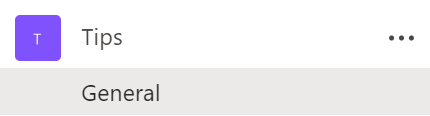
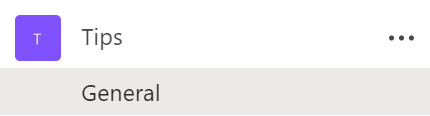
If you create a new team within Microsoft Teams, you’ll find that the icon/photo representing the new Team is simply a square with the group’s initials in it:
image


My team in the photo above is called “Tips” .  The team icon/photo is just a purple square with the initial, “T” in it.  Let’s change that!)

Here’s how to change the icon/photo in a Microsoft Team:

  1. Click on a channel within the Team.  Doesn’t matter which.
  2. Click on the ellipsis (The 3 dots like “…”) next to the team name.
  3. Click on “Manage Team”.
    image
  4. HOVER over the Team icon and a tiny gray circle with a pen/pencil inside of it. 

    image
  5. See the gray circle in the icon/photo above?  This circle only appears when you hover your mouse pointer over the purple icon/photo.  Yeah… I know. Just go with it.

  6. Click on the circle. A new dialog will appear that you’ve probably never seen before.
    image
  7. Click on “Upload picture”.  An “Open File” dialog box will appear allowing you to select a photo for your Teams icon.

    Note: The icon should be a SQUARE. Teams will automatically scale the photo you use but it needs to be a square if you want the entire image to be represented, otherwise, if the photo is a rectangle, Teams will cut off the sides or tops of your photo.

  8. Click “Save”.

image

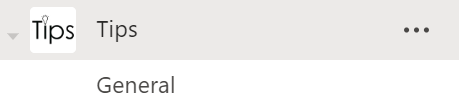
    Your logo should now be in the icon/photo for the Team. 

    Hope this helps!

    imageWhen it comes to incident response and fighting threats in real time, seconds matter. Your organization depends on you to help it stay strong and resilient through any type of threat. With cutting-edge tools and strategies on your side, you can lead through uncertain times with confidence and be the needed calm within the storm.

    This year’s three-hour Virtual Security & Compliance Summit brings you the latest from Microsoft security and compliance leaders on how to:

    • Enable security in a remote world
    • Empower your team against emerging cyber threats
    • Modernize your Security Operations Center
    • Leverage threat detection for the real world with actionable intelligence
    • Protect against Insider Risk
    • Discuss thoughts for a cloud first security, training, resiliency, with CISOs
    • Advance your Zero Trust Journey
    • Get an inside look at how we Secure Microsoft today

    Don’t miss out on the opportunity to join other technology leaders and executives from a variety of industries in getting the latest real-world solutions to the most pressing cybersecurity challenges.

    Speakers:

    • imageAnn Johnson – Corporate VP, Cybersecurity Solutions Group, Microsoft
    • Jonathan C. Trull – General Manager, Cybersecurity Strategy & Compliance, Microsoft
    • Diana Kelly – Cybersecurity Field Chief Technology Officer, Microsoft
    • Ryen Macababbad – Senior Identity Architect Manager, Cybersecurity Solutions Group, Microsoft
    • Sean Sweeney – Americas Director – Chief Security Advisor, Cybersecurity Solutions, Microsoft
    • Jim Eckart – Exec Chief Security Advisor, Cybersecurity Solutions Group, Microsoft
    • Jessica Payne – Senior Security Researcher, Microsoft
    • Pete Boden – General Manager, Security Intelligence & Engineering, Microsoft

    Full Speaker Line Up & Agenda here:
    https://info.microsoft.com/rs/157-GQE-382/images/VSS_4826_Agenda_Speakers_v4.pdf

    • Date/Time:
      June 11, 2020
      9:00 AM-12:00 PM PT

    imageTransforming the way government agencies communicate

    Microsoft Teams is the collaboration and communication hub that helps government agencies achieve joint missions in new and exciting ways. Designed for working both internally and with the public, Microsoft Teams was built with IT in mind, and provides management capabilities for shared workspaces, meetings, calls, and apps, all in one place and with simple administration.

    We invite you to join us for a webcast featuring Microsoft experts who have supported US Government agencies, and who will share actionable best practices for deploying Microsoft Teams within your own organization.

    You will come away from this webcast with:

        • Understanding of the life cycle of Teams/Office 365 groups, from initial naming to archiving
        • Critical information about compliance, retention, and security
        • Guidance on how to upgrade smoothly from Skype to Teams, for both chat and voice

    imageAll this and more government-specific information about Teams await you. It’s time to accomplish larger and more complex workforce missions, through simplified collaboration and communication.

    Featuring the Teams Government folks:

    • Dave Jennings
      Senior Technical Program Manager
      Microsoft Teams
      (Government requirements)
    • Rima Reyes
      Senior Program Manager
      Microsoft Teams
      (Federal Government)
    • Morne Pretorius
      Senior Customer Program Manager
      (State & Local Government, Public Sector)

    Register here for the on-demand recording:

    .

    Posted by: kurtsh | May 13, 2020

    HOWTO: Get Access to Microsoft Bookings

    imageMicrosoft Bookings is an online and mobile app for businesses who provide services to customers on an appointment basis.

    Unfortunately, everything you read about Microsoft Bookings says that it’s “available to use by default for Office 365 Education A3, Office 365 A5, and Office 365 Business Premium subscriptions.”

    Q: Did you know it’s coming to Office 365 Enterprise subscriptions as well?

    Beginning May 12, 2020, Microsoft Bookings will be available as on by default to Office 365 Enterprise E3 and Office 365 Enterprise E5 customers.

    imageIf you purchased Office 365 Enterprise E3/Office 365 Enterprise E5 through a Microsoft Enterprise agreement or through volume licensing, you have to get the Microsoft Bookings add-on through the Volume Licensing Service Center (VLSC). Once you get the free add-on, you you can assign licenses to users in your organization. Work with your channel partner or reseller to place a zero dollar purchase order for the add-on. Once you’ve purchased the add-on in Volume Licensing Service Center, follow these steps to get licenses and assign to your users in the Microsoft 365 admin center.

    (Note: Microsoft 365 GCC tenants will have Bookings available in the future, however, as expected with all services published to Government Community Cloud, availability is pending Federal approval.)

    Read more about this feature here:

    imageWe are very excited to announce an ‘Ask Microsoft Anything’ (AMA) event for “Microsoft 365 Apps”!

    <ks> “Microsoft 365 Apps” is the new name for “Office 365 ProPlus”.  Yeah, I know.

    The AMA will take place on Wednesday, May 27th, 2020 from 9:00 a.m. to 10:00 a.m. PT in the Microsoft 365 Apps AMA space in the Microsoft 365 Community. Add the event to your calendar with this link.

    [Note: The following is targeted toward end users who are enthusiastic advocates for Microsoft 365 services & would like to participate in a birds of feather program.  While IT Pros may join, it’s focused on business users.]

    imageYou are a champion. You are passionate and curious by nature. You believe there is a more effective way to accomplish your day to day tasks. Your knowledge of Office 365 helps you achieve more. People recognize you as a go-to person. You are in the right place.
    We have created this program for Office 365 users like you to connect with like-minded people who not only love using our product but also seek new and more efficient ways to tackle their everyday tasks. We want to make sure that you are getting the most out of Office 365 and enable you to help bring more people to your level of passion and knowledge, to work better together.

    The Office 365 Champion program exists to support you with regular communication, connection to peers and thought leaders, and a center of gravity for your Office 365 education journey. Let’s get started today. Fill out the below registration page to get started.

    By signing up for this community, you’ll have access to following opportunities:

    • Regular email communications (community topics, latest news, tips and resources)
    • Regular champion-peer networking and sharing
    • Partnerships with Microsoft at premier events and meetups in your industry
    • Access to Microsoft subject matter experts and unique Office 365 training and content

    (Please note that at this time all program communications will be in English.)

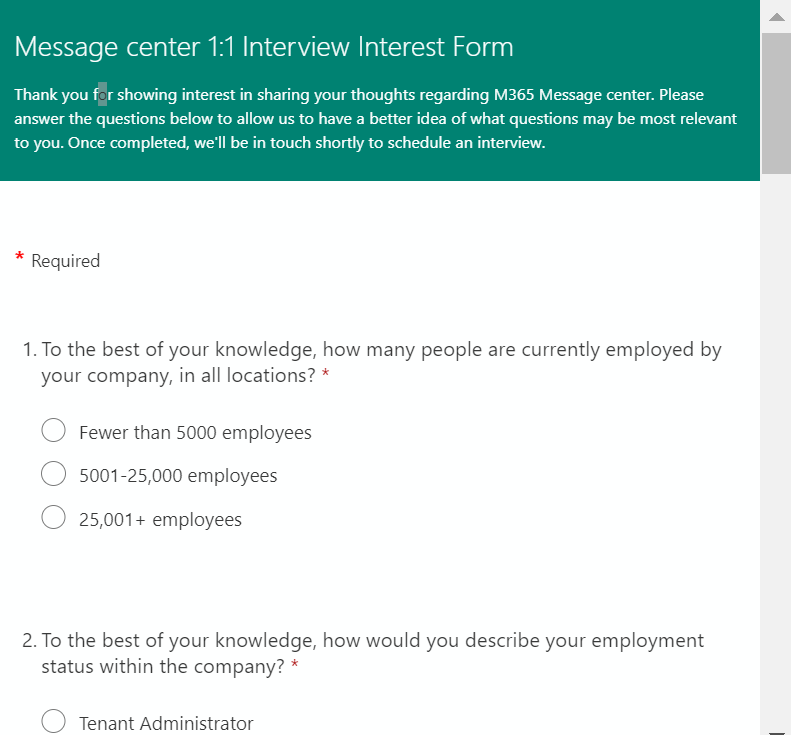
    imageAre you a Microsoft M365 Admin? The Microsoft M365 Message center is built for IT Admins as a convenient location to keep track of new and upcoming changes, including new and changed features, planned maintenance, and other important announcements that let you take a proactive approach to change management.

    Our team is constantly looking to evolve the user experience of M365 Message center, and we want to know what you think about it! We’re looking to speak one-on-one with qualified IT Admins who are active or former users of Message center and are willing to share their experience with Message center. This is a great opportunity to help develop the future of Message center.

    • Online interviews can be scheduled throughout the month of April for 30, 45, or 60-minute blocks.
    • Research will be conducted in partnership with PK, our third-party research firm.

    To indicate your interest in participating in this research, please fill out the survey.

    Limageearn how to bring the benefits of low-code app development—such as increased innovation, improved efficiency, and reduced development costs—to your organization while mitigating the risks.

    In this white paper, you’ll get the answers to key organizational questions such as:

    • How do I manage an organization where IT isn’t creating the applications?
    • How can I ensure the security of my organization’s data?
    • How can IT support this potentially decentralized approach to building new software?
    • How will change management work?
    • What are the next steps to bringing low-code development to my organization?

    Download the whitepaper here:

    Speaker portrait photograph

    Speaker portrait photograph

    Speaker portrait photograph

    Speaker portrait photograph

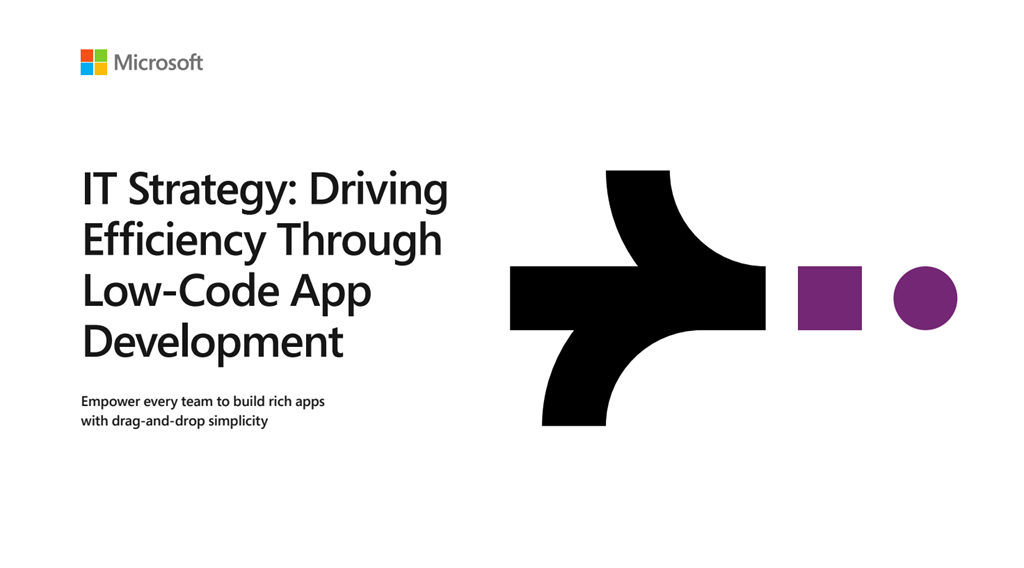
    imageLearn how to reduce costs and increase the agility of your IT resources when you read the e-book, IT Strategy: Driving Efficiency Through Low-Code App Development. Discover seven reasons why IT leaders are turning to low-code app development platforms, such as:

    • Reducing IT backlog while driving innovation across the organization.
    • Allowing anyone in the organization—not just developers—the ability to create apps with drag and drop simplicity.
    • Digitizing time-consuming manual, repetitive, and paper-based tasks by setting up automated workflows.

    Download the book here:

    « Newer Posts - Older Posts »

    Categories