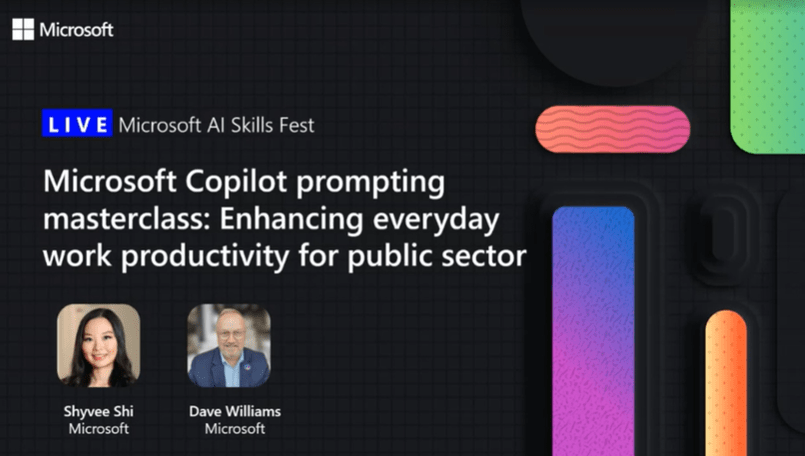
In case you’ve been missing the Microsoft “AI Skills Fest”, we had a great session for our Public Sector customers on Microsoft Copilot attended by over 1,600 people earlier.  If you’d like to see the 1 hour recording, take a look below!

Microsoft Copilot Masterclass: Enhancing Productivity for Public Sector
On-demand – Recorded live on Tues April 29, 2025

Join this 45-minute LinkedIn Live session and learn how to craft prompts to boost productivity and drive innovation in your public sector organization. Discover best practices, real-world applications, and how to elevate your public sector solutions!​

In just 45 minutes, you’ll:​
✔️ Learn the recipe to craft effective prompts ​
✔️ Hear how Microsoft 365 Copilot is helping public sector organizations increase efficiency ​
✔️ See live demonstration of relevant prompts for public sector ​
✔️ Walk away with resources to help you along your AI transformation journey

Speakers:
📣 Shyvee Shi, AI enthusiast and LinkedIn influencer with 100K+ followers, leads the AI Community Learning Program at Microsoft Teams. With deep expertise in AI-focused events, she brings sharp insights and practical takeaways to the discussion.
📣 Dave Williams, Director of Business Programs for Worldwide Government at Microsoft and is a leader in running hackathons and prompting sessions with public sector organizations, helping them develop and validate Copilot prompts to increase productivity and efficiency

View the recording here:

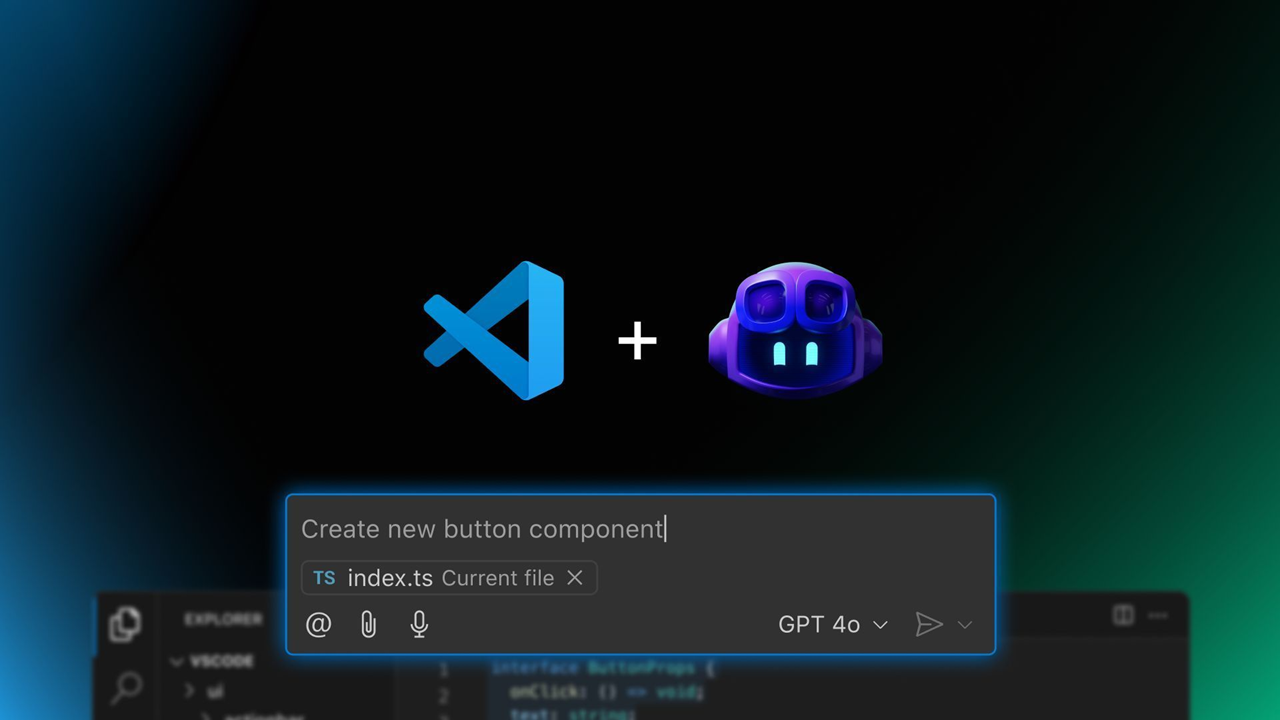
The GitHub Copilot Global Bootcamp started in February as a fully virtual learning journey — and it was a hit. More than 60,000 developers joined the first edition across multiple languages and regions. Now, we’re excited to launch the second edition — bigger and better — featuring both virtual and in-person workshops, hosted by tech communities around the globe.

This new edition arrives shortly after the announcements at Microsoft Build 2025, where the GitHub and Visual Studio Code teams revealed exciting news:

  • The GitHub Copilot Chat extension is going open source, reinforcing transparency and collaboration.
  • AI is being deeply integrated into Visual Studio Code, now evolving into an open source AI editor.
  • New APIs and tools are making it easier than ever to build with AI and LLMs.

This bootcamp is your opportunity to explore these new tools, understand how to use GitHub Copilot effectively, and be part of the growing global conversation about AI in software development.

👩‍💻 Who Should Join?

Whether you’re a beginner developer, a university student, or a seasoned tech professional, this bootcamp was designed with you in mind. You’ll learn practical use cases of GitHub Copilot and how to boost your productivity using AI — in a hands-on, accessible format.

Join the virtual edition

No matter where you are, you can join online and learn with us. Register at the links below:

  • July 8, 9:00-10:00AM: Best Practices for Mastering GitHub Copilot Chat
    Discover how the Ask, Edit, and Agent modes of GitHub Copilot Chat can transform your workflow in Visual Studio Code. We will demonstrate, in practice, how to combine these modes to solve real problems, implement complete features, and integrate external tools.
  • July 10, 9:00-10:00AM: Practical Integrations with MCP Servers in VS Code
    Did you know you can connect GitHub Copilot Chat to external servers and custom tools using MCP Servers? Come and discover how this technology allows you to automate tasks, access APIs, and share integrations among team members using simple configuration files. In this talk, I will show practical configuration examples, tips for safe usage, and how Copilot can identify and use MCP tools autonomously, making your development environment even more powerful and flexible.

Microsoft Applied Skills is a credentialing program designed to validate your ability to perform specific, real-world technical tasks. Unlike traditional certifications that often cover broad job roles, Applied Skills focus on scenario-based, hands-on skills that are directly applicable to critical business challenges.

And the best part? It’s completely free! You can demonstrate your skills through interactive, task-based assessments in a simulated environment—no multiple-choice questions, just real work.

One of the latest additions is the GitHub Copilot Applied Skill, which proves your ability to leverage AI to boost software development productivity and code quality:

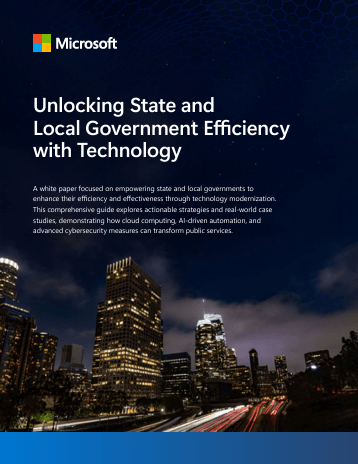
This guide is designed to enable state and local governments to enhance their efficiency and effectiveness through technology modernization. 

In this whitepaper, you will find actionable strategies and real-world case studies that demonstrate how cloud computing, AI-driven automation, and advanced cybersecurity measures can transform public services.

Additionally, the whitepaper includes case studies from various state and local agencies that have successfully implemented these strategies, showcasing the tangible benefits and efficiency gains achieved.

Download the whitepaper here:

Q: Are you interested in Microsoft 365 Copilot security, deployment, governance & adoption?

Join us for two days of insights, demos, and deep dives on Copilot Control System (CCS)!
Learn all about how to effectively secure, manage, and analyze the use of Microsoft 365 Copilot, Copilot Chat, Microsoft Copilot Studio, and agents across your organization. 

  • Digital Deep Dive: Copilot Control System (CCS) – Day 1
    Tuesday, June 17, 2025
     – 8:00AM PT
    “Copilot Control System (CCS), Security, governance, and preparing your tenant for Microsoft 365 Copilot and agents”
    Topics include
    :
    • Data security
    • Compliance
    • Privacy
    • Oversharing
    • Data loss prevention
    • Search
    • Agent governance
    • Building agents securely
  • Digital Deep Dive: Copilot Control System (CCS) – Day 2
    Wednesday, June 18, 2025 – 8:00AM PT
    “Copilot controls, agent lifecycle, measurement, reporting, and user enablement”
    Topics include
    :
    • Life cycle management
    • Agent cost management
    • Management, controls, and licensing (Microsoft 365 Copilot, Copilot Chat, and agents)
    • Productivity impact
    • Copilot and agent business value and ROI
    • User enablement and adoption

Come ready to learn and ask our experts all of your burning questions!

Posted by: kurtsh | May 23, 2025

INFO: Microsoft 365 Champions Program

If you aren’t a member yet of the Microsoft 365 Champions program for your organization, please read the following below from their latest newsletter:

  • The next Microsoft 365 Champions Community Call is coming up May 27th.
    (They will be going over all the new May 2025 Microsoft 365 Adoption updates – including for Microsoft 365 Copilot)
  • Invite series for 2024-2025
    If you don’t already have it, visit our Champion Resources page to download the calendar invite series through the first half of 2025.
  • Previous monthly call
    Our last monthly call on April 22 covered the new Microsoft Teams accessibility updates with Brett Humphrey, Principal Product Manager and Chris Sano, Accessibility Architect, from the Teams product group. In addition, we saw an exciting demo of the Copilot Business Case Builder with Gabe Ho, Senior Product Marketing Manager. If you missed this or any previous calls, you can access the recordings and download the presentations from our Champion Resources page.
  • Save the date! Microsoft 365 Community Conference 2026
    Microsoft 365 Community Conference returns April 21-23, 2026, in Orlando, Florida. Visit m365conf.com to keep up to date, register, and discover more about the event!

Joining the Microsoft 365 Champions program:

Be sure to join us for our next Government Microsoft 365 Copilot Community meeting, where we will be joined by Rima Reyes, Principal Product Manager in Copilot Engineering!

“Build Your First Agent in GCC” hosted by Copilot Engineering – Tuesday, May 27, 10:00AM-11:00AM

In this session, Rima will walk you through everything you need to know to get your first Copilot Agent up and running in GCC. Whether you’re just getting started or looking to sharpen your skills, this is the perfect place to begin.

🗓️ Agenda

  • Introduction to Agents
  • Tools for Building Agents in GCC
  • Let’s Build Our First Agent (Step-by-Step!)
  • What to Do Next
  • Live Q&A

[You must be a Government Microsoft 365 Copilot Community member to receive the meeting invitation]

Not a Government Microsoft 365 Copilot Community member?  Join today!
Want to stay connected and continue learning? Join the Government Microsoft 365 Copilot Community — a dedicated space for government professionals to share insights, best practices, and real-world experiences with Microsoft 365 Copilot.

Community Details

  • Name: Government Microsoft 365 Copilot Community
  • Meets: Last Tuesday of each month
  • Time: 10 AM PST / 1 PM EST
  • Where: Hosted Microsoft Team (invitation sent upon registration)
  • Click here to join the community

We can’t wait to see you at the webinar — and we hope you’ll join the community to keep the Microsoft Copilot in GCC momentum going!

SharePoint Advanced Management (SAM) FEATURES should be available NOW or if not, very soon to Microsoft 365 GCC cloud instances.

You’ll noticed I said “FEATURES” – not “licenses” – because the way SAM FEATURES has (or will) materialize for your organization is the SAM features will show up in the M365 Admin Portal UI (under the SharePoint menu), as a benefit of your M365 Copilot licensing in the ATC M365 cloud instance.  In other words, no actual SAM licenses will be necessary & you should not expect any SAM licenses to appear in your M365 cloud instance.  The features will just be there in the “SharePoint Admin” UI in the M365 Admin Portal (courtesy of your M365 Copilot licenses), similar to how they might be there as a result of having SAM trial licenses. (Getting SAM Trial licenses was our past guidance)

Note:  You may find that there is one SAM feature not available when switching from the “SAM Trial Licenses” to the “M365 Copilot license” feature: “Site Ownership Policy“. It’s been delayed for inclusion in the M365 Copilot license however it’s coming soon. You will find the list of SAM FEATURES available specifically through your Microsoft 365 Copilot licensing below.

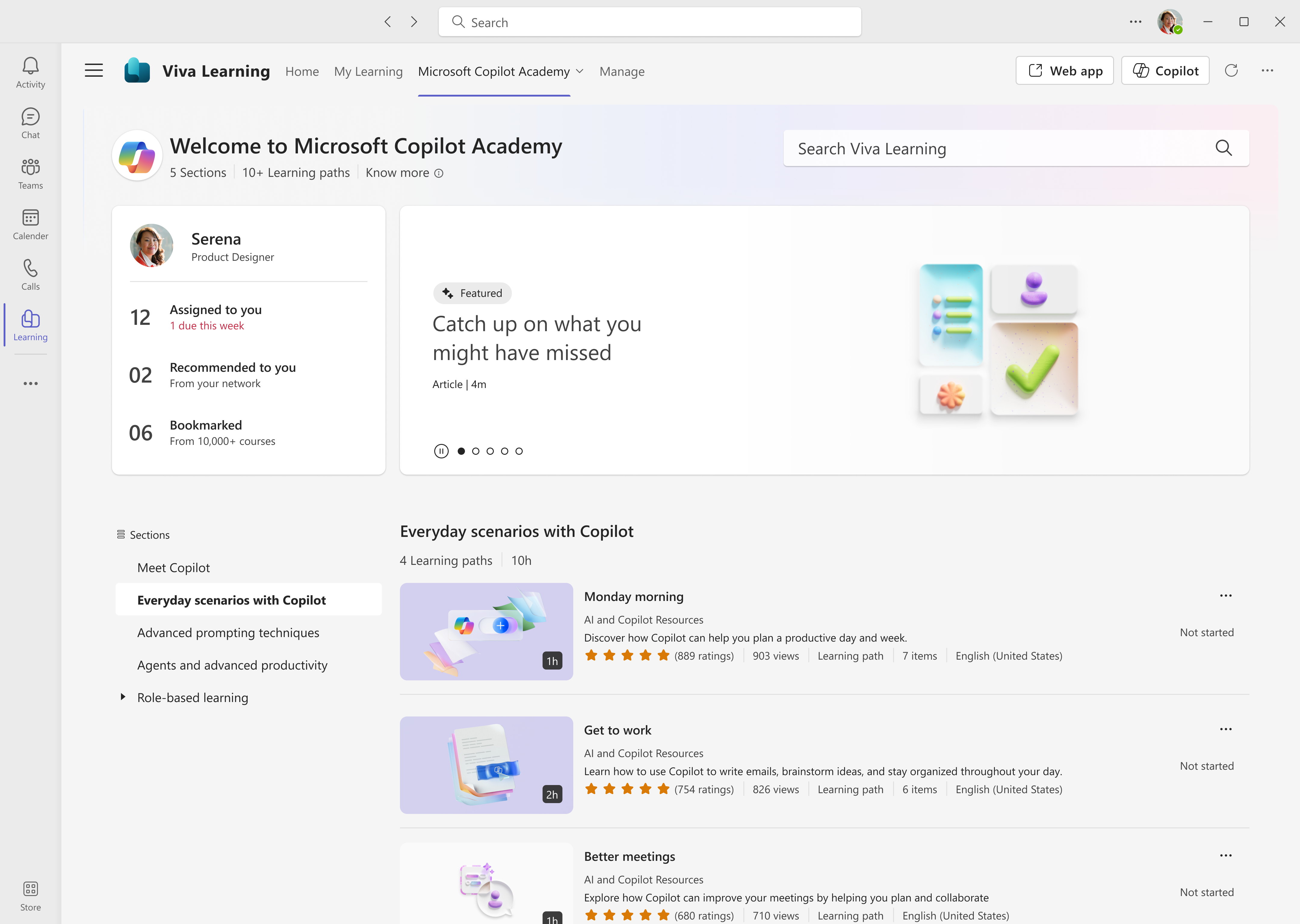
We are pleased to announce that all Microsoft 365 users can now access Microsoft Copilot Academy to improve their AI and Copilot skills. This academy – curated by Microsoft experts – provides a comprehensive, structured learning experience designed to help users master the use of Copilot through hands-on learning activities and experiences. Click here to learn more about what Copilot Academy includes.

Last year, we announced the academy was available to all Microsoft 365 Copilot users. We have now lifted the Copilot license requirement, giving immediate access to any user with a Microsoft 365 license. No additional registration or administrative action is required to start using Copilot Academy. Please see appendix 1 for an updated table that lists the licenses that grant access to Copilot Academy.

Use Copilot Academy to train users before assigning Copilot licenses
The new licensing structure for Copilot Academy unlocks a new scenario for administrators – ensuring users commit to Copilot training through the academy before receiving a Copilot license. Administrators can now use Copilot Academy as a tool to teach users how to leverage Copilot before a license has been assigned. This allows users to see the value of Copilot and learn how it can maximize their productivity throughout the workday. Upskilling before receiving a license encourages faster time-to-value with Copilot and helps identify workstreams where Copilot will have the greatest impact.

Read about Copilot Academy from the Viva Learning blog:

(Government customers: Unfortunately, Copilot Academy is not available yet for GCC cloud instances. I am talking to the Program Manager for the solution to identify a timeline for availability.)

The following are resources for customers needing training for the use of Copilot Chat & Microsoft 365 Copilot – for both END USERS & IT PROFESSIONALS.

—————-

BONUS: Learning Pathways for Microsoft 365 Copilot
(A 3-page .PDF that provides guidance around available training aspiring Copilot learners)

Posted by: kurtsh | May 5, 2025

EVENT: Microsoft Conferences for 2025

This is a list of 2025 Microsoft conferences that I maintain for my customers, along with discount codes for ones that I have them available to our customers.

UPCOMING EVENTS
May 1st 2025Microsoft at RSAC 2025 – San Francisco, CA ($)
May 6-8, 2025Microsoft 365 Community Conference 2025 – Las Vegas, NV ($) SAVE150
May 19-22, 2025Microsoft Build 2025 – Seattle, WA ($) No discounts available
(Online event is FREE)
Jun 10-12, 2025Posette – Microsoft Postgres Conference 2025 – Online (Free)
Oct 28-29, 2025GitHub Universe – San Francisco, CA ($) – GHCOMMUNITY10
October 28 – 30 2025Power Platform Community Conference 2025 – Las Vegas, NV ($)VLAD100
November 17 2025Microsoft Ignite – San Francisco, CA ($) Discount code TBD
(Online event is FREE)
PAST EVENTS
March 3-6, 2025Technical Takeoff for Windows & Intune – Online – Recording (Free)
March 18, 2025Ability Summit – Online – Recording (Free)
March 31-April 2, 2025Fabric Community Conference 2025 – Las Vegas, NV – No recording avail MSCUST
April 9, 2025Microsoft Secure-  Online – Recording (Free)
April 9-10, 2025Microsoft Java Developers Conf – Online – Recording (Free)
April 15, 2025Azure CosmosDB Conf 2025 – Online (Free)
April 30, 2025Microsoft Business Applications Launch – Online (Free)

« Newer Posts - Older Posts »

Categories