Sometimes you have to open a support incident/case & your organization never set up a Unified Enterprise support agreement.

For immediate technical support for your small business, Professional Support is available as a single pay-per-incident (PPI) or a 5-pack of incidents. Microsoft support can help you troubleshoot a specific problem, error message or functionality that isn’t working as expected.

Here’s where to go to open a ticket.  FYI: These are something like ~$300 each on a credit card.  There is no escalation or management of the support case, so YMMV:

For more information on Professional Support incidents:

Posted by: kurtsh | March 6, 2021

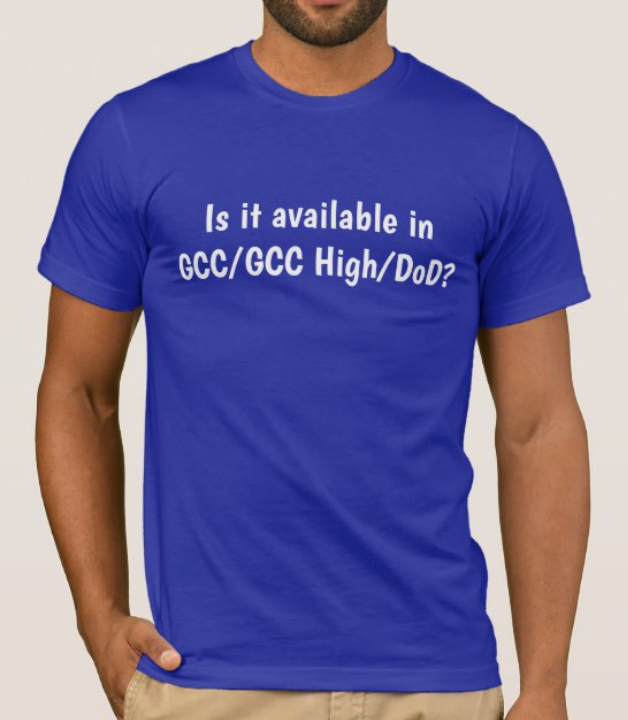
INFO: “Is it available in GCC/GCC High/DoD?”

IsItAvailableInGCCWhen you need to remind program management that it doesn’t matter – it just doesn’t matter – if it’s not in the GCC enclave.

To be worn at conferences, conventions, & product launches.  For my friends.  You know who you are.

We recently announced the “Zero Trust Deployment Center”. We’re making it easier for folks that are implementing zero trust principles to benchmark themselves on their progress. For those not yet underway toward zero trust, we provide prescriptive guidance and a roadmap on how to get started.

imageWe are excited to announce the launch of the Zero Trust Deployment Center—a repository of information to improve their Zero Trust readiness as well as specific guidance on implementing Zero Trust principles across their identities, endpoints, data, applications, networks, and infrastructure. The Zero Trust Deployment Center breaks down deployment guidance into plain-language objectives across each of the technology pillars, providing an actionable list of steps needed to implement Zero Trust principles in your environment.

..

If you are already well underway in your journey, these objectives will provide a great framework to help measure your progress and ensure you are meeting critical milestones. If you’re interested in measuring your Zero Trust maturity, we’ve also created a Zero Trust assessment tool to help measure your current maturity and identify possible next milestones and priorities along with technologies.

In case you missed it, yes, Office Professional Plus 2013 client is no longer supported for use with Office 365 services.

This most notably means Outlook 2013 may not function correctly with Exchange Online as of last October 2020. 

Note regarding TLS 1.0/1.1 Support  
Connectivity to Office 365 through Office 2013 may also be related to our deprecation of TLS 1.0/1.1.
https://docs.microsoft.com/en-us/microsoft-365/compliance/tls-1.0-and-1.1-deprecation-for-office-365

(Hopefully this is not new to you as this deprecation of support was announced 3 1/2 years ago via Premier Support newsletters, the Office 365 blog, the Office 365 Message Center for admins and documented in the System Requirements for Office 365)

    NEXT STEPS
    If you haven’t upgraded from Office 2013, the options are:

    1. Update to Office 365 ProPlus
      (Doing this will ensure your organization won’t have to deal with this again in the future)
    2. Upgrade to Office Professional Plus 2016 or 2019
      (Moving to 2016/2019 will kick the can down to October 2023 when Office 365 support for these perpetual clients ends – just like 2013 has)

    For more details, visit:

    imageAre you a government institution using or planning on using Microsoft Teams Meetings?

    The following represents a 2-day event that was delivered that went over various aspects of using Microsoft Teams Meetings in Government organization & the Government Community Cloud. (GCC)

    Day 1

    Day 2

    The playlist of the session recordings can be found here on YouTube, along with social media callouts on Twitter via the #TeamsMtgs4Govt hashtag.

    Descriptions of each session are available in the announcement blog below:

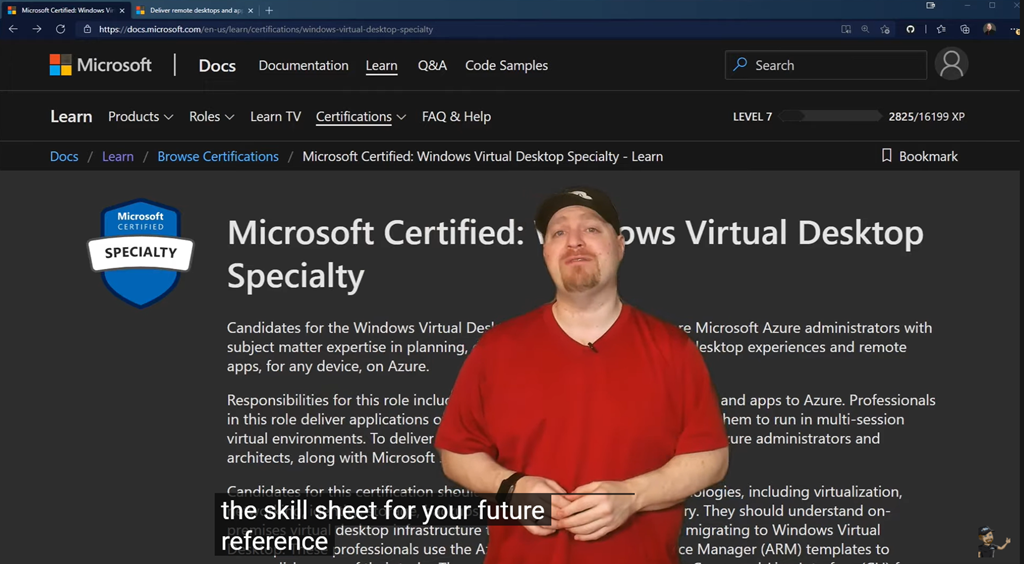
    imageWindows Virtual Desktop has changed the world of computing. Start to Master WVD with our end-to-end Series:

    1. New WVD Admin Portal
    2. Azure Files AD Auth and FSLogix
    3. Image Management
    4. Update Session Hosts from Latest Image
    5. You’ve Never seen an Image Pipeline like this one – Azure Image Builder
    6. WVD Optimizations – nuff said!
    7. WVD Scaling Tool
    8. Azure Storage – Azure NetApp Files
    9. WVD Monitoring
    10. WVD Monitoring workbook Step by Step
    11. WVD MSIX App Attach
    12. WVD Network Security
    13. WVD Identity Security
    14. WVD Session Host Security
    15. WVD Teams AV Redirections
    16. WVD GPU Powered VMs
    17. WVD Stateless VMs
    18. WVD Before you turn off your VMs – YOU NEED TO WATCH THIS!
    19. WVD Corporate URLs
    20. WVD – Exeep for Azure
    21. DR Planning
    22. The Secret to FSLogix
    23. They don’t want your to FSLogix
    24. Take the RDP Short Path
    25. Azure Monitor Insights
    26. MSIX AppAttach Portal
    27. AZ-140 Ep00 – Windows Virtual Desktop Study guide Full Course
    28. AZ-140 Ep01 – Mgmt grp Subs Resourec grp
    29. AZ-140 Ep02 – Configure Active Directory – Azure AD DNS
    30. AZ-140 Ep03 – Plan Windows Virtual Host Pool
    31. AZ-140 Ep04 – Plan Your WVD Sessions Hosts
    32. AZ-140 Ep05 – WVD Network Planning
    33. AZ-140 Ep06 – Plan WVD Licenses
    34. AZ-140 Ep07 – Plan FSLogix Storage
    35. AZ-140 Ep08 – Plan FSLogix Profiles

    Subscribe today:
    https://aka.ms/AzureAcademy-Subscribe

    Posted by: kurtsh | March 1, 2021

    INFO: “Office 2019” vs “Microsoft 365 Apps”

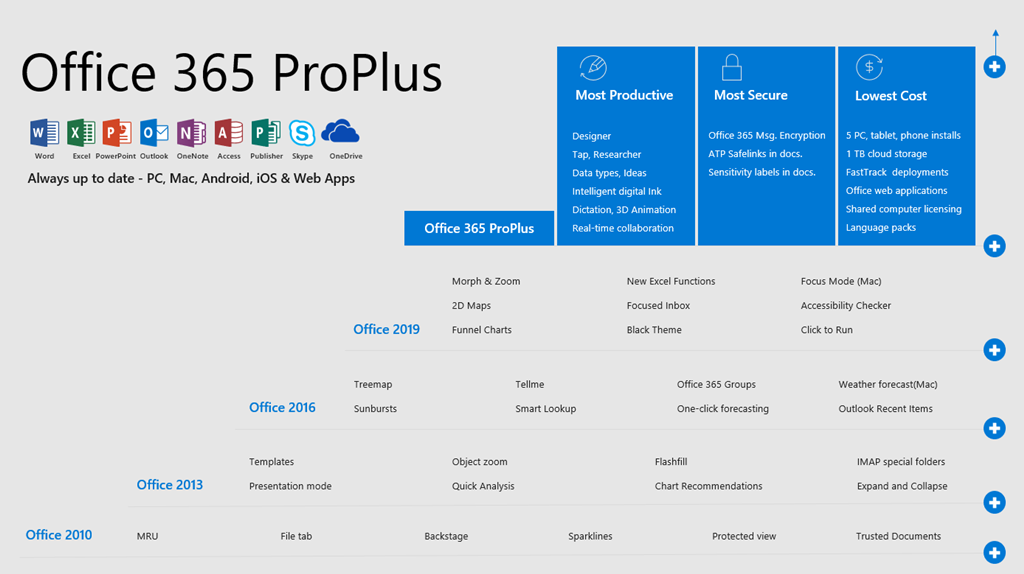
    imageFor those who aren’t clear about what the difference is between Microsoft 365 & Office 2019 ProPlus:

    • Microsoft 365 is a subscription service, it provides cloud services like file sharing and storage. There are regular updates of new features which ensure you have the the most up-to-date Office. It enables you work across multiple devices, you may apply cloud policy service to manage the way you want to use.
    • Office 2019 Pro Plus is a one-time purchase version of Office, which means you pay a single, up-front cost to get Office apps for one computer. If you plan to upgrade to the next major release, you’ll have to buy it at full price. It does not have extra online storage, and it is suitable for the users who are not yet ready for cloud-based software.

    For more detailed differences, please refer to

    For a 3rd party point of view, check out:

    Posted by: kurtsh | March 1, 2021

    TRAINING: End-user Virtual Workshops and Training

    imageOur interactive virtual workshops and training sessions are taught live by Microsoft associates—wherever you are.

    There are specific categories of classes for the followin categories.  Here are some sample classes being delivered:

    • Students
      • “Hybrid Learning Tools”
      • “Girls in Business, a Special 2-part Event”
      • “Virtual Workshop for Students – Code your own video game with MakeCode Arcade, Ages 8+”
      • “Create a Difference in Your World – a Special 2-Part Event”
      • FlipGrid Virtual Field Trip: Send a Postcard to Space with Club for the Future”
      • “Social Emotional Learning in Remote Classrooms”
      • “Create a Difference in Your World 100: Virtual Fireside Chat with Youth Philanthopists Khloe Thompson & Grace Callwood”

    • Educators
      • “Gaining the Value of Industry Certifications in Education Programs”
      • “Introduction to Teams EDU for schools”
      • “Keep students safe with Microsoft Teams”
      • “Black History Month: Virtual Museum Experience – Friends of the Tuskegee Airmen (3rd grade+)”
      • “Flipgrid Virtual Field Trip: Get Creative with Acclaimed Author Jess Keating”
    • Professionals
      • “Building your Personal Brand”
      • “Empowering collaboration in the Modern Workplace with SharePoint & OneDrive for Business”
      • “Microsoft 365 Accessibility”
      • “Tools to help innovate your business: Introduction to LinkedIn Pages, Power Automate & Power BI”
      • “PowerPoint Training Level 200”
      • “Microsoft Planner”
      • “Virtual Business Office Hours”

    Visit the workshop registration site at:

    imageJoin us at the free Microsoft Business Applications Launch Event. You’ll hear from James Phillips, President, Microsoft Business Applications, and other Microsoft leaders as they guide you through what’s new in Dynamics 365 and Microsoft Power Platform 2021 release wave 1.

    Discover what this release means for you and your business and how it will help you:

    • Bring a new level of innovation and agility to your organization with modular applications that all work together.
    • Unify relationships, processes, and data with connected, comprehensive, cloud business applications across your organization.
    • Gain end-to-end visibility while enabling your teams to achieve greater outcomes faster.
    • Thrive as your business changes by extending existing applications and building new solutions.
    • Give your organization the tools it needs to provide a safer workplace while maintaining productivity as teams work remotely.

    You’ll also get to ask experts your questions during the live Q&A chat.

    imageWe are excited to announce the launch of Microsoft Dynamics 365 and Power Platform at IL5! Please join us for this half day event where we will hear from Microsoft executives about what this means for your government agency and, more importantly, how you will be able to better serve your constituents.

    Join to hear all of this and more, as we also cover what’s coming to GCC and GCC High in the coming months! This event is sure to be a must see. Learn more about:

    • Mission critical operations having the ability to securely operate in the cloud
    • The flexibility and agility the business applications suite can provide
    • The increased security and reliability of the cloud

    Keynote Speakers

    • Charles Lamanna: CVP Engineering, Power Platform
    • Muhammad Alam: CVP Engineering, Dynamics 365
    • Kees Hertogh: GM Marketing, Business Applications

    Date/Time:
    March 11, 2021, 9 am – 12 PT EST

    Registration:
    https://partnerlearning.eventbuilder.com/event/39715

    « Newer Posts - Older Posts »

    Categories