Posted by: kurtsh | September 9, 2022

TRAINING: Azure Landing Zones

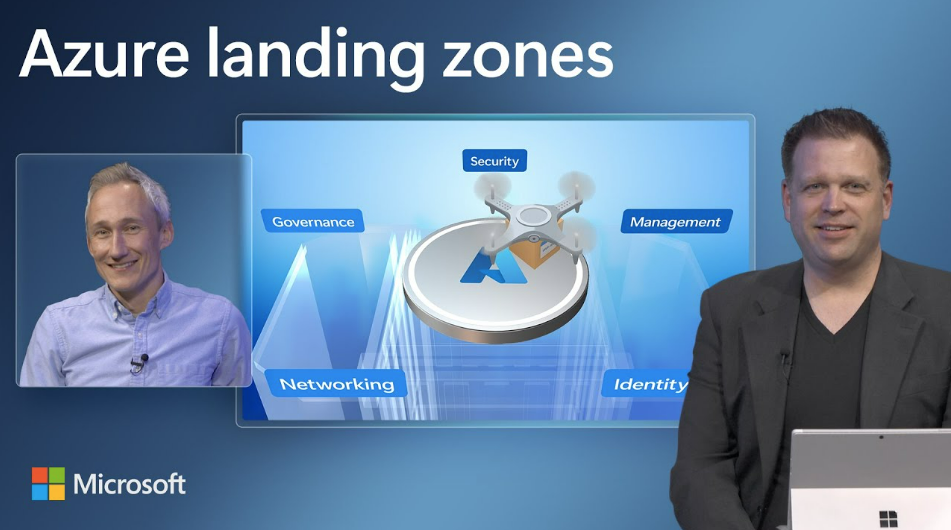
imageNeed a short 11min video on what an “Azure Landing Zone” is and why it should be the 1st thing you do as an Azure Administrator of a new Azure subscription?

00:00 Introduction of Azure Landing Zone updates
00:49 Driving events that push you to consider the Cloud
01:42 Updates to the architecture
02:24 Modular approach that’s scalable and repeatable
03:40 Root Management Group – organize subscriptions for services
04:30 On ramps for various starting points
05:43 Land Zone Review
7:50 Build with Landing Zone Accelerator
11:08 How to get started

Watch the full video with references here:

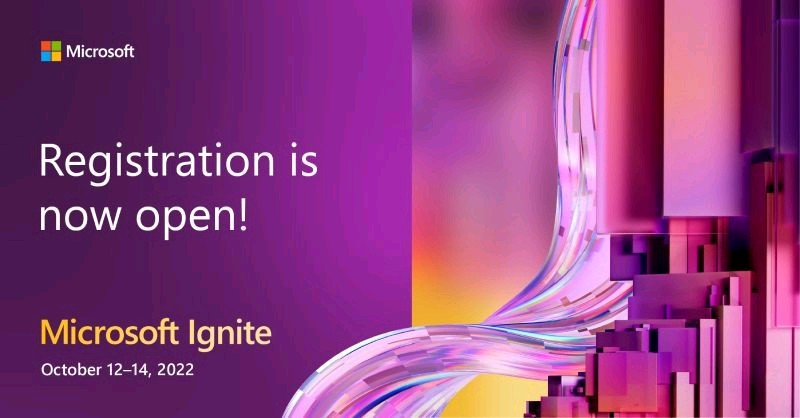
imageAre you ready for Microsoft Ignite, our tech conference for IT Pros & more?

Registration is now open! Learn from Microsoft leaders, product experts & partners, connect with your peers, level up your skillset & explore the latest technological innovations.

imageIgnite has digital & in-person attendance options! Digital (video streaming) is free as always but in-person attendance is in Seattle for $1895. There are also International in-person options as well available for free, although many are booked full already.

See you there!

Dates:
Oct 12-14, 2022

Registration:
https://ignite.microsoft.com/en-US/home

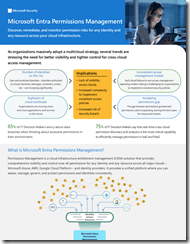
imagePermissions Management is a cloud infrastructure entitlement management (CIEM) solution that provides comprehensive visibility and control over all permissions for any identity and any resource across all major clouds – Microsoft Azure, AWS, Google Cloud Platform – and identity providers.

It provides a unified platform where you can assess, manage, govern, and protect permissions and identities consistently.

Join us for an discussion of Entra Permissions Management and meet the product group!

imageI’ve been with Microsoft for a long time and I’ve got the crow’s feet, the lousy complexion, the grey hair, etc. to prove it.

Turns out there’s 3 features in the Teams Client that improve one’s personal appearance on meetings or video calls that may or may not be enabled on your Windows PC that I discovered to be very useful:

  • Soft focus
    This is my favorite feature & something commonly available on phone filters & Snapchat: It softens the focus on your face, eliminating wrinkles, blemishes, pimples, etc.
  • Adjust Brightness
    Stop worrying about your lighting! Auto-brightness adjust will change the brightness of your appearance depending on the light around you to ensure you’re always visible.
  • Mirror My Video
    By default, your appearance is broadcast as a flat image meaning that written words appear backwards.  (ex: Text on your shirt, pages held up to your camera, etc.) By mirroring your video, any text viewed by meeting participants is seen correctly.

A community announcement was made about these “personal appearance” features here:

Posted by: kurtsh | September 4, 2022

VIDEO: Overview of Microsoft Compliance Core

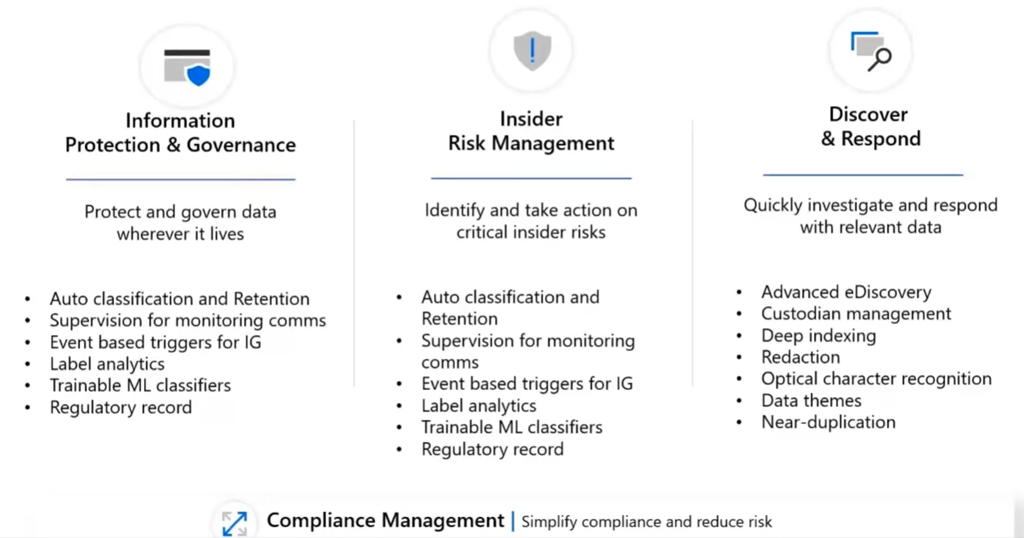
imageThis is a 1-hour session split into the core segments of compliance around the 4 pillars of Info protect/governance + Insider Risk + eDiscovery + Compliance management.

(From the documentation at Microsoft Purview compliance portal – Microsoft Purview (compliance))

  • Intro – Know your data – 0:20
  • Compliance Manager – 4:28
  • Data Classification – where is my data? – 9:06
  • Content Explorer – 11:06
  • Activity Explorer – 13:01
  • Sensitive Info Types – 15:00
  • Trainable Classifiers – 15:22
  • Information Governance – retention labels auto label – 17:43
  • Records Management – file plan – 21:05
  • Regulatory Records – 21:51
  • DLP overview – 25:48
  • DLP configuration – 30:45
  • DLP Alerts – case management – 33:58
  • MCAS demo – session proxy – 35:23
  • EMail DLP with MIP labels – 37:08
  • MCAS – BOX connected apps demo – 40:03
  • Endpoint DLP demo – triggers – 41:16
  • Insider Risk Managment – overview – 45:07
  • Insider Risk – user activity review portal – 47:04
  • eDiscovery and Audit Overview – 51:52
  • eDiscovery Case Management Demo – 55:10
  • eDiscovery Threaded Teams Conversations – 56:00
  • eDiscovery – Redaction – 56:22
  • Data Connectors – archive of 3rd party data – 57:13
  • Architecture Plan, API’s, 3rd party data and Power Automate – 58:15

To watch the video, visit:

To download the slides, go to:

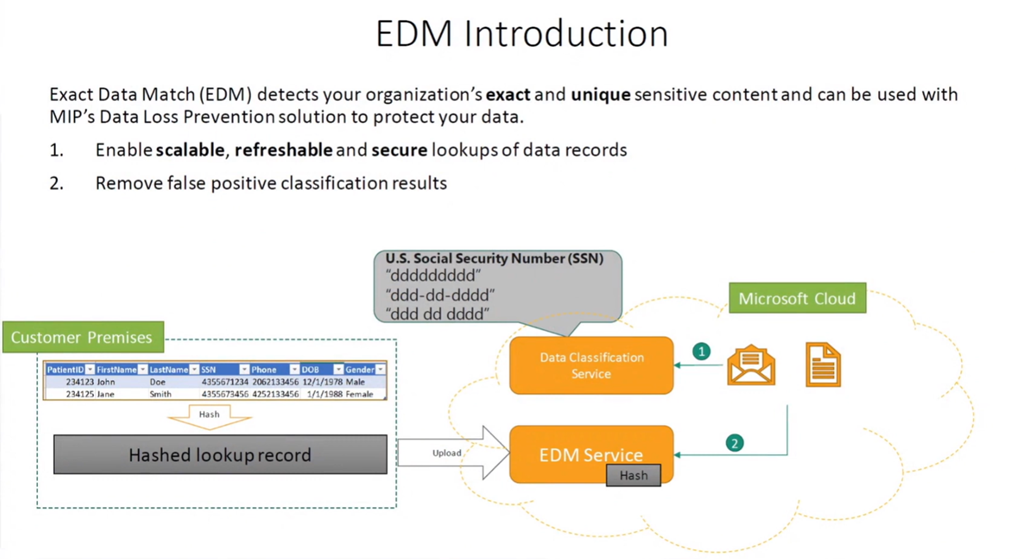
imageExact Data Match (EDM) is a critical component of Data Loss Prevention – a security approach designed to protect business information and other sensitive data from being exposed.

Instead of identifying the data that needs to be protected through pattern matching, EDM monitors the actual data that needs to be protected.

Speakers:

  • Matt Soseman: Senior Security Architect at Microsoft
  • Douglas Baker: Senior Cybersecurity Architect at Patriot Consulting

Watch the video here:

Register and watch the full webinar here:

Posted by: kurtsh | September 4, 2022

DOCS: Best Practices for Securing Active Directory

imageThis document provides a practitioner’s perspective and contains a set of practical techniques to help IT executives protect an enterprise Active Directory environment. Active Directory plays a critical role in the IT infrastructure, and ensures the harmony and security of different network resources in a global, interconnected environment.

The methods discussed are based largely on the Microsoft Information Security and Risk Management (ISRM) organization’s experience, which is accountable for protecting the assets of Microsoft IT and other Microsoft Business Divisions, in addition to advising a selected number of Microsoft Global 500 customers.

Read the documentation here:

With Halloween just around the corner, it seems like a good time to remind everyone to do their scream tests to get rid of zombie servers. (Courtesy of Mark Simos, Microsoft Lead Cybersecurity Architect)

imageI talked previously about our efforts here in Microsoft Digital to inventory our internal-to-Microsoft on-premises environments to determine application relationships (mapping Microsoft’s expedition to the cloud with good cartography) as well as look at performance info for each system (the awesome ugly truth about decentralizing operations at Microsoft with a DevOps model).

With this info, it was time to begin making plans to move to the cloud. Looking at the data, our overall CPU usage for on-premises systems was far lower than we thought—averaging around six percent! We realized this was so low due to many underutilized systems. First things first, what to do with the systems that were “frozen,” or not being used, based upon the 0-2 percent CPU they were utilizing 24/7?

We created a plan to closely examine those assets towards the goal of moving as few as possible. We used our home-built change management database (CMDB) to check whether there was a recorded owner. In some cases, we were able to work with that owner and retire the system.

Before we turned even one server off, we had to be sure it wasn’t being used. (If a server is turned off and no one is there to see it, does it make a sound?)

Read about establishing plans for a scream test here:

Microsoft Defender for Office Attack Simulation Training just got better. Check out the new features.

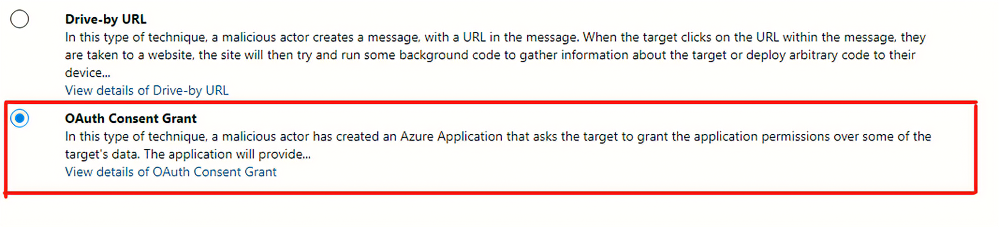
imageAttack Simulation Training is an intelligent phish risk reduction tool that measures behavior change and automates the design and deployment of an integrated security awareness training program across an organization.

We have been hearing from a lot of our enterprise customers that payload technique variety is key to any long-term end user behavior change program.  To help facilitate we are pleased to announce two new payload techniques.

Read more here:

Posted by: kurtsh | September 4, 2022

EVENT: Microsoft Research Summit – October 18–20, 2022

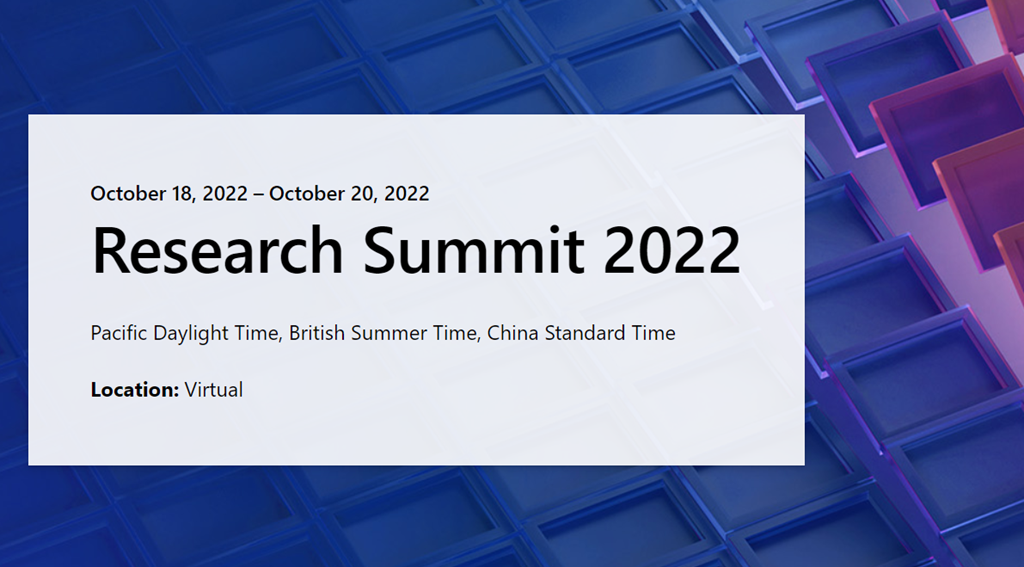
imageSave the date for “Microsoft Research Summit” this October 18 – 20 where the global research community will share progress and spark conversations around advances that could empower people and impact our world. Registration opens September 13th

What’s Next for Technology and Humanity?

Save the date for Microsoft Research Summit 2022, from October 18, 2022-October 20, 2022

Join us as the global research community gathers to share progress and spark conversations around advances that could empower people in new ways and positively impact our world. This year, we convene to explore some of the most pressing questions facing our research community – ultimately, how might we advance the frontiers of research while ensuring that new technologies have the broadest possible benefit for humanity?

Each day the event will air from 9:00 AM – 4:00 PM in three time zones: Pacific Daylight Time, British Summer Time, and China Standard Time.

Event agenda and details below. Registration opens on September 13th.

« Newer Posts - Older Posts »

Categories