 This has been well-known for a while but for those of you who haven’t tried it, NFL Sunday Night Football is available in high definition 1080p streams using Microsoft Silverlight.
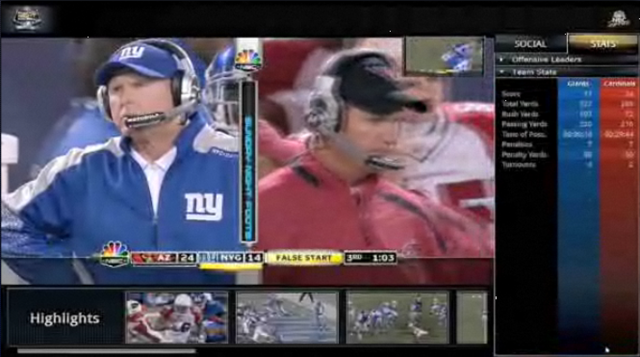
Watch HD 1080p stream LIVE (dynamically adjusts resolution based on your bandwidth in real-time), switch between 5 different camera views instantly, watch two views PiP, view real-time stats of teams/players, fwd/rew/slomo/freeze the broadcast, and more!
Here’s a quick list of the fantastic interactive features available in the new Silverlight NFL player:
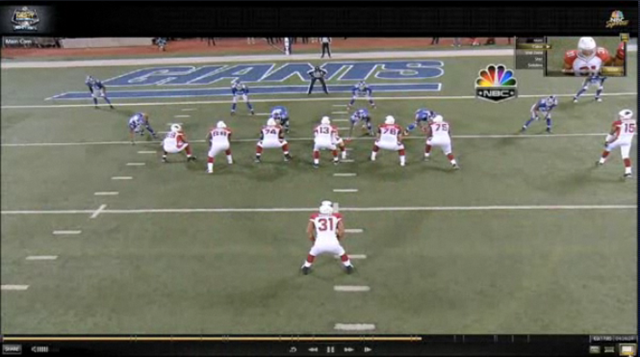
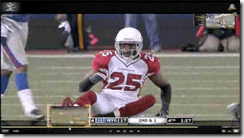 PiP CAMERA ANGLES ON-DEMAND: Be sure to check out the Picture-in-Picture functionality we built in there, giving you the ability to switch between 1 of 5 camera angles LIVE during the game in either the small picture window or the main video frame.
 - DYNAMICALLY ADJUSTING VIDEO QUALITY: Notice that the video quality automatically & seamlessly changes depending on your available bandwidth from 300kbps (480i) to 2.1Mb (1080p). Hover over the bandwidth icon in the lower right hand corner to see your current bandwidth.
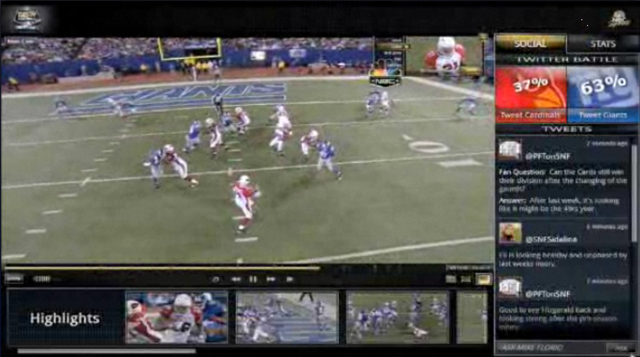
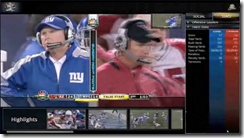 STATS & COMMENTARY ON-DEMAND: During the game & commercial breaks, you hace access to game stats and play-by-play information from top NBC commentators. Click on the "Reveal" button in the bottom left corner to see social networking discussions and game stats live.
 - CLICKABLE ADS & FULL SCREEN EXPANSION: Expand the entire windows to the size of your display… and click on the screen during ads throughout the game to jump to the advertiser’s web site for "special deals".
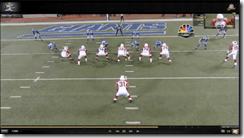 REWIND/FAST FWD/15 SEC JUMP: View the broadcast llke you were using your DVR! Rewind 15 seconds to review the last play or rewind/ffwd through the live broadcast just as if it was being recorded live, all without lame "Buffering…10%" messages. (Courtesy of patented Microsoft Windows Media 9 streaming)
 - MULTIPLATFORM: The Silverlight broadcasting experience is portable, making it possible to broadcast the stream to Windows PCs, Macs, and Windows Phone 7 devices. That’s right: A rich interactive NFL experience scaled down to your phone. Awesome.
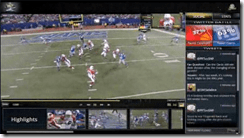 HIGHLIGHTS & EXTRAS: Missed the pregame or the first part of the game? View the ‘good parts’ with a simple click of the scenes listed in front of you. Replay the pregame commentary.
 - SHARE-A-PLAY: Wicked hit? Awesome pass? Disgusting north-south run? Hit the Share button and instantly share the play with others over Facebook, Twitter, email, and any number of 12 different social networking facilities.
- PAUSE & SLO-MO: Totally forgot about this. Need to hit the head? Wanna see if the catch was REALLY inbounds? Was the pass made over the line of scrimmage? Rewind the play and slow it down in HIGH DEF and see it for yourself if the refs don’t review it.
But don’t just take my word for it. Take a look at what the edito fo Macworld said about the Silverlight experience of watching the NFL on NBC… on a Mac!
——————–
SIDENOTE: Be sure to check out the first 30-40 min of every NFL "Sunday Night Football" broadcast – specifically the "star cam" & the "cable cam" views. It’s view-worthy for no other reason than since the game’s not yet started, there’s really nothing much for the cameras to focus on other than the fans-in-the-stands & the cheerleaders and frankly that makes for some great entertainment in it of itself.
Comments Off on INFO: NFL Sunday Night Football… streaming with Microsoft Silverlight
Posted in Uncategorized
 Announced at the Microsoft Management Summit earier this year with a Q4CY target System Center Configuration Manager 2007 R3, available October 14, includes power management features that help customers maximize savings from energy-efficient desktops and laptops, as well as the rights to use System Center Mobile Device Manager for managing Windows Mobile devices. Configuration Manager 2007 R3 also serves as a management foundation for the upcoming Forefront Endpoint Protection 2010 release, allowing organizations to manage and protect their client infrastructure in a single interface.








 kurtsh


You must be logged in to post a comment.