image

Microsoft is hosting a charity poker tournament at Microsoft in Playa Vista in partnership with The Peace Fund & Adrian Paul. (Duncan MacLeod of “The Highlander”)

The Peace Fund is about changing the lives of children in need around the world. All proceeds from this year’s event will go to fund top organization initiatives, putting your donations to work where support is needed the most.

COME PLAY POKER WITH CELEBS & POKER PROS!
One thing that’s fun about the 2015 Peace Fund Poker Tournament is that The Peace Fund & Adrian Paul have invited several dozen celebrities & professional poker players.  All participants in the tournament will be able to play along side some some fantastic names like Lou Diamond Phillips, the UFC’s Bruce Buffer, & my personal favorite, “Apollo Creed” himself, Carl Weathers. 

WIN A SEAT AT THE WSOP!
The tournament winner will win a seat at the World Series of Poker.

  • imageDATE/TIME:
    September 26th, 2015
    Doors open at 11:00AM; Tournament starts at 1:00PM
     
  • LOCATION:
    Microsoft Playa Del Rey
    13031 W. Jefferson Blvd, Ste 200
    Los Angeles, CA 90094
     
  • REGISTRATION:
    http://www.peacefundpoker.org 

imageWe’ve made available several advisories/documents that Gartner has written about Windows 10 at no cost to you.  Enjoy.

NOTE:  These are part of our new Windows for Business web site here at Microsoft.  Try it out!  There’s lots of good stuff there and we’ve now brought together all Windows web sites into a single view for the Enterprise:

image

Remote Server Administration Tools for Windows 10 lets IT administrators manage Windows Server Technical Preview from a remote computer running the full release version of Windows 10.

Remote Server Administration Tools for Windows 10 includes Server Manager, Microsoft Management Console (MMC) snap-ins, consoles, Windows PowerShell cmdlets and providers, and command-line tools for managing roles and features that run on Windows Server Technical Preview.

Remote Server Administration Tools for Windows 10 can be used to manage roles and features that are running on Windows Server Technical Preview, with the following exceptions:

  • DHCP Tools. Dhcpmgmt.msc is not available in this release of RSAT, but equivalent Windows PowerShell cmdlets are available.
  • IP Address Management (IPAM) Tools. IPAM tools are not available in this release of RSAT.
  • Network Policy Server Tools. The NPS console is not supported on a Windows client-based operating system, and will be removed from future releases of RSAT.
  • Routing and Remote Access Tools. Routing and Remote Access Tools that are GUI-based cannot be used for remote configuration in this release of RSAT, but the equivalent Windows PowerShell cmdlets are available.

Download the tools here:

Our local Windows Client Tech, Chami Rupasinghe, wrote up the following table for your convenience.

Product

Availability

Link

KMS Server 2012

Available
Today

https://technet.microsoft.com/
en-US/jj612867.aspx

http://blogs.technet.com/b/
yongrhee/archive/2015/08/05/
activating-windows-10-on-windows
-server-2012-and-2012-r2-kms-hosts.aspx

KMS Server 2008

October
2015


Microsoft Deployment Toolkit (MDT)

Available Today

http://blogs.technet.com/b/
msdeployment/archive/2015/
08/17/mdt-2013-update-1-now-available.aspx

Remote Server Administrator Tool (RSAT)

Targeted for
Mid-August 
2015


Microsoft Deployment Optimization Pack (MDOP)

Available
Today

Download available at Microsoft Volume Licensing Service Center (VLSC).
http://blogs.technet.com/b/
windowsitpro/archive/2015/08/
17/ready-for-windows-10-mdop-2015-and-more-tools-are-now-available.aspx

Windows Assessment and Deployment Kit (Windows ADK)

Available
Today

https://msdn.microsoft.com/
library/windows/hardware/
dn927348(v=vs.85).aspx

http://go.microsoft.com/fwlink/p/?LinkId=526740

System Center Configuration Manager (SCCM)

Available
Today

http://blogs.technet.com/b/
configmgrteam/archive/2015/
05/14/announcing-the-availability
-of-sysctr-2012-r2-configmgr-sp1
-and-sysctr-2012-configmgr-sp2.aspx

GPO Administrative Template (.admx) files for Windows 10:

Available
Today

http://www.microsoft.com/en-us/download/details.aspx?id=48257

Windows 10 End User Readiness Kit

Available
Today

Windows 10 Readiness Kit

Posted by: kurtsh | August 18, 2015

RELEASE: MDOP 2015 with Windows 10 Support

image

Just announced.

As we discussed a few short weeks ago, Windows 10 is available for businesses, and we are seeing the excitement over the release continuing to build. To support the adoption of Windows 10 within organizations, we have published a great deal of content to http://technet.microsoft.com/Windows10 to help organizations with their planning and deployment efforts, and we expect to publish more each week.

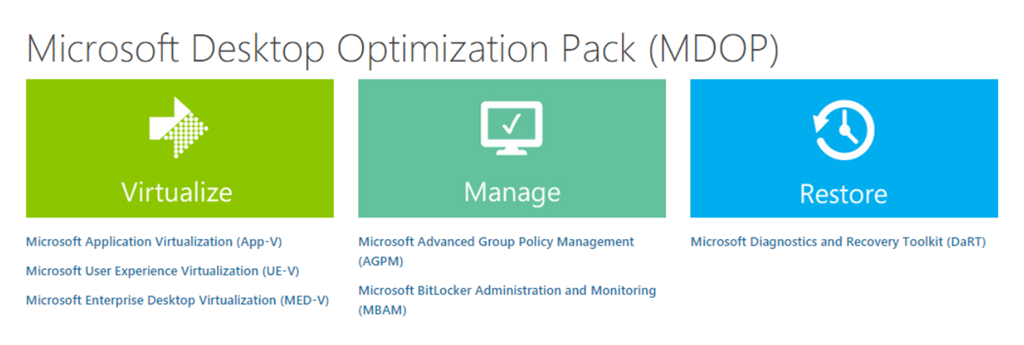
A large number of our customers also use the Microsoft Desktop Optimization Pack (MDOP), a collection of management and security technologies available as a subscription for Software Assurance customers that helps maximize the benefits offered by Windows. We are pleased to announce that the latest release of these technologies, MDOP 2015, is now available for download for volume license customers (as well as on MSDN) with complete support for Windows 10. Here are just a few of the enhancements (in addition to Windows 10 support) you can expect in this latest release:

Read more here:

Posted by: kurtsh | August 17, 2015

TRAINING: Office 365 for End Users (Self-review)

We’ve recently published some self-orchestrated training for end users of Office 365.  You can download them here.

imageOffice 365 Training: Work like a network
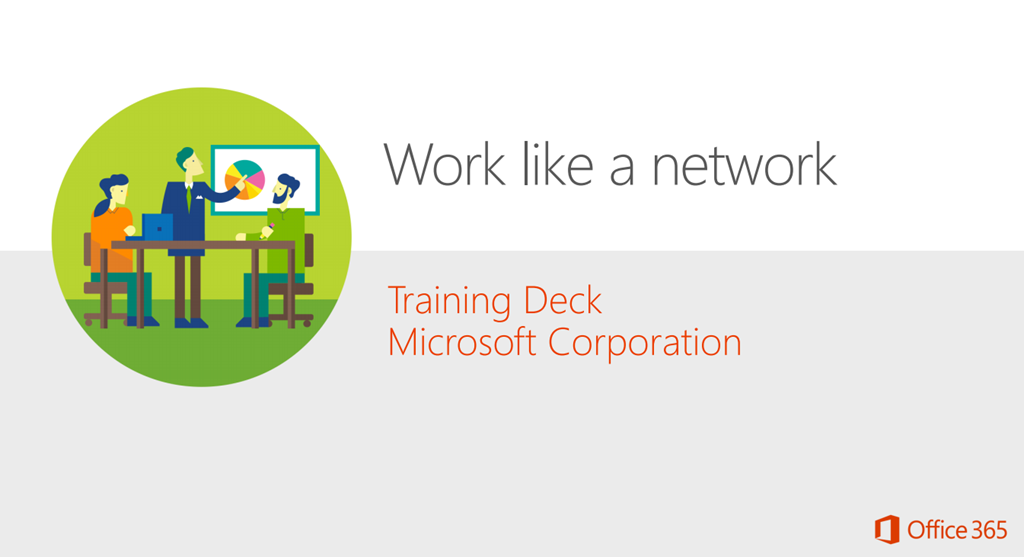
Yammer is a private social network that gets you connected to the right people, share information across teams, and organize around groups. What’s more, using the Yammer network helps build a body of knowledge that’s instantly accessible by any coworker at any time and from any device. The Work like a network training deck introduces you to Yammer and shows you how you use Yammer to extend your social network.
http://www.microsoft.com/en-us/download/details.aspx?id=47758
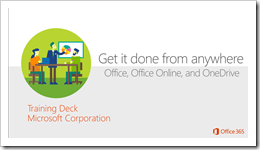
imageOffice 365 Training: Get it done from anywhere
PC, Mac, tablet, phone? At the office, at home, or on the road. With Office 365, your settings and documents are always available – ready to pick up right where you left off. No matter where you are or what device you’re using. With Office 365, you can: • Create documents using your familiar Office Apps • Save your documents to the cloud using One Drive for Business, so the docs are available from anywhere • Access the docs from anywhere, with almost any device, laptop, tablet, or phone, PC, Mac, or Android.
http://www.microsoft.com/en-us/download/details.aspx?id=47759

For more Office 365 training, visit:t

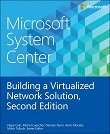
imagePart of a series of specialized guides on System Center, this book is specifically designed for architects and cloud fabric administrators who want to understand what decisions to make during the design process and the implications of those decisions, what constitutes best practice, and, ultimately, what to do to build out a virtualized network solution that meets today’s business requirements while also providing a platform for future growth and expansion.

This second edition includes coverage of the Hyper-V Network Virtualization gateway, designing a solution that extends an on-premises virtualized network solution to an external (hosted) environment, details of how to troubleshoot and diagnose some of the key connectivity challenges, and a look at the Cloud Platform System (CPS) and some of the key considerations that went into designing and building the network architecture and solution for that environment.

Posted by: kurtsh | August 17, 2015

BETA: Exchange Server 2016 Preview

We’re excited to announce that Exchange Server 2016 Preview is now available for download.

First look at Exchange Server 2016 & what’s new for Admins

At Ignite, we introduced Exchange Server 2016 and demonstrated some of its capabilities. Now you can install the bits yourself and get hands-on experience with the newest member of the Exchange family. We’re eager to hear your feedback as we progress toward a final release later this year.

Posting this since it’s come up NUMEROUS TIMES. 

When you attempt to register a KMS host key and see the following message:

0xc004f015: The Software Licensing Service reported that the license is not installed.

… all this means is that you didn’t install the pre-requisite patch to allow your KMS service host to activate Windows 10 clients.  This is documented at:

To remedy the situation, please install the patch referenced here:

Posted by: kurtsh | August 14, 2015

VIDEO: What’s it like to work at Microsoft?

I really love this video.  It nails some really great points.  I have some others I’d add from more of an insider’s view that I think would raise some eyebrows (like the ridiculous generosity the company has to assist people that are passionate about community service and donate their time & money to worthy non-profit causes) but I think this is solid representation of what it’s like here.

What’s it like to work at Microsoft?

(And BTW, I was there the day they were filming the shot of the Product Fair at our Commons area… I think I was standing just to the right of 3D Microsoft sign!)

« Newer Posts - Older Posts »

Categories