Posted by: kurtsh | November 15, 2015

INFO: Accessories for the Surface Book SD flash card slot

For folks with new Surface Books, some have discovered that the SD card slot doesn’t completely envelop the card itself, meaning that regular SD cards will “stick out” of the Surface Book from the side.  This has caused some to seek accessories that fit the shortened profile of the slot.

SOLUTION:  Custom fit SD cards & adapters
Thanks to MacBooks – especially the 2010-2014 MacBook Air 13” models – a few 3rd parties have stepped up previously to produce SD cards & adapters that are designed to fit into “shortened slots” like that within the Surface Book.

Here’s a few:

  • imageBASEQI aluminum microSD Adapter
    ($25, Amazon.com)
    This is a shortened adapter that fits into the Surface Book’s SD flash card slot nearly completely that specifically accepts ‘microSD’ flash cards.  Perfect for the individual that’s already made investments in 256GB microSD flash cards and wants to reuse them in their Surface Book.
    Made of aluminum, the adapter is sturdy & sticks out just a little bit – enough for your fingernail to pull the adapter out of your Surface Book.
    http://www.amazon.com/gp/product/B00WQVK754
    • imageTranscend 256GB JetDrive Lite 130 Storage Expansion Card
      ($160, Amazon.com)
      This is a high capacity, high performance expansion card, and the 130 series is designed to fit the profile of a shortened .9” SD card slot in a Surface Book.  There are also other storage sizes from 64GB to 128GB to fit other people’s budgets.
      The benefit of these full sized SD cards is the performance:  Max Read: 95MB/s, Max Write: 60MB/s.  This is of course quite a bit above that of the fastest microSD cards.
      http://www.amazon.com/gp/product/B00WGARJIS
    Posted by: kurtsh | November 12, 2015

    NEWS: Red Hat Cloud Access now available on Azure

    imageAs part of Microsoft Azure being the Red Hat Certified Cloud and Service Provider (CCSP) you can now migrate your Red Hat subscriptions to Microsoft Azure.

    For any subscriptions that migrate, you will continue to maintain your direct relationship with Red Hat even when your subscription benefits move to Azure. We are also announcing the immediate availability of integrated support between Microsoft and Red Hat. We are collocating Red Hat and Microsoft support teams to offer a uniquely higher quality enterprise support experience.

    In order to register your existing or newly purchased Red Hat subscription for Red Hat Cloud Access, you must follow the steps outlined in this page. You can also learn more about how to prepare your images to deploy into Azure on this page. With this announcement, you can start running Red Hat Enterprise Linux on Azure, today!

    Read more here:

    Skype for Business: Maximizing End User Adoption and ROI

    (Recorded November 2nd, 2015)
    This session will highlight the importance of adoption, guide attendees through a basic adoption framework, and provide best practices, real customer examples, and relevant resources to help drive rapid and sustained adoption of Skype for Business. You will leave this session with the tools needed to execute a successful rollout and maximize Skype for Business ROI.

    To obtain the templates referenced in the video, email sfbadoption@microsoft.com.

    Posted by: kurtsh | November 10, 2015

    DOWNLOAD: Skype for Business, Bandwidth Calculator

    imageWith the Skype for Business, Bandwidth Calculator, you can enter information about your users and the Skype for Business Server OR Lync Server features that you want to deploy, and the calculator will determine bandwidth requirements for the WAN that connects sites in your deployment.

    The accompanying User Guide describes the recommended process for estimating your WAN bandwidth needs for Skype for Business OR Lync client real-time traffic. The User Guide will be updated periodically with new information and modifications.

    PLEASE NOTE: This download is also applicable to Lync Server 2010 and 2013 deployments

    imageSometimes when you disconnect the screen on a Surface Book & reattach it in its reverse/tablet position to the keyboard base, the Surface Book will still not recognize that the screen is attached – and thus the ‘detach’ buttons won’t work. 

    At that point there is seemingly no way to detach the now-reversed screen from the keyboard base.

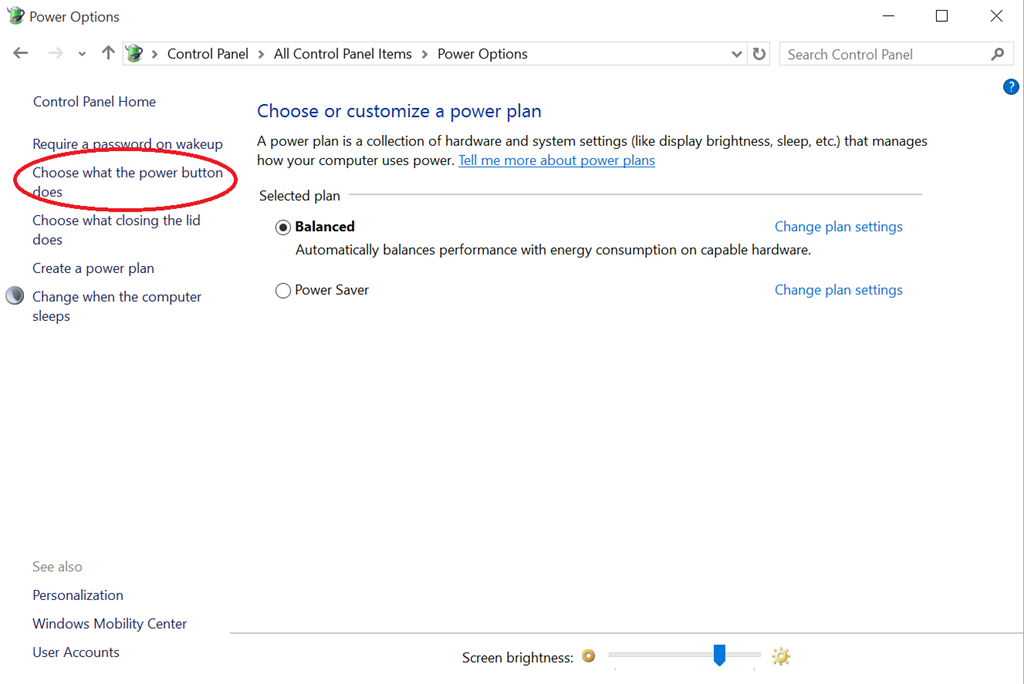
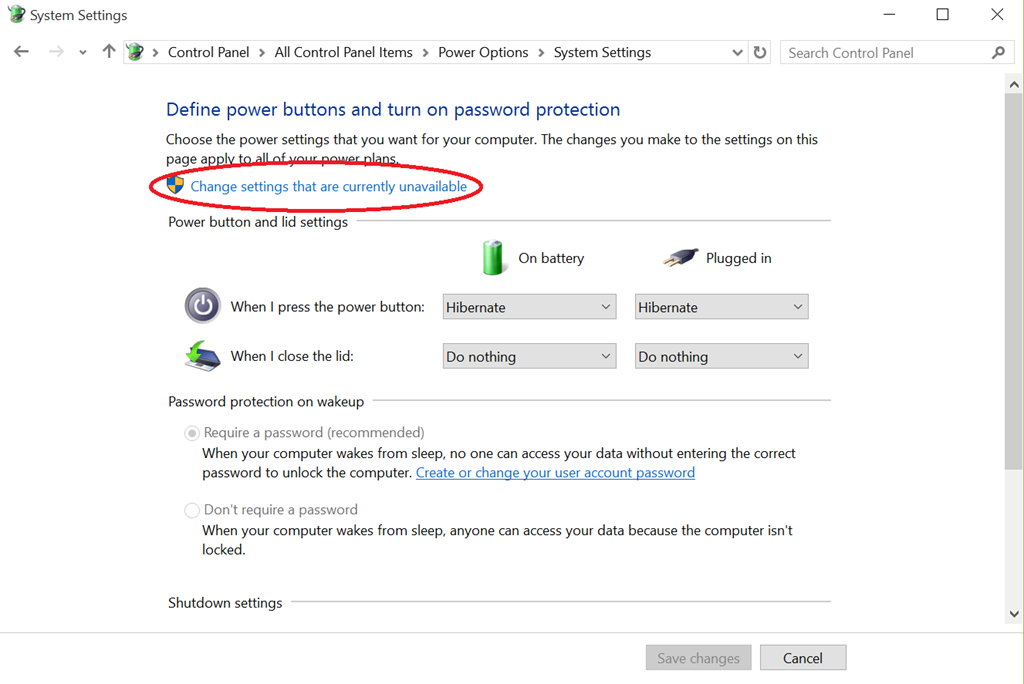
    SOLUTION: POWER + VOLUME UP
    Hold down POWER + VOLUME UP for 22 seconds.  This is usually the Boot-to-BIOS procedure, however if you keep holding the buttons down, the BIOS will appear and then shut off and reappear.

    This procedure resets the hardware’s recognition of the keyboard’s state. The detach button & on-screen detach should work fine now.

    image

    This session will provide Sysadmins with tips, tricks and real world experiences on how best to approach Windows 10 for their organization.  Bring your questions and your own experiences and we will do our part in making sure you leave with the information and tools to best deploy Windows 10. 

    Speaker Bio: Yong Rhee
    Yong is a Windows Premier Field Engineer, who helps educate, deploy, maintain best practices and troubleshoot Windows Clients and Servers out of Irvine, CA.

    Meeting Schedule:

    • 6:00 PM – 6:15 PM Eat and Greet
    • 6:15 PM – 6:30 PM Welcome
    • 6:30 PM – 7:30 PM Speaker – Yong Rhee
    • 7:30 PM – 8:30 PM Round table Q&A (bring your Windows 10 questions)
    • 8:30 PM – 8:45 PM Closing Announcements

    Date/Time:
    Nov 12, 6:00PM

    Location:
    Microsoft Playa Vista
    13031 W. Jefferson Blvd, Suite 200
    Los Angeles, CA 90094

    Registration:
    http://www.meetup.com/socalpfedays/events/225934396/

    For those of you who are SharePoint jockeys:

    clip_image002

    This meeting’s presentation will cover a range of general workflow best practices, while also demonstrating a number of cloud connectors available in Nintex Workflow, that enable integration from SharePoint 2013 or SharePoint Online to nearly all popular cloud services.

    Speaker: Tom Castiglia
    Tom has been building document management and workflow solutions for more than 20 years, and he recently sold his prior company, Hershey Technologies to Konica Minolta, where he now works as Microsoft Practice Director. Tom has also been active in the local technology community, as a founding board member for both the San Diego .NET User Group and the San Diego SharePoint Users Group. Today, he focuses on workflow solutions for SharePoint using Nintex and he was recently recognized by Nintex as a "virtual Technical Evangelist" (vTE).

    Have you had problems getting Windows Live Writer installed on Windows 10?

    I’ve been both upgrading machines from Windows 7 & 8.1 to Windows 10… and I’ve also been installing brand new machines with Windows 10.  Along the way, I discovered that Windows 10, often if installed NEW, won’t install Windows Live Writer correctly. 

    The problem is that repeatedly, it insists on attempting to install .NET Framework 3.5… and fails.  Most people would think to simply look for the installation executable on Microsoft.com and install it from there, but on Windows 10, .NET Framework 3.5 is supposed to be an installable feature within Windows 10 itself.  If you go to CONTROL PANEL – PROGRAMS & FEATURES & click “Turn Windows features on or off” (in the left hand column) it should display the following dialog box:

    image

    Fair enough, right?  Just check off .NET Framework 3.5 and away we go, right?  NOPE.  For some reason, this fails without any explanation.

    SOLUTION: DISM OFFLINE INSTALLATION
    It turns out that the problem is that the .NET Framework source files aren’t available directly from your machine and you need to some how get them.  There’s two ways to get .NET Framework 3.5 installed – both involve having the Windows 10 installation media. 

    1. INSTALLER TOOL
      The easy way is to download the .NET Framework 3.5 Offline Installer tool and plug in your Windows 10 installation media. (likely a USB drive)  Run the tool and it will instruct you to point to the location of your installation media (D:, E:, etc.) and it will tell you if the right source files are available.  Press install and it will execute a DISM command line instruction that will install .NET Framework 3.5.

      image
       

    2. COMMAND LINE
      Alternatively, you can execute the command line instruction on your own if you’re comfortable with that.
       
      Dism.exe /online /enable-feature /featurename:NetFX3 /source:F:\sources\sxs /LimitAccess
       
      Where, F: is your installation media.

    At this point, you should be able to install Windows Live Essentials either over the web or from the full download.

    WINDOWS LIVE ESSENTIALS INSTALLATION:

    ————–

    Taken in large part from the following threads/posts:

    Posted by: kurtsh | November 7, 2015

    RELEASE: Surface Book Drivers and Firmware (1.0)

    In case you missed it, a couple days ago, we published the drivers for Surface Book for download:

    imageCumulative and current firmware and drivers for the Surface Book. This firmware and driver package contains drivers for all of the components in the Surface Book, as well as updates to the system firmware that have been released via Windows Update. These drivers and firmware are compatible with Windows 10, including Enterprise versions. The driver MSI and ZIP files include all of the drivers and firmware needed to deploy custom images of Windows on your Surface devices. Additionally, the WinTab driver is provided for those professionals needing WinTab compatibility with certain Surface Pen enabled applications.

    • SurfaceBook_Win10_151102_0.msi 168.6 MB
    • SurfaceBook_Win10_151102_0.zip 704.1 MB
    • Wintab-1.0.0.20-64-bit.zip 4.5 MB

    Use these drivers and firmware to prepare your custom images for enterprise deployment, or to repair problems with custom installations of Windows on your Surface Book. These drivers and firmware are compatible with Windows 10, including Enterprise versions. The ZIP file allows you to selectively install or deploy individual drivers. The MSI will install all relevant drivers automatically. Additionally, the WinTab driver is provided for those professionals needing WinTab compatibility with certain Surface Pen enabled applications.

    Posted by: kurtsh | November 7, 2015

    INFO: Scan/Repair System Files on Windows 10

    imageThere’s an old article posted on our Wiki on how to do an auto-repair of Windows in the event you suspect some form of OS corruption – and it’s particularly simple but effective with Windows 10.

    It involves using two tools:

    • System file check (SFC)
    • Deployment Image Servicing & Management (DISM)

    Again, despite being written in 2013, this article works for Windows 10 and is particularly useful for scenarios when Windows appears to be behaving badly for totally unknown reasons.  If you’re an IT Professional or even if you’re just a geek Windows jockey, I encourage you to keep this post in your back pocket.

    I also found a tool that orchestrates the usage of SFC & DISM, called SFCfix.  It appears to automate the steps outlined above.

    « Newer Posts - Older Posts »

    Categories