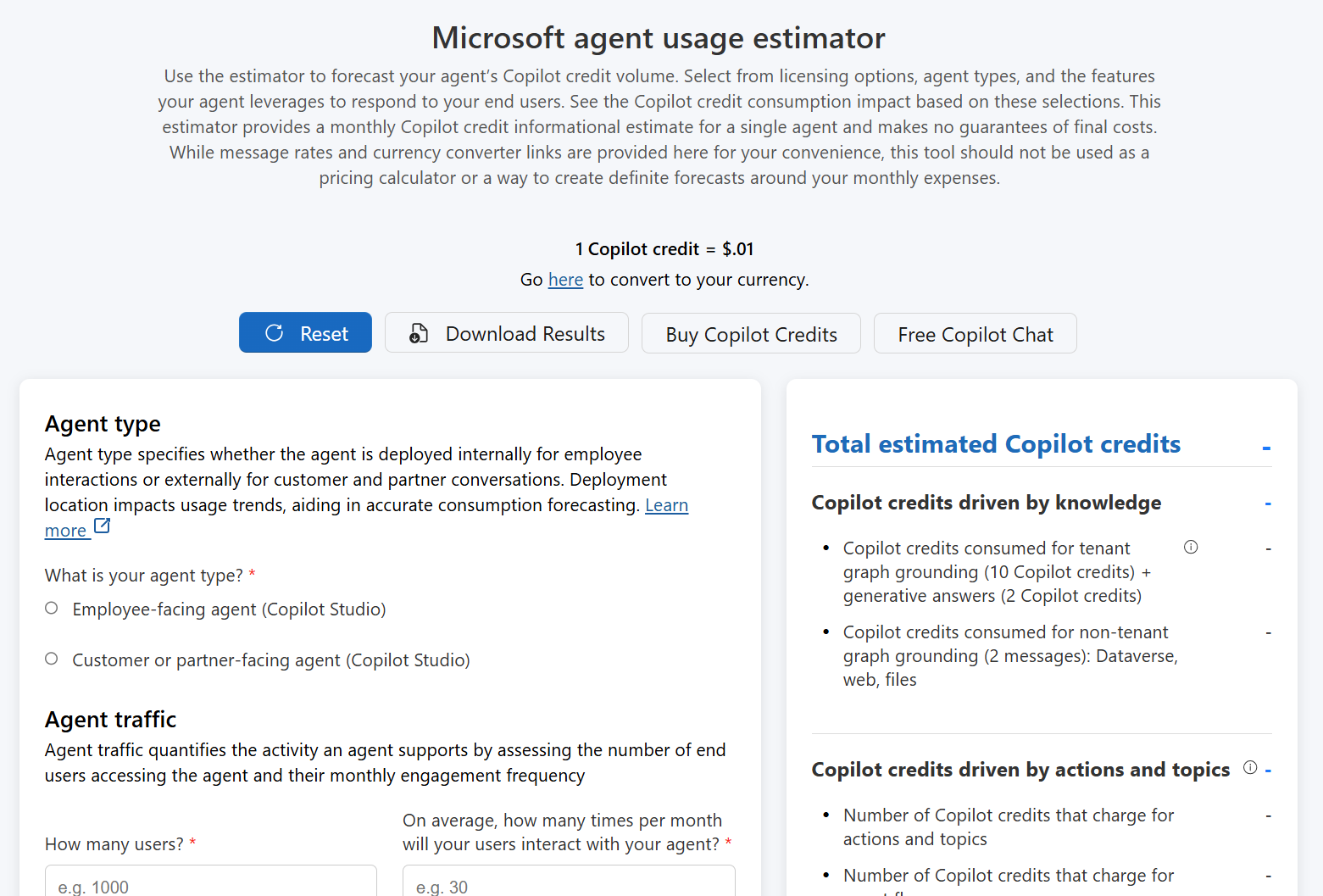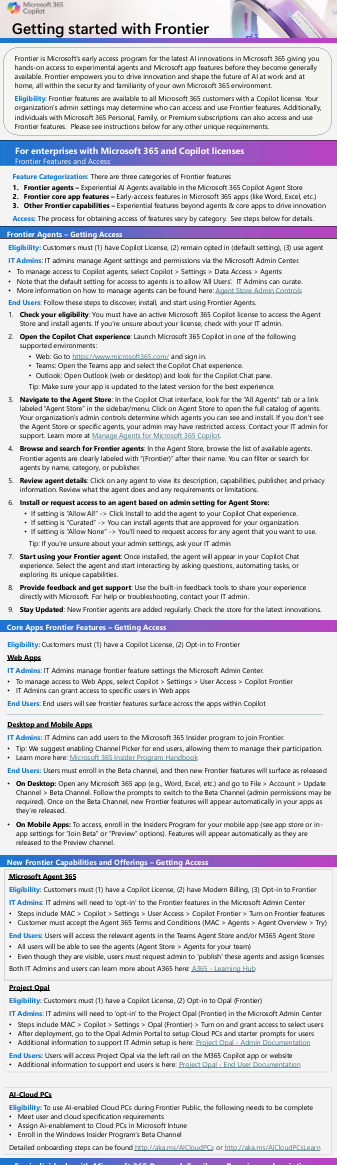
“Getting Started with Copilot Control System” is for IT and Security leaders and practitioners to prepare, deploy, manage & measure Microsoft 365 Copilot and agents at Enterprise scale.

This playbook is intended to be a practical, actionable guide for IT and security professionals, to confidently adopt and deploy Copilot and agents. In it, we’ll show you how to leverage familiar Microsoft technologies to exercise control without inhibiting innovation. The guidance, real‑world best practices, and built‑in capabilities explored in this playbook are intended to help organizations:

  • Prepare your tenant for Copilot and agents with the right security, compliance, and readiness baselines to speed adoption and address oversharing.
  • Deploy Copilot and agents with centralized controls, guardrails, and governance for optimal license
    allocation, cost control, and lifecycle management.
  • Manage adoption to optimize performance and prove value to stakeholders through policy enforcement, audit readiness, and measurable ROI.

This playbook serves as a reference guide for each phase of the process for preparing, deploying, and managing Copilot and agents throughout your organization.

Posted by: kurtsh | December 8, 2025

BETA: Microsoft Fabric Chargeback app (Preview)

The Microsoft Fabric Chargeback app helps you understand which teams, users, and workloads are driving capacity usage, enabling you to build chargeback processes that fairly allocate costs based on actual consumption.

As a capacity admin, you can view key parameters such as metric types, dates, and operation names, and share the report with others in your organization to support transparent and informed cost management.

For more information:

View the following video to get a “first look” around the use of the Fabric Chargeback Reporting app.

First Look at Microsoft Fabric Chargeback Reporting | Install, Refresh & Report Tour

Announcing the 2026 Microsoft Government BizApps + Copilot Summit returning to Reston, VA on March 10–11, 2026

There is no cost to register for Government employees. Join us for a two-day experience bringing together government and industry leaders to explore how AI and Business Applications are transforming the U.S. Public Sector.

  • Day 1: Hands-on Build-A-Thon, Hack-A-Thon, and Prompt-A-Thon so bring your device and your ideas.
  • Day 2: Keynotes and deep-dive sessions on AI-powered processes, automation, and the future of the AI workforce across 4 different tracks.

Don’t miss this opportunity to learn, build, and lead with AI.
Save your seat today!

Microsoft announced the end of support for Project Online and PWA in Office 365 by September 30, 2026. The following is a very thorough webinar from our partner, Projility, that breaks down what this announcement means for your organization and how to plan your next move with confidence.

This webinar specifically covers the following:

  • Overview of the retirement timeline
  • Licensing, planning, change management, and governance considerations
  • Migration paths to Project Server SE or Planner Premium & best practices

ABOUT PROJILITY
Projility is a Microsoft Partner that provides Enterprise Project Management professional services to organizations looking for assistance with their Project Online migration, or overall EPM guidance. They also have a YouTube channel in which they provide Project expertise at no cost to subscribers & they are very experienced with State & Local Government customers:

You can contact them at info@projility.com or if you’re a customer of mine, contact me & I’ll make a formal introduction.

Microsoft Ignite 2025 showcased 2 new AI-powered capabilities available to Microsoft 365 Copilot users:

App Builder
Copilot now includes App Builder, making it easy to create and deploy apps in minutes, no database setup required. Work with App Builder to create and refine dashboards, charts, calculators, lists, and any other interactive element you can dream up. You can preview and refine your app, over multiple edits and comments, without leaving Copilot.

The experience is grounded in your Microsoft 365 content, including documents, presentations, spreadsheets, and notes, and can even generate and store new data using Microsoft Lists as a backend. Sharing is just as simple: Distribute your app with a link, just like you would share a document.

Try prompts:

  • “I’m hosting a half‑day conference and want an app to manage the session schedule…”
  • “Build an app to track my expenses… include a dashboard with KPIs and charts…”
  • “Build an app to help me compare different options and make a decision…”

Instantly deployable: each app stores data in Microsoft Lists, providing an enterprise‑grade, governed database for instant deployment and collaboration.

Details:

  • Safe and easy to share like any Microsoft 365 document, with secure links and inherited permissions.
  • App Builder is available today for Commercial Frontier customers in the U.S
    GCC customers slated for H1CY2026
  • Included with your Microsoft 365 Copilot license.

Workflow Agent
Automate tasks like sending emails and reminders, managing calendars, and sharing team updates. Now you can simply describe what you want, and Copilot converts your words into automated flows across Outlook, Teams, SharePoint, Planner, and services like Approvals.

Workflows is an agent in Microsoft 365 Copilot that helps you automate work across Microsoft 365 using natural language. Instead of manually configuring steps or connectors, you simply describe what you want and Workflows generates a working workflow using supported Microsoft 365 services. 

Workflows lets you: 

  • Automate tasks in apps like Outlook, SharePoint, Teams, and Planner.
  • Trigger actions on a schedule, or in response to events.
  • Collect and save user input with adaptive cards in Teams.
  • Use your Microsoft 365 data—like calendar, tasks, or lists—without writing code.
  • Test and manage workflows in a visual designer.

Read more about both announcements here:

Posted by: kurtsh | November 26, 2025

TRAINING: Microsoft-in-a-Day Workshops

Microsoft-in-a-Day series of workshops are all-day, “no cost”, virtual learning events, designed to teach users – in online, one-day trainings led by an instructor – how they can quickly & effectively address business challenges.  Workshops include:

Take advantage of these online workshops to get a jumpstart on any of these technologies. For more information on Microsoft-in-a-Day workshops & available registration dates, visit: 

Posted by: kurtsh | November 25, 2025

EVENTS: Microsoft Conferences for 2026

The following Microsoft-sponsored conferences are coming in 2026 so budget, register & block the times on your calendars now for these events.

Keep in mind that it’s not just about getting a registration, it’s about getting a HOTEL ROOM. Lodging is often the most difficult thing to secure so remember that – especially for the coveted “conference block” of discounted rooms – hotel reservations are “first come, first served”.

  • Fabric Community Conference 2026
    • Fabric conference – https://fabriccon.com/
    • March 16-20, 2026 – Georgia World Congress Center – Atlanta, GA
    • Discount code: MSCUST ($150 off)
  • SQLCon 2026
    • SQL Server conference – https://sqlcon.us/
    • March 16-20, 2026 – Georgia World Congress Center – Atlanta, GA
    • Discount code: MSCUST ($150 off)
  • Agent & Copilot Summit North America
    • AI Business Solutions conference – https://copilot.summitna.com/
    • March 17-19, 2026
    • Hilton La Jolla – Torrey Pines, CA
    • Discount codes:
      • Local residents: Local599 ($600 off All Access), Tuesday299 ($500 off Tues-Wed Pass), Wednesday99 ($300 off Wednesday Pass)
      • Group, military, students: Contact joann@dynamiccommunities.com 
  • Microsoft 365 Community Conference 2026
    • Microsoft 365 conference – https://m365conf.com/
    • April 21 – 23, 2026
    • Loews Sapphire Falls Resort/Royal Pacific Resort -Orlando, FL
    • Discount code: MSCUST ($150 off)
  • NerdioCon 2026
    • Conference for Azure Virtual Desktop, Windows 365, Intune, Microsoft 365 – https://nerdiocon.com
    • May 4–6, 2026
    • La Quinta Resort & Spa – Palm Springs, CA
    • Discount code: $200 early bird discount until December 31st, 2025
  • TechCon365/DataCon/PWRCon
    • IT Professional’s conference – https://techcon365.com/Seattle
    • August 24-28, 2026
    • Seattle Convention Center – Seattle, WA
    • Discount code: LOCALGOV (18% discount for employees of city, county or regional agencies including public educational institutions. I believe this requires a .EDU or .GOV email address.)
  • Power Platform Community Conference 2026
    • Power Platform & Copilot Studio conference – https://powerplatformconf.com/
    • October 27-29, 2026
    • MGM Grand – Las Vegas, NV
    • Discount code: MSCUST ($100 off)
      (Also 50OFF provides a 50% discount for 2025 conference attendees)
  • Microsoft Ignite 2026
    • IT Professional’s conference – https://ignite.microsoft.com
    • November 17–20, 2026
    • Moscone Center – San Francisco, CA
    • Discount code: TBD

Imagine your team spending less time on manual tasks and more time serving your mission. PubSec.ai guides you every step of the way:

  • Clear guidance for Executives, IT Administrators, Developers, and Frontline staff
  • No-code templates to speed up rollout
  • Governance strategies that keep you compliant

PubSec.ai features:

Join the community at:

  • Public Sector AI – Secure, compliant AI that frees time and improves outcomes for government
    https://pubsec.ai/

Looking for a review of the Security Copilot announcements made at Microsoft Ignite 2025?

You’re in luck! We have a 1 1/2 hour overview coming on December 4th, 2025 (8-9AM) that’s just for you, delivered by Microsoft’s Security Engineering team.

DECEMBER 4 (8:00 AM – 9:30 AM) Security Copilot Skilling Series | Discussion of Ignite Announcements

Ignite 2025 is all about driving impact in the era of AI—and security is at the center of it. In this session, we’ll unpack the biggest Security Copilot announcements from Ignite on agents and discuss how Copilot capabilities across Intune, Entra, Purview, and Defender deliver end-to-end protection.

And in case you hadn’t heard: Security Copilot is now INCLUDED in the subscription for organizations licensed for Microsoft 365 E5. (And also coming for G5 as well!) Read this post below for more information:

At Microsoft Ignite 2025, we announced the general availability of SQL Server 2025. This marks the latest milestone in the more than 30-year history of SQL Server. It is also a key part of our commitment to the one consistent SQL promise, delivering consistent experience across on-premises, cloud, and SaaS environments, with one engine and one unified platform.

SQL Server 2025 features:

  • Built-in AI and developer-first enhancements, all with the T-SQL you already know.
  • Access AI models of your choice—hosted locally or in the cloud—and securely use your data to fit your business needs.
  • Simplify data processing with native JSON support, built-in REST APIs, and change event streaming.
  • Get near real-time analytics by replicating SQL Server data to Microsoft OneLake using database mirroring in Microsoft Fabric.
  • Best-in-class security, performance, and availability
    • Boost performance and reliability with enhanced query optimization, optimized locking, and improved failover for better uptime and concurrency.
    • Strengthen security with Microsoft Entra ID authentication through Azure Arc, reducing potential vulnerabilities.
  • SQL Server 2025 on Linux
  • SQL Server 2025 on Azure Virtual Machines – Optimized for
  • Increase productivity with GitHub Copilot integration in Visual Studio Code and SQL Server Management Studio 22.
  • Develop faster using the new Microsoft Python driver for SQL Server (mssql-python) for a seamless experience across Windows, macOS, and Linux.

For a full run down of the announcement, visit:

« Newer Posts - Older Posts »

Categories