This month, we released ten new Windows 10 virtual labs so that IT pros can get direct hands-on experience with Windows as a Service (WaaS), Windows security technologies, and new deployment scenarios before doing a full-scale rollout in the organizations.
 What is a virtual lab?
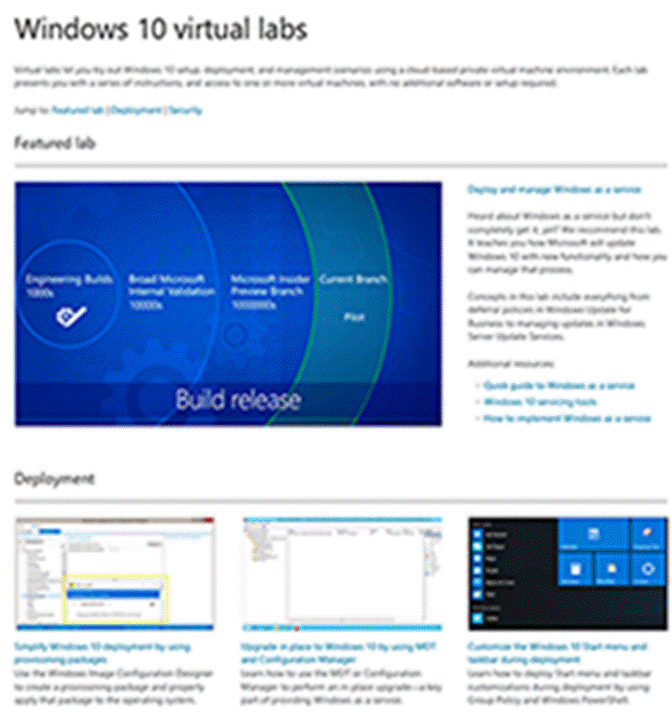
Virtual labs let IT pros try-out common Windows 10 tasks using a cloud-based private virtual machine environment. Each lab features a series of instructions, and access to one or more virtual machines, with no additional software or setup required.
Labs available today:
- Deploy and manage Windows as a Service
- Deploy Windows Information Protection
- Deploy Device Guard
- Deploy Credential Guard
- Enable and secure a remote workforce by joining Windows 10 to Azure Active Directory
- Simplify Windows 10 deployment by using provisioning packages
- Upgrade in place to Windows 10 by using MDT and Configuration Manager
- Customize the Windows 10 Start menu and taskbar during deployment
- Set up Windows Store for Business to deploy apps in your enterprise
- Use Internet Explorer Enterprise Mode to fix compatibility issues
For your convenience, we’ve created a single landing page for these labs on the Windows IT Center – https://aka.ms/w10virtuallabs – and we’ll be adding new labs in the months to come.





 kurtsh
 Kurt Shintaku's Blog
You must be logged in to post a comment.