In the recent Thousand Eyes “2018 Public Cloud Performance Benchmark Report”, Azure has the best global WAN – all of it Microsoft’s own private network – of the three major public cloud providers.

imageThe 2018 Public Cloud Performance Benchmark Report measures and compares network performance between the top three public cloud providers—Amazon Web Services, Microsoft Azure and Google Cloud Platform.
The industry’s first report of its kind breaks the mold of survey-based research and vendor-led reporting to provide a unique, unbiased third-party and metric-based perspective on public cloud performance as it relates to end-user experience.

Get the report here:

Microsoft has a great solution that empowers technicians to solve problems faster the first time. With heads-up, hands-free video calling on Microsoft HoloLens, technicians can collaborate with remote experts on PC or mobile to troubleshoot issues in context.

It’s called “Dynamics 365 Remote Assist”.

Here’s a list of some of the capabilities Remote Assist delivers:

  • Hands-free audio and video calling*
  • Compatible with Microsoft Teams: Remote experts can initiate and receive calls using Teams
  • Mixed reality annotations: 2-way inking and arrow insertion anchored to the real world
  • In-call text chat: Instant message during calls
  • OneDrive integration, file sharing, and display: HoloLens users’ and remote experts can insert documents (PDF) and images (JPG, PNG, TIFF, and BMP) into their shared view
  • Enterprise-level identity and security: AAD authentication and single sign-on
  • Mixed reality streaming: HoloLens users can share their view of another app by running Remote Assist in the background
  • Mixed reality capture: HoloLens users can capture mixed reality photos during calls
  • Screen sharing: Experts can project their desktop screen to HoloLens users’ view
  • Automatic volume adjustment: Automatically adjusts based on the noise level of your environment
  • Integration with Dynamics 365 for Field Service**: HoloLens users can view work orders, call designated experts, and view Power BI dashboards linked to work orders in Remote Assist

For more information on the solution, check out the following references and videos:

imageThe free Microsoft Connect() online event is coming, December 4, featuring the latest announcements for Azure & Visual Studio & live demos for developers looking to build next Gen apps using C#, Java, Python, Node.js, and more —live from the Microsoft Azure and AI Conference.

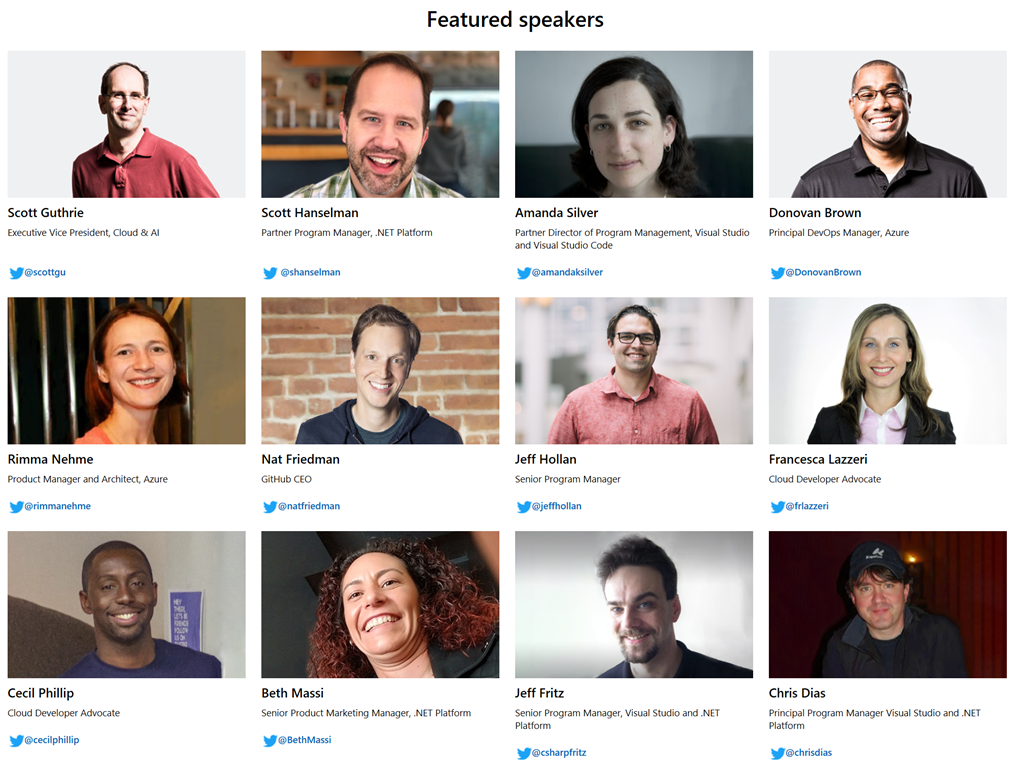
Here’s some of the rockstar speakers from Microsoft that will be coming to you from this event:

image
DATE/TIME:
December 4, 2018
Opening keynote starts 8:30AM & goes on throughout the entire day!

UPDATE NOTIFICATIONS:
https://info.microsoft.com/Microsoft-Connect-2018-get-updates.html

EVENT SITE:
https://www.microsoft.com/en-us/connectevent/

ADD TO CALENDAR:
https://query.prod.cms.rt.microsoft.com/cms/api/am/binary/RE2GG77

imageCo-produced by DEVIntersection & Microsoft – featuring Scott Guthrie – the Microsoft Azure+AI Conference is where Microsoft’s top executives will speak about what’s on the horizon for development. cloud, and artificial intelligence.

Don’t miss this unique opportunity to attend the first ever Microsoft Azure and AI conference. You will hear from Microsoft Executives on their exciting Azure and AI future. You will have the opportunity to train and network with the Microsoft engineers and Azure & AI industry experts.

Registrants who sign up for the conference and workshops will take home some great hardware such as a Surface Go, XBOX and more. Please see the registration page for details. Space is limited so don’t hesitate.

Logistics below:

Posted by: kurtsh | November 8, 2018

DOWNLOAD: Microsoft Office 365 Branding Toolkit

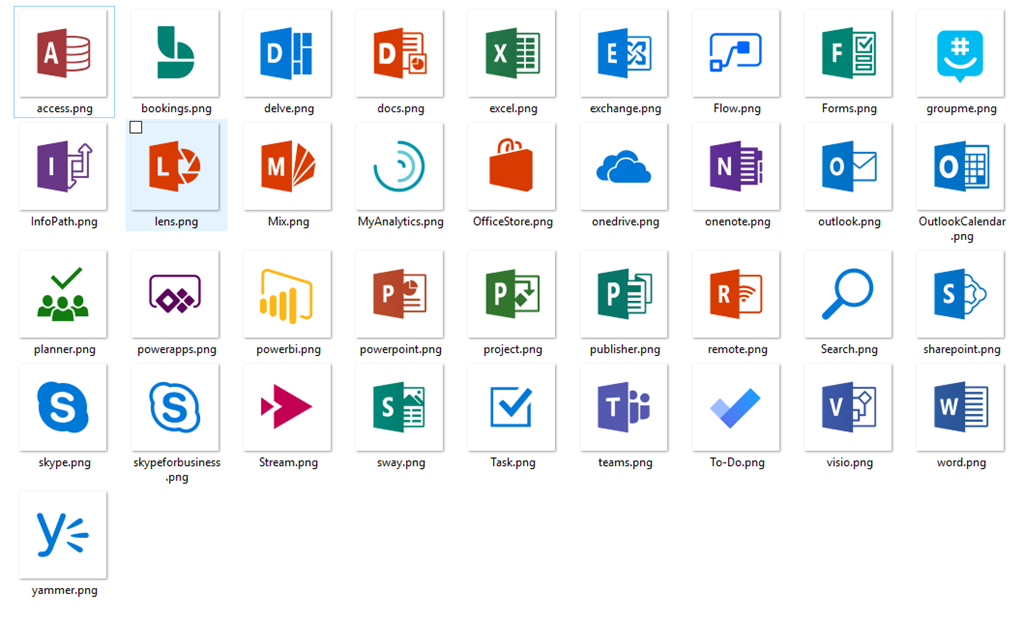
imageFastTrack has a set of graphics & logos to use in branding your launch/kickoff of Office 365’s deployment.

In onboarding to Microsoft Office 365 products, it’s important that users recognize the launch icons and product names. This Branding Toolkit includes icon assets and names for use exclusively in the onboard training of Office 365. Please make sure that you (and your customer if you’re a partner) read and adhere to the following Microsoft Office 365 Trademark License and associated Branding Guidelines.

Grab the Microsoft Office 365 Branding Toolkit here:

Check out our exhaustive list of adoption content and other guides on our Resource Hub.

Posted by: kurtsh | November 8, 2018

INFO: Acclaim for Surface Pro 6 & Surface Laptop 2

imageNormally I try to produce a full round up of reviews of our Surface releases but I haven’t had the time recently.

Here’s a few reviews that I’ve found for Surface Laptop 2 and Surface Pro 6 that are a bit indicative of the acclaim that this generation of Surfaces have gotten.

There’s a series of new features in Microsoft Intune.  One of them was quietly released:

Windows Win32 apps and PowerShell scripts
End users are no longer required to be logged in on the device to install Win32 apps or execute PowerShell scripts.
Yeah, so that’s kinda big.  Check the update out here:
Posted by: kurtsh | November 6, 2018

INFO: Microsoft Teams Live Events

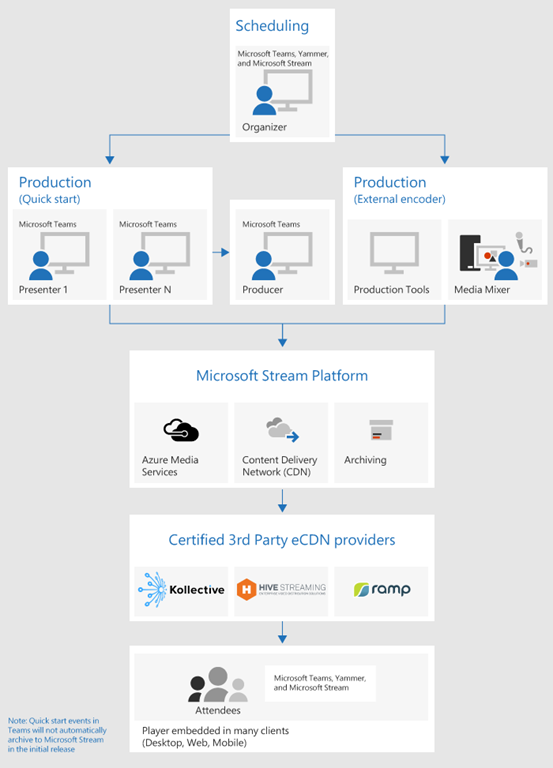
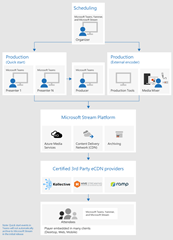
imageWith Microsoft Teams live events, users in your organization can broadcast video and meeting content to large online audiences.

Microsoft 365 live events bring live video streaming to a new level, encouraging connection throughout the entire engagement lifecycle with attendees before, during, and after live events. You can create a live event wherever your audience, team, or community resides, using Microsoft Stream, Microsoft Teams, or Yammer.

Teams delivers chat-based collaboration, calling, meetings, and with live events, so you can expand the audience of your meetings. Teams live events is an extension of Teams meetings, enabling users to broadcast video and meeting content to a large online audience. These are meant for one-to-many communications where the host of the event is leading the interactions and audience participation is primarily to view the content shared by host. The attendees can watch the live or recorded event in Yammer, Teams, and/or Microsoft Stream, and can interact with the presenters using moderated Q & A or a Yammer conversation.

Teams live events are considered the next version of Skype Meeting Broadcast and will eventually replace the capabilities provided in Skype Meeting Broadcast. During the public preview release of Teams live events, we will continue to support Skype Meeting Broadcast, with no disruption in service for new or future events. However, we encourage you to try out Teams live events to leverage all the new and exciting features including screen sharing, attendee count, and support for external hardware/software encoders.

Take a look at how you can use Microsoft Teams Live Events to broadcast video and meeting content to large online audiences.

Posted by: kurtsh | November 6, 2018

DOWNLOAD: Security best practices for Azure solutions

imageThis paper is a collection of security best practices to use when you’re designing, deploying, and

managing your cloud solutions by using Azure. These best practices come from our experience with Azure security and the experiences of customers like you.

This paper is intended to be a resource for IT pros. This might include designers, architects, developers, and testers who build and deploy secure Azure solutions.

image[I didn’t post this soon enough – my bad.  But all the answers are located at the site below]

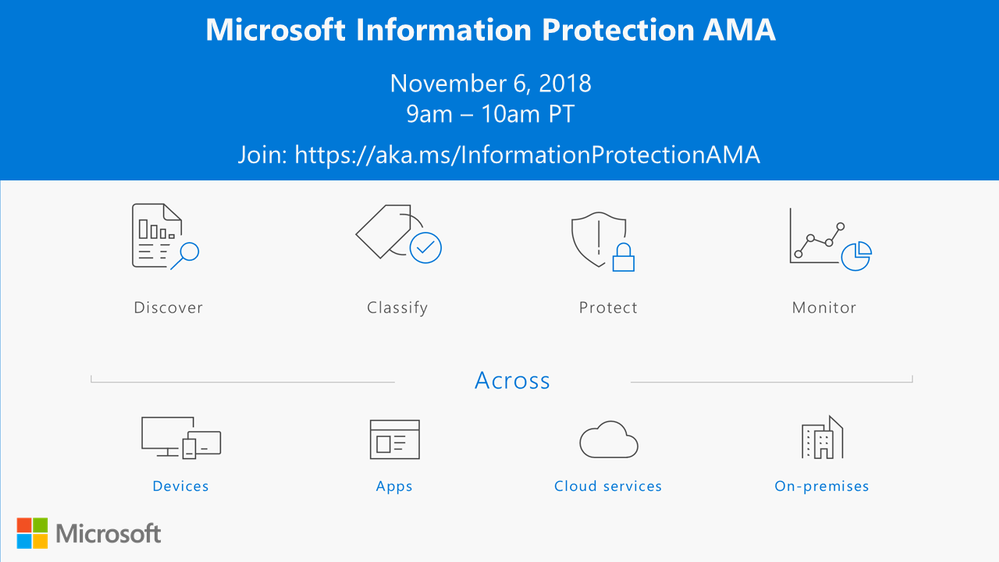
We are very excited to announce a Microsoft Information Protection Ask Microsoft Anything (AMA) to answer questions about the new capabilities announced at Microsoft Ignite.

The AMA will begin on Tuesday, November 6th at 9am PT.

An AMA is a live online event similar to a “YamJam” on Yammer or an “Ask Me Anything” on Reddit. This AMA gives you the opportunity to connect with members of the product engineering team who will be on hand to answer your questions and listen to feedback.

We will open up the space for questions when the event begins at 9AM PT.

If you absolutely can’t attend and have questions you want to ask, share your questions in this thread and we’ll be sure to move them to the main space.

View the Q&A at the AMA site here:
https://aka.ms/InformationProtectionAMA

« Newer Posts - Older Posts »

Categories