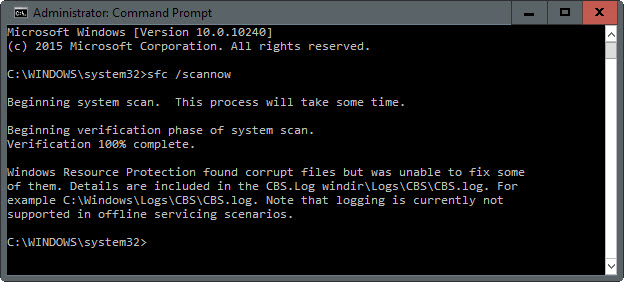
 There’s an old article posted on our Wiki on how to do an auto-repair of Windows in the event you suspect some form of OS corruption – and it’s particularly simple but effective with Windows 10.
It involves using two tools:
- System file check (SFC)
- Deployment Image Servicing & Management (DISM)
Again, despite being written in 2013, this article works for Windows 10 and is particularly useful for scenarios when Windows appears to be behaving badly for totally unknown reasons. If you’re an IT Professional or even if you’re just a geek Windows jockey, I encourage you to keep this post in your back pocket.
- POST: Windows Community: System file check (SFC) Scan and Repair System Files & DISM to fix things SFC cannot
http://answers.microsoft.com/en-us/windows/wiki/windows_10-update/system-file-check-sfc-scan-and-repair-system-files/bc609315-da1f-4775-812c-695b60477a93
I also found a tool that orchestrates the usage of SFC & DISM, called SFCfix. It appears to automate the steps outlined above.
- SFCfix: Automatic SFC Corruption Repair
http://thetechcookbook.com/automatic-sfc-corruption-repair-sfcfix-exe/ - More of the usage of SFCfix
http://www.ghacks.net/2015/11/06/sfcfix-comes-to-the-rescue-when-sfc-scannow-cannot-repair-windows-file-corruption/
 kurtsh
 Kurt Shintaku's Blog