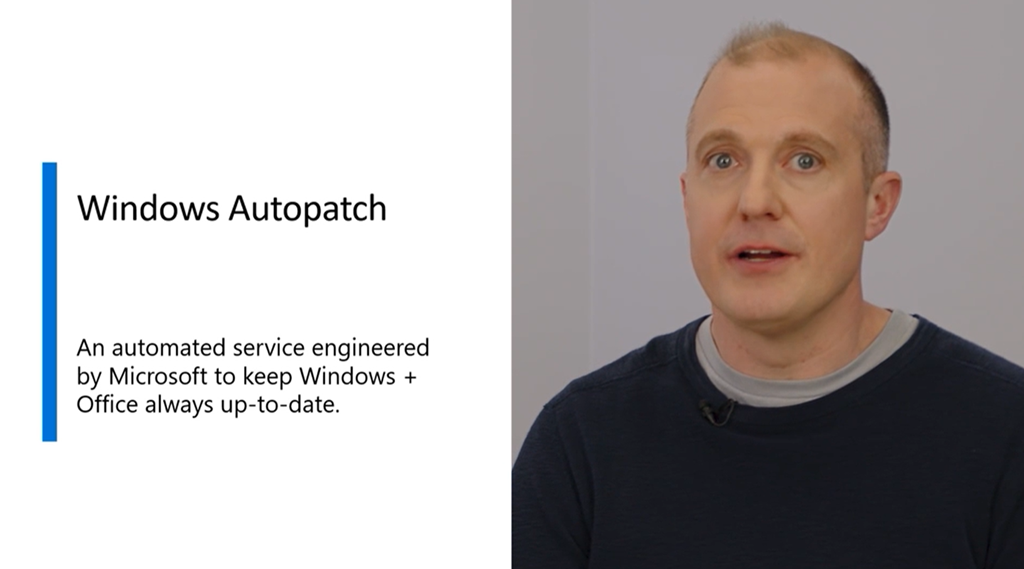
 Microsoft is pleased to introduce[1] Windows Autopatch as a feature of Windows Enterprise E3[2], enabling IT pros to do more for less.
This service will keep Windows and Office software on enrolled endpoints up-to-date automatically, at no additional cost. IT admins can gain time and resources to drive value. The second Tuesday of every month will be ‘just another Tuesday’.
HOW DOES IT SELECT ON WHAT DEVICES TO DEPLOY?
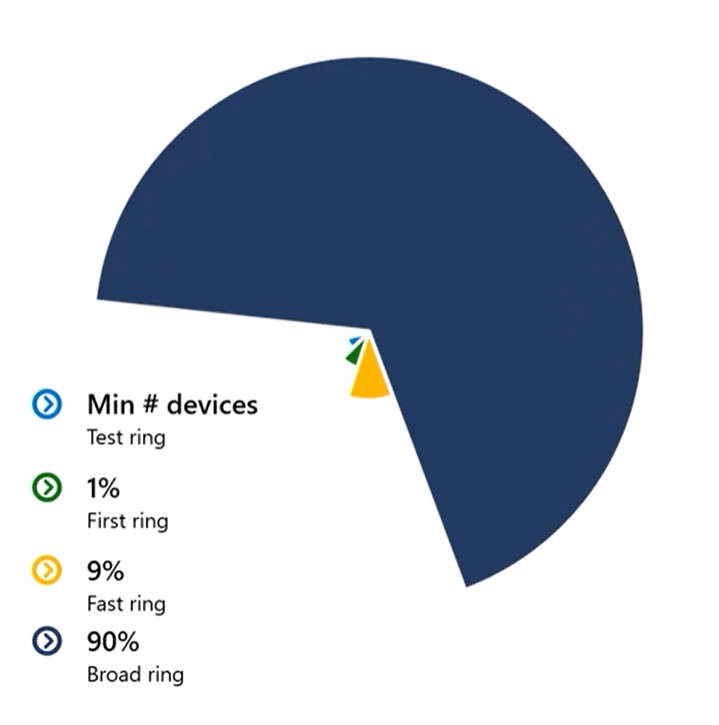
The services gradually deploys patches in 4 distinct “rings” of devices, which you determine:
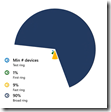 Test – Minimum; maybe 5-10 initial workstations
- First – A pilot group of workstations representing 1% of all devices
- Fast – A wider group 9%
- Broad – Every remaining device
HOW DOES IT KNOW WHEN TO MOVE ON TO ANOTHER RING?
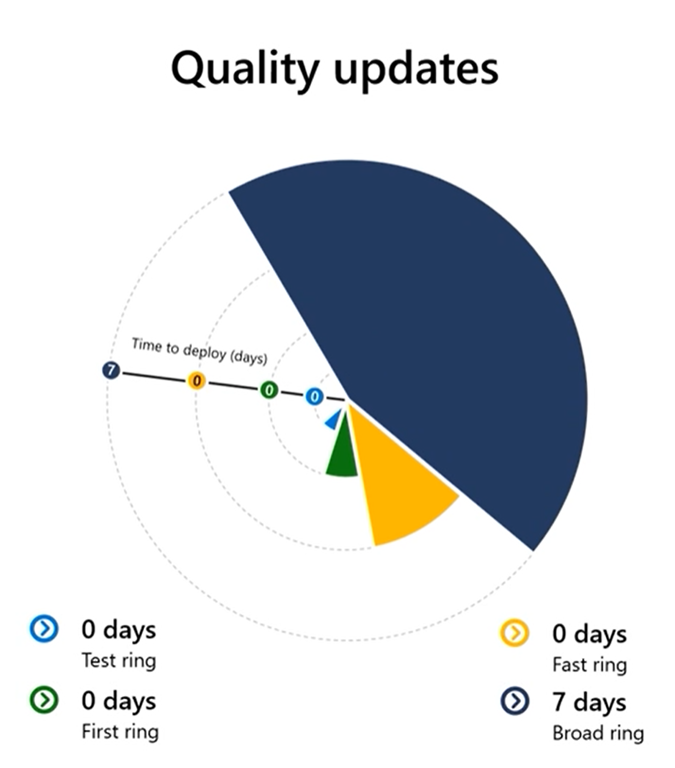
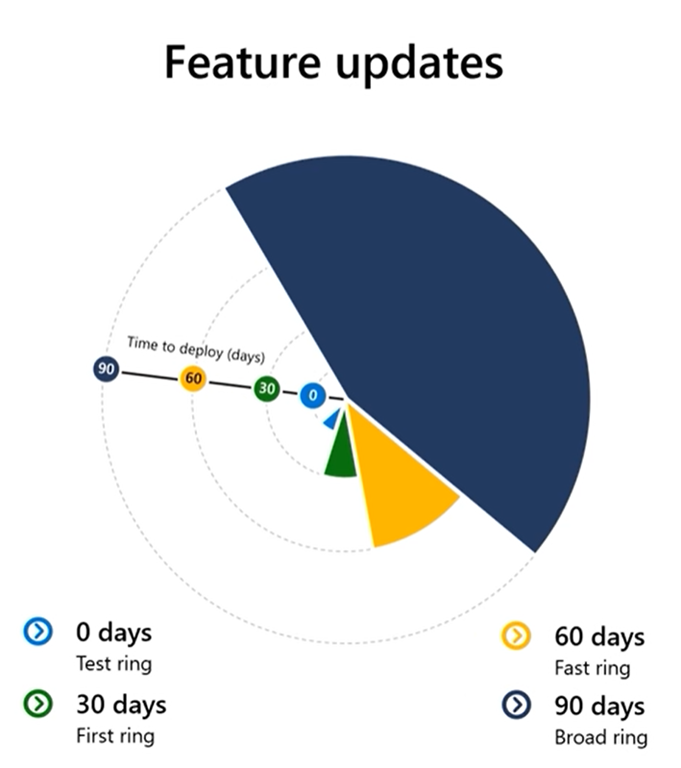
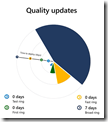 The rate at which deployment progresses depends on the success of the patch deployment on a given ring, which is based on AI & signals we get from each patched system.
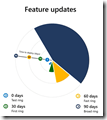
The rate of deployment also depends on the type of patch.
 “Quality Updates” (Security, firmward) are deployed quickly.
 - “Feature Updates” take 30 days per ring at minimum.
WHAT IF THINGS GO WRONG WITH A DEVICE(S)?
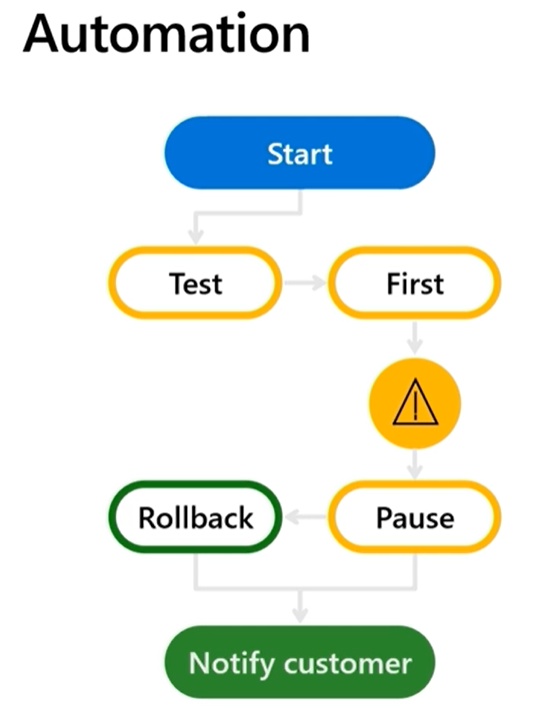
- HALT
Autopatch will halt the deployment if devices have issues – and IT administrators can manually halt roll outs as well.
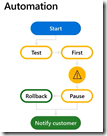 ROLLBACK
Updates are undone automatically if devices are detected to have problems.- SELECTIVITY
Partial updates are pushed out, problematic parts of updates are left behind. Portions of an update package will be deployed if parts of an update are unsuccessful to maximize deployment effectiveness.
HOW DO WE KNOW HOW WELL A DEPLOYMENT IS GOING?
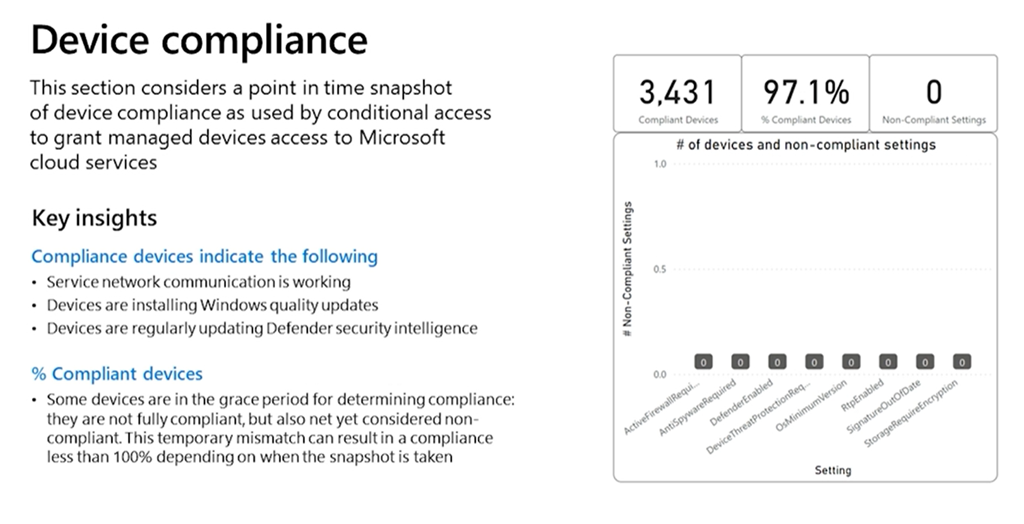
 Windows Autopatch reports update deployment status, device health, and compliance progress for audit purposes – all through the Endpoint Manager/Intune console.
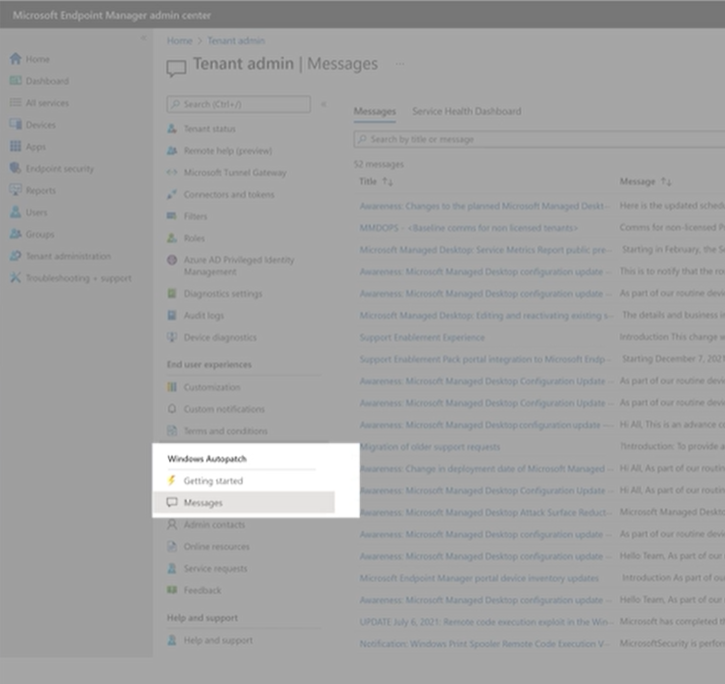
Autopatch Message Center will provide on-going details of schedules, current status – directly from the Autopatch team.
 For applications or devices that have issues with an Update Package, issues are automatically forwarded to the AppAssure team to provide you with the expertise to fix the issue.
WHAT DOES AUTOPATCH REQUIRE?
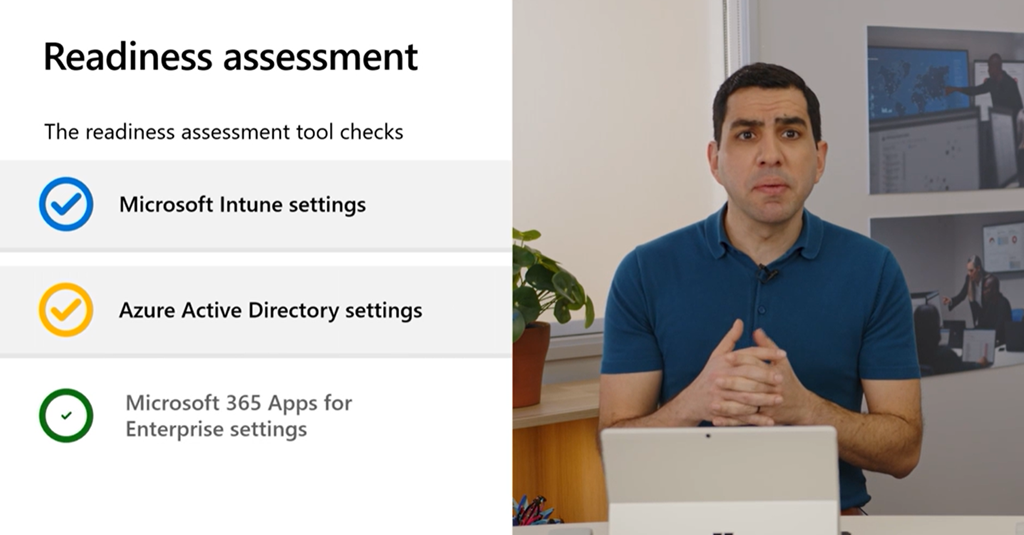
 Customers need to have Windows Enterprise E3, Microsoft Intune or Endpoint Manager Co-management & Azure AD.
A “readiness assessment” will be run before you can proceed with Windows Autopatch.
Watch the video below for more information:
Comments Off on RELEASE: “Windows Autopatch” for Windows Enterprise E3
Posted in Uncategorized
 Wanna see a great demo video?



 kurtsh


You must be logged in to post a comment.