For individuals looking for documentation referencing Microsoft 365 Copilot, Copilot Chat & their adherence to FBI Criminal Justice Information Systems regulatory compliance (CJIS), the following is referenced in the article, “Data, Privacy, and Security for Microsoft 365 Copilot“.
Microsoft 365 Copilot & Copilot Chat are operated within the same service boundary & the same governance as the rest of Microsoft 365, and as such, is covered by the same attestations applied to other Microsoft 365 services including Exchange Online, SharePoint Online, OneDrive for Business, Microsoft Teams, etc.
Specifically, with Microsoft’s documentation:
“Microsoft 365 Copilot, including Microsoft 365 Copilot Search, is compliant with our existing privacy, security, and compliance commitments to Microsoft 365 commercial customers, including the General Data Protection Regulation (GDPR) and European Union (EU) Data Boundary.”
Additionally, within the section dedicated to “Meeting regulatory compliance commitments“:
“Copilot is integrated into Microsoft 365 and adheres to existing privacy, security, and compliance commitments to Microsoft 365 customers.”
Microsoft 365 GCC has attestations from Microsoft that the service has been evaluated as having the necessary functions & attributes to be configured to adhere to FBI CJIS regulatory compliance requirements.
- The FBI does not offer certification of Microsoft compliance with CJIS requirements. Instead, a Microsoft attestation is included in agreements between Microsoft and a state’s CJIS authority, and between Microsoft and its customers.
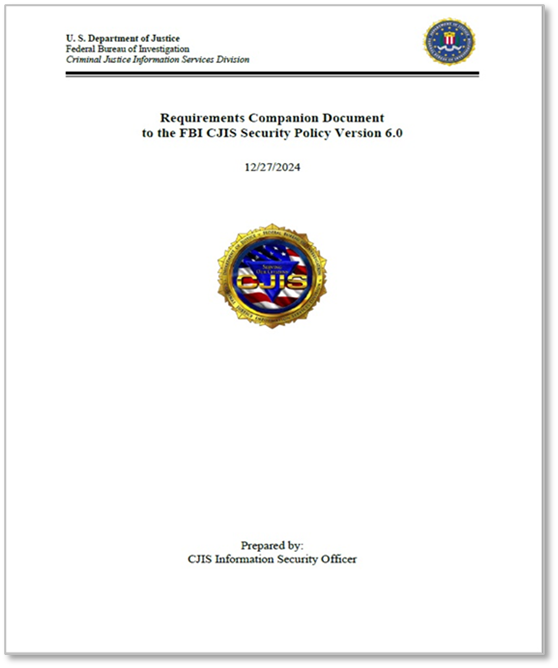
- Microsoft provides certain government cloud services (“Covered Services”) in accordance with the FBI Criminal Justice Information Services (“CJIS”) Security Policy (“CJIS Policy”). The CJIS Policy governs the use and transmission of criminal justice information. All Microsoft CJIS Covered Services shall be governed by the terms and conditions in the CJIS Management Agreement.
- Microsoft signs an Information Agreement with a state CJIS Systems Agency (CSA); customers may request a copy from your state’s CLETS Administration Section (CAS). In California, this is: cas at doj dot ca dot gov.
- Customers may also review security and compliance reports prepared by independent auditors so they can validate that Microsoft has implemented security controls (such as ISO 27001) appropriate to the relevant audit scope.
References:
Comments Off on INFO: Microsoft 365 Copilot & Criminal Justice Information Systems regulatory compliance (CJIS)
Posted in Uncategorized | Tags: ai, artificial-intelligence, copilot, microsoft, technology





 kurtsh
 Kurt Shintaku's Blog
You must be logged in to post a comment.