Posted by: kurtsh | March 9, 2023

EVENT: Microsoft BlueHat 2023 – Recordings

imageMicrosoft’s annual BlueHat Conference provides a unique opportunity the security community to come together and learn about the current threat landscape and challenge the thinking and action we take in security.

The goal of BlueHat is to engage directly with external security researchers and industry partners on current and emerging security threats and to protect our customers.

(For background, visit: https://www.microsoft.com/bluehat/)

MSRC BLOG
The event is largely driven by Microsoft Security Response Center researchers which has a blog at:
https://msrc.microsoft.com/blog/category/bluehat/

SESSION RECORDINGS
Microsoft BlueHat 2023’s 21 session recordings have been made public.  Here’s the playlist:
https://www.youtube.com/watch?v=OBpsu5tXsUg&list=PLXkmvDo4MfusWp9f7IHT9xAPCkN2ZSm2L
#cybersecurity #security #bluehat #microsoft

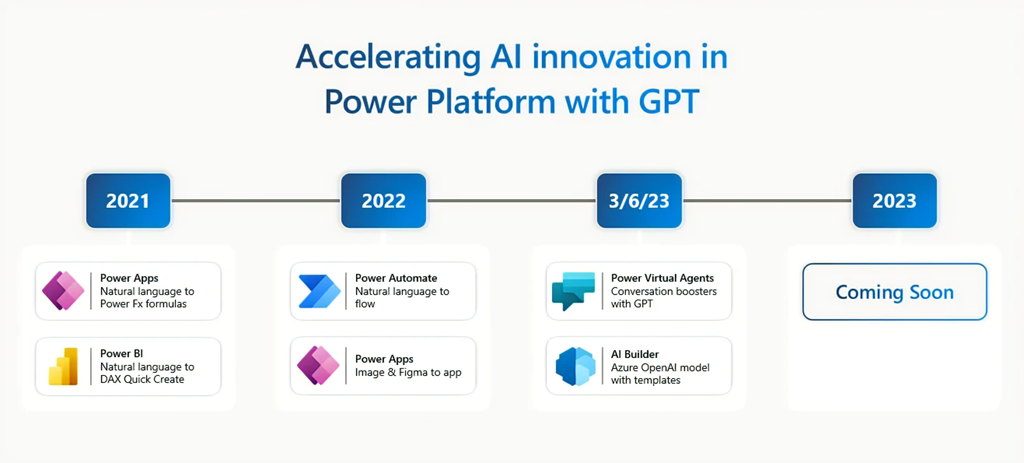
imageToday, we’re taking another big step forward in this journey with the launch of next-generation AI features for Power Virtual Agents and AI Builder, enabled by Azure OpenAI Service.

  • New! Conversation booster in Microsoft Power Virtual Agents: Simply point your bot to your company-specific resources, like your website or an internal knowledge base, and watch it start to answer questions in minutes, right out-of-box, with no additional authoring. Learn more here.
  • New! Create text with GPT model in AI Builder: AI Builder now brings Azure OpenAI Service to its user-friendly interface, enabling makers to use a new low-code generative AI model and templates with Microsoft Power Automate and Microsoft Power Apps. Learn more here.

Read more here:

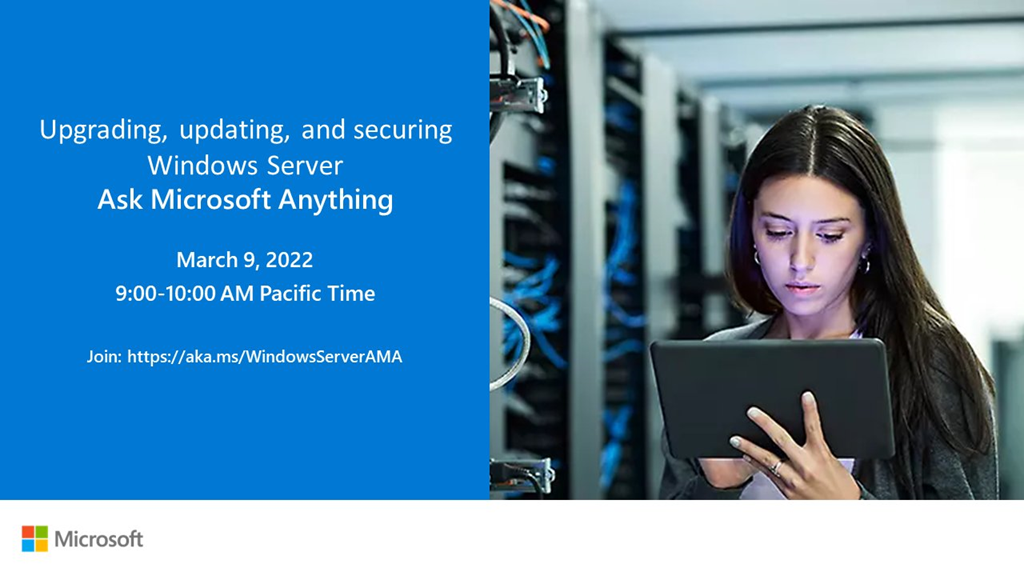
imageJoin us for our March 9 “Ask Microsoft Anything” chat about Windows Server updates and upgrades.

We’ll cover your questions on how to stay more secure by upgrading older servers (2008 and 2012 versions), the importance of running regular updates, and security features for Windows Server 2022 and Windows Server on Azure.

For this March 9 AMA we’ll have members of Windows Servicing and Delivery team, Windows Server engineering, and security product managers available to answer your questions via chat.

This AMA is text only – meaning there will not be any video nor audio.

An AMA is a live online event similar to an “Ask Me Anything” on Reddit. This AMA gives you the opportunity to connect with members of Microsoft trainers and the product engineering team who will be on hand to answer your questions and listen to feedback.

Feel free to post your questions anytime in the comments below beforehand, if it fits your schedule or time zone better, though questions will not be answered until the live hour.

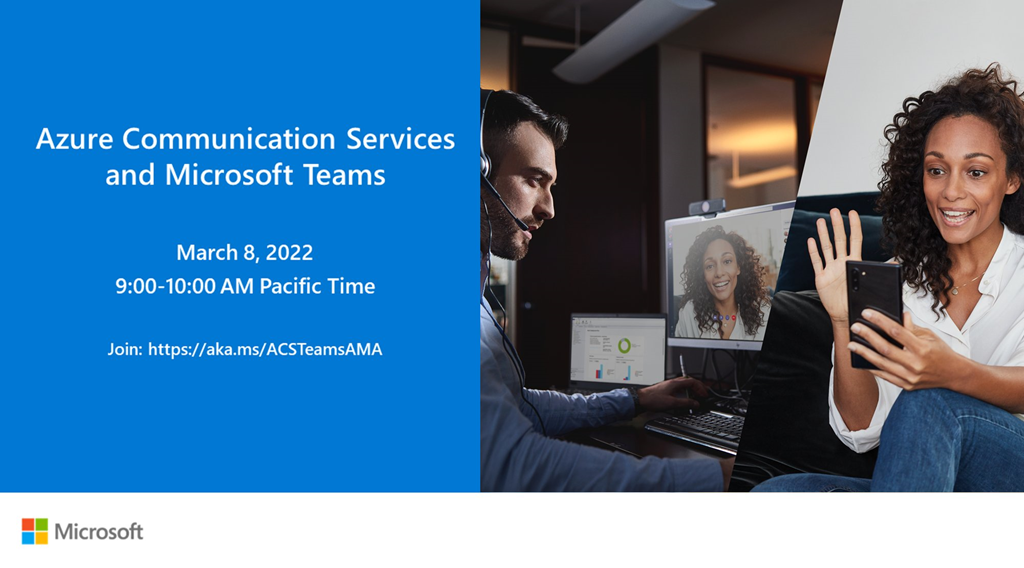
imageMark your calendars for an Azure Communication Services & Microsoft Teams AMA on March 8, 2023 at 9AM PT!

We’ll talk about the possibilities of connecting Teams with the communication capabilities in Azure and the cool stuff we can build with it. We are looking forward to hearing your ideas, concerns or top of mind and answer any questions you might have about Azure Communication Services interoperability into Microsoft Teams.

The AMA will take place on Wednesday, March 8 from 9:00 a.m. to 10:00 a.m. PT in the comment section below. This AMA is text only – meaning there will not be any video nor audio.

An AMA is a live online event similar to an “Ask Me Anything” on Reddit. This AMA gives you the opportunity to connect with members of Microsoft trainers and the product engineering team who will be on hand to answer your questions and listen to feedback.

Feel free to post your questions anytime in the comments below beforehand, if it fits your schedule or time zone better, though questions will not be answered until the live hour.

  • Date/Time:
    March 8, 2023 at 9AM PT!

#AzureCommunicationServices and #MicrosoftTeams

Posted by: kurtsh | February 28, 2023

EVENT: Azure Open Source Day – March 7th, 2023

imageCheck out #AzureOpenSource Day on Tuesday, March 7th, 2023.

Learn how to use your data to build intelligent, scalable apps faster and easier. Take a deep dive into open source and Azure and see the latest open-source technology in action—while connecting with the community of industry leaders, innovators, and open-source enthusiasts.

Join this free digital event to:

  • See app-building demos using Azure and the latest in open-source technologies, cloud-native architectures, and microservices.
  • Get tips and best practices for open source from industry leaders at companies like HashiCorp, GitHub, and Redis.
  • Learn to build cloud-native apps for relational and nonrelational data with Azure Cosmos DB, now supporting native PostgreSQL.
  • Discover new capabilities in IaaS, PaaS, containers, and serverless computing, including Azure Kubernetes Service (AKS).
  • Explore practical ways to optimize your open-source investments and gain more time for innovation.
  • Learn how to protect your data and business assets by building on a highly secure cloud platform designed to meet your open-source security and compliance needs.

Plus, ask Azure and open-source industry experts your questions during the live chat Q&A.

imageIf you recently deployed Microsoft Defender for Identity on your Domain Controllers and haven’t gone through all the prerequisites, you may find that you receive health alerts indicating NTLM Auditing is not enabled.

You can also enable NTLM Auditing on your Domain Controllers if you are planning to deploy Microsoft Defender for Identity.

Read at the link below for instructions on how to enable NTLM auditing via Group Policy to elevate the effectiveness of your Microsoft Defender for Identity deployment.

Posted by: kurtsh | February 19, 2023

INFO: Microsoft Security Best Practices Resources

I had planned on writing something similar to what’s below however this was a such a good roundup, I shamelessly stole the following from Jiadong Chen, Microsoft Cybersecurity MVP.

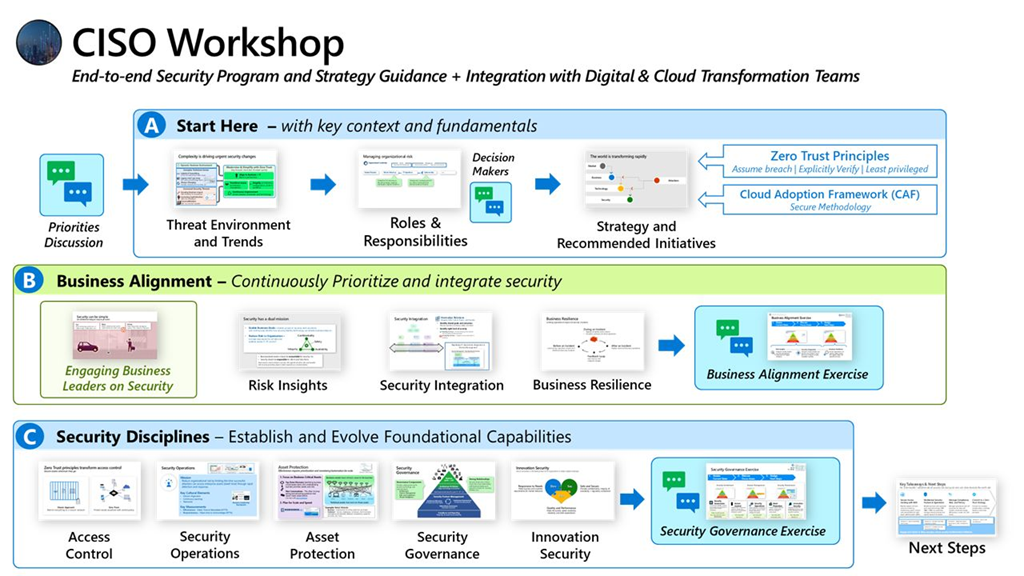
imageMicrosoft is leading the way in security best practices with their comprehensive reference materials, such as the Microsoft Cybersecurity Reference Architectures, Microsoft cloud security benchmark, the Cloud Adoption Framework, and Microsoft security best practices provide valuable guidance on how to best protect systems and data in the cloud. In this post, I’d like to share some of the key Microsoft security best practices resources that can help ensure your organization’s security!

()
Diagrams and sections in MCRA are a key source of security best practices for many topics including:

  • Zero trust user access, security operations, multicloud and cross-platform capabilities, operational technology (OT), attack chains, technical capability coverage, Azure native security controls, and security roles and responsibilities. https://lnkd.in/gZ_t_88h

()
To rapidly adopt Zero Trust in your organization, RaMP offers technical deployment guidance organized in these initiatives:

()
The MCSB provides security best practices for Microsoft Azure, on-premises datacenters, and other cloud providers, including two types of guidance:


Cloud Adoption Framework can help you get started with several different getting started guides, of which security is an important component.


Assess your Security Journey for Cloud Adoption. Receive actionable considerations to improve your security posture.
https://lnkd.in/dH-tV95F

()
Helps accelerate security program modernization with reference strategies built using Zero Trust principles
https://lnkd.in/dFhNZGFP

Recently, Jeff Woolsey, Microsoft Principal Program Manager for Windows Server & Hybrid Cloud, in what can only be described as a fit of frustration Smile, posted this information to his followers & it’s worth repeating:
  1. Do not put Domain Controllers on the open internet. 
    Do not put Domain Controllers on the open internet. 
    Do not put Domain Controllers on the open internet.
    Here’s some additional helpful guidance for securing Domain Controllers:
    Securing Domain Controllers Against Attack
    https://learn.microsoft.com/en-us/windows-server/identity/ad-ds/plan/security-best-practices/securing-domain-controllers-against-attack#blocking-internet-access-for-domain-controllers
  2. You should run all domain controllers on the newest version of Windows Server that is supported within your organization. Organizations should prioritize decommissioning legacy operating systems in the domain controller population.
  3. Keeping domain controllers current and eliminating legacy domain controllers, allows you to take advantage of new functionality and security. This functionality may not be available in domains or forests with domain controllers running legacy operating system.
  4. What is the impact of upgrading the Domain or Forest Functional Level?
    https://techcommunity.microsoft.com/t5/ask-the-directory-services-team/what-is-the-impact-of-upgrading-the-domain-or-forest-functional/ba-p/399348
  5. At this point in time, your domain controllers should all be running at Windows Server 2016 Functional Level. There’s a good chance that future AD features will require a 2016 DFL. To learn more about Active Directory Functional Levels see:
    What Are Active Directory Functional Levels?
    https://learn.microsoft.com/en-us/previous-versions/windows/it-pro/windows-server-2003/cc787290(v=ws.10)
  6. Q: Are their any concerns about upgrading Domain or Forest Functional Level
    A: No. In a review over a decade of support calls, NOT ONE involves a case where changing the Domain or Forest Function Level was responsible as the root cause of any issue.
  7. How to raise Active Directory domain and forest functional levels:
    https://learn.microsoft.com/en-us/troubleshoot/windows-server/identity/raise-active-directory-domain-forest-functional-levels
  8. Best Practices for Securing Active Directory
    https://learn.microsoft.com/en-us/windows-server/identity/ad-ds/plan/security-best-practices/best-practices-for-securing-active-directory
Posted by: kurtsh | February 15, 2023

EVENT: Azure CosmosDB Conf – March 28, 2023

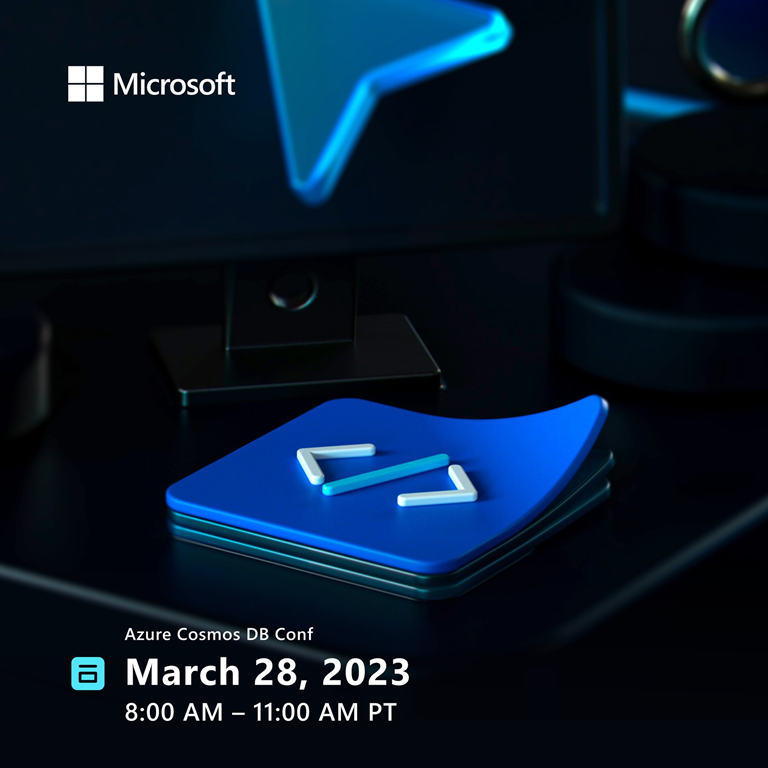
imageCheck out what’s being announced at #AzureCosmosDBConf!

Azure Cosmos DB Conf is a free virtual developer event co-organized by Microsoft and the Azure Cosmos DB community.

This is our third Azure Cosmos DB Conf. Sessions will be a combination of Microsoft and community delivered. Come and learn more about Azure Cosmos DB. See what others in the community are building.

March 28, 2023 8:00AM PT – 11:00AM PT 

Pre-Register Now:

Posted by: kurtsh | February 15, 2023

TRAINING: Microsoft Training & Certification for Students

imageDo you have students that are looking for a career in technology?

Are you a student looking for resources on how to get ahead with Microsoft technology?

Microsoft Student Summit
A good place to start is the Microsoft Student Summit 2023, a 90 minute virtual event the week of March 20 to help build your skills and experience on the Microsoft Cloud. Students and tech career seekers should register now to attend a session in your timezone.

image“Student Hub” and more
Additionally, the following resources are available from Microsoft for students interested in careers in tech:

« Newer Posts - Older Posts »

Categories