imageFinally! "Universal Print" services has landed in Microsoft 365 GCC for government customers – at no additional cost to existing G3 or G5 subscribers.

WHAT IS IT?
Imagine eliminating your printer queues & print servers & replacing them with a single cloud service hosted within & administered from Microsoft 365 Admin console.

Then imagine replacing all your print DRIVERS on your desktops with a single “Universal” print driver that serves all the printers of your organization.

WHAT REGIONS?
Universal Print is available in 2 Microsoft 365 GCC government regions today.

  • US Gov Texas
  • US Gov Arizona

ANNOUNCEMENT:
For more on this announcement, visit:

DOCUMENTATION:
To learn more about Universal Print in GCC/GCC High and understand licensing and pricing, please visit http://aka.ms/UP_TryNow.

WEBINAR:
We will also be hosting an AMA webinar on Tech Community on Wednesday, October 11th at 9AM PT. Register at http://aka.ms/UP/GCC/webinar/20231011.

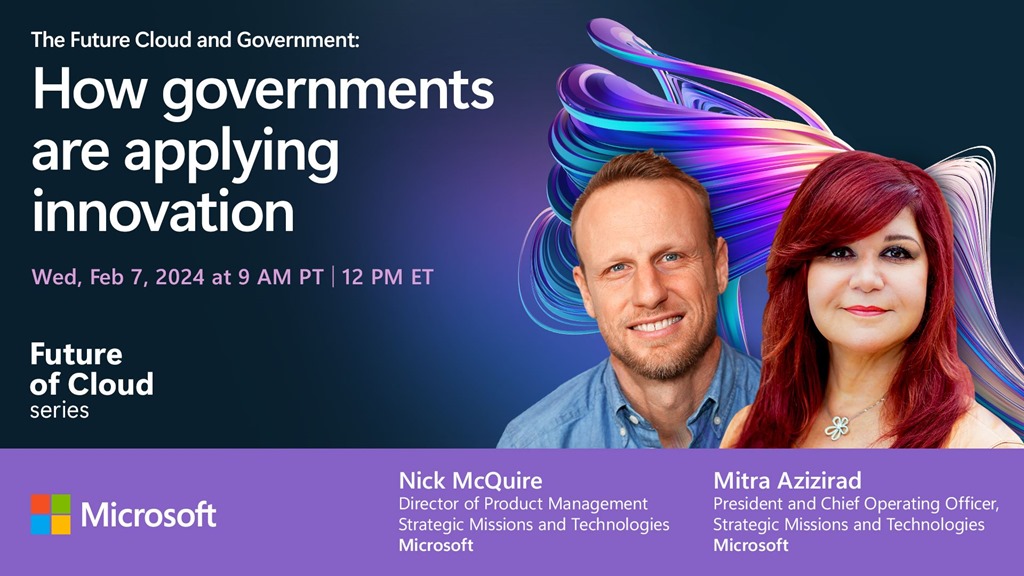
image“If we play our cards right, the next decade could be some of the best 10 years ever in human history”, says Stanford Professor Erik Brynjolfsson.

Check out the WorkLab podcast to learn how AI can help create a whole new world of careers and economic opportunity.

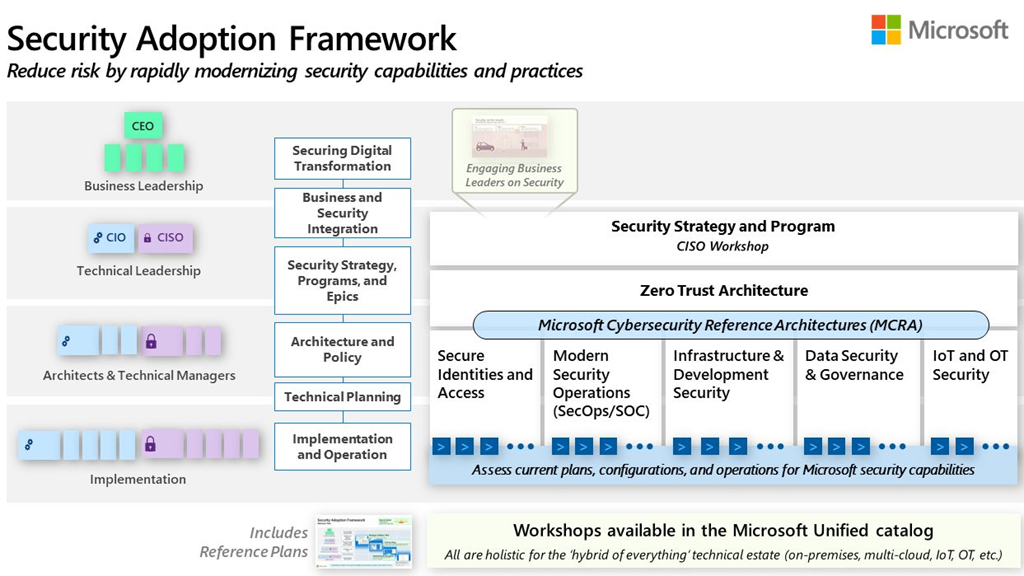
imageMicrosoft focuses heavily on both the security of our cloud and providing our customers with the security controls they need to protect their cloud workloads. 

As a leader in cybersecurity, we embrace our responsibility to make the world a safer place. This is reflected in our comprehensive approach to ransomware prevention and detection in our security framework, designs, products, legal efforts, industry partnerships, and services.

This eBook provides our customers with guidance on how to leverage our Azure cloud native controls to optimize their defenses against ransomware attacks.

imageWindows Server 2012/R2 is end of life in less than 2 weeks at the time of this post.

Additionally, for those looking for “MAK Keys” to enable “Extended Security Updates” (ESUs) as was done with Windows Server 2008, they are not available.

Q: But what about Microsoft’s documentation that implies I can still get a MAK key?

The language used referencing the availability of MAK keys was for Windows Server 2008.  Today, there are no “Extended Security Update” SKUs to purchase from the commercial price list used by resellers on behalf of  customers with Enterprise Agreements or Select.

In English, there’s no “Extended Security Updates” to buy from your reseller to put on your Microsoft contract.  Go ahead.  Ask them.

Q: So what does one do if your Windows Server 2012 VMs/Servers have no direct connection to Azure Arc?

Customers need to set up a proxy gateway, enabling your servers to specifically communicate with Azure Arc.  If you do not have one established, you’ll need to get one working before October 10, 2023.

Review the following for a brief summary.

Posted by: kurtsh | September 29, 2023

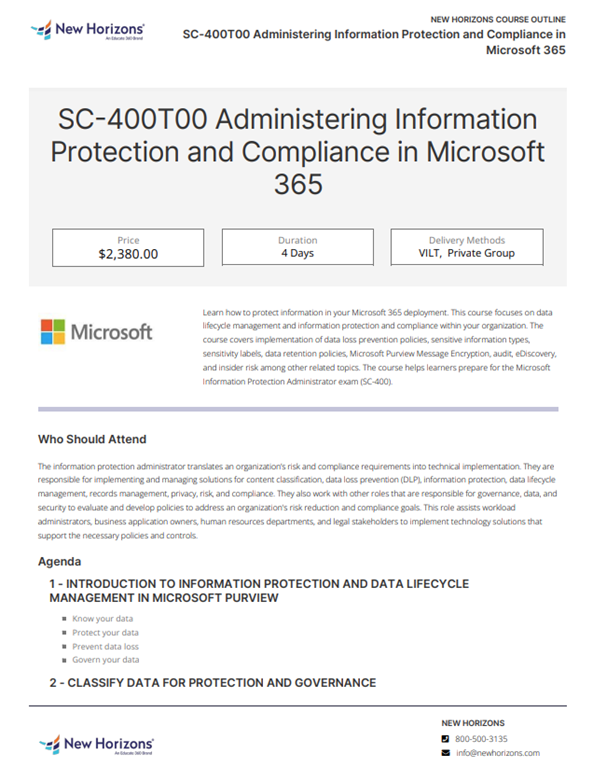
INFO: Azure Arc for SQL for “Server/CAL” licensing

imageThis came up recently that I thought warranted posting a note around: 

Customers that are licensed for SQL Server via the legacy “Server/CAL” licensing are unfortunately not eligible for the majority of the listed in-box benefits of “Azure Arc for SQL” .

WHAT SQL SERVER/CAL LICENSED CUSTOMERS CAN & CAN’T DO WITH AZURE ARC FOR SQL
As shown in the Azure Arc for SQL Server docs:
(https://learn.microsoft.com/en-us/sql/sql-server/azure-arc/manage-configuration?view=sql-server-ver16&tabs=azure#license-types)

SQL Server/CAL licensed customers can use the following:

  1. Connect to Azure
  2. SQL Server Inventory
  3. Entra ID Authentication
  4. Defender for Cloud
    (Requires subscription)
  5. Govern through Microsoft Purview
    (Requires subscription)

SQL Server/CAL licensed customers cannot use the following:

  1. Best Practices Assessment
  2. Detailed Database Inventory
  3. Automated Backups
  4. Automated Patching

Azure Arc for SQL is largely a solution for SQL Servers licensed “per Core”.

imageFor a limited time – September 1, 2023 – November 30, 2023 – you can save up to 50% compared to pay-as-you-go pricing when you purchase one-year Azure Reserved Virtual Machine (VM) Instances for Dv3s VMs in the Azure US West region.

For any EA, PAYGO or MCA customer, simply purchase a one-year term for Azure Reserved Virtual Machine Instances for qualified Dv3s instances in the US West region to take advantage of this offer.  The offer applies to any of the following VM series:

  • D2v3
  • D4v3
  • D8v3
  • D16v3
  • D32v3
  • D48v3
  • D64v3

For further details, visit:

Posted by: kurtsh | September 26, 2023

RELEASE: Surface Announcements from Sept 2023

This is a wrap up of what was launched at the recent Microsoft event – some on stage & some backstage.

Surface Laptop Studio 2
The most powerful Surface ever built.

  • image_thumb[7]More choices for connectivity with 2x Thunderbolt 4 USB-C®, USB-A and microSD reader
  • Faster DDR5X RAM with up to 64GB configurations
  • Over 2X the power with the latest 13th Gen Intel® processors and cutting-edge GPUs from NVIDIA® with more vRAM
  • New Wide-FOV camera & NPU bringing AI Windows Studio Effects to x86 for the 1st time
  • More accessible haptic touchpad

Learn More about Surface Laptop Studio 2>


Surface Laptop Go 3
Go faster. With up to 32% more power.

  • image_thumb[8]~35% faster with Intel Core i5 processors and longer battery life
  • 12.4” PixelSense touchscreen for intuitive and natural interaction 
  • Increased RAM and storage options that offer more space for important apps
  • Lightweight at only 2.48 lb

Learn More about Surface Laptop Go 3>


Surface Go 4
The most secure Surface Go ever.

  • image_thumb[9]New Intel® processor N200 with 50% increase CPU, 50% increase GPU performance, and faster memory for snappy multitasking
  • Ultra-portable and versatile at just 1.2 lb with tablet to laptop flexibility
  • Touch and pen enhancements in Windows and Microsoft 365 for more natural interaction

Learn More about Surface Go 4>


Surface Hub 3
Bridging Workforce Collaboration with Microsoft Teams Rooms

  • image_thumb[10]New hybrid work scenarios with Portrait Mode: new 50” Surface Hubs will support Portrait Mode and snap rotation, allowing you to use the device in different
  • Increased compute and improved graphics: enable faster multi-tasking and support for line-of-business applications with the latest Intel® processors and NVIDIA® GPUs
  • Streamlined management & support: use the same tools to manage Hub as your other meeting room devices, such as Microsoft Endpoint Manager and Microsoft 365 Admin Center.

Learn more about Surface Hub 3>

Posted by: kurtsh | September 22, 2023

HOWTO: Replace an on-prem file server with Azure Files

imageComplete the steps below in order to enable Active Directory for all shares in this storage account. Watch the video below for an end-to-end walkthrough

Video tutorial on enabling identity-based access
Watch the video below an end-to-end walkthrough of how to configure on-premises Active Directory to enable identity-based access all file shares in this storage account as documented at “Overview – On-premises AD DS authentication to Azure file shares”.

  • Replace an on-premises file server with Azure file shares
    An end-to-end demo and description of the various Azure file share features that enable an IT Admin to understand and configure identity-based authentication "AD authentication", networking, private endpoint and other features of an Azure file share.
    https://youtu.be/a-Twfus0HWE
Posted by: kurtsh | September 21, 2023

INFO: Muting your microphone in Microsoft Teams

imageDid you know that in Windows 11 you can hit WIN-ALT-K to MUTE your microphone for any app that leverages the Taskbar Mute button ("Call Mute") like Microsoft Teams. (As of Windows 11 version 22H2)

imageAlternatively, there’s a more comprehensive tool within Windows PowerToys that accomplishes the same thing and supports Windows 10 called “Video Conference Mute”:

#microsofteams #teams #powertoys #keyboardshortcuts #windows #windows11 #mute

Posted by: kurtsh | September 20, 2023

INFO: Staying on top of Microsoft 365 / Office 365 Updates

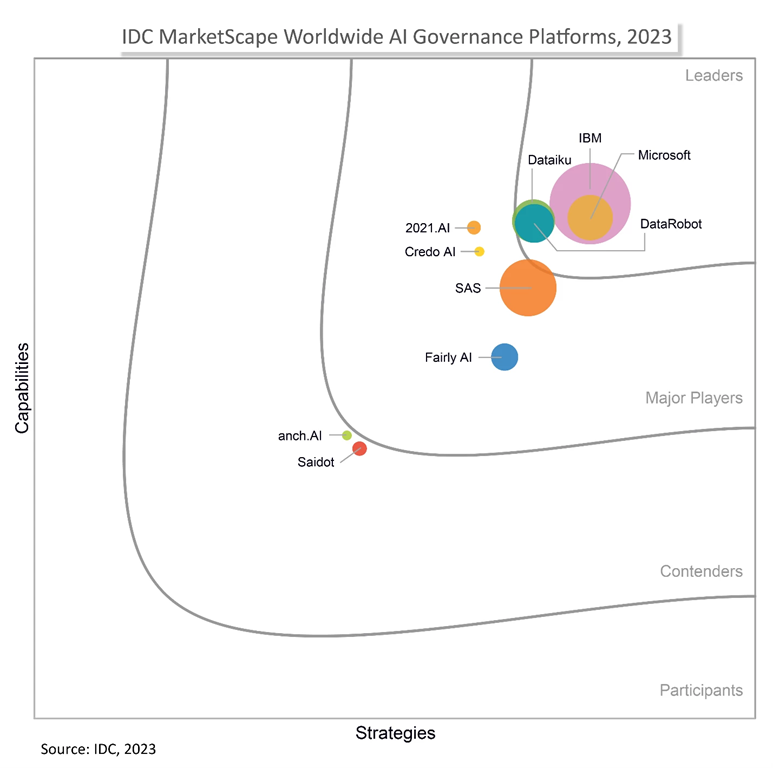
imageThe July 2023 announcement around the coming Azure AD Multi-factor Authentication “registration campaign” that will be pushed to end users on Sept 25th, 2023 to have them register for Microsoft Authenticator app-based MFA… caught several Microsoft 365 Admins I’ve talked to by surprise.  The only reason they were alerted to the campaign was because there was a last minute email that was sent directly to M365 Admins.

WAYS TO STAY UP TO DATE WITH MESSAGE CENTER
The announcement was made in the Microsoft 365 Message Center and underlines the importance of reviewing alerts posted there.  The following are best practices, as a Microsoft 365 Admin, for staying up to date with Message Center notices.

THE “OFFICE 365 UPDATE SCOUT” POST
A very good summary of these techniques and more are available at:

« Newer Posts - Older Posts »

Categories