imageWindows 7 Professional “end of sales” is on October 31, 2016.

You hopefully know by now that Windows 7’s “end of support” date is Jan 14, 2020. (Having lost mainstream support back in Jan 13, 2015) However, it’s also important to know that Windows 7 Professional also has an “end of sales” date which is October 31, 2016.

End of sales refers to the date when a particular version of Windows is no longer shipped to retailers or Original Equipment Manufacturers (OEMs). Examples of OEMs are Dell and Toshiba—PC manufacturers who often preinstall Windows software.

This means that Windows 7 Professional will not be preinstalled on machines from the OEM as of October 31, 2016 (or possibly earlier depending on the OEM), and instead a more current version of Windows can be installed/shipped.  Downgrade rights will be available from qualifying editions/versions of Windows however for individuals that wish to do so.

imageTwo major promotions for folks that are students are available at the Microsoft Store for a limited time.

Read more about these promos here:

Posted by: kurtsh | June 26, 2016

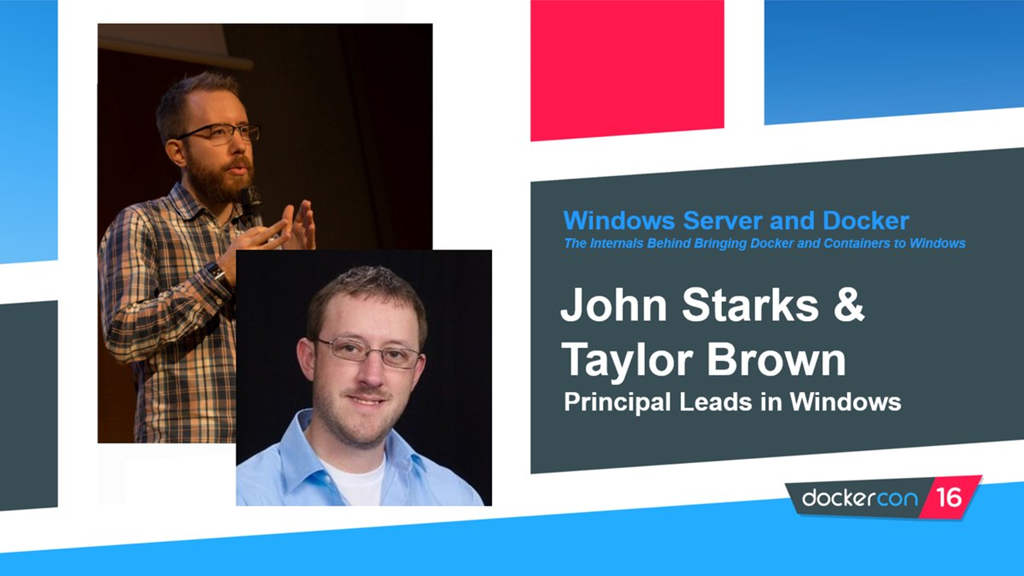
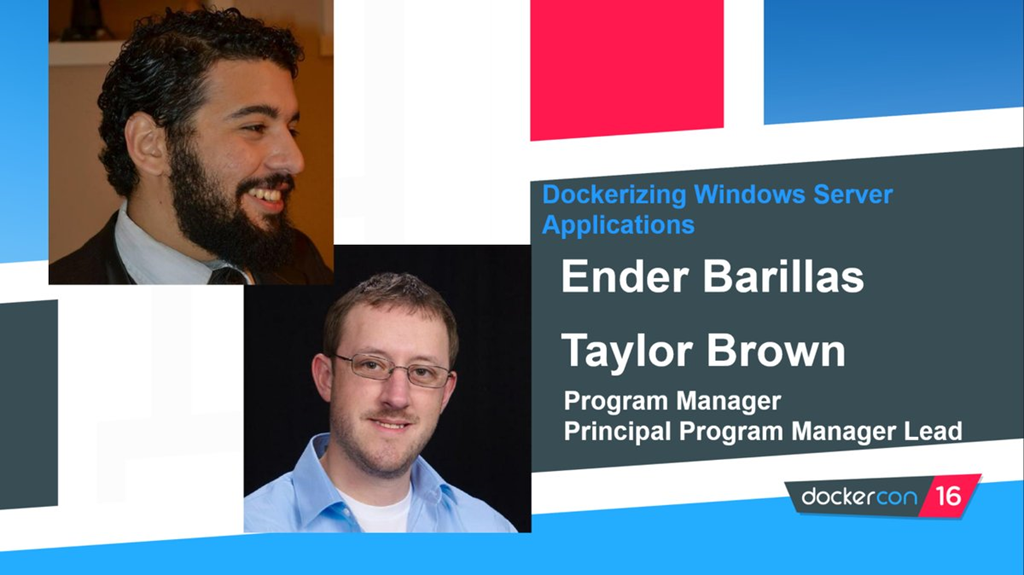
DOWNLOAD: Microsoft DockerCon Presentations

If you’re into Containers & interested in the content Microsoft delivered at DockerCon, here’s where you can download the PowerPoint decks:

imageimage

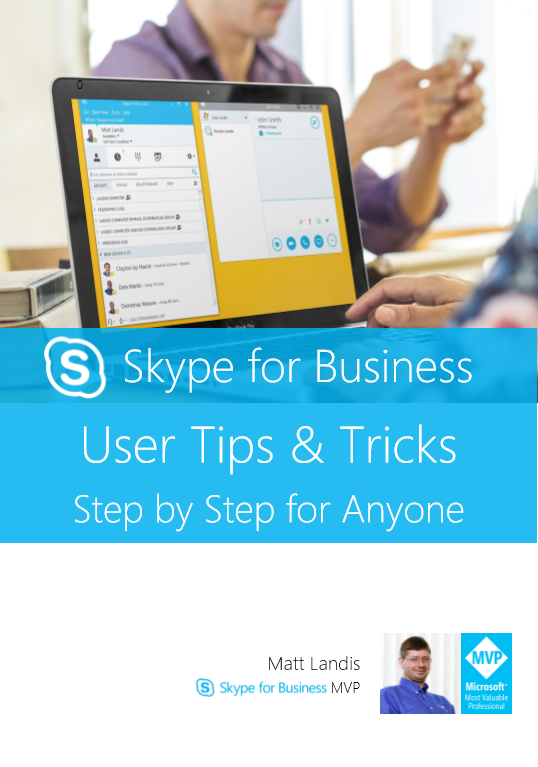
imageSkype for Business User Tips & Tricks Step by Step for Anyone is over 100 pages of tips, tricks and hacks by Skype for Business MVP Matt Landis. This book will make any novice or expert user of Skype for Business (Lync) even more productive than they were before.

What some people are saying:
"My organization migrated to Office 365 last year. We’ve had a slow adoption to the full toolset, but the book "Skype for Business User Tips & Tricks Step by Step for Anyone" has certainly been helpful. It’s nice to have a document with a table of contents…much better than the help file within Skype!" –Rick Grams II, Operations & Technology Leadership

"[Skype for Business User Tips & Tricks] has a plethora of tips and tricks around utilizing Skype for Business! …this grouping of tips can you great workflows that you can share with your customers!" –Todd Sweetser, Microsoft TS2 Team more

You can also read a subset of the tips online here:
http://windowspbx.blogspot.com/search/label/LyncUserTip

Grab the eBook here:

image

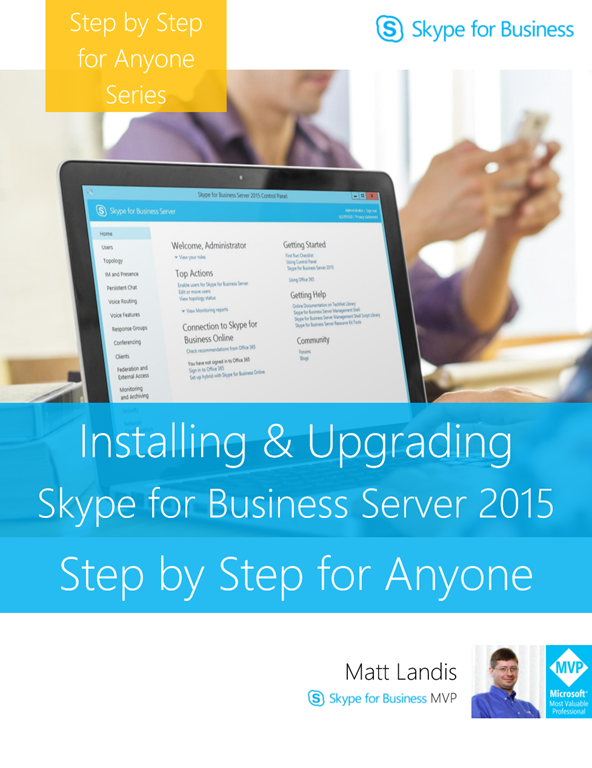
Installing & Upgrading Skype for Business Server Step by Step for Anyone is a free eBook by Skype for Business MVP matt Landis that takes a generalist IT person step by step through the process of installing and/or upgrading Skype for Business.

This book is in progress which means more chapters are in the works and coming soon!

Current Chapters

  • Installing Skype for Business Server Standard Edition Step by Step
  • Lync 2013 to Skype for Business Server 2015 Front End In-Place Upgrade  Step by Step
  • Edge In-Place Upgrade Step by Step
  • Enabling Enterprise Voice Features

Grab the eBook here:

Posted by: kurtsh | June 26, 2016

BETA: Azure Service Fabric for Linux

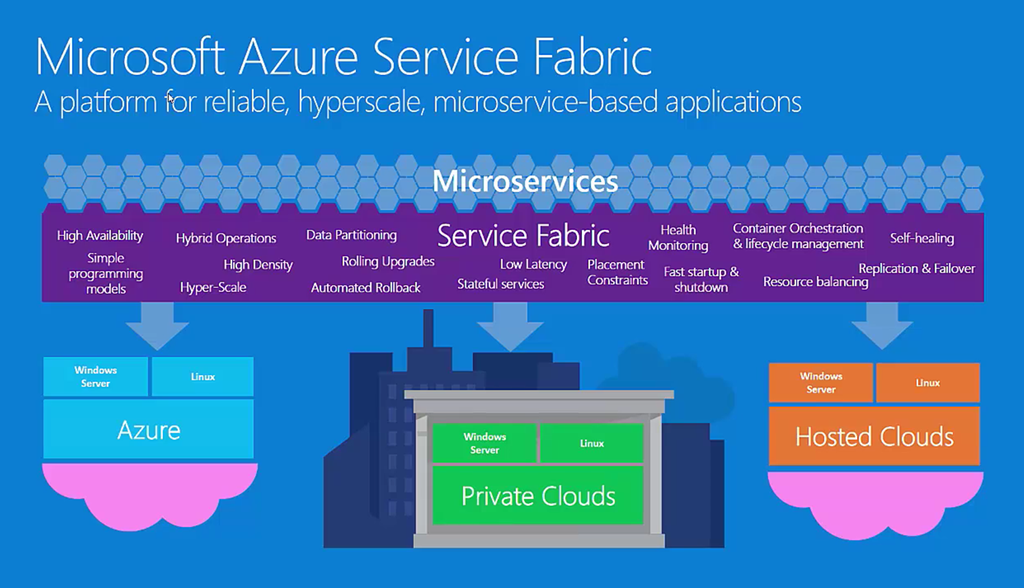
imageAt Build 2016, we announced a limited preview of Azure Service Fabric on Linux, which you can use to build, deploy, and manage cloud applications by using the same core technology that Microsoft has used to build massively scalable solutions on Windows.

With this preview, you can create  Reliable Actors and stateless Reliable Services in Java on top of our runtime. Developers can build apps by using the tools with which they’re familiar, including Yeoman scaffolding, Gradle builds, and Vagrant-based setup.

The SDK and runtime also provide support for containers and guest executables, as well as the ability to create and deploy apps to a cluster on Azure or your development computer.

Read more here:

Sign up for our preview here:

image

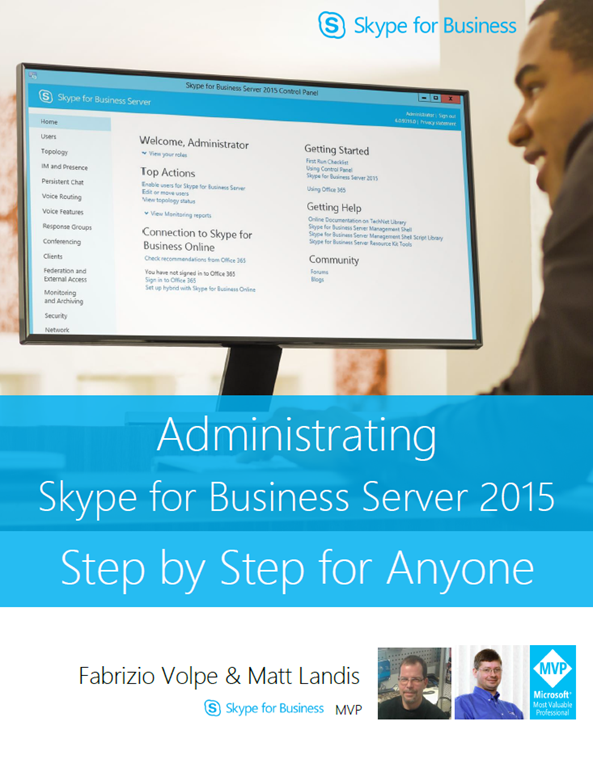
“Administrating Skype for Business Server 2015 Step by Step for Anyone” is written by Fabrizio Volpe and Matt Landis (Skype for Business MVPs).

It covers the following:

  • Working with the Control Panel
  • Adding Users
  • Setting up Voice Policies
  • Configuring a Dial Plan
  • Managing Response Groups
  • And much more.

Download the eBook here:

Posted by: kurtsh | June 24, 2016

DOWNLOAD: Azure Compute Services visual diagram

Microsoft Azure has over 75 services available within it and “Azure Compute” is just one of those. 

This a diagram that lays out Azure Compute & related services that are involved with the execution, management, and automation of Virtual Machines in the Azure cloud.

image

In case you hadn’t heard, the licensing for Windows Server & System Center are moving from a per-processor license to a per-core license.

image

The details of the licensing change are documented in the following downloadable datasheets and FAQs below, but the big point to know is:

For Windows Server:

Customers with processor licenses with Software Assurance (SA) can upgrade to Windows Server 2016 at no additional cost. At end of the SA term, processor licenses will be exchanged for core licenses and customers can renew their SA on core licenses.

Windows Server Datacenter and Standard Edition 2proc licenses with SA will be exchanged for a minimum of 8 two-core pack licenses (16 core licenses) or the actual number of physical cores in use.

For System Center:

Customers with processor licenses with Software Assurance (SA) can upgrade to System Center 2016 at no additional cost. At end of the SA term, processor licenses will be exchanged for core licenses and customers can renew their SA on core licenses.

System Center 2-proc licenses with SA will be exchanged for a minimum of 8 two-core pack licenses (16 core licenses) or the actual number of physical cores in use on the server under management.

Read more below:

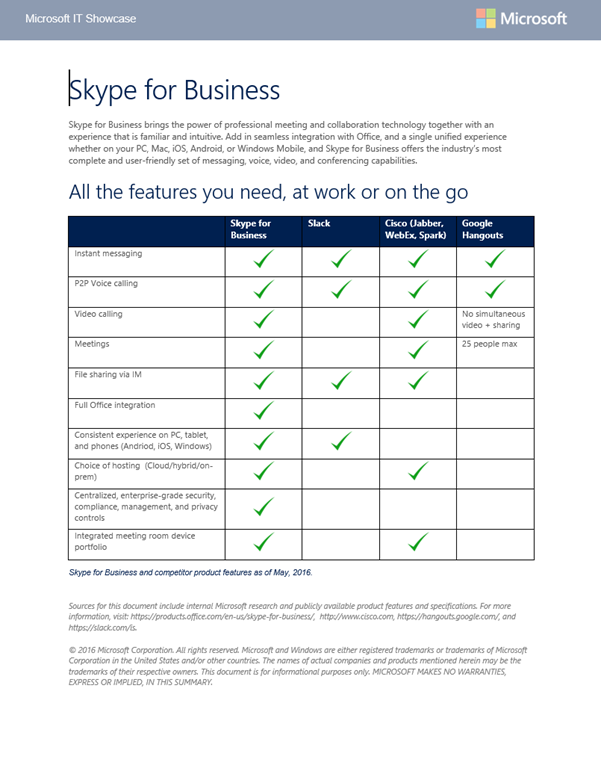
Skype for Business brings the power of professional meeting and collaboration technology together with an experience that is familiar and intuitive. Add in seamless integration with Office, and a single unified experience whether on your PC, Mac, iOS, Android, or Windows Mobile, and Skype for Business offers the industry’s most complete and user-friendly set of messaging, voice, video, and conferencing capabilities.

image

This is a downloadable document that provides a high-level comparison between Skype for Business & Slack, Cisco (Jabber, WebEx, Spark) & Google Hangouts as of May 2016.

« Newer Posts - Older Posts »

Categories