Big news for desktop professionals supporting Windows 11 Enterprise!

Today we announce the public preview of hotpatch updates for Windows 11 Enterprise, version 24H2. With hotpatch updates, you can quickly take measures to help protect your organization from the evolving landscape of cyberattacks, while minimizing user disruptions. Hotpatching represents a significant advancement in our journey to help make you and everyone who uses Windows more secure and productive.

Hotpatch updates are scoped and provide a complete set of OS security patches. No additional features are included. They are unique in that they take effect immediately upon installation without requiring you to restart your device, helping to ensure focused, rapid protection.

The first month of each quarter of the calendar year (i.e. January, April, July, and October), devices install the standard monthly security update and restart. This cumulative update contains the latest security fixes, new features, and enhancements. The following two months, devices are offered hotpatch updates, which include only security updates and install without the need to restart. At the start of the next quarter, the cycle repeats.

That’s it. Devices stay secure and productive, and you reduce the number of required restarts for Windows updates from twelve to just four thanks to eight planned hotpatch updates each year!

To take advantage of the public preview, your organization will need the following to be eligible for hotpatching:

  • Windows 11 Enterprise, version 24H2 (Build 26100.2033 or later)
  • A Microsoft subscription that includes Windows Enterprise E3 or E5 (e.g. Microsoft 365 A3/A5 or Microsoft 365 F3); or a Windows 365 Enterprise subscription
  • Microsoft Intune

Read the full announcement here:

Bookmark our guide to Windows at Microsoft Ignite 2024, then dive into the Microsoft Ignite announcements that reinforce our commitment to getting you and your organization future-ready:

Today we’re pleased to announce Microsoft 365 Copilot now will include SharePoint Advanced Management capabilities, delivering built-in content governance reports and controls to rapidly accelerate Copilot deployments and automate oversight at scale. 

These reports and controls will deliver powerful insights to help identify and mitigate oversharing and content sprawl, which are critical for maintaining data integrity and access governance.  

By preparing content with fine-grained security, access policies, and regular reviews, this improvement ensures that Copilot can access and deliver only the most relevant and secure information.  

SharePoint Advanced Management is designed to enhance content governance and security by providing IT administrators with tools to manage content sprawl, streamline access management, and ensure compliance with evolving regulations. Including governance and content management features directly into Copilot means that our AI solutions not only enhance productivity and creativity, but also provide a foundation that our customers can use to govern their SharePoint content.  

These features can be complemented with Microsoft Purview to deliver a unified platform for data governance, security, and compliance, enabling organizations to gain visibility into their data, safeguard sensitive information, and manage data risks and regulatory requirements efficiently. This unique approach empowers businesses to leverage AI with confidence, knowing that their data is protected, and their operations are compliant. 

Get started with the resources below to accelerate your Copilot journey. 

New resources to prepare your data for AI 

No matter the size or goals of your organization, below are steps you can take to prepare your data for AI: 

Prepare a content governance plan and learn more about the capabilities in SharePoint Advanced Management that can help. 

Continue to help keep your organization’s data safe with a range of solutions for data security, data governance, and risk and compliance management with Microsoft Purview

Review our new oversharing blueprint that outlines the steps and resources needed to address internal oversharing concerns as you prepare your data estate for Copilot with SharePoint Advanced Management and Microsoft Purview. 

And for government customers with Microsoft 365, SharePoint Advanced Management is available in the GCC enclave! (Note: The Sharepoint Advanced Management entitlement will not be immediately available for Microsoft 365 Copilot licensees at launch. It is however planned for availability soon after.)

Read the FAQ here:

Posted by: kurtsh | November 22, 2024

NEWS: Agents for Microsoft 365 (for Microsoft 365 Copilot)

At Ignite 2024, we introduced the preview of new out-of-the-box agents in Microsoft 365, including the Facilitator, Interpreter, Project Manager, Employee Self-Service Agent, and Agents in SharePoint. These are new agents that you can experience directly out-of-the-box within Microsoft 365 apps. These new agents supercharge Copilot – adding specialized skills and knowledge while automating specific tasks at hand. These out-of-the-box agents take on unique roles, working alongside or on behalf of a team or organization. They handle simple, mundane tasks to more complex and multi-step business processes. These agents in Microsoft 365 will drive the next level of business value for every organization.

Here’s a short video that goes over all the new agents announced:

What is the Facilitator agent?

The Facilitator agent works within Teams meetings and chats for more effective collaboration. In meetings, the Facilitator generates real-time AI notes during your meetings, allowing everyone to co- author and collaborate seamlessly. In chats, the Facilitator maintains an up-to-date summary of important information as the conversation happens, including key decisions, actions items, and open questions to resolve. This new agent is available in public preview.

What is the Interpreter agent?

The Interpreter agent enables real-time speech-to-speech interpretation in Teams meetings so each participant can speak and listen in the language of their choice in up to nine languages, instantly overcoming language barriers. Meeting participants can also have the Interpreter simulate their personal voice for a more inclusive experience. This new agent will be available in public preview in 2025.

What is the Project Manager agent?

The Project Manager agent automates project management in Planner, handling everything from plan creation to executing tasks. Whether it’s a long-running or a short-term project, the Project Manager can automatically create a new plan from scratch or use a pre-configured template by simply inputting the goals. Once the plan is in place in Planner, the Project Manager oversees the entire project, including the assignment of tasks, progress tracking, reminders and notifications, and status reporting. It can also complete tasks, including content creation. This new agent is available in public preview. 553. PUBLIC

What are Agents in SharePoint?

Agents in SharePoint empower employees to gain insights faster and make informed decisions grounded on specific SharePoint content. Every SharePoint site now includes an agent for immediate use. Users can easily create their own agents with just a few clicks, tailored to specific SharePoint files, folders, or sites that support common business process such as field service reps using the agent for product installations or finance teams using the agent to manage quarterly budget planning with data grounded on the company’s budget policies and forecast information. These agents can be edited to have a personalized name and certain behaviors, and can be shared across emails, meetings, and chats, with users being able to ask the agent questions and getting real-time responses. They can also be customized in Copilot Studio, where admins can connect to third-party data sources and add actions and further automate workflows. Agents in SharePoint follow existing SharePoint user permissions and sensitivity labels to prevent the oversharing of sensitive information and are built on the same powerful AI technology as Microsoft 365 Copilot, ensuring data stays within the Microsoft 365 trust boundary. Agents in SharePoint are generally available.

What is the Employee Self-Service Agent?

The Employee Self-Service Agent in Microsoft 365 Copilot Business Chat (BizChat) expedites answers for the most common workplace policy-related questions and takes action on key HR and IT related-tasks. From Business Chat, users can retrieve benefits and payroll information, start a leave of absence, request a new laptop with IT and even get assistance for Microsoft 365 products and services, all in one place. The agent is customizable in Copilot Studio, where admins can use a variety of tools and data sources including: pre-configured templates, workflows, and connectors; authoritative knowledge sources such as SharePoint, HR (Workday), IT systems (SAP and ServiceNow); and a library of tailored responses to sensitive topics. This new agent is available in private preview.

What licensing is required to access the public preview of agents in Microsoft 365?

For the public preview of the Facilitator, Interpreter, and Project Manager agents, customers are required to have a Microsoft 365 Copilot license to access these agents in Microsoft 365. Beyond preview access, additional licensing details will be communicated at a future date.

Posted by: kurtsh | November 22, 2024

INFO: Engaging Public Sector as a Microsoft Partner

I’m post something a little different today… this is for Microsoft professional services “partners”.

I’ve received a lot questions recently from professional services providers looking to engage State & Local Government customers. I’m by no means an expert on the topic so for those without any experience working in the US Public Sector, your first place for guidance should likely be your Microsoft Partner Development Manager.

GOVERNMENT CONTRACTING VEHICLES
Although one thing that I’m personally often challenged with is whether or not a potential services partner (traditionally used to working on commercial/enterprise services engagements) has any *government* contracting vehicles established. Typical vehicles include CMAS, NASPO, OASIS, etc.

Without having access to an organizational contracting vehicle that a government organization will accept, it’s a challenge to be able to work for & engage state & local government institutions as a Professional Services provider. I generally recommend investigating qualifying for State & Local Government contracting vehicles if public sector is an area you’d like to deliver services to. Here’s some examples of partners Microsoft commonly works with in the US Public Sector that have established government contracting vehicles across many states – along with the contracting vehicles they have established:

(Note: We have many other partners that deliver consulting services to US government entities however I’m using these as examples because, well, I know them, they’ve done work for my customers & they’ve all published the contracting vehicles they’ve qualified for on their web sites)

FUNDING PROGRAMS
For professional services providers that don’t have any contracting vehicles, it’s going to be hard to do business for municipal organizations. One way MAY be to pursue qualifying as an ECIF (End Customer Investment Funds) or AMMP (Azure Migrate & Modernize Program) qualified Microsoft partner.  Work through your Microsoft Partner Development Manager for guidance on the qualifications for these Microsoft programs and how to proceed. 

I recommend this as a potential avenue because *occasionally* (not always) some public sector customers will accept work from Microsoft partners paid by Microsoft ECIF/AMMP funding WITHOUT a public sector contracting vehicle if they can ‘sole source’ the engagement on the basis of simply stating, “Microsoft is paying for it, this is the partner/professional services organization they’ve chosen & it’s their money. Full stop.” 😊.  It’s one potential way to get to work with State & Local Government organizations even if you don’t have a contracting vehicle to work anywhere.

Again, information on this should be obtained directly from your PDM however, here’s some pointers to information that may be helpful:

Take a look at the following published on Tuesday from the Microsoft DevOps product group, announced during Microsoft Ignite 2024:

Licensing integration

For some time now, Visual Studio subscribers have had usage rights for both GitHub Enterprise and Azure DevOps. But other users have had to pay for both products to use them together … until now! We are excited to announce that starting in December, we are including Azure DevOps Basic usage rights with GitHub Enterprise licenses and automating the experience for Azure DevOps customers.

Just as with Visual Studio subscriptions, we will automatically detect GitHub Enterprise Licenses for users when they log into Azure DevOps and grant them a new GitHub Enterprise access level (with access equivalent to Azure DevOps Basic).

This capability will begin lighting up for GitHub Enterprise Cloud customers in December, and for GitHub Enterprise Cloud with Data Residency customers early in the new year.

We are committed to enabling Azure DevOps customers to get the best out of both Azure DevOps and GitHub. We hope you’ll try out the latest integrations and innovations and let us know what you think!

Posted by: kurtsh | November 21, 2024

TRAINING: Using Copilot Studio with ServiceNow

Wanna build a “Copilot” or an Artificial Intelligence bot that connects to your ServiceNow knowledgebase?

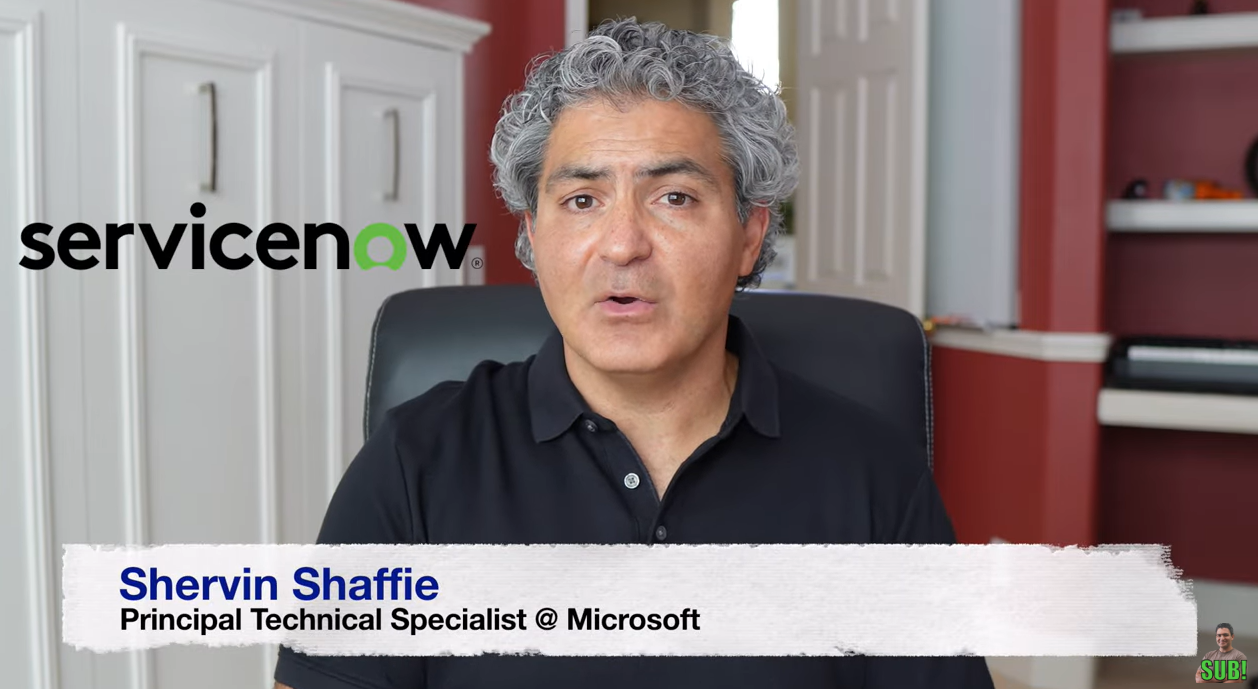
That’s what my coworker, Microsoft Technology Specialist Sherwin Shaffie, documented in this short 20min video tutorial. If you have Copilot Studio available (which comes with Microsoft 365 Copilot) you can set this up fairly quickly.

You’ll be able to stay within Microsoft Teams & use Copilot with natural language to check on your ServiceNow tickets & priorities easily.

Posted by: kurtsh | November 19, 2024

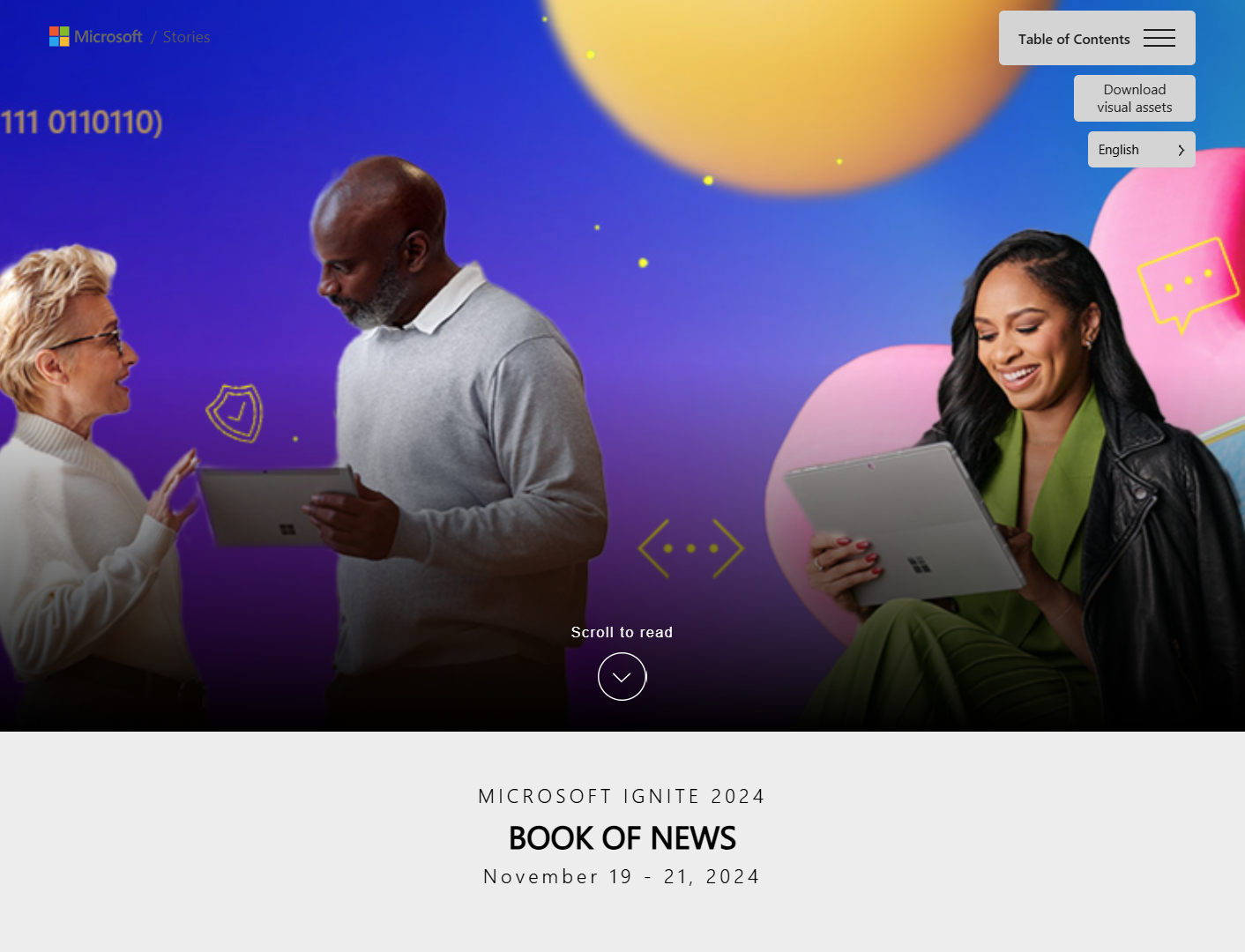
INFO: “Book of News” for Microsoft Ignite 2024

Read the Book of News (https://aka.ms/Ignite24/BON) for the full set of announcements we’ve made at Microsoft Ignite 2024, and the Official Microsoft Blog (https://aka.ms/Ignite24/OMB) to learn more about our key announcements.

Here’s the Table of Contents:

Posted by: kurtsh | November 19, 2024

INFO: Azure Adaptive Cloud Community – Monthly Meeting

[taken from the Microsoft Adaptive Cloud Community page]
Once a month, the various Adaptive Cloud product groups at Microsoft:

  • Azure Arc
  • Azure Stack HCI
  • Azure IoT
  • Azure Kubernetes Service

…hold a call to showcase new features, talk through important topics and engage in a Q&A regarding hybrid, multicloud, and edge. The foundational goals of the call are highlighted below:

  • Provide the Adaptive Cloud community with product updates for products and services such as Azure Arc, Azure Stack HCI, Azure IoT, AKS and much more.
  • Host a short talk and/or demo on Azure Adaptive Cloud technologies and products technologies
  • Collect feedback from the community on issues, blockers, use cases, and questions related to Azure Adaptive Cloud technologies and products

Who is the “community”? 💬

If you are a customer, partner, Microsoft employee, or just someone who loves tech, for us, you are part of our community. The content presented in our calls is not under a non-disclosure agreement (NDA) and is public because our mission is just to spread the ❤️ for Azure Adaptive Cloud solutions and technologies.

Meetup agenda 📃

Each monthly meetup will be 1 hour, don’t be late, we have a lot to cover! 🤓

  • 2 minutes: Welcome
  • 45-50 minutes: Product updates
  • 5-10 minutes: “Ask us anything” and feedback discussion

Meeting links and recordings ⏺️

AssetLink
🍪 Teams Channel – GuestsIf you are a guest, join the Microsoft Teams channel by submitting this form
🍪 Teams Channel – Microsoft FTEIf you are a Microsoft FTE, join the Microsoft Teams channel using this link
🍪 LinkedIn GroupJoin the Adaptive Cloud LinkedIn Group using this link
📝 Meeting presentationsView
🎥 Meeting recordingsWatch
📅 Upcoming meetup calendar inviteDownload the ics file to put a recurring event on your calendar.

Adaptive Cloud resources 📄

To learn about Microsoft’s Azure Adaptive Cloud approach, get started with our homepage.

Adaptive Cloud blogs

Azure documentation

Addtional key assets

Contact Us 📞

Reach out to us on our Teams channel (make sure to use the @General hashtag) or at distribution list and we’ll make sure to answer your questions as soon as possible!

If you’re a Microsoft managed customer, you likely have access to most of the Artificial Intelligence solutions below, so you may be interested in what we have to offer in terms of understanding how to develop & all-encompassing AI strategy.

The full documentation is available in the link below, but here is an except:
AI Strategy – Recommendations for organizations developing an AI adoption strategy – Cloud Adoption Framework | Microsoft Learn

—————–

Define an AI technology strategy

An AI technology strategy involves selecting the right tools and platforms for your generative and nongenerative AI use cases. You need to pick AI solutions that align with your skill set, data readiness, and budget. Microsoft has a variety of AI solutions to align with different needs. There are software as a service (SaaS), platform as a service (PaaS), and infrastructure as a service (IaaS) options. The service model you choose affects the AI shared responsibility between you and Microsoft.

Use the following AI decision tree to narrow down options for each AI use case. Review all the options before making your initial decision. When you identify an AI service, confirm that the service is a good fit. Use the following guidance to validate the skills needed, data needed, and cost factors to ensure success.

The official Microsoft Ignite 2024 session catalog as is the “session scheduler” for registered virtual & in-person attendees.  Adaptive cloud is a showcase topic at Ignite this year has 4 break-out sessions, 3 theater style demo sessions, 1 Hands-on-lab and a pre-day for a deeper dive on scenarios and architectural patterns.

If you’re interested in the NEW “Windows Server Management enabled by Azure Arc“, you’ll want to attend a few of these “Adaptive cloud” sessions:

As you browse through the catalog, you will also see a range of partner and technical sessions that also highlight or relate to the adaptive cloud approach such as “How AI is transforming the Migration economic opportunity for Partners” and “Windows Server 2025: New ways to gain cloud agility and security”.

Expert Meet-ups

The show floor (aka the “Hub”) delivers an opportunity for attendees to meet experts on products and topics. Expert Meetups are supported by speakers, non-speaker experts and a limited number of MVPs.  Of the 9 Expert Meetups for Azure Infrastructure, two have an adaptive cloud focus:

  • Azure Arc & Azure Local (Hybrid, Multi-cloud, Edge)
  • Copilot & Azure Monitor (AI-enhanced operations)

« Newer Posts - Older Posts »

Categories