Get our downloadable, interactive guide from the Microsoft Incident Response team to learn how to improve your organization’s ability to respond effectively and limit impact during a security breach:

Posted by: kurtsh | December 21, 2024

NEWS: Free GitHub Copilot for Visual Studio Code

We just announced that GitHub Copilot is now available for FREE in Visual Studio Code!
✅ Get 2000 code completions/month
✅ Get 50 chat requests/month
✅ Access both GPT-4o & Claude 3.5 Sonnet models… with Gemini coming!

How to set up your free access to GitHub Copilot for Visual Studio Code

Learn more at:

https://code.visualstudio.com/blogs/2024/12/18/free-github-copilot

#Copilot #VSCode #GitHub

Exciting News for Public Sector Innovators:
Microsoft 365 Copilot GCC is generally available today! 

We are thrilled to announce that Microsoft 365 Copilot GCC is generally available (GA) as of December 13, 2024 for qualifying GCC environment customers! This milestone marks a significant step forward in enhancing productivity and innovation within the public sector.

  • What is Microsoft 365 Copilot GCC?  Microsoft 365 Copilot combines the power of large language models (LLMs) with your organization’s data to boost productivity and drive innovation. Designed to complement and extend human expertise, Copilot relies on human judgment and oversight for optimal results.
  • Security and Compliance:  Our Top Priority Security and compliance are at the heart of our commitment to public sector customers. Built on the secure foundation of Microsoft 365 Government GCC, Copilot adheres to all existing privacy, security, and compliance commitments in the GCC environment.
  • Microsoft 365 Copilot Phase 1 features:
    • Business Chat: AI-powered chat feature leverages your organization’s Microsoft 365 data to provide personalized, relevant information and insights directly within your chat experience.
    • Microsoft 365 App Copilots (Word, Excel, PowerPoint): Embedded within your favorite productivity apps, these intelligent assistants help you craft documents, analyze data, and create presentations faster and with greater precision.
    • Outlook (Mail and Calendar): Manage communications and interagency meetings efficiently.
    • Teams Chat/Channel Copilot: Enhance collaboration across departments.
    • Intelligent Meeting Recap: Automatically capture key points from important policy discussions or public hearings.

Dive deeper into the capabilities and benefits of Microsoft 365 Copilot GCC by reading our detailed blog post here:

Ready to get started? Learn how Copilot can empower your agency or department:

Posted by: kurtsh | December 12, 2024

TRAINING: Microsoft Certification Exam Prep Video Series

Looking for some guidance around how to cram—- I mean, prepare for your upcoming Microsoft certification exam?

We have just the thing for you: Exam prep videos for certification exams in alignment with the Enterprise Skills Initiative! If your organization is a nominated customer in the ESI program, you will find many of these exam preps familiar in topic. These are recorded sessions with certified trainers to help you “cram” for your certification exam.

And they’re all free!

Introduction

Azure

Data Platform

Security

Artificial Intelligence

Power Platform

Posted by: kurtsh | December 9, 2024

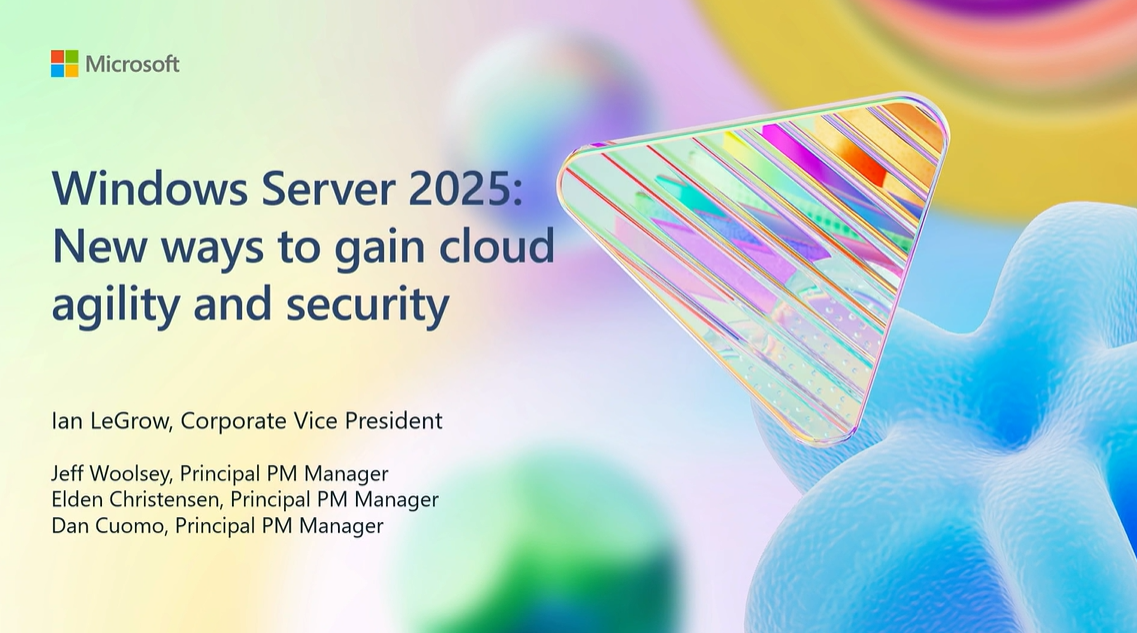
INFO: Windows Server 2025 at Microsoft Ignite 2024

If you haven’t seen the Windows Server teams presentations from Microsoft Ignite 2024, you check out the recordings & download the presentation deck:

  • BRK238: Windows Server 2025: New ways to gain cloud agility and security
    Tuesday, November 19 | 9:30 AM – 10:15 AM – 45min
  • FP118: Bring solutions to life with exciting innovations from Windows Server
    Tuesday, November 19 | 10:05 AM – 10:10 AM – 5min

With that, here’s “all the things” about Microsoft Windows Server 2025 from Microsoft Ignite 2024: (Stolen gratuitously from Jeff Woolsey, Program Manager for Windows Server)

  • Free Windows Server 2025 Security Advice Book
    Windows Server 2025 introduces a suite of new and enhanced security features tailored to tackle modern threats across on-premises, hybrid, and cloud environments. Microsoft has just published a new Windows Server 2025 Security Advice book that you should download and read. For those responsible for Windows Server security in enterprise environments, this document is a technical roadmap for understanding the depth of protection now embedded in Windows Server.
    https://techcommunity.microsoft.com/blog/itopstalkblog/free-windows-server-2025-security-advice-book/4287481
  • Comparing how “Windows Server 2025 Security Baseline” (WS2025SB) to the “Microsoft Security Compliance Toolkit” (SCT)
    It’s a night & day comparison. SCT is great, but we’re using our learnings & your feedback to improve & ease security mgmt.
    • “Microsoft Security Compliance Toolkit” (SCT) is a set of tools that allows enterprise security administrators to download, analyze, test, edit & store Microsoft-recommended security configuration baselines. SCT enables enterprise security administrators to effectively manage their enterprise’s GPOs.
      While SCT helps harden Windows Server security, there was no specific focus on aligning with industry baselines like CIS/STIG. SCT is not used by Microsoft Cloud services like Microsoft 365 for example.
      https://www.microsoft.com/en-us/download/details.aspx?id=55319&msockid=0b97a80c197865410296bcc118c26475
    • “Windows Server 2025 Security Baseline” (WS2025SB) caters to both GPO and Arc managed systems and the baselines are consistent. This means you can use WS2025SB in distributed, hybrid, multicloud environments.
      WS2025SB is >90% compliant with CIS/STIG. This also means it has ~30% more settings, almost 400, when compared to SCT. WS2025SB is used as the basis for Microsoft Cloud Services such as Microsoft 365 and more.
      WS2025SB provides tailored out of the box baselines for your server role (domain controller, member server, workgroup member) including hundreds of settings to help meet CIS and STIG industry benchmarks. WS2025SB is compatible with non-domain joined systems.

      Q: Does WS2025SB require Azure connectivity? Arc required?
      A: No. You can manage WS2025SB locally via PowerShell or Windows Admin Center (WAC). See “Deploy Security Baselines Locally” learn.microsoft.com/en-us/window…
      OR you can manage at scale via Azure Policy and Azure Machine Configuration.

      If you’re not evaluating Windows Server 2025 already you should be. If you’re a Software Assurance customer, you already own it.
Posted by: kurtsh | December 6, 2024

OFFER: Free Azure SQL Managed Instance (Public Preview)

[As announced at Microsoft Ignite 2024!]
Test your SQL workloads in the cloud using Azure SQL Managed Instance for free if you have one of many available subscription types including: Pay-As-You-Go, Enterprise Agreement, Azure Plan etc.

When you are ready to productionize your workload, convert your Managed Instance to production in two clicks and get the 99.99% uptime SLA as well as a myriad of configuration options.

The “free SQL Managed Instance” offer is designed for new Azure customers looking to get started with Azure SQL Managed Instance, as well as existing customers that might need a development database, such as for a proof of concept.

Read more about how to get started with the great offer at the Azure SQL Blog Announcement below:

Deploying and managing Windows? Join us for 4 hours of live, Ask Microsoft Anything (AMA) sessions with our product and engineering teams!

We’re sharing the latest and greatest Windows capabilities at Microsoft Ignite so join us here on the Tech Community on December 11 with your questions. Wherever you are in your journey to cloud native, whether you have a full Windows 11 ecosystem or aren’t quite there yet, we will be here to help and support you with guidance, tips, and insights.

Visit aka.ms/TCL/Windows for a list of AMAs, including:

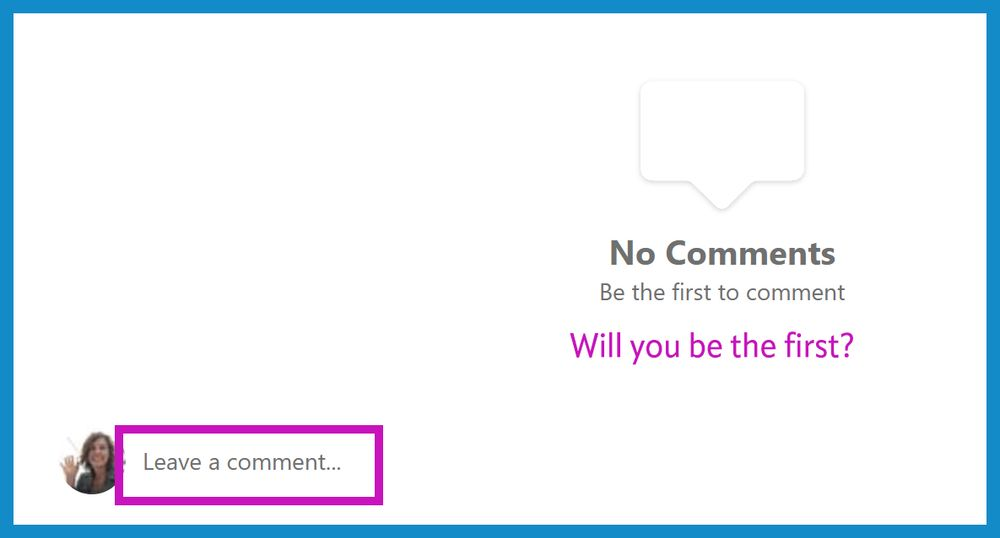
(To post questions — and you can do it in advance — just sign in on the community, scroll to the bottom of the page, and “leave a comment“.)

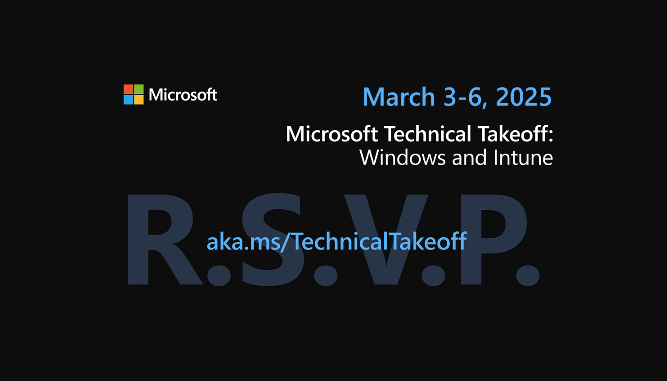
Save the date now for the third installment of the Microsoft Technical Takeoff for Windows and Microsoft Intune! This free, virtual skilling event will offer prescriptive, technical deep dives and panel-based discussions to help you feel prepared and confident in deploying and managing devices, apps, and experiences from client to cloud! 

All sessions will be streamed live here on the Tech Community and experts from the Windows, Windows 365, Intune, Azure Virtual Desktop, and security teams will be answering your questions during the sessions and throughout the week.

We’ll reveal the agenda in January. Until then, make sure you Add to calendar and select Attend to let us know you’re coming. 

Date/Time:

  • Monday, Mar 03, 2025, 07:00 AM PST – Mar 6, 2025 12:00 PM PST

Read more at the blog announcement here:

Posted by: kurtsh | December 4, 2024

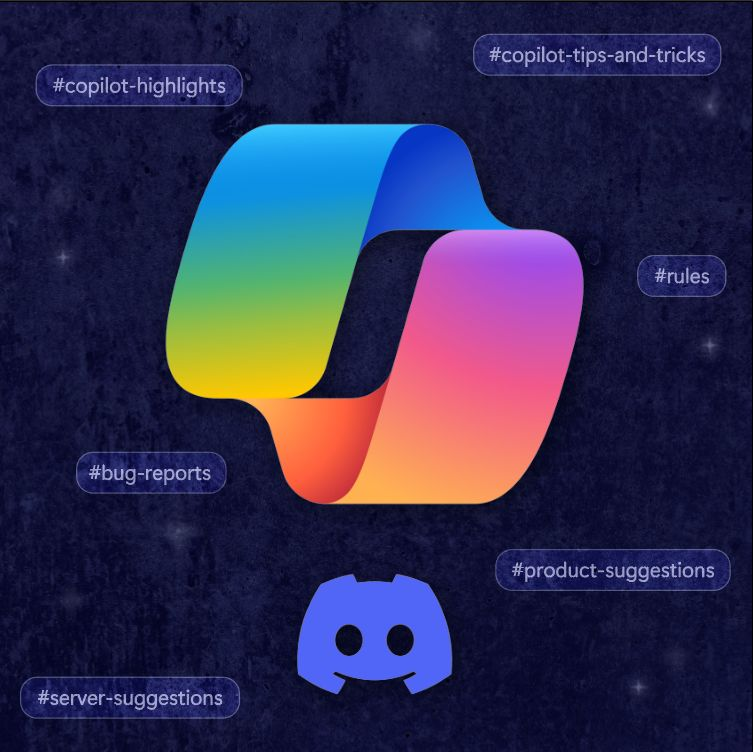
INFO: Microsoft Copilot Discord Server

You’re invited to join our new Microsoft Copilot Discord server! This is the official community for Microsoft Copilot, our general consumer experience, not Copilot for Microsoft 365.

If you’re actively using:

…this is the Discord server for you!

The goal is to help drive the next wave of Copilot & AI advancements. There are several channels, including the daily, #Prompts-to-Try thread.

Enjoy!

Posted by: kurtsh | December 4, 2024

INFO: Microsoft on BlueSky

UPDATE 12/6/24
WHOA. Yesterday, after I posted this, Microsoft Corporation officially joined Bluesky as a company, verified by Frank X. Shaw, our Director of Corporate Communications. This is absolutely real.

In celebration of Microsoft Corporation officially joining BlueSky, here’s a “Microsoft Product Group” Starter Pack of about 15 accounts so far. (I expect a lot more in the coming weeks as we get our internal domain verification process established. 😁)

ORIGINAL POST 12/4/24
I get a lot of questions about how it is I stay connected with so many different areas within Microsoft. A good way to stay in touch with our technologies is to follow the various Microsoft employees responsible for each. These include Product Managers, Program Managers, Cloud Architects, Technology Specialists & Support Engineers on BlueSky.

MICROSOFT EMPLOYEE STARTER PACK
Here’s a “Starter Pack” that I created of Microsoft employees currently with accounts on BlueSky. Simply go to the link below to the Starter Pack & click the “Follow All” button at the top.

BUILDING YOUR OWN STARTER PACK
If you’re looking to build your own Starter Pack, here are some tools you can use in additional to the client-based Starter Pack creator:

CLIENT TOOLS
These are client tools that I use to access BlueSky or review my account that may be useful to you:

  • Deck.Blue – A multi-column TweetDeck clone for BlueSky for users that like to view multiple feeds at the same time.
    https://deck.blue
  • OpenVibe – A tool that simultaneously posts to BlueSky, Mastodon & Threads & collects posts from all 3 networks into a single feed on your iOS or Android phone.
    https://openvibe.social
  • BlueSky Receipts – A fast way to review some basic stats about your BlueSky account. The total number of reposts your account has gotten, the day you post the most, etc.
    https://bskypt.vercel.app
  • BlueSky Roast – An AI-based interpretation of your BlueSky feed. The topics & words you use the most, the general demeanor of your feed, etc.
    https://blueskyroast.com/
  • BlueSky Stats – Aggregate stats for all posts in Jaz’s Bluesky index. https://bsky.jazco.dev/stats

INDEPENDENT DOCUMENTATION AROUND “HOW TO”
Here are some additional tools that you may find useful to get started on BlueSky if you’re new to the network:


« Newer Posts - Older Posts »

Categories