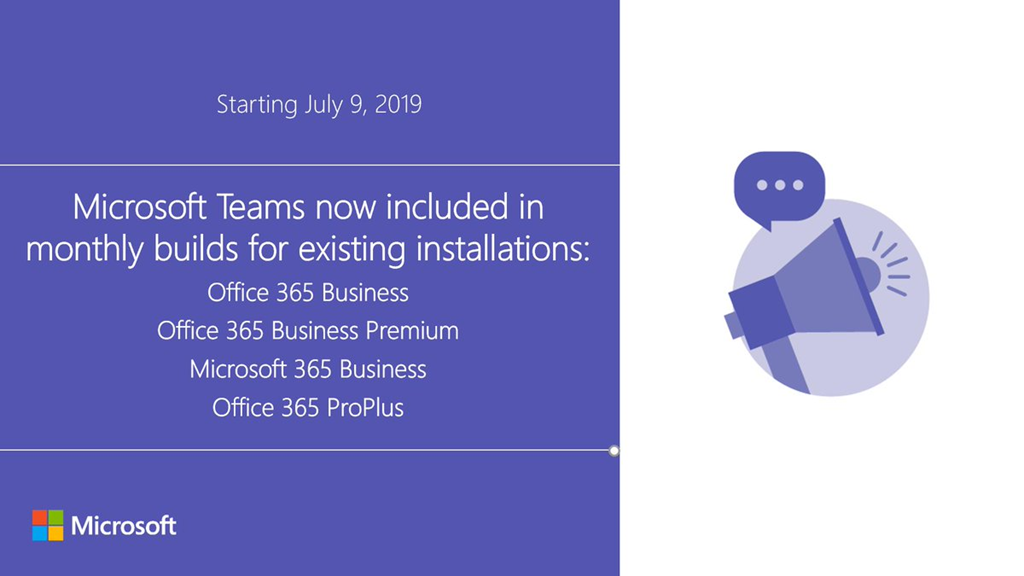
imageThe Microsoft Teams desktop app is coming to existing installs of Office 365 ProPlus and Microsoft/Office 365 Business/Business Premium.

Starting on July 9, 2019, Click-to-Run will install the Teams client for all PCs on the monthly channel, and the client will update itself regularly from that point onward. This will be a gradual rollout over several weeks, so not all existing installations will immediately get Teams added when Office is updated.

Read the announcement here:

imageAre you a heavy user of Microsoft Teams?  Tired of having to use the mouse for things?

Hit “Ctrl-.” while in the Microsoft Teams client in order to get a list of keyboard shortcuts.

Note: One of my favorite keyboard shortcuts is “CTRL-ENTER” to “SEND MESSAGE” when you respond to an instant message that appears as a pop up or “toast” in the bottom right hand corner.

Here’s some good ones you may not know:

General

  • VIEW COMMANDS (Used from Search/Command bar)
    Ctrl+/
  • GO TO SEARCH/COMMAND BAR
    Ctrl+E
        • CALL SOMEONE
          /call [person’s name]

Meetings/Calls

  • GO FULL SCREEN IN A MEETING
    Ctrl+Shift+F
  • TOGGLE MUTE
    Ctrl+Shift+M
  • TOGGLE VIDEO
    Ctrl+Shift+O

If you’d like to see the same content online, check out this URL:

The tools in the Microsoft Desktop Optimization Pack are generally supported online.

Documentation & Overview:

imageExplore five principles that will help you successfully deploy and manage Linux in the cloud with Azure.

Migrating to the cloud can have a positive impact on the cost, maintenance, scalability, elasticity, and versatility of your IT infrastructure.

In this O’Reilly e-book, author Sam Alapati examines five principles for successfully deploying and managing Linux in the cloud. Review examples from Azure and other cloud service providers. Explore best practices for moving your system out of your data center and into the cloud. Get a detailed overview of various types of cloud services and deployments. By better understanding cloud migration principles, your team will be ready to:

  • Assess and identify which Linux virtual machines (VMs) are adaptable in the cloud.
  • Determine and plan for your workload’s level of availability for new deployments.
  • Monitor your applications running on Linux across the entire stack.
  • Ensure your Linux VMs are secure and backed up.
  • Govern your cloud environment with policy management best practices.

Download the eBook here:

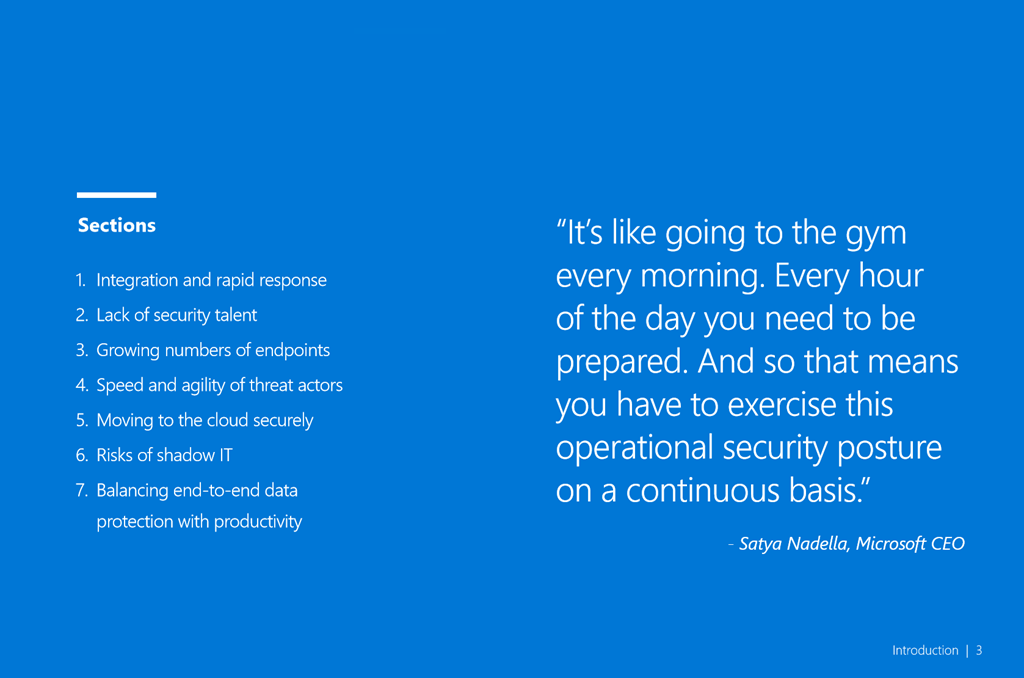
We’ve released two additional interactive guides, both loaded with content, downloadables, and videos for IT professionals and decision makers and their adoption of either Microsoft 365’s security capabilities or Microsoft Teams for Government.

Check them out now:

image image

Posted by: kurtsh | June 25, 2019

INFO: Microsoft Teams Toolkit

imageTake a look at our Teams Toolkit – an adoption guide designed to better understand business outcomes and use cases for Microsoft Teams.

The guide is a 12 page online-only document that includes multimedia that provides more background around maximizing your usage of Teams with business functions.

  • Video overviews to better understand Teams as a deployer
  • Presentations & downloadable worksheets for Teams
  • Downloadable flyers to distribute to users
  • Guides for Help Desk and other roles

Check it out at:

(For a text version, visit: https://docs.microsoft.com/en-us/MicrosoftTeams/adopt-microsoft-teams-landing-page)

As announced on June 18. 2019:

Azure and Office 365 generally available today, Dynamics 365 and Power Platform available by end of 2019

Today, Microsoft Azure and Microsoft Office 365 are taking a major step together to help support the digital transformation of our customers. Both Azure and Office 365 are now generally available from our first cloud datacenter regions in the Middle East, located in the United Arab Emirates (UAE). Dynamics 365 and Power Platform, offering the next generation of intelligent business applications and tools, are anticipated to be available from the cloud regions in UAE by the end of 2019.

The opening of the new cloud regions in Abu Dhabi and Dubai marks the first time Microsoft will deliver cloud services directly from datacenter locations in UAE and expands upon Microsoft’s existing investments in the Gulf and the wider Middle East region. By delivering the complete Microsoft cloud – Azure, Office 365, and Dynamics 365 – from datacenters in a given geography, we offer scalable, highly available, and resilient cloud services for organizations while helping them meet their data residency, security, and compliance needs.

…

Read the rest of the announcement here:

BLOG: First Microsoft cloud regions in Middle East now available
https://azure.microsoft.com/en-us/blog/first-microsoft-cloud-regions-in-middle-east-now-available/

Posted by: kurtsh | June 19, 2019

INFO: New Artificial Intelligence in Microsoft Stream

imageWe’ve recently released 2 AI-powered features for Microsoft Stream:

  • People timelines that use facial detection to identify who is talking, so you can easily jump to a particular speaker in the recording.
  • Deep search of transcripts, with highlighted terms and clickable results that let you find and quickly jump to moments that matter in a video.

These features are now available in all Enterprise, Firstline Worker, and Education plans of Office 365, helping make content in video more discoverable for all users of these plans. The Stream licensing doc has been updated with these changes.

For more information on the features that are now available to everyone, see the following articles.

Posted by: kurtsh | June 18, 2019

DOWNLOAD: Microsoft Research Songsmith

imageWhat is Songsmith?
Songsmith generates musical accompaniment to match a singer’s voice. Just choose a musical style, sing into your PC’s microphone, and Songsmith will create backing music for you. Then share your songs with your friends and family, post your songs online, or create your own music videos.

For a quick demonstration of Songsmith in action, check out our quick tutorial video about creating your first song!

Songsmith is also free for teachers to use in their classrooms.

Where can I get it?
A free trial download is available on our download page.

What if I don’t know how to write music?
Songsmith is for you. Get your first taste of songwriting just by singing into a microphone, then explore different styles and arrangements, even if you don’t know the first thing about music theory.

What if I do know how to write music?
Songsmith is for you too. Songwriters can use Songsmith as an “intelligent scratchpad” to work with new melodies, quickly turning your scratch recordings of new ideas into richer, deeper explorations. Musicians can also play instruments right into Songsmith, instead of singing.

Visit the main web site here:

imageJoin us on Wednesday, June 19 at 10am PST for the Azure security expert series: Cloud Security Best Practices with Ann Johnson

As computing environments move to the cloud, the responsibility for security also shifts. Find out what this means for your own environment and learn about security best practices when using Microsoft Azure, by attending the June 19th launch of the Azure security expert series. The series kicks off with a tech talk led by Ann Johnson, Corporate VP of Cybersecurity at Microsoft, during which you’ll have the opportunity to chat online with Microsoft cloud security experts.

You’ll also have access to new on-demand sessions covering a variety of different security topics and related Microsoft Azure security services, including Azure Sentinel, Azure Security Center, and networking security—all led by Microsoft security product experts.

« Newer Posts - Older Posts »

Categories