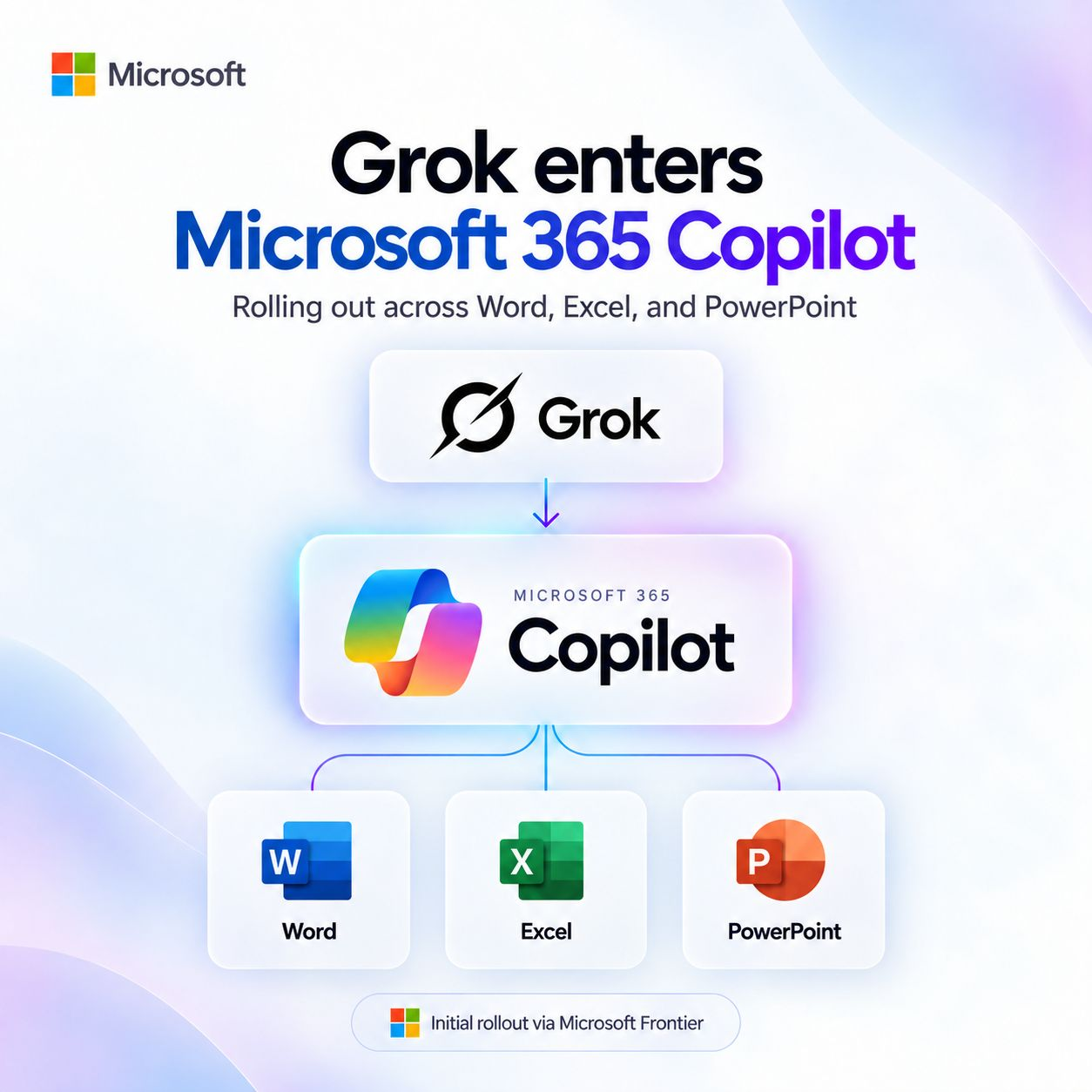
For “Frontier” Microsoft 365 Copilot customers, Microsoft is adding Grok models from SpaceXAI for use with Word, Excel, and PowerPoint – with the intent to roll out model availability broader across other scenarios as we evaluate usage patterns by customers.
Key points:
- The models require Frontier Program enrollment by the user or the organization in order to use them. If you don’t know what this is, you’re not going to see these models.
- The model’s availability is disabled by default – and controlled using the same type of subprocessor “switch” as used for Anthropic Claude.
- The model is only available in Word, Excel & PowerPoint. Availability for “general” Copilot Chat & other scenarios, is pending evaluation of use cases.
- As a subprocessor, SpaceXAI Grok models when used in this scenario, adhere to the same data privacy & security commitments as documented in the Microsoft Product Terms & Data Protection Addendum, and covered by Microsoft’s Enterprise Data Protection.
- Usage of the models requires a Microsoft 365 Copilot license,
(Note: Do not confuse this announcement with the article on learn.microsoft.com entitled, “Connect to SpaceXAI models“. This is an older post written for enabling Grok for use with Copilot Studio developers and has existed for more than 6 months. This did not use Grok as a subprocessor and was basically saying “use at your own risk”.)
For those keeping score, Microsoft 365 Copilot has:
- Open AI-hosted
- Anthropic subprocessor-based
- Open AI subprocessor-based
And now:
- SpaceXAI subprocessor-based
Read more at:
- Expanding model choice in Copilot with Grok
https://techcommunity.microsoft.com/blog/microsoft-copilot-blog/expanding-model-choice-in-copilot-with-grok/4555749
 kurtsh


You must be logged in to post a comment.