I was recently asked if Microsoft had training available for Executive Assistants/Administrators.
————————————–
LIVE: Executive Office Team Experiences with Copilot and Agents
There is a one-hour, no-cost virtual event coming up on June 8th, 2026 specifically for the Executive Office team interested in harnessing the power of Microsoft 365 Copilot & Agents:
- Monday, June 8, 8:00 AM – 9:00AM
Executive Office Team Experiences with Copilot and Agents
Through real-world scenarios and “day‑in‑the‑life” examples, you’ll see how Copilot and role‑aligned agents help Executive Office teams move beyond task execution to strategic enablement—anticipating needs, reducing friction, and accelerating outcomes across the executive agenda.
What You’ll Learn- How Copilot supports Executive Office workflows across scheduling, inbox management, meeting orchestration, briefings, communications, and follow‑through
- Role‑specific use cases for Chiefs of Staff, Executive Admins, Executive Operations, and Executive Communications
- How prebuilt agents (Researcher, Analyst, Writing Coach, PowerPoint Agent, and others) support executive readiness, decision framing, and leadership communications
- How agents can automate and assist with repeatable executive-office processes, such as:
- Agenda and briefing preparation
- Action item tracking and follow‑ups
- Executive updates and recurring reports
- Communication drafting and refinement
- Best practices for using Copilot and Agents while maintaining security, confidentiality, and consistency in executive-facing work
- Date/Time:
- Monday, June 8, 8:00 AM – 9:00 AM
- Registration:
————————————–
ON-DEMAND: How Executive Admins get more done with Microsoft 365 Copilot
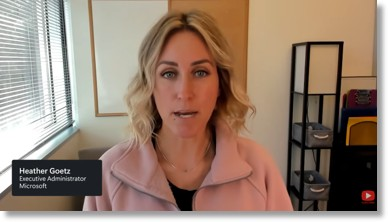
Additionally, the following quick video is specifically for those Admins – orated by 2 of Microsoft Executive Assistants that support a couple of our Corporate Vice Presidents:
- On-demand
How Executive Admins get more done with Microsoft 365 Copilot
The final session brings everything together through the lens of an Executive Assistant’s workday. You’d learn how they use Microsoft 365 Copilot to manage busy schedules and keep their boss’s day organized and on track.
You’ll see real examples of how Copilot helps with:- Preparing for meetings
- Drafting and refining emails
- Planning travel and events
- Summarizing emails and meetings
- Finding information across files, chats, and sites
- (Part of the “Microsoft 365 Copilot app learning series: Real‑world scenarios for your workday” at https://aka.ms/M365CopilotAppSeries.)
- View recording:
————————————–
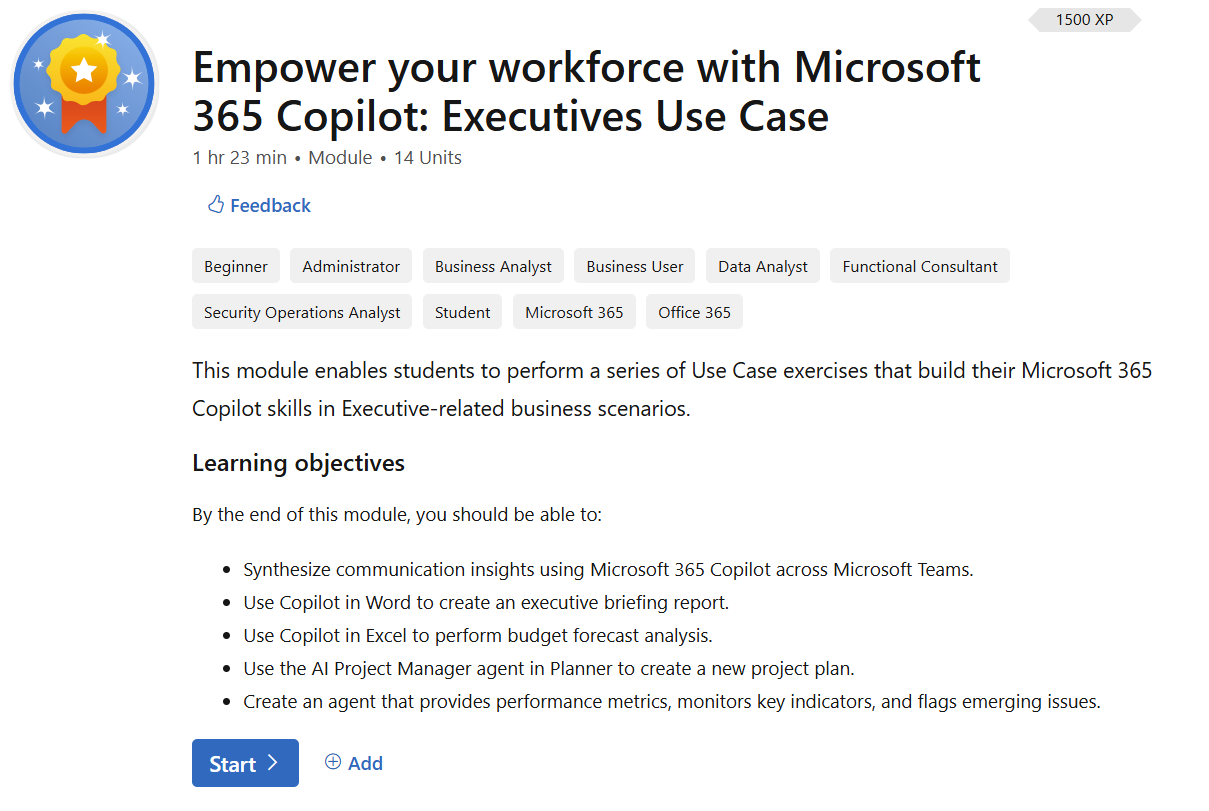
WRITTEN: Empower your Workforce with Microsoft 365 Copilot: Executives Use Case
Lastly, we have some training modules that people in executive leadership roles can go through that may be useful for their administrators as well.
This module enables students to perform a series of Use Case exercises that build their Microsoft 365 Copilot skills in Executive-related business scenarios.
Learning objectives
By the end of this module, you should be able to:
- Synthesize communication insights using Microsoft 365 Copilot across Microsoft Teams.
- Use Copilot in Word to create an executive briefing report.
- Use Copilot in Excel to perform budget forecast analysis.
- Use the AI Project Manager agent in Planner to create a new project plan.
- Create an agent that provides performance metrics, monitors key indicators, and flags emerging issues.
Try it at: Empower your Workforce with Microsoft 365 Copilot: Executives Use Case – Training | Microsoft Learn
 kurtsh


You must be logged in to post a comment.