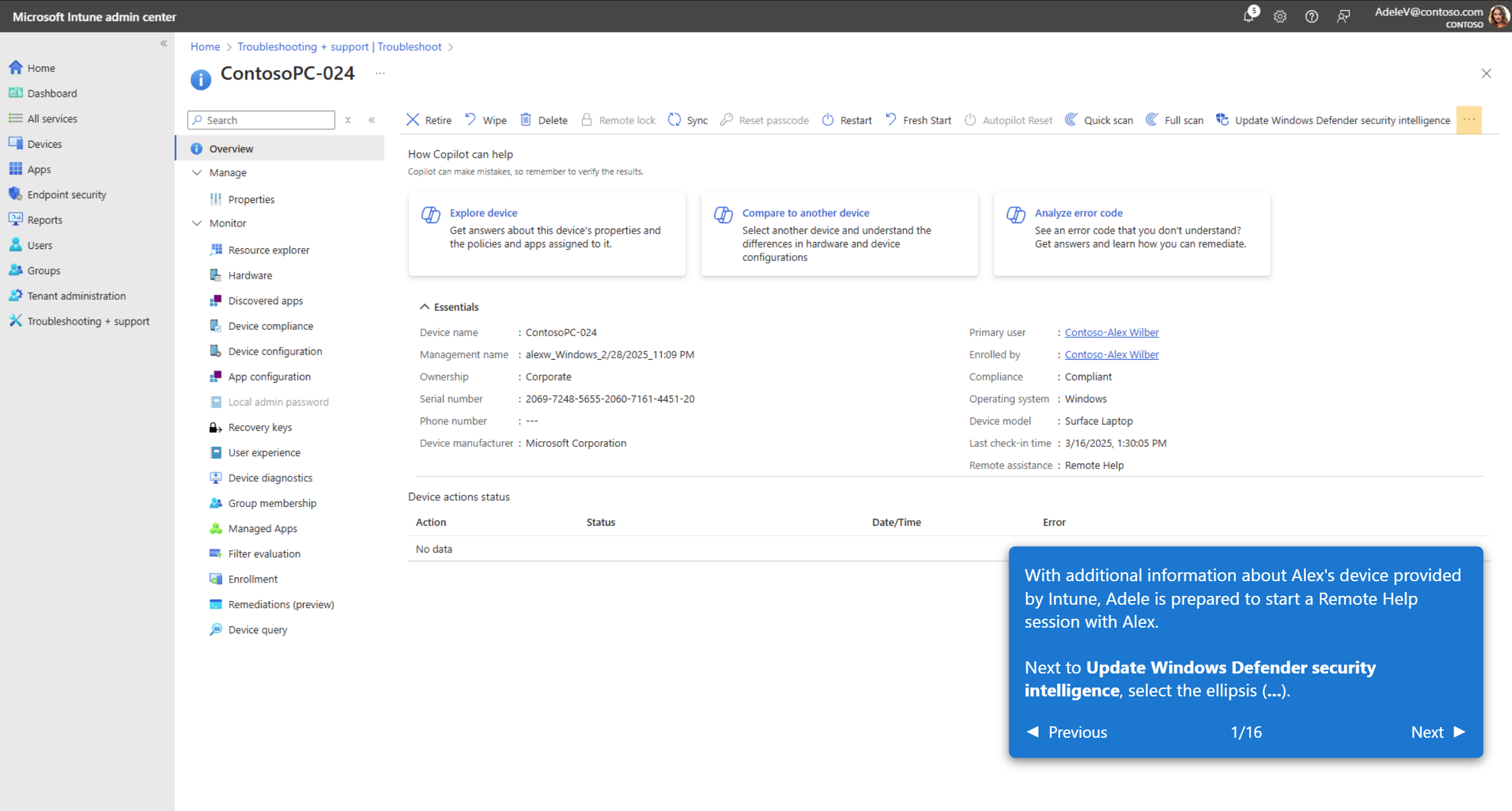
With the recent announcement of Intune Remote Help’s coming inclusion with Microsoft 365 E3/G3, (and other SKUs) many customers are just discovering the capabilities of Intune Remote Help.
Remote Help is a cloud-based solution that securely connects help desk teams to users. It features permission-based access controls, device compliance checks, organizational login requirements, and incident management ticket tracking. IT administrators can use session reporting to identify support trends and recurring issues.
The three main benefits of using Remote Help are:
- Reduce security risks: Remote Help enables secure IT and worker connections, strengthening your Zero Trust architecture.
- Boost efficiency: IT and help desk teams can quickly and effectively address service issues.
- Support employees anywhere: Remote Help provides a simple and reliable way to connect workers with the technical assistance they need.
The Intune Remote Help interactive demo walks you through scenarios step-by-step with interactive annotations and navigation controls. The demo reviews:
- Setting up Remote Help
- Configure the Remote Help app
- Deploy the Remote Help app
- Integrate with ServiceNow
- End user: Remote Help experience for Windows
- End user: Streamlined web app experience for macOS
- End user: A native app experience on macOS
To start the Intune Remote Help interactive demo, visit:
For more information about the recent announcement of Intune’s new capabilities included in Microsoft 365 E3/G3 & other SKUs, visit:
 kurtsh
 Kurt Shintaku's Blog
You must be logged in to post a comment.