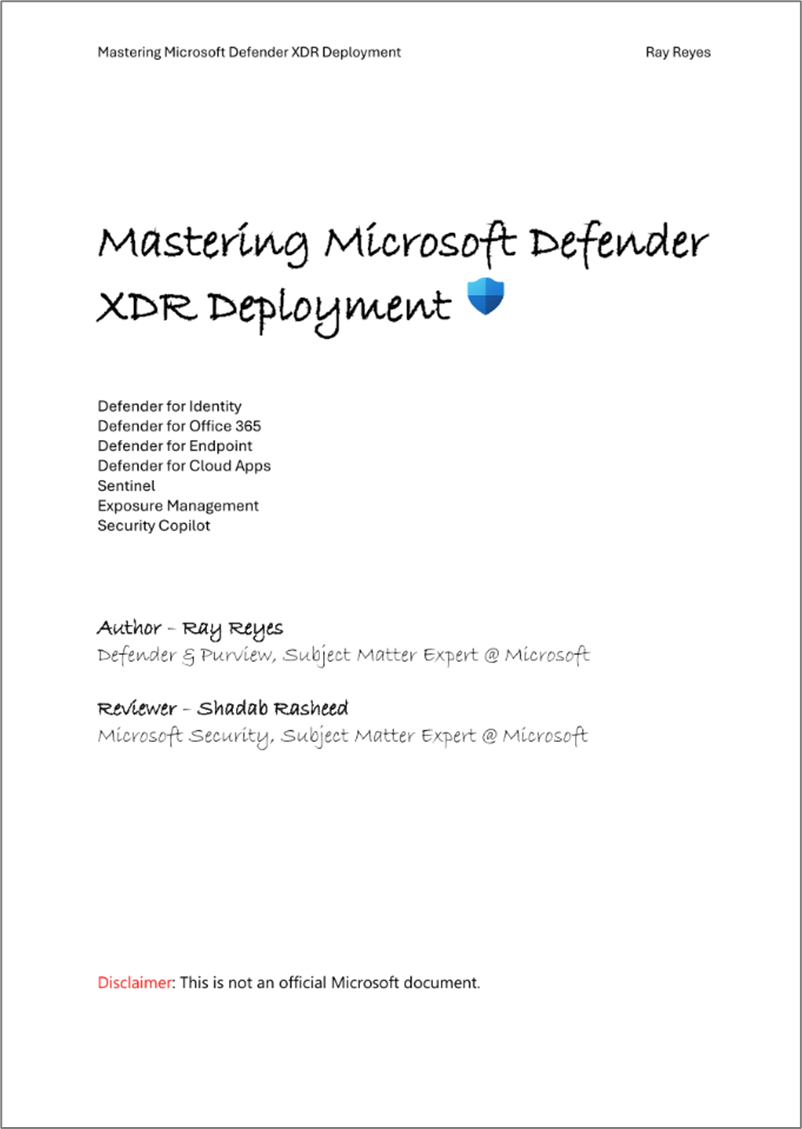
Ray Reyes, published his latest high-level guide to deploying Defender XDR and made it available for all to download, encompassing:
- Microsoft Defender for Office 365 (MDO)
- Microsoft Defender for Identity + Microsoft Entra ID Protection = (ITDR)
- Microsoft Defender for Endpoint (MDE)
- Microsoft Defender for Cloud Apps (MDA)
- Microsoft Sentinel
- Exposure Management
From Ray’s post on LinkedIn:
Here’s the latest version of my Microsoft Defender XDR Deployment guide. It’s been close to a year since I wrote the last version, so lots of new goodies on this guide and newly introduce features. What’s also new is I’ve included a mind map of roles and permission which is always a challenge for new customers.
A story goes a long way to support technical deployments. My role at Microsoft is to help
customers deploy our Defender and Purview products. One of the feedback items I had a while
back from a customer is not knowing ‘why they should’ turn things on, and this guide answers
the WHY. The WHY is what allows customers to re-think and visual what the product is capable
of. I work with customers daily across our Security Solutions, this guide is to help customers
find the easiest path to enabling our overall Microsoft Defender XDR and to answer two
common questions we get in my role.
‘Where do I start? What should I turn on first?
- DOWNLOAD: WHITEPAPER: Ray Reyes’ “Microsoft Defender XDR Deployment Guide”
https://media.licdn.com/dms/document/media/v2/D561FAQHpgQxRm5FfWA/feedshare-document-pdf-analyzed/B56ZfjijwGHoAc-/0/1751869188944?e=1753315200&v=beta&t=xQkNRjsfgUxthmxGuuBTd0idL2bxYzgyuC63uYK_NzA
 kurtsh
 Kurt Shintaku's Blog
You must be logged in to post a comment.