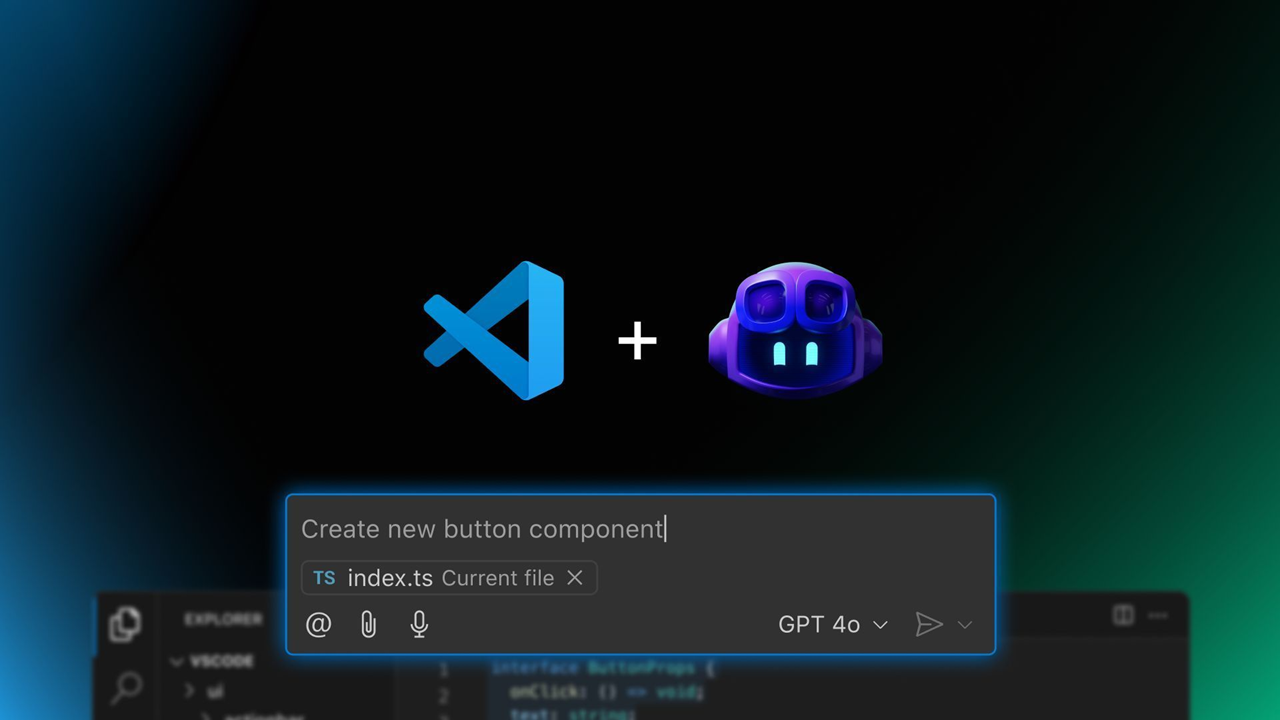
The GitHub Copilot Global Bootcamp started in February as a fully virtual learning journey — and it was a hit. More than 60,000 developers joined the first edition across multiple languages and regions. Now, we’re excited to launch the second edition — bigger and better — featuring both virtual and in-person workshops, hosted by tech communities around the globe.
This new edition arrives shortly after the announcements at Microsoft Build 2025, where the GitHub and Visual Studio Code teams revealed exciting news:
- The GitHub Copilot Chat extension is going open source, reinforcing transparency and collaboration.
- AI is being deeply integrated into Visual Studio Code, now evolving into an open source AI editor.
- New APIs and tools are making it easier than ever to build with AI and LLMs.
This bootcamp is your opportunity to explore these new tools, understand how to use GitHub Copilot effectively, and be part of the growing global conversation about AI in software development.
👩💻 Who Should Join?
Whether you’re a beginner developer, a university student, or a seasoned tech professional, this bootcamp was designed with you in mind. You’ll learn practical use cases of GitHub Copilot and how to boost your productivity using AI — in a hands-on, accessible format.
Join the virtual edition
No matter where you are, you can join online and learn with us. Register at the links below:
- July 8, 9:00-10:00AM: Best Practices for Mastering GitHub Copilot Chat
Discover how the Ask, Edit, and Agent modes of GitHub Copilot Chat can transform your workflow in Visual Studio Code. We will demonstrate, in practice, how to combine these modes to solve real problems, implement complete features, and integrate external tools. - July 10, 9:00-10:00AM: Practical Integrations with MCP Servers in VS Code
Did you know you can connect GitHub Copilot Chat to external servers and custom tools using MCP Servers? Come and discover how this technology allows you to automate tasks, access APIs, and share integrations among team members using simple configuration files. In this talk, I will show practical configuration examples, tips for safe usage, and how Copilot can identify and use MCP tools autonomously, making your development environment even more powerful and flexible.
Microsoft Applied Skills is a credentialing program designed to validate your ability to perform specific, real-world technical tasks. Unlike traditional certifications that often cover broad job roles, Applied Skills focus on scenario-based, hands-on skills that are directly applicable to critical business challenges.
And the best part? It’s completely free! You can demonstrate your skills through interactive, task-based assessments in a simulated environment—no multiple-choice questions, just real work.
One of the latest additions is the GitHub Copilot Applied Skill, which proves your ability to leverage AI to boost software development productivity and code quality:
 kurtsh
 Kurt Shintaku's Blog
You must be logged in to post a comment.