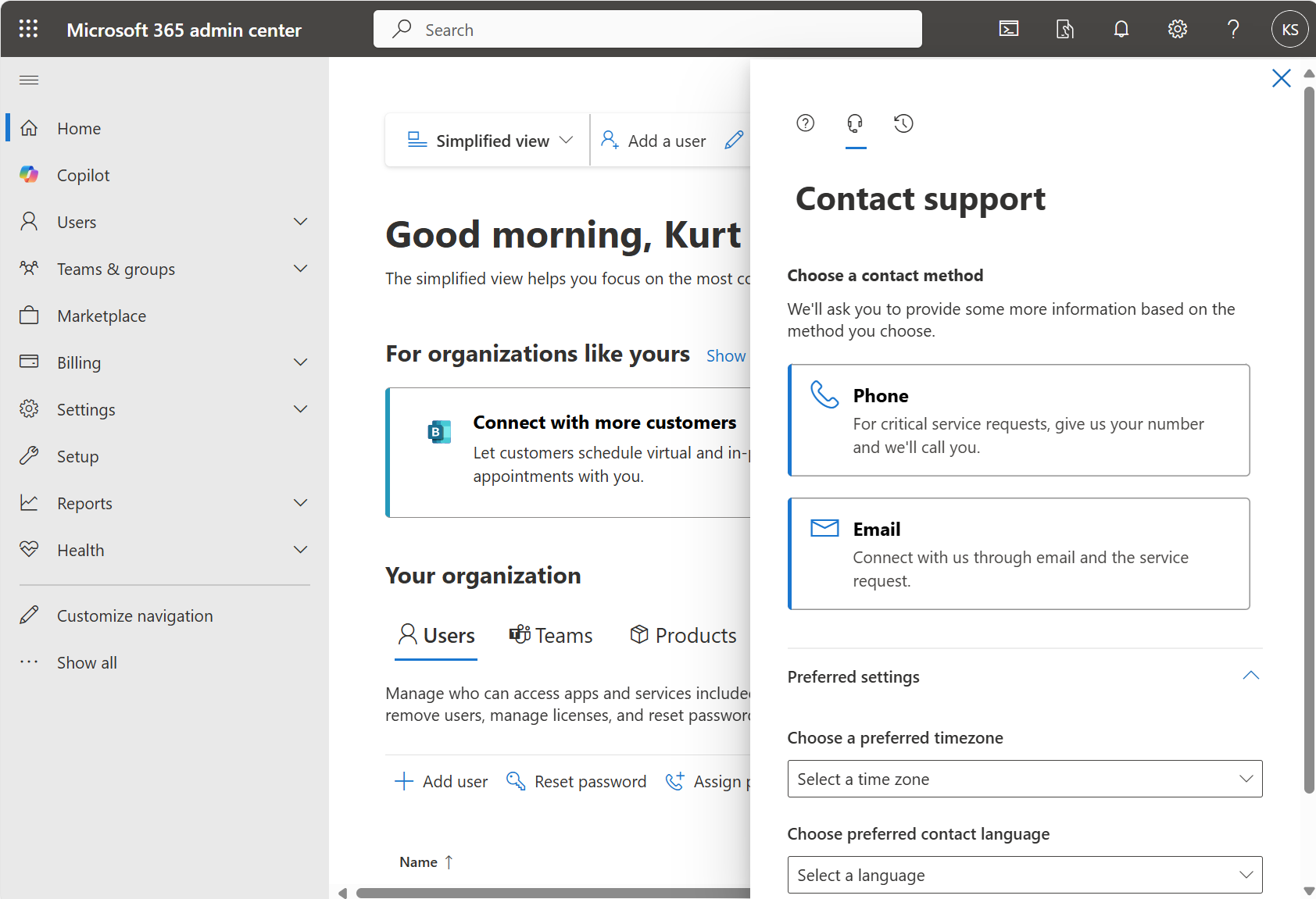
If you request Volume Licensing support from the Microsoft 365 Admin Portal, there’s a dedicated support team for users who access volume licensing contracts in the Microsoft 365 admin center. To request support for volume licensing, use the following steps:
- In the Microsoft 365 admin center, select Help & support.
- In the query box, type “manage volume licensing” together with your question to help target your query more accurately. If you see a drop-down list, select the item closest to your question, or continue typing your question, then press Enter.
- If the results don’t help, at the bottom, select Contact Support.
- Enter a description of your issue, specify the license ID or VL agreement number your issue relates to, confirm your contact number and email address, select your preferred contact method, and then select Contact me.
If you’re a volume licensing admin but are unable to access the admin center, you can create an online support request.
[taken from https://learn.microsoft.com/en-us/microsoft-365/admin/get-help-support?view=o365-worldwide#volume-licensing-support]
 kurtsh
 Kurt Shintaku's Blog
You must be logged in to post a comment.