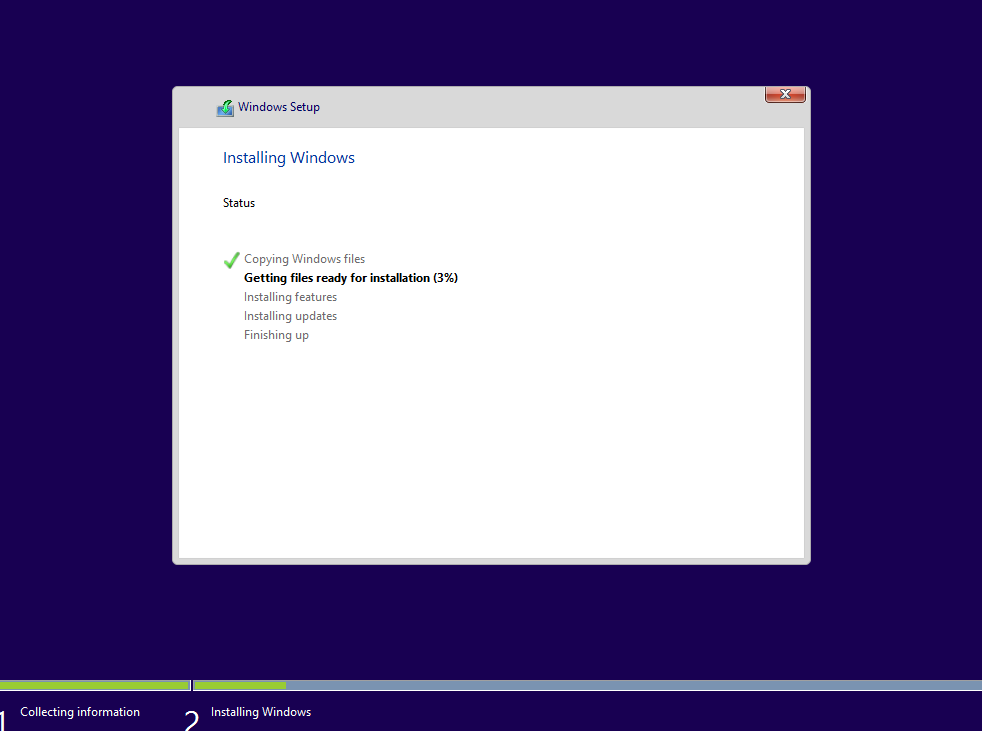
 Hey you! Go download the Windows 10 Technical Preview 2. Do it now! Installation from USB 3.0 on a Surface Pro 3 Core i5 is about 10 minutes tops.
If you’re not signed up for the Windows Insiders program, you need to do that first. It’s easy: Go the the Windows Insiders site, login with your Microsoft Account (Hotmail, Outlook.com, MSN, Live, whatever), then agree to the terms & conditions. That’s it.
Here’s the download location for the ISO (x64 & x86):
http://windows.microsoft.com/en-us/windows/preview-iso
The Product key is:
NKJFK-GPHP7-G8C3J-P6JXR-HQRJR
NOTES:
- Be sure to initiate an Update after you’ve installed.
- Here’s a few articles to get you started:
- ZDNET: Ed Bott Report, “Windows 10: What’s in the January preview release?”
http://www.zdnet.com/article/windows-10-whats-there-whats-missing/ - THURROTT: Known Issues in Windows 10 Technical Preview 2
https://www.thurrott.com/windows/windows-10/629/known-issues-windows-10-technical-preview-2
 kurtsh
 Kurt Shintaku's Blog