Q: What if Outlook had the artificial intelligence to automatically recognize & sort your emails into the right folders after you’ve read them?

Folks – that’s exactly what “SimplyFile” does. After selecting an email within Outlook, it instantly examines:
- Subject line
- Individuals on the From:/To:/Cc: lines
- Content within the body
- Attachments
 …and automatically shows you the NAME of the email folder on a button in the Outlook Ribbon that it believes the message belongs in. If it’s correct, you simply press the button, and SimplyFile moves the email to the right folder.
This process is shockingly accurate & quick. SimpleFile does two things to figure out where email messages should be sorted:
- It INDEXES your email to identify & profile each folder.
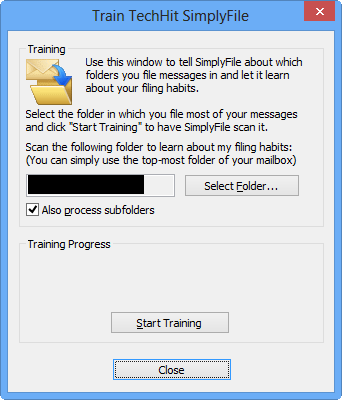
- It LEARNS what messages belong to what folders based on where you manually move emails on your own
This is one of the most useful productivity tools I’ve ever used & it’s one of my “secret sauce” products that I use with Outlook to keep efficient. It’s also something that you 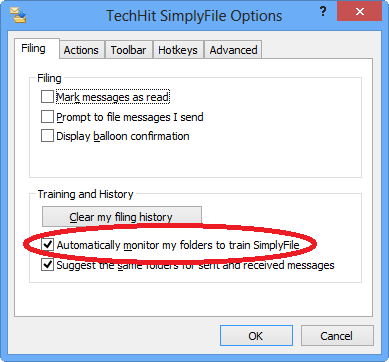 can only do if you’re a Outlook user.
- TRIAL: TechHit’s SimplyFile – Email sorting plugin for Outlook 2007/2010/2013 (3rd party)
http://www.techhit.com/SimplyFile/
($49.95 full version)
Note: Some people are “filers” – individuals that file emails for archival & referencing later. Others are “pilers” – individuals that let their inbox just pile up with 1000’s of emails and simply search for what they need. This tool is obviously for filers so if you’re a piler, more power to you. Outlook & it’s search folders are still a great tool for you. But for those of you who are filers… rejoice.
 kurtsh
 Kurt Shintaku's Blog