Use the following command to shutdown your Surface Pro:
([Windows Key] + ‘R’ to get the run command)
-
shutdown.exe /r /o /f /t 00
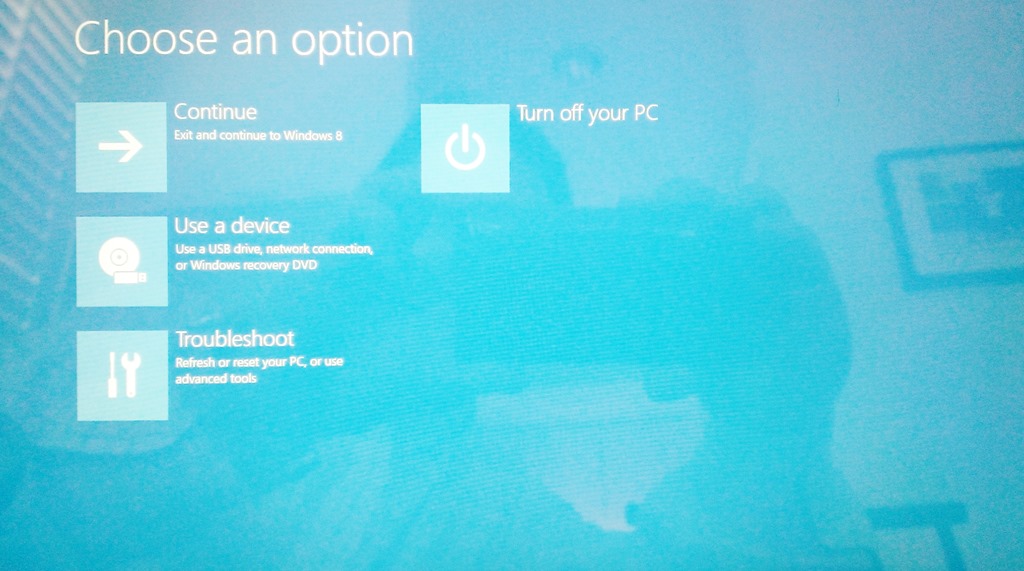
It will bring up a touch-friendly boot menu, that among other things, will help you either troubleshoot your PC by putting it in ‘safe boot’ or allow you to boot to USB/network for Windows-to-Go or the Windows Recovery USB flash drive:
 kurtsh
 Kurt Shintaku's Blog