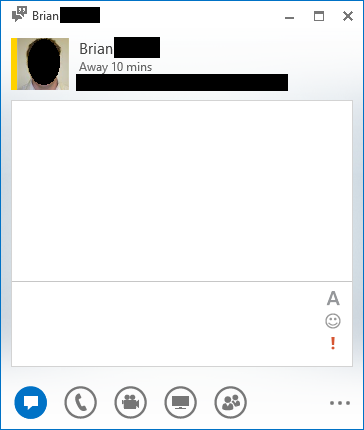
 Take a look at the snapshot to the right: This is the new Lync 2013 client. Notice there’s no “gear-like” configuration icon? There’s the “…” at the bottom of the screen but that doesn’t provide client UI configuration.
The point is, there’s no way to reveal a MENU BAR (File, Edit, Tools, etc.) like you used to with previous versions of Lync.
Q: So how do you manually save a conversation?
It turns out that the answer is “CTRL-S”. This is the only way to do so without waiting for the client to ‘auto-save’ the conversation (if you have this set up. There’s no FILE-SAVE CONVERSATION drop down any more.
For folks that haven’t used Lync before, the saved conversation will be found in a folder in Outlook called “Conversations History” off the root of your mailbox.
Why this isn’t documented in Lync’s help, I don’t know. And that’s why I’m typing it up here.
 kurtsh
 Kurt Shintaku's Blog