UPDATE 3/9/12 8:00AM:
Well, that was fast. The offer expired around 12 midnight last night, I guess, as did the 50% off deal on William Stanek’s books. So if you’re interested in the PowerShell 2.0 book, it’s $23 from O’Reilly.
——————-
ORIGINAL POST:
WOW. There’s an insane amount of confusion going on about this free eBook we made available on the day of the launch of SQL Server 2012 so I’m going to post these instructions on how to get it… and as of March 8th 9:00PM PST it still works, even though I think it was supposed to be taken down. It was supposed to be a one-day-only deal as far as I understand. (Just know that if you needed these instructions to figure out how to get it, you fail and that’s all I’ll say about that.)
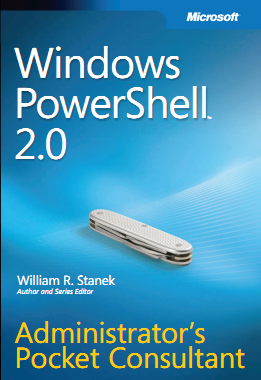
So here we go – here’s how to get the free copy of Microsoft Press’ “Windows PowerShell 2.0 Administrator’s Pocket Consultant” eBook. (445pgs)
 Login to http://www.sqlserverlaunch.com /WW/Booth/MSL. (Assuming you’ve registered) You’ll be sent to the keynote page. There will be a button called “Visit Expo Hall”.
  Click the red button called “Visit Expo Hall”. You’ll see a biplane with a “Microsoft SQL Server 2012 Microsoft Pavilion” banner behind it.
 Click the “Microsoft SQL Server 2012 Microsoft Pavilion” banner. This will take you to the Microsoft Pavilion. You’ll see a blue sign that reads “Microsoft Learning – Be the Next Microsoft Employee”.
 Click the sign that reads . You’ll see at “Menu” drop down. When you click on the Menu, it will reveal several options including “Documents”.
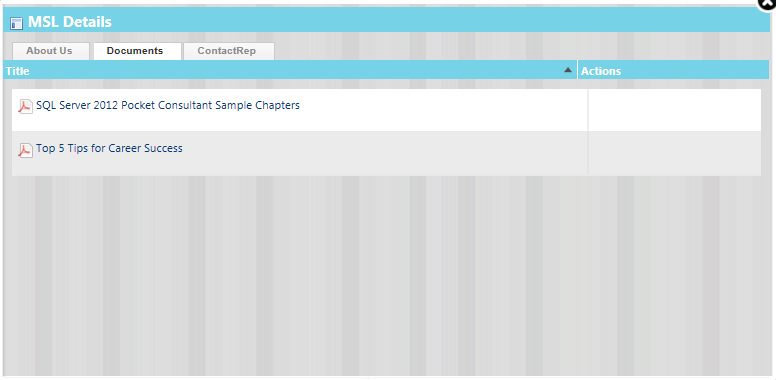
 Click on “Documents”. This will reveal a dialog box called “MSL Details”. Two items will be listed, including one called “Top 5 Tips for Career Success”.
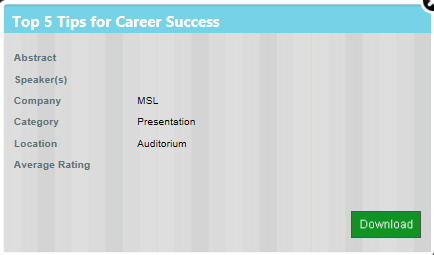
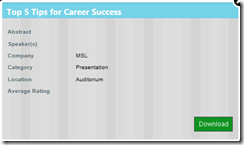 Click on “Top 5 Tips for Career Success”. It will reveal another dialog box that will have a “Download” button on it.
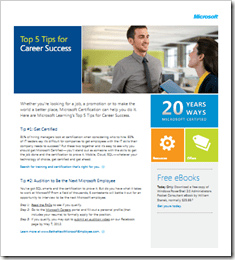 Click on the “Download” button. It will download an Acrobat PDF entitled “Top 5 Tips for Career Success”. In the bottom left corner, you’ll see the words, “Free eBooks” and there’s a link below it that reads, “Get yours today.”
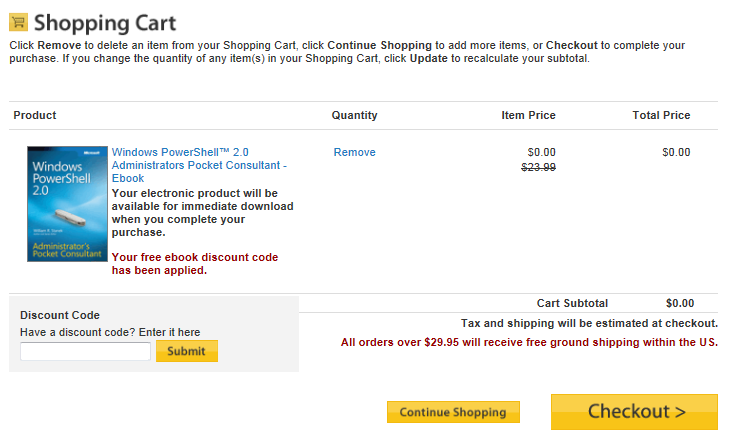
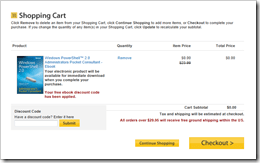 Click on the link within the PDF called “Get yours today.” You’ll need to have links enabled within your PDF reader for it to work. This will send you to the O’Reilly store with a prepopulated discount coupon and the book in your online basket. You’ll notice that the cost of the book is $0.00.
 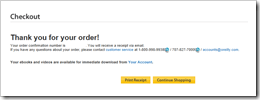 Check out. The book will be available in your O’Reilly library account to download.
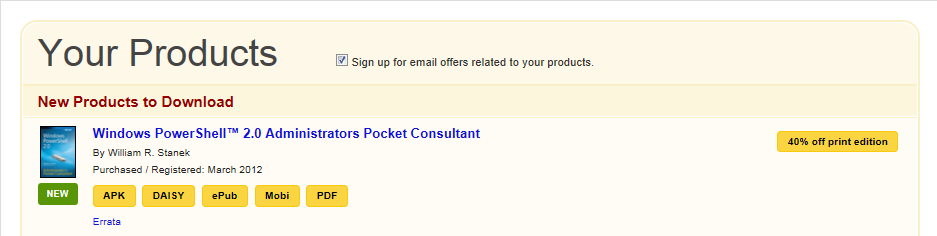
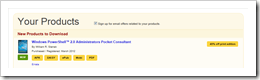 Click on the words “Your Account” to go to the download area. You’ll be able to download the book in a variety of formats including APK, DAISY, ePub, Mobi, and PDF.
- Click the button of the format you want. Enjoy your new eBook.




 kurtsh
 Kurt Shintaku's Blog