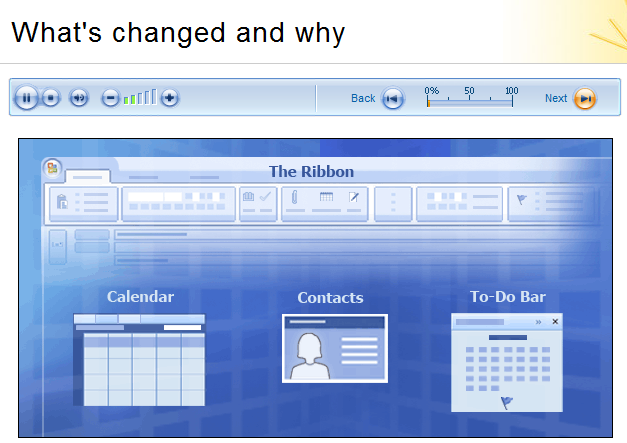
Use these links to connect to online training, documentation, and other information to help you make the most of Office Outlook 2007.
Microsoft Office Outlook Web Access (OWA)
Short “how-to” videos to help you become acquainted with the basic features of OWA. These videos are available in English and Japanese languages only:
- E-mail and Meeting Experience – Create a new e-mail, accept meeting requests, view appointments.
- Scheduling Assistant – Set up meetings, check schedules of attendees, select conference rooms.
- Out of Office Assistant – Set up an automated response to e-mail messages that arrive in your Inbox while you are away.
- Self-Service Features – Create new rules, set up security, and create an e-mail distribution list.
Microsoft Office Outlook 2007 Online Training
Free step-by-step training on key Office Outlook features, as well as a printable quick reference at the end of each course:
 Up to speed with Outlook 2007 – Introduction to the new look and commands of Office Outlook 2007.
- Get out of your inbox with Outlook 2007 – Tips for finding and organizing e-mail messages in your Inbox.
- Create great-looking signatures for your e-mail – Add a personalized touch to your e-mail messages by creating and using distinctive signatures.
- Manage your mailbox: find its size and trim it down – Reduce the size of your mailbox to comply with your company’s rules.
- Outlook calendar basics – Book activities in your calendar and set up event reminders.

[taken from http://technet.microsoft.com/en-us/library/cc742588.aspx]
 kurtsh
 Kurt Shintaku's Blog