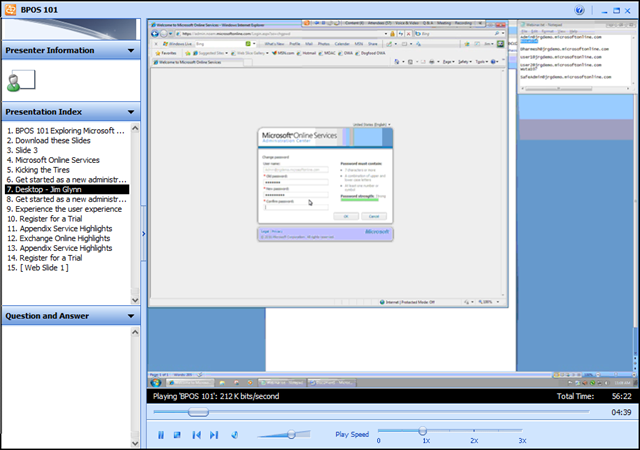
 Interested in knowing how to use your Microsoft Business Productivity Online Services implementation from an end user perspective?
Jim Glynn demonstrates how to explore Microsoft Online Services and demos the basic BPOS feature set. During this webinar, Jim does the following:
- Install the sign in application
- Send and receive e-mail via Outlook and Outlook Web Access
- Create and receive a meeting invitation
- Create a SharePoint site collection and a SharePoint workspace
- Schedule a Live Meeting
- Start a Meet Now meeting and invite an attendee
- Install and start Communicator
WEBCAST: BPOS 101
http://blogs.technet.com/msonline/archive/2010/01/19/webinar-bpos-101.aspx
 kurtsh
 Kurt Shintaku's Blog