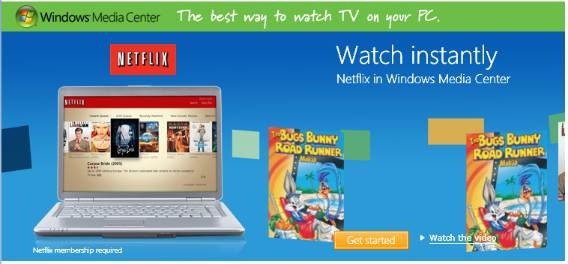
 Watch movies and TV shows whenever you want with Netflix in Windows Media Center.* More than 12,000 movies and TV episodes are instantly available to your PC—and you still get access to more than 100,000 DVD titles by mail.
All you need is a Netflix membership, a high-speed Internet connection, and a Windows Vista Home Premium or
Ultimate-based PC.
It’s easy. Here’s how to get started.
- Launch Windows Media Center in Windows Vista Home Premium or Windows Vista Ultimate. Do you have it?
- Go to Netflix in the TV and Movies section of Windows Media Center.
- If you’re a Netflix member, enter your credentials and start watching. Otherwise, sign up for the FREE 14-day trial.
- Browse the library and add titles to your instant queue.
- Start watching.
LINK: http://www.microsoft.com/windows/windows-media-center/netflix.aspx
(Works great when you manage your queue from your Windows Mobile device too:
http://www.microsoft.com/windowsmobile/en-us/totalaccess/software/software/netflix.mspx)

 kurtsh
 Kurt Shintaku's Blog