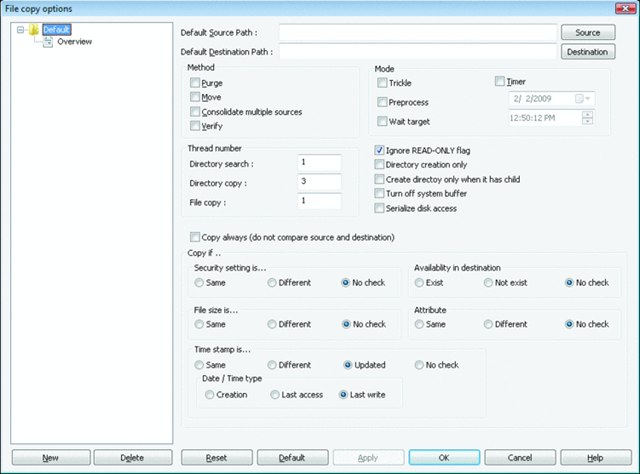
 RichCopy is a multi-threaded extremely robust utility to copy files between locations. In particular this tool is fantastic when copying many files at a time especially across a slow link.
We’ve had RichCopy internally at Microsoft since before the turn of the century and it’s reached almost legendary status as a must-have tool for us field folk, however after version 3.0, the tool required a direct connection to Microsoft’s internal network to use. (For some reason, the author prohibited usage by anyone other than MS employees. In fact, to this day have version 2.34 which was one of the last versions of RichCopy that didn’t have this requirement.) Well, looks like the tool’s been released into the wild care of Technet. Release the hounds!
So why do you care – besides the fact that it’s free?
MULTI-THREADED
One of the key capabilities is RichCopy’s ability to open multiple threads simultaneously, allowing many files to be copied in parallel and cutting the total time required to complete the operation several times over. If you’re doing network-based copies, this is definitely a tool you want to use. (Personally, I find that for large scale large file based disk-to-disk copies, Teracopy does a better job because it’s approach is entirely serial based and it’s integrated into the Windows UI.)
ROBUST RETRY
If you get cut off from the network, or you decide to pause the transfer, checkpoint restart is available, meaning that you can reinitiate the file copy and it will continue where you last left off. A lifesaver if you’re copying a big ol’ Virtual Machine or an .ISO file and you get disconnected from the wireless or something.
DOWNLOAD:
http://technet.microsoft.com/en-us/magazine/2009.04.utilityspotlight.aspx?pr=blog

 kurtsh
 Kurt Shintaku's Blog